Copy that converts in chat is short, personal and built around one next step. A DM is read on a phone, one thumb away from closing the app, in the same thread as messages from friends. Writing for it the way you write a landing page is the most common reason automated chats feel robotic and get ignored.
This guide covers the habits that make chat copy work, with before and after examples you can adapt. They apply to Instagram DMs, WhatsApp and Messenger alike, whether a person or an automation sends the message.
Write for one thumb on one screen
A landing page can hold a headline, three benefits and a testimonial. A chat bubble that tries to do the same becomes a wall of text the person scrolls past.
- One idea per message. If you have two things to say, send two short bubbles, not one long one.
- Two or three lines per bubble on a phone screen. Longer than that and it stops feeling like a conversation.
- Lead with the useful part. The first line is often all that shows in the notification preview.
A simple test: read the message out loud. If you would never say it to someone across a counter, rewrite it.
Deliver first, then ask
When someone comments a keyword or taps a button, they asked for something. The first message should give it to them, right away, before any question or pitch.
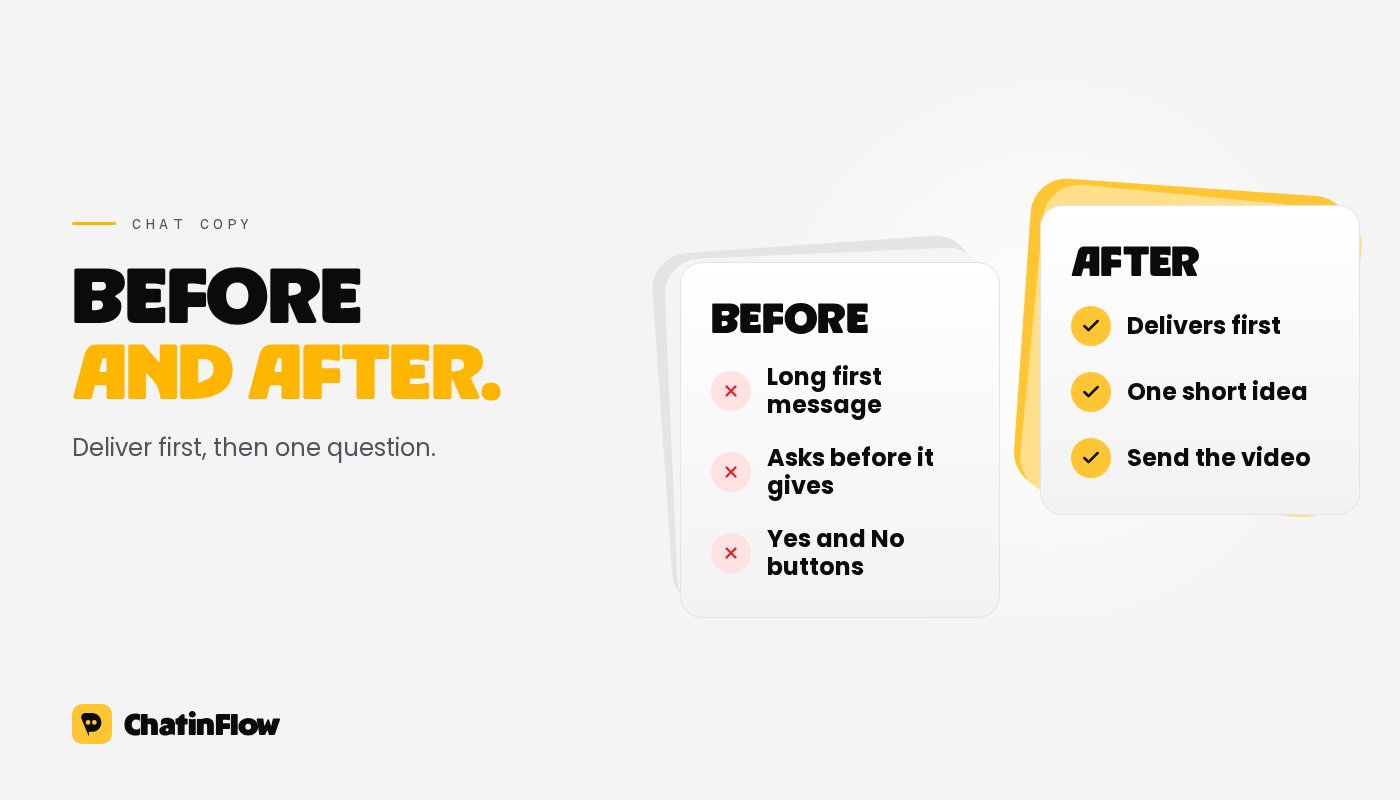
- Before: "Thanks for your interest! Before I send the guide, can you tell me a bit about your business?"
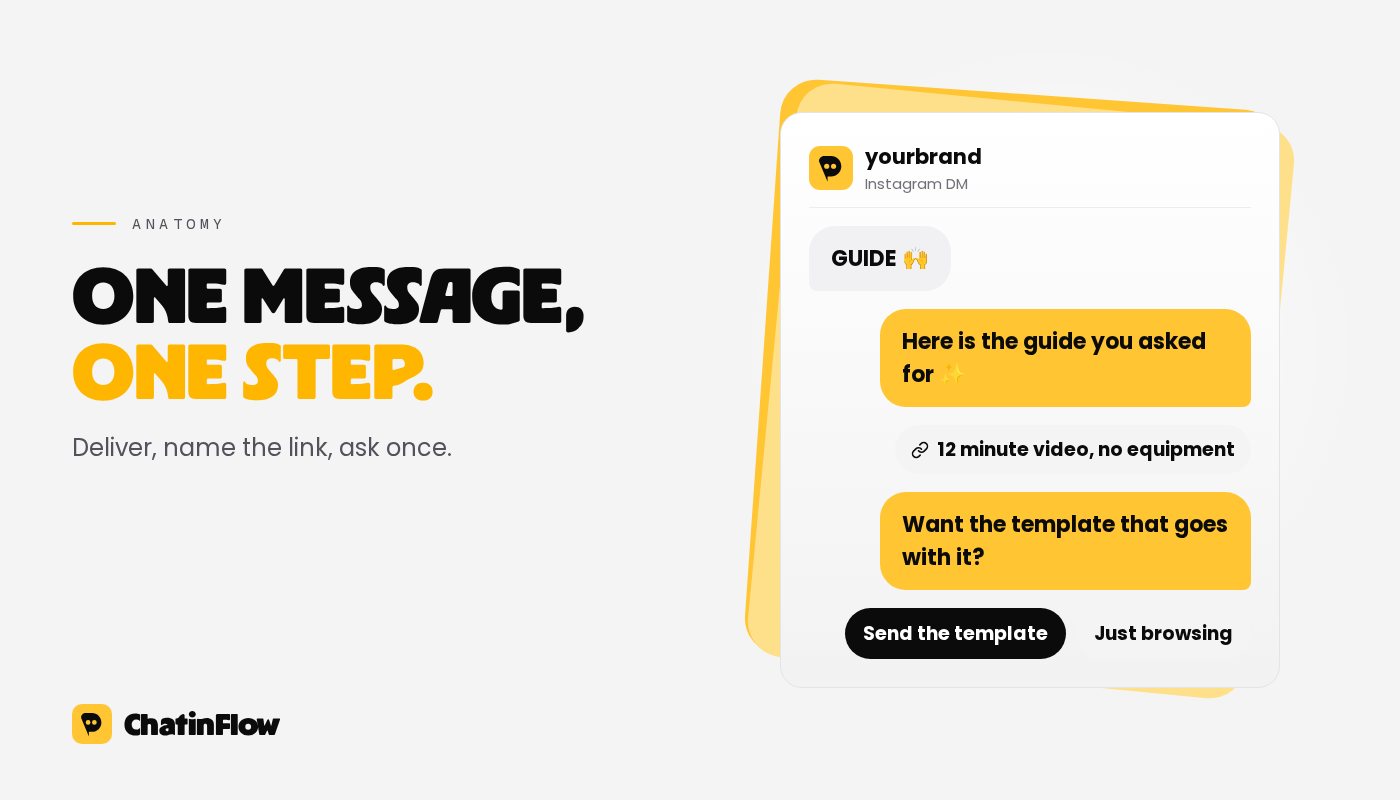
- After: "Here's the guide you asked for. Want the template that goes with it?"
Delivering first builds the trust that makes the next question welcome. Gating the thing they asked for behind a question feels like a trick, and people leave. If you need an email address, ask after you have delivered something, and say what you will send.
One question at a time, with buttons
Questions move a chat forward, but only one at a time. Two questions in one bubble get one answer, usually to the easier one.
Buttons make answering effortless and keep answers clean:
- Label buttons with what happens next, like "Send the video" or "Book a time", not "Yes" and "No".
- Keep labels short. WhatsApp reply buttons and Messenger buttons cut labels after 20 characters, and long labels wrap awkwardly on Instagram. Two or three buttons is plenty.
- Always leave a way out, like "Just browsing" or "Talk to a person", so the person never feels cornered.
On Meta's apps, each tap is a new message from the person, which keeps the 24-hour messaging window open for your next message.
Use their words, not your brochure
People answer people. A few habits make an automated message read like one:
- Use the first name, once, near the start. More than once sounds like a mail merge.
- Echo the keyword or the post they reacted to: "You asked about the morning routine" beats "Thanks for reaching out".
- Write like your brand talks in comments. If your captions are playful, a stiff DM breaks the spell.
- Use emoji the way your audience does, as tone, not decoration. One is often enough.
Make every link say what's behind it
A bare link in a chat is a small leap of faith. Tell people what they will see and how long it takes.
- Before: "Check it out here:" followed by a bare address
- After: "The full routine is a 12 minute video, no equipment needed. Here it is:"
On Instagram and Messenger a button with a clear label usually beats a raw URL in the text. On WhatsApp, a link preview with a short line above it does the same job.
Write the handoff like a promise
When a conversation needs a person, the message that says so is copy too, and one of the most important.
- Say who and when, as honestly as you can: "Someone from the team will reply here today" beats "We'll get back to you".
- Tell them nothing is lost: they can keep writing in the same chat.
- Never pretend a bot is a person. If an AI answers, keep it honest and let it hand off when it isn't sure.
Test the words, not just the flow
Small changes in copy change what people tap. Instead of guessing, send two versions of the same step to different people and compare what happens next. In ChatinFlow, an A/B split step does this inside the flow, and the flow's own numbers show which version led to more taps and replies.
Good things to test first:
- the first line of the first message,
- the label on the main button,
- asking for an email before or after the second message.
Change one thing at a time, and wait until both versions have had a fair number of conversations before picking a winner.
A quick checklist before you publish
- Does the first message give the person what they asked for?
- Is every bubble two or three lines on a phone?
- Is there exactly one question, with buttons?
- Does every link say what is behind it?
- Is there a way to reach a person, and a way to stop?
For more on the moment a chat starts, see the comment keyword ideas list and the comment-to-DM guide.
Por correo
Nuevos flujos en tu bandeja.
Los flujos que funcionan, nuevos playbooks y lo que cambió en ChatinFlow. Sin spam, y te das de baja con un toque.
Te puede interesar

Preguntas y respuestas
Pregunta sobre este artículo. El equipo de ChatinFlow responde aquí.
Equipo de ChatinFlow
Aún no hay preguntas. Haz la primera y te respondemos aquí mismo.