The full guide
DM automation keywords: how matching works and how to test it before launch
By the ChatinFlow product team · Updated October 17, 2026 · 7 min read
A keyword trigger is the simplest automation there is. Someone writes PRICE, the automation answers with the price. It is also the easiest to get wrong. A keyword that is too broad answers messages it should not ("hi" matching "this"). One that is too strict misses the customers who write "Price?" or "how much is it". Two automations that both match the same message raise the question of which one answers. This guide explains the five ways a keyword can match, how typo tolerance works, which automation wins when two match and how to test your keywords against real customer messages before anyone else sees the result.
The five ways a keyword can match
| Mode | Matches when | Example keyword | Matches | Does not match |
|---|---|---|---|---|
| Contains a keyword | The keyword appears anywhere in the message | price | "what's the price?", "prices please" | "how much?" |
| Is exactly | The whole message is the keyword | LINK | "link", "Link" | "send the link" |
| Starts with | The message begins with the keyword | book | "book a table", "Booking for 2" | "I want to book" |
| Matches a pattern | A regular expression matches | \d{5} | "my code is 10115" | "code 1011" |
| Any message | Every message | (none) | Everything | Nothing |
Contains: the workhorse
Contains is the right choice for most automations, because people rarely write just one word. "Hi, what's the price of the blue one?" contains price. The catch is that contains matches inside other words too: "price" also matches "priceless" and "hi" matches "this", "while" and "which". Keep contains keywords to whole, meaningful words of four letters or more, and avoid very short ones.
Is exactly: for comment keywords
When you tell people to "comment LINK", most of them write exactly that word. Is exactly is safe for these, because it will not fire on a long comment that happens to mention a link. Upper and lower case are ignored by default, so LINK, Link and link all match.
Starts with: for commands
Starts with suits messages that begin with an intent, such as "book", "order" or "track". It ignores the rest of the message, so "Book a table for Friday at 8" matches book.
Matches a pattern: for formats
A pattern, written as a regular expression, matches a shape rather than a word: an order number, a postcode, a weight. It is powerful and easy to get wrong. A pattern that is not valid never matches, and the tester tells you so. Patterns in the tester use your browser's engine, which is very close to the product's, so a rare advanced feature may behave differently.
Any message: for catch-alls
Any message answers everything. It is useful as a single welcome or away message, and dangerous anywhere else, because it competes with every other automation. Use it alone, or as the last resort when nothing more specific matches.
Upper and lower case
By default, matching ignores case: PRICE, Price and price are the same. Turn this off only when the case carries meaning, which is rare in customer messages. The comparison also handles letters that change shape between languages, such as the Turkish dotted capital İ.
Catching typos
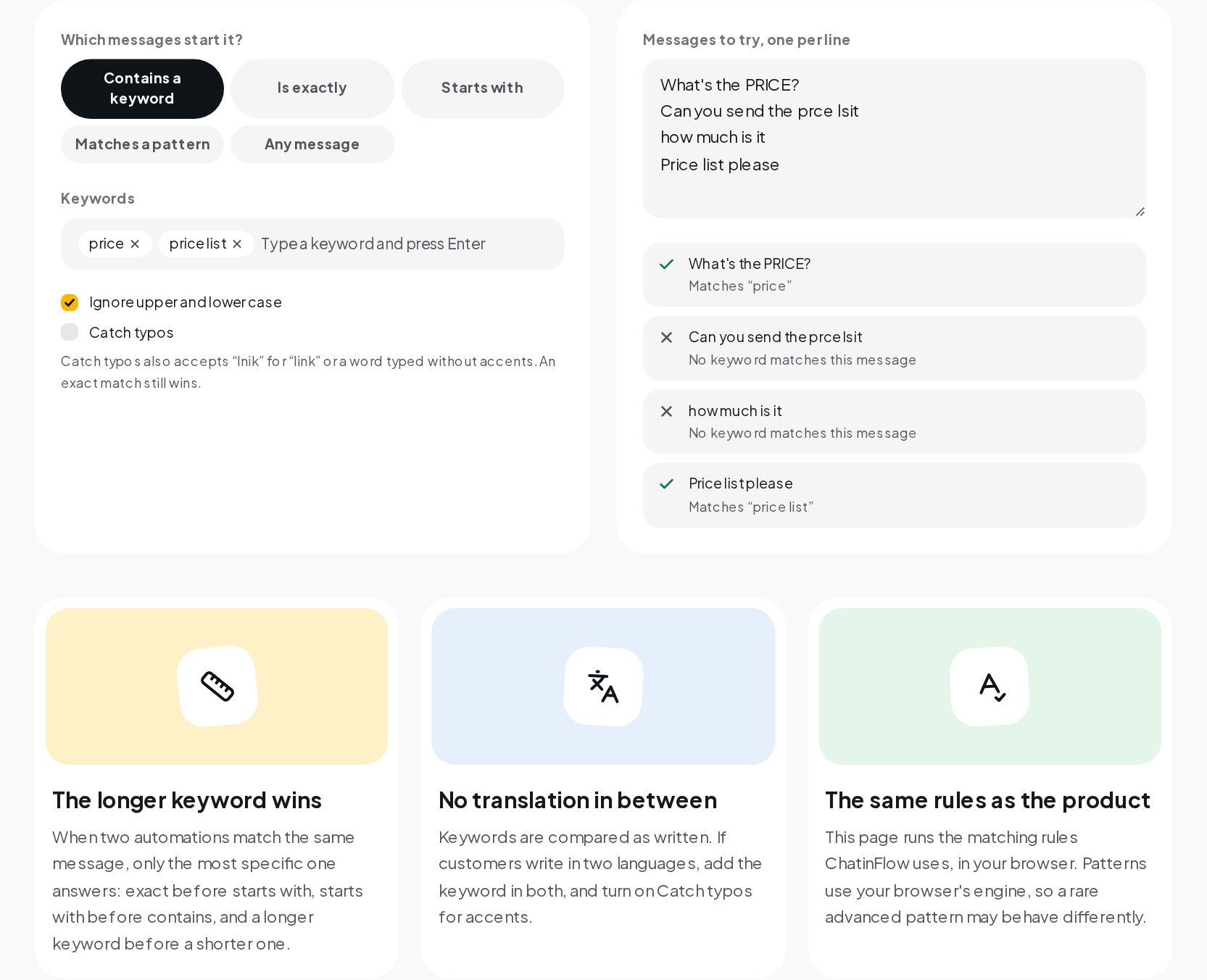
Customers write fast, on phones, often without accents. "lnik" instead of "link", "prcie" instead of "price", "linkkk" with extra letters, "cafe" for "café". With Catch typos turned on, those still match.
The tolerance grows with the length of the keyword, so short words are not stretched into other words:
| Keyword length | Typos allowed |
|---|---|
| 3 letters or fewer | None; short words must match exactly |
| 4 letters | One swap of two neighboring letters ("lnik" for "link") |
| 5 to 8 letters | One typo: a missing, extra, wrong or swapped letter |
| 9 letters or more | Two typos |
Before comparing, repeated letters are collapsed ("liiink" reads as "link"), accents are dropped ("café" reads as "cafe") and punctuation is ignored. An exact match always wins over a typo match, so turning on typo tolerance never changes what an exact keyword already caught.
Typo tolerance works with contains, is exactly and starts with. Patterns and any message do not use it.
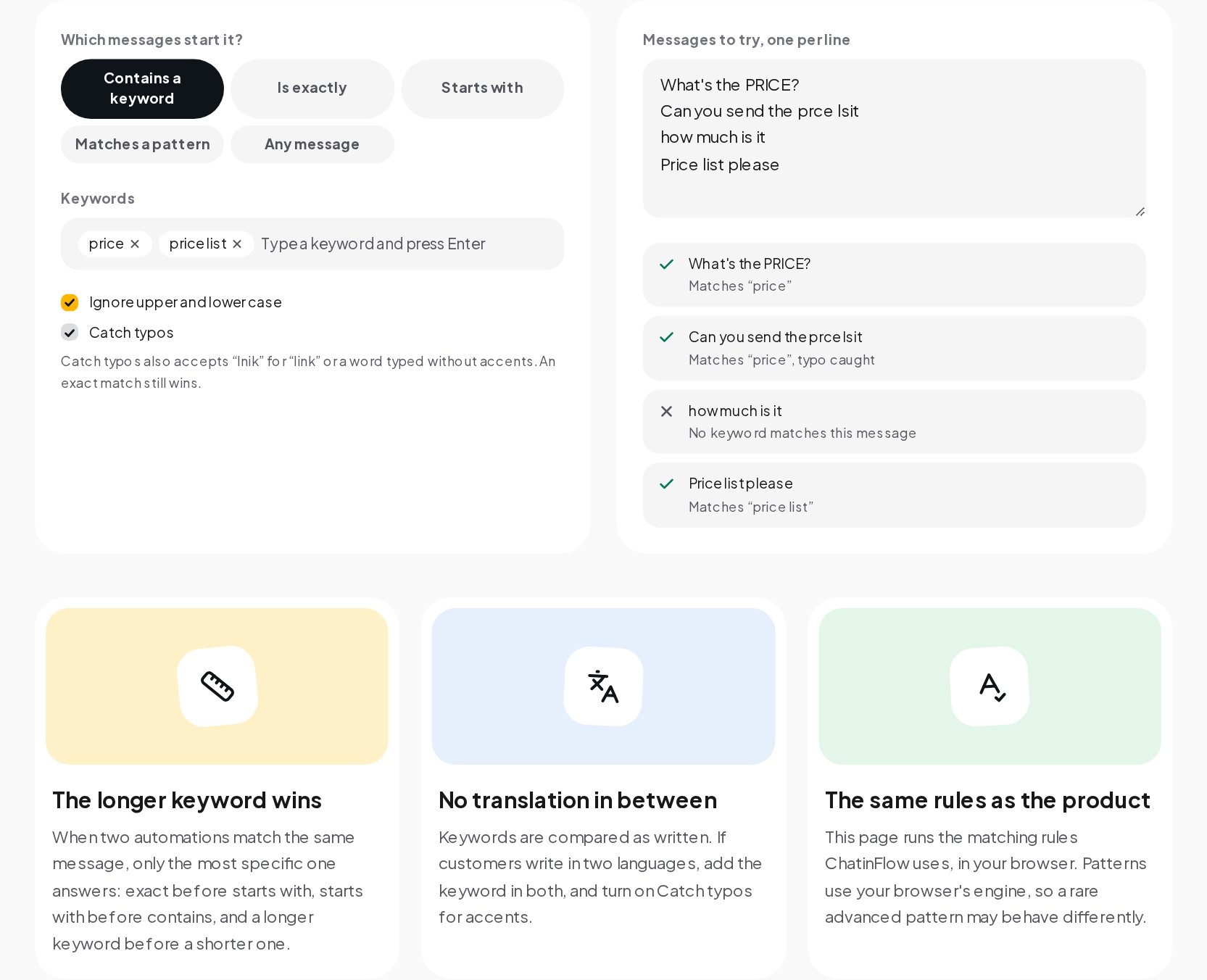
When two automations match the same message
Most accounts end up with several keyword automations, and sooner or later a message matches more than one. ChatinFlow answers with only the most specific one:
- Is exactly wins over starts with.
- Starts with wins over contains.
- Within the same mode, the longer keyword wins: "price list" beats "price".
So if you have one automation for "price" and another for "price list", the message "can I see the price list" gets the price list answer. The tester shows the keyword each message matched, so you can see these rules in action.
No translation in between
Keywords are compared as written. If your customers write in two languages, add the keyword in both: price and fiyat, link and enlace. Typo tolerance handles missing accents, but it does not translate. A short list of real variants beats a clever single keyword.
Testing with real messages
The best test list comes from your own inbox. Before you launch an automation:
- Collect twenty to thirty real messages from your DMs and comments, the way customers actually wrote them, typos and all.
- Include messages that should not match, such as "this is lovely" for a "hi" keyword or "I already paid" for a "pay" keyword.
- Paste them one per line into the tester and read the result for each.
- Adjust until only the right ones match. Change the mode, add a variant, lengthen a keyword or turn on typo tolerance.
A keyword that passes this test with real messages will behave in production the way you expect, because the tester runs the same matching rules ChatinFlow uses.
Choosing good keywords
- Use words customers already write. Look at your inbox: do they write "price", "how much" or "cost"? Add all three.
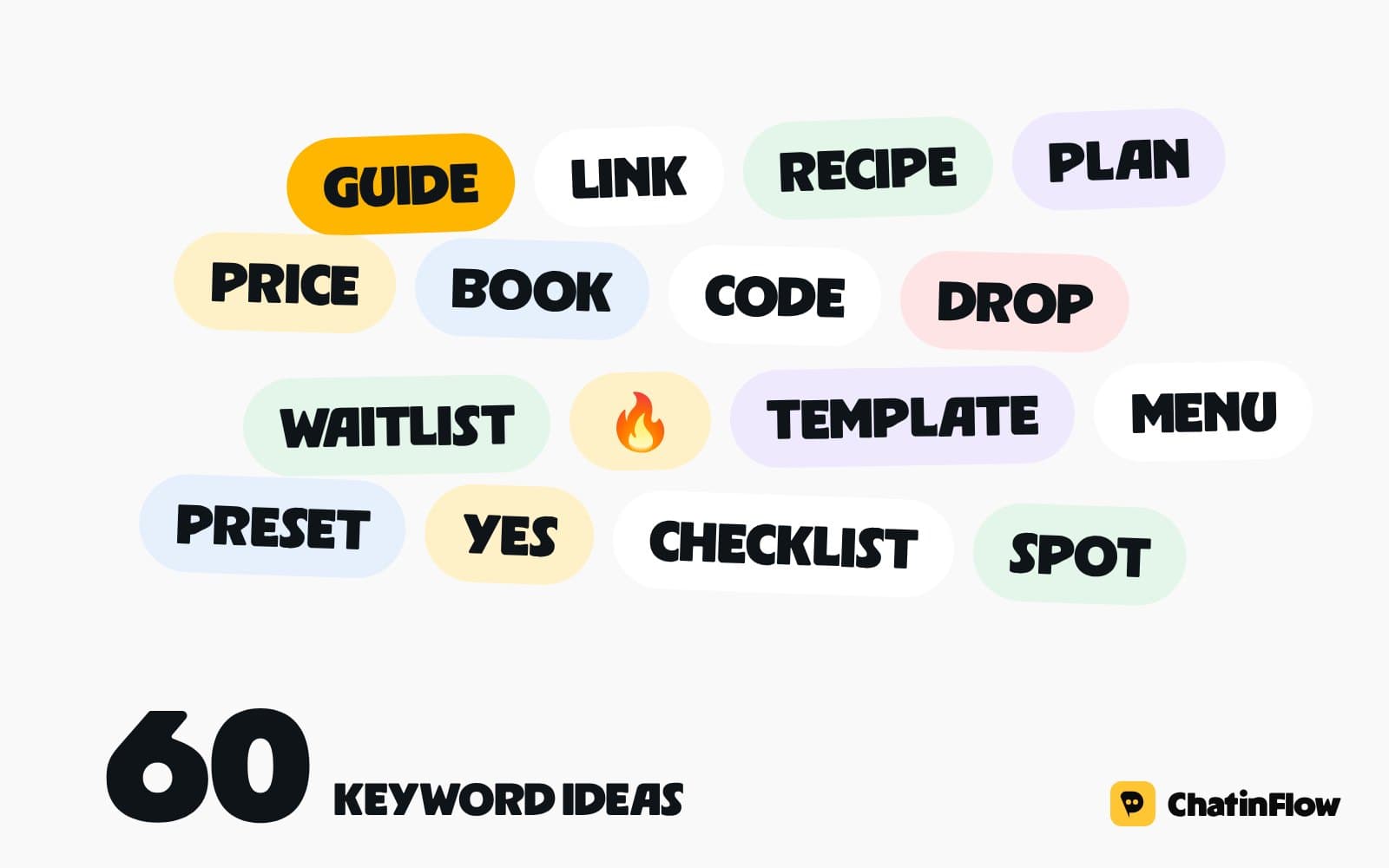
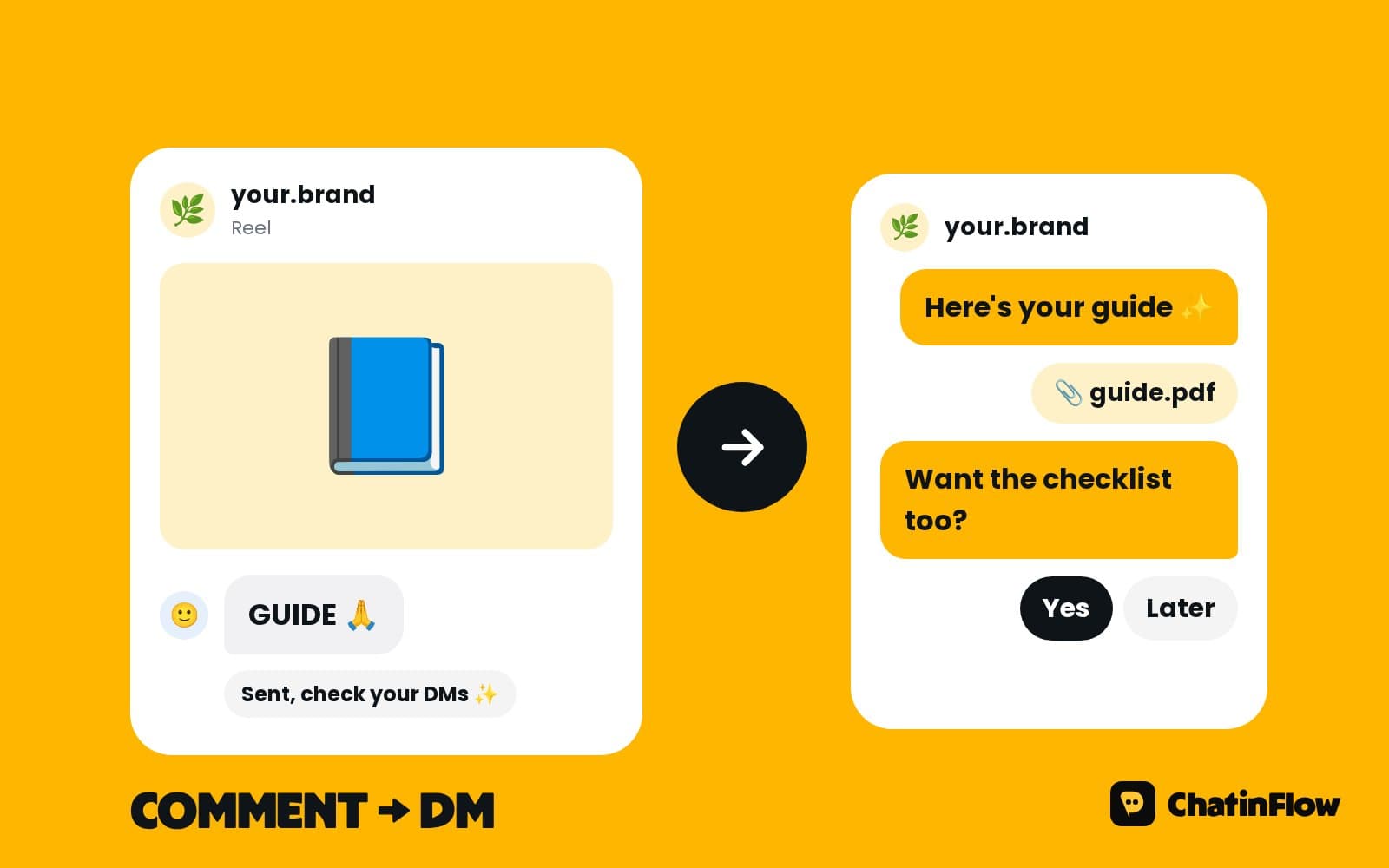
- For comment keywords, choose one clear word and say it in the caption: "Comment GUIDE". Unusual words such as GUIDE, RECIPE or PLAN are less likely to appear by accident than common ones such as YES.
- Avoid words that live inside other words in contains mode: "hi", "go", "art".
- Write both singular and plural if typo tolerance is off: "class" and "classes".
- Do not overlap carelessly. If "book" and "booking" both exist, the longer one wins for messages that contain both.
Common keyword mistakes
- Using any message alongside other automations. It will compete with all of them.
- Short contains keywords. They match inside unrelated words.
- Expecting translation. A keyword in English does not catch the same question in Spanish.
- Never testing with real messages. The messages you imagine are tidier than the ones customers send.
- Forgetting the caption. If the caption says "comment LINK" and the keyword is "link please", the comments will not match.
Testing your keywords in a minute
- Open the Keyword Tester and type each keyword, pressing Enter after each one.
- Pick how they should match: contains, is exactly, starts with, a pattern or any message.
- Choose whether to ignore case and whether to catch typos.
- Paste real messages, one per line.
- Read the result for each message: the keyword it matched, a caught typo, or no match. Adjust until only the right messages start the flow.
Put the tested words to work
Once the keywords behave, they are ready to answer customers. With keyword automations in ChatinFlow, the same words answer comments and DMs automatically on every channel you connect, with the same matching rules you just tested. For ideas on what to say in the reply, the DM Templates library has ready messages for prices, bookings, orders and more.
Quick answers
How do keyword triggers work in DM automation?
An automation starts when a message matches one of its keywords, using one of five modes: contains, is exactly, starts with, a pattern or any message.
Are keywords case sensitive?
Not by default. Upper and lower case are ignored unless you turn that option off.
What happens when two automations match the same message?
Only the most specific answers: exact before starts with, starts with before contains, and a longer keyword before a shorter one.
Do keywords catch typos?
With Catch typos on, yes, within limits that grow with the length of the word. An exact match always wins.
Sources
- Regular expressions, MDN Web Docs.