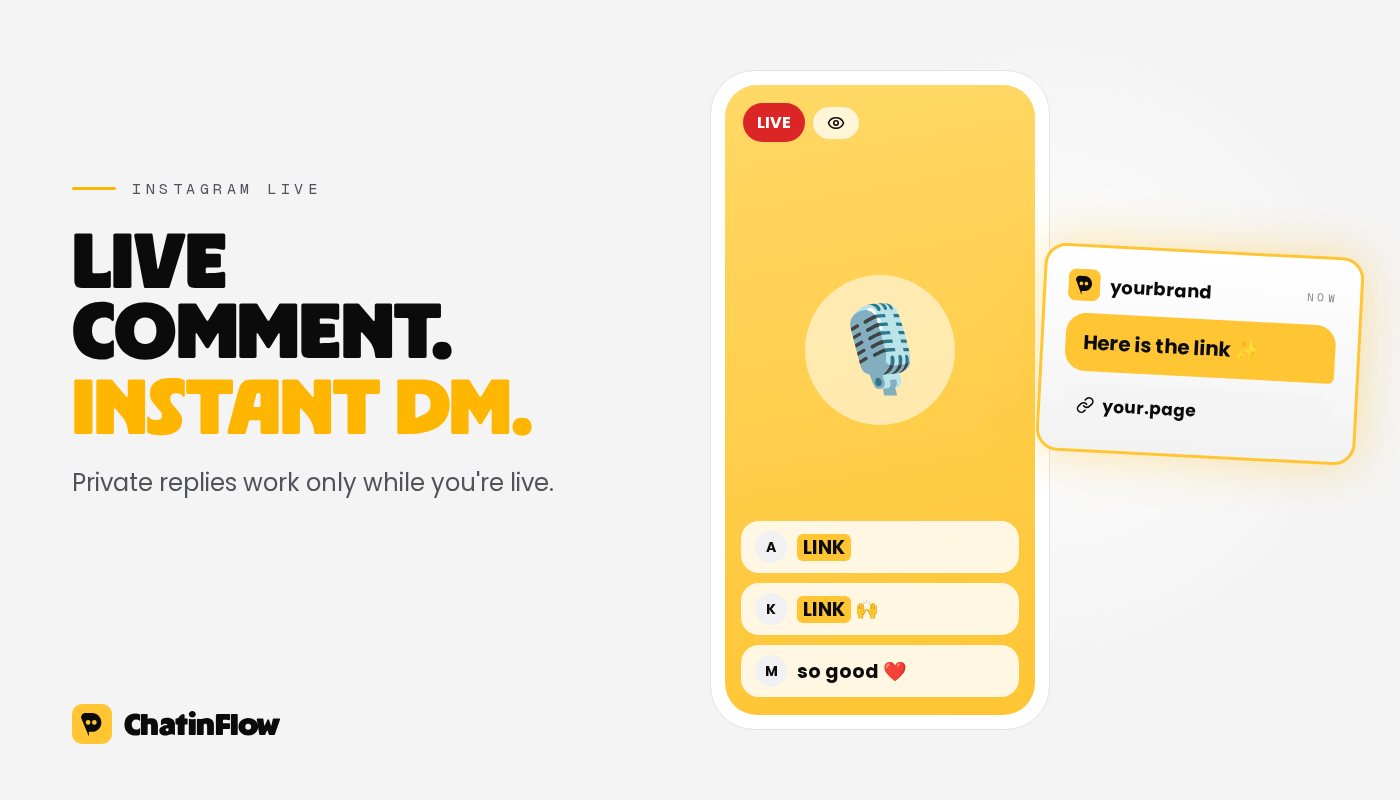
During an Instagram Live, a viewer can comment a keyword and get a DM from you within seconds, while you keep talking. Meta allows this through its official API, with one rule that shapes everything: a Live comment can get a private reply only while the broadcast is running. Once you end the live, that door closes.
This guide covers what Live comment-to-DM is good for, how to set it up before you go live, what to say on air, and how to handle the rush of comments a good live brings.
Why automate Live comments
A live moves fast. Comments scroll past in seconds, and you can't stop to type a link for each person who asks. Without automation, a live where you mention a product, a free guide or a booking link ends with a hundred "link?" comments and nobody getting it.
With a Live comment trigger, each viewer who comments the keyword gets the link in their DMs right away. You say it once on air, and everyone who asks is served, whether there are five viewers or five thousand.
What it is good for
- Links on demand. "Comment LINK and I'll send you the page." For a product you show, a video you mention, or the replay.
- A freebie for live viewers only. A checklist, a template or a discount that only people who were there can get. It rewards showing up and gives a reason to come back.
- Questions answered privately. Viewers who ask something personal ("is this OK for my skin type?") can get a private answer or a booking link, instead of an answer in front of everyone. The community flow answer live questions privately does this.
- Games and challenges. A quiz, a vote or a "first to comment" moment, with the result in the DM. See gamify your Instagram Live.
- Email signups. The DM delivers the freebie and offers more by email, as in grow your email list from Instagram.
The rules for Live comments
- Private replies work only during the broadcast. Meta's documentation is explicit: for Instagram Live, a private reply can't be sent once the live ends. Comments that arrive in the last seconds may not all be answered, so don't end the live right after the call to action.
- One private reply per comment. As with posts, your tool sends one message per comment. If the viewer replies, a normal conversation opens and the 24-hour messaging window applies.
- Expect volume. A popular live sends many comment notifications at once. Meta asks developers to be ready for that load; your tool should queue replies rather than drop them.
Setting it up in ChatinFlow
- Create an automation with the trigger Instagram Live comment.
- Add the keyword. Matching works as it does for post comments: "contains" is usually right for a live, because people add words and emojis in a hurry. Matching ignores upper and lower case but doesn't forgive typos, so a short, easy word matters even more here.
- Leave the broadcast field empty to run for every live, or pick one broadcast.
- Add Send private reply with the link or freebie. Keep it to one short message.
- Optionally add a follow-up for people who reply: an Ask a question step, a Tag contact step so you know who came from the live, or a Buy button for a product you are presenting.
- Turn it on before you start the live.
The answer arrives as a DM, not in the live chat, so say on air where the message goes.
What to say on air
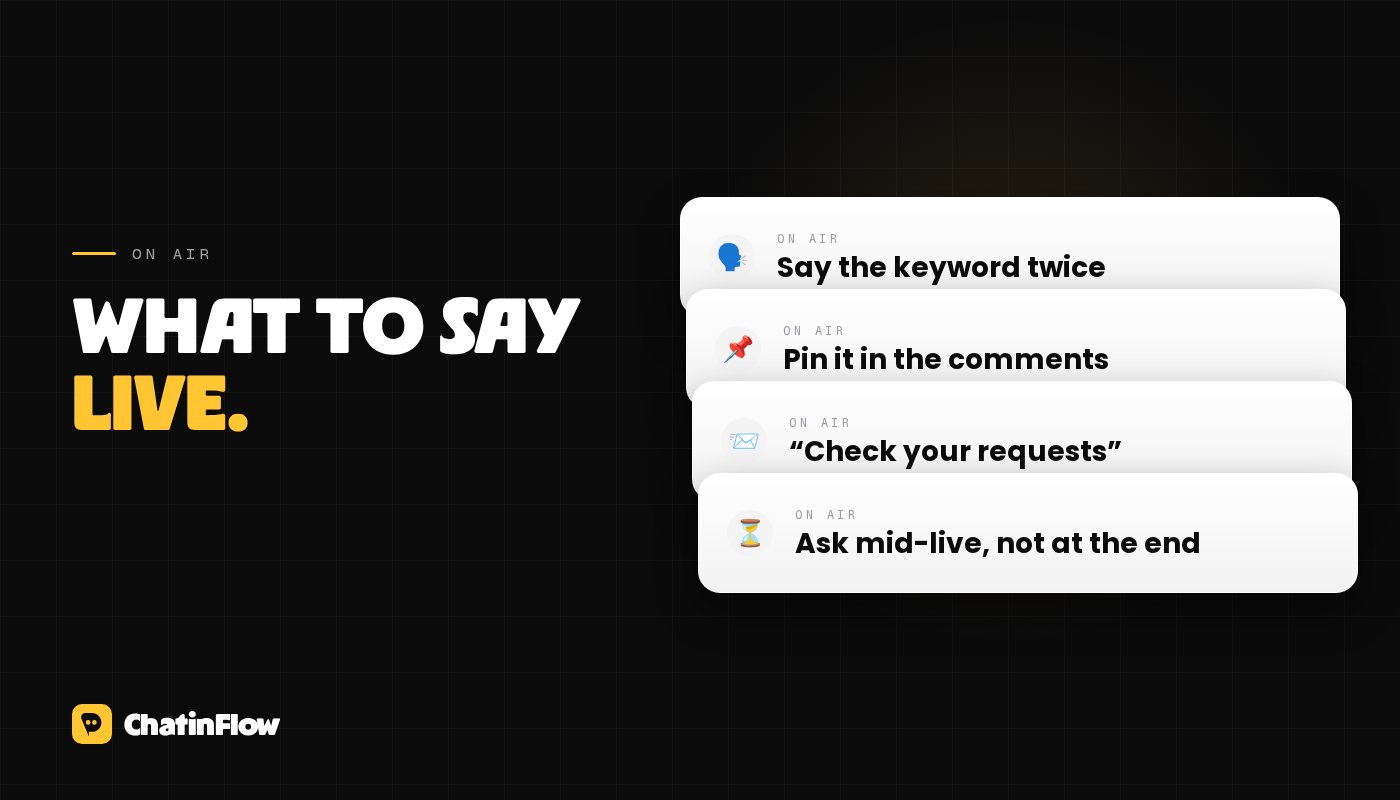
- Say the keyword clearly, and more than once. "Comment LINK, L I N K, and it's in your DMs in a second."
- Pin a comment with the keyword, so people who join late see it.
- Tell non-followers where to look. Messages to people who don't follow you land in their message requests: "If you don't follow me yet, check your requests."
- Give it time. Make the call to action well before the end, and repeat it in the middle of the live, when the most people are watching.
Test it before the real thing
Run a short test live at a quiet hour, with a friend or a second account commenting the keyword. Check that the DM arrives, how fast, and where (inbox or requests). In ChatinFlow, the automation's run history shows each comment it answered, so you can confirm it fired even if a message is slow to appear on the phone.
After the live
- The replay doesn't trigger Live replies. Once the broadcast ends, private replies to its comments are no longer possible. If you post the replay, add a normal comment keyword to it, with a post comment automation.
- Follow up with people who replied. Viewers who answered your DM have an open conversation for 24 hours. That is the moment for the next step, not a week later.
- Count what happened. Keyword comments during the live, DMs sent, replies, and goals reached (signups, purchases, bookings). Compare lives with different offers to see which one your audience wants.
Common mistakes
- Ending the live right after the call to action. The last comments may not get a reply in time.
- A long or hard keyword. People type fast during a live. LINK beats "SENDMETHEGUIDE".
- A wall of text in the DM. Viewers are still watching you. One line and a link is enough; the rest can wait until they reply.
- No follow-up. A live viewer who replies is warm right now. Have the next step ready in the flow before you go live.
For the post version of this setup, read our comment-to-DM guide.
Sources
- Meta for Developers, Private Replies: for Instagram Live comments, private replies only while the broadcast is live; one message per comment; prepare for the load of live comment notifications. Checked October 2026.
Mailem
Nowe flow w Twojej skrzynce.
Flow, które działają, nowe playbooki i zmiany w ChatinFlow. Bez spamu, a wypiszesz się jednym stuknięciem.
Może Ci się spodobać

Pytania i odpowiedzi
Zapytaj o ten artykuł. Zespół ChatinFlow odpowiada tutaj.
Zespół ChatinFlow
Nie ma jeszcze pytań. Zadaj pierwsze, odpowiemy właśnie tutaj.