Flow template · Lead capture
Story lead magnet
Story replies and mentions turned into leads.
Copy this flow
Open the template in your workspace, change the words to yours and publish when it looks right. It's free to start.
More recipes
Story replies and mentions turned into leads.
A comment with your word gets your link in their DMs.
 Pazarlama6 dk okuma
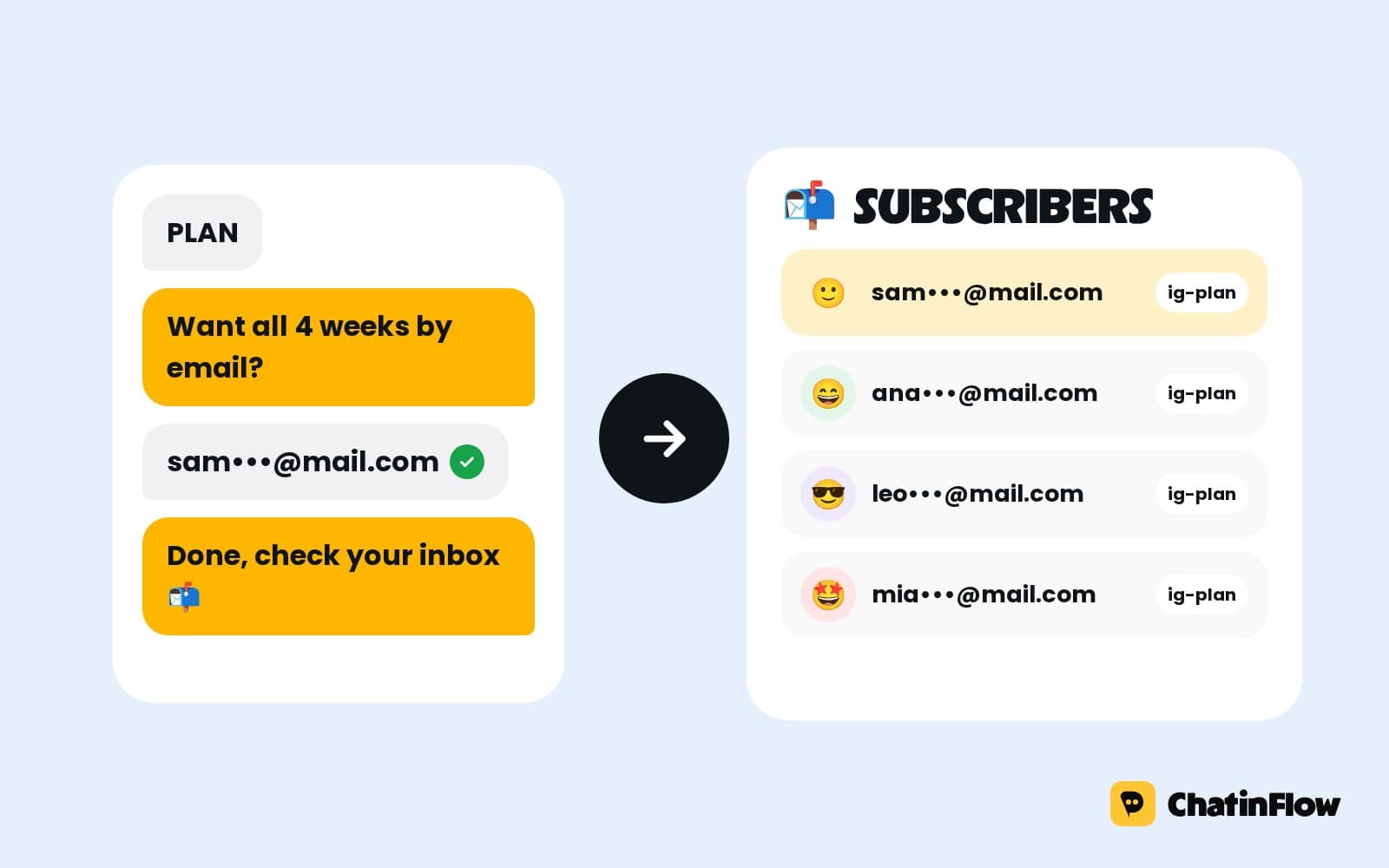
Ask for the email inside a DM the follower started: they comment a keyword, get something useful, and get more by email. The flow, the lead magnets that work, and the consent rules to respect.
 Büyüme5 dk okuma
Your first 1,000 customers won't come from the same place as your next 100,000. What founders learned about that stage, from doing things that don't scale to picking one channel, and a four-week plan.
 Pazarlama5 dk okuma
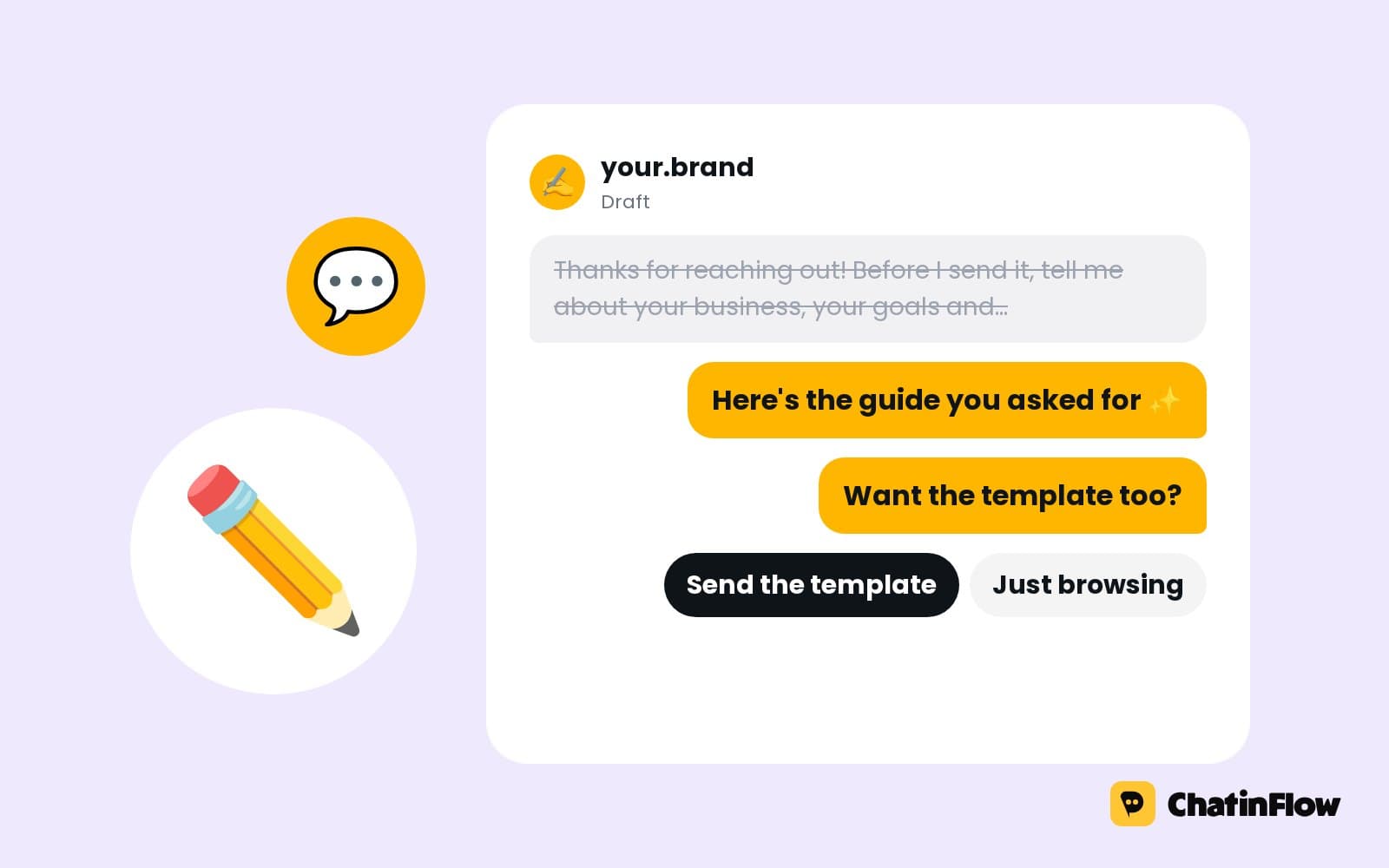
A DM is read on a phone, one thumb away from closing the app. How to write chat messages people answer: deliver first, one idea per bubble, one question with buttons.
The full guide
Offer something worth having, ask for an email in the chat, check the answer and send it to your email tool or a Google Sheet, with an optional phone number.
A landing page asks people to leave the app they are in, load a page, find a form and type into it on a phone. Most of them never get that far. A DM asks one question in the chat they already have open, and the answer arrives as a reply. A DM lead flow offers something worth having, asks for an email address, checks that the answer looks like one, saves it on the contact and sends it on to your email tool, with an optional phone number after it. This guide builds the flow step by step: the entry point, the offer, the email question, the checks, where the answer goes and how to follow up without becoming spam.
| Step | What happens | Built with |
|---|---|---|
| 1. The entry | A link, an ad, a comment or a keyword opens the chat | A DM trigger, an m.me or growth link, a comment trigger |
| 2. The offer | One message says what they get and why it is worth an email | Send DM with buttons |
| 3. The question | "What's the best email to send it to?" | Ask a question |
| 4. The check | The answer must look like an email address | The question's answer type, or a Reply check step |
| 5. The save | The address lands on the contact and in your tool | Custom field, Add to CRM or email list, HTTP request |
| 6. The delivery | The guide, the code or the confirmation goes out | Send DM |
Open Automations and search the gallery for "email". Grow your email list is the classic version.
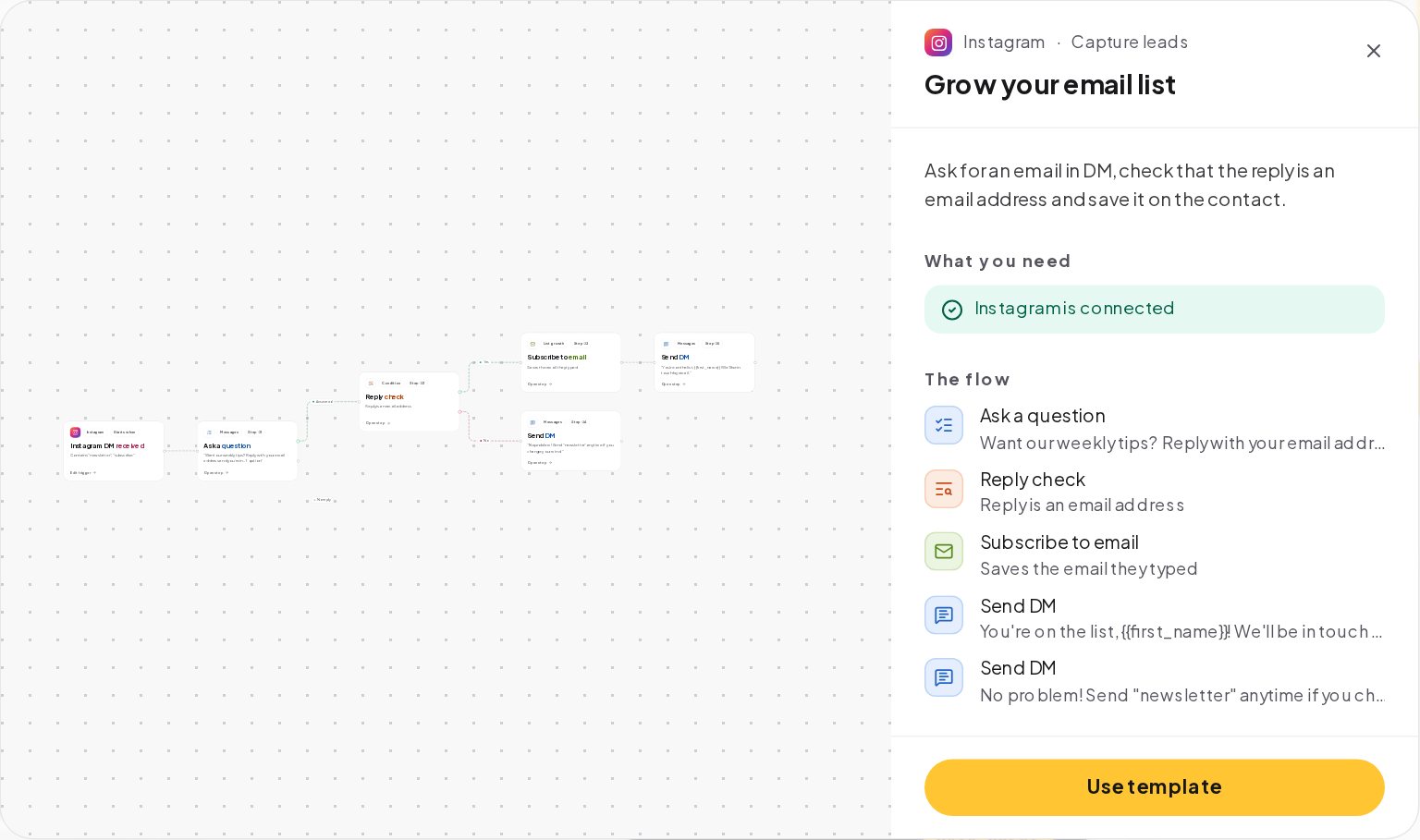
It asks for an email in the DM, checks that the reply is an email address, saves it with the Subscribe to email step and sends a thank-you, with a polite second message for people who say no. Press Use template and it opens as a draft.
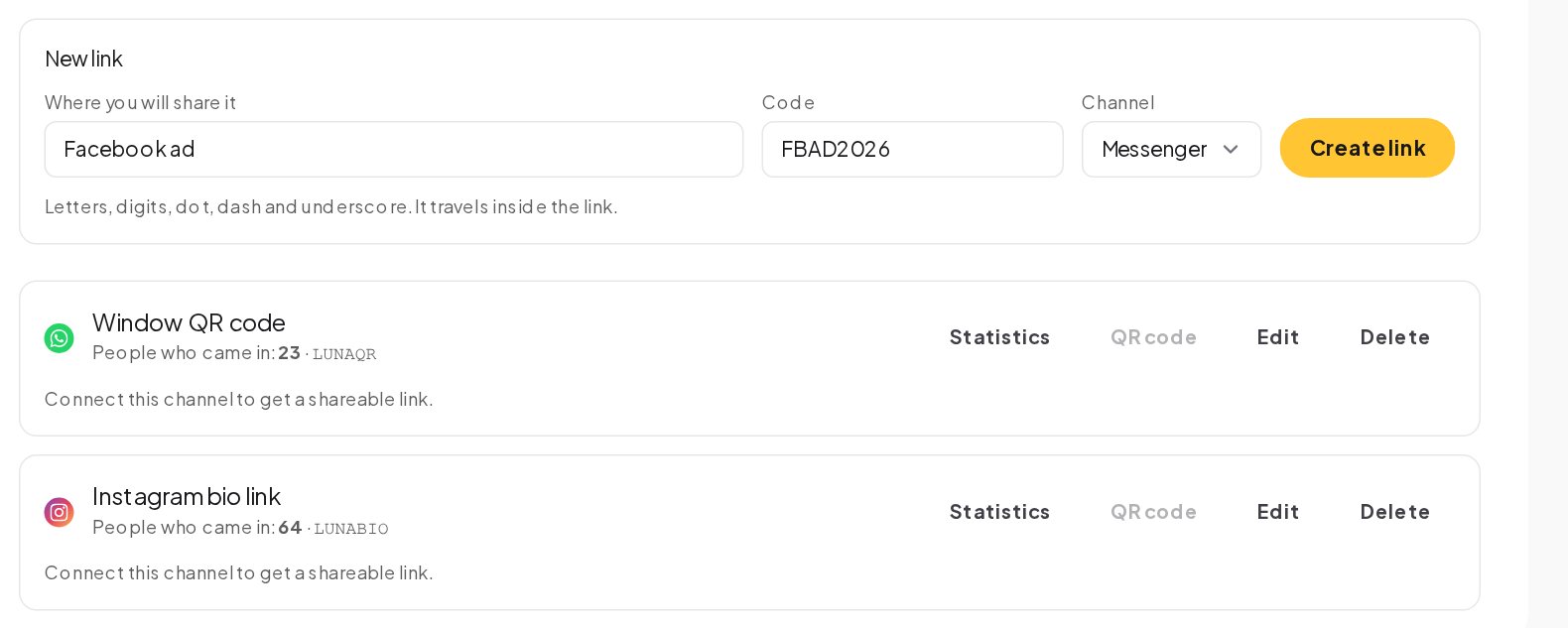
Where the person comes from decides the trigger:
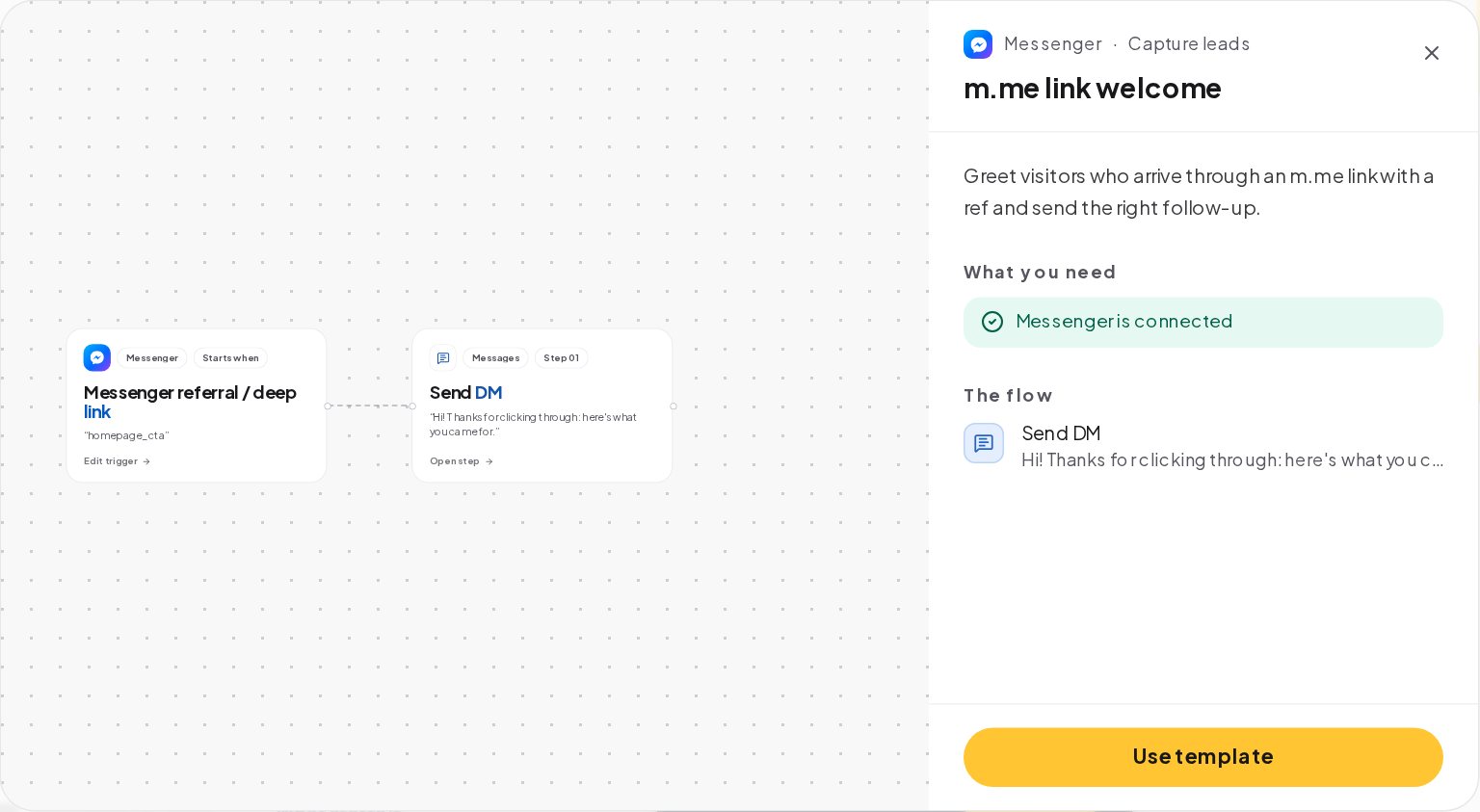
Growth links carry their own code, so you see how many people came in through each one: the bio, the flyer, the podcast. A different link per source tells you which audience gives emails.
Nobody gives an email for "updates". They give it for something they want now:
Say what it is in the first message, with a button to say yes: "Want the 10-minute morning plan? I'll email you the PDF. Send it over / Not now." A button is easier than typing and tells you who is interested before you ask for anything.
The Ask a question step sends your question and waits for the reply. Set its answer type to email:
The check is about the shape of the answer. It does not send a test email, so a typo such as gmial.com can still get through; ask people to check the address in the thank-you message.
A second question with the phone answer type works the same way. Make it optional with a skip button, and say why you ask: "For a text reminder the day before. Totally optional." People share a number when they see a reason.
Saved on the contact is the start. Then send it on:
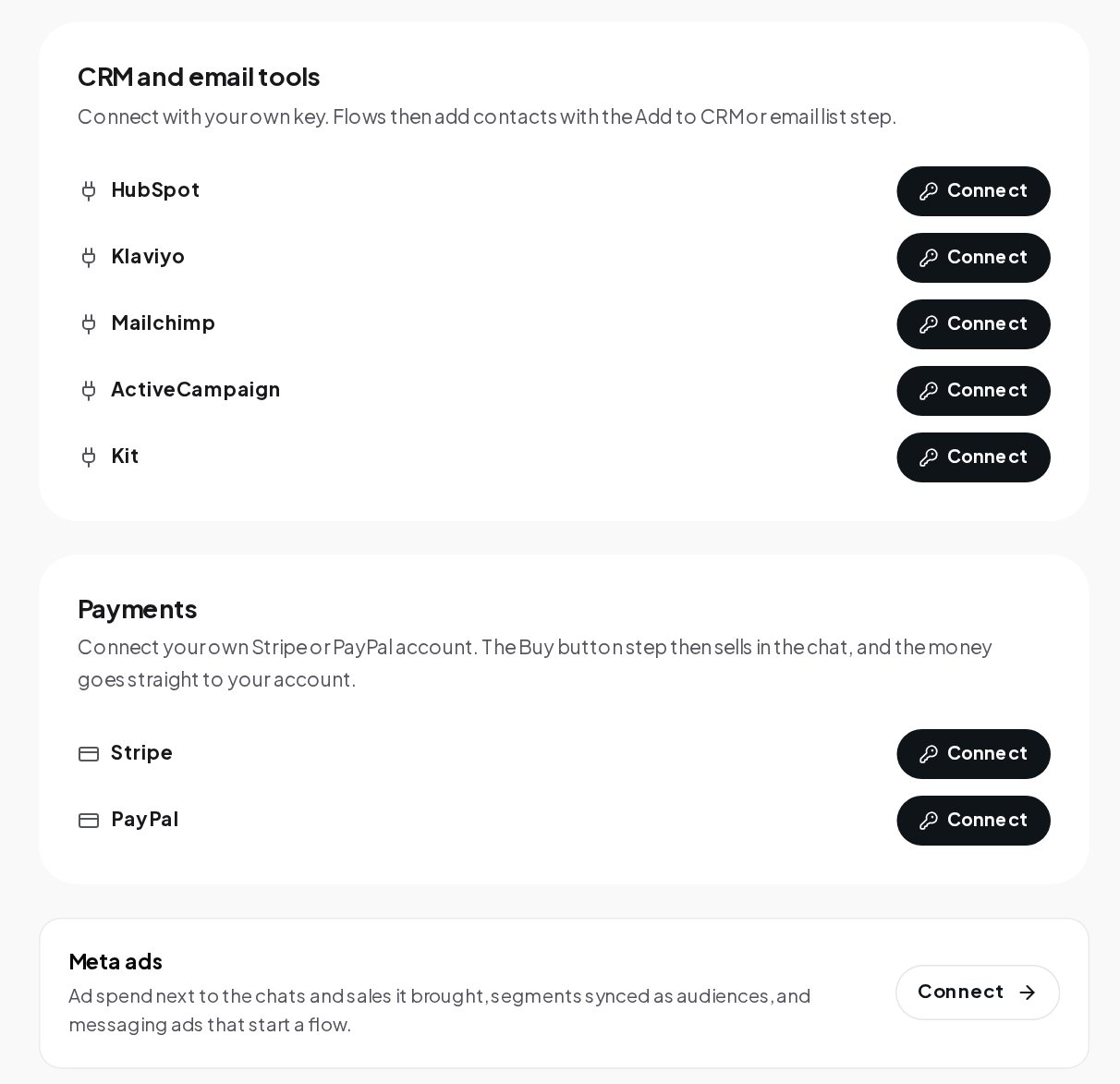
Your email tool sends the newsletter and the welcome series; ChatinFlow collects the address and passes it on.
The thank-you message carries the thing they asked for: the PDF link, the code, the calendar invite. Delivering it in the chat, the moment they give the email, is what makes the next email get opened. Add a tag, such as lead-morning-plan, so you know which offer each contact took.
A coach adds an m.me link to the bio and a story with "Send PLAN for my free 7-day plan".
The coach gets an email list that grows from stories and comments, and every contact arrives with a goal attached.
| Business | The offer | The question after the email |
|---|---|---|
| Coach | A 7-day plan as a PDF | Your main goal |
| Store | 10% off the first order, as a one-time code | What you are shopping for |
| Salon | A free consultation | The service you are thinking about |
| Software | A template pack | The size of your team |
| Event | A seat at a free online session | The time zone you are in |
The second question is the one that pays later. It costs the person one tap, and it lets every email after it fit the person who reads it.
Name the thing they get in the question itself, ask for one thing, and keep it friendly. A retry message in the same tone, such as "Hmm, that doesn't look like an email. Could you check it?", rescues most typos without making anyone feel scolded.
Open the automation's Activity tab to see every run, how it ended and where it stopped. A flow where many runs stop at the question needs a better offer or a clearer question, not a longer one. The Automations tab of Analytics shows the runs and how many finished for each automation, so you can compare two offers side by side across a month.
The question step works on every channel. On Instagram and Messenger, keep the conversation inside the 24-hour window; on Telegram, a bot can keep writing to people who started it.
Yes. Growth links count who came in through each one, and a tag per offer shows which lead magnet each contact took.
Yes. A keyword such as EMAIL can start a short flow that asks again and saves the new address over the old one.
Yes. The first name usually comes from the channel already. Ask for a full name only if your email tool needs it, as a separate question.
Setting up my first automation was easier than I expected. The whole dashboard feels really intuitive.
I used to spend way too much time answering the same Instagram questions. This makes things a lot simpler.
Love having everything in one place. It's made keeping up with customer messages much less stressful.
Honestly, the setup was pretty straightforward. Took me a little time to figure out the flows, but it's been smooth since.
Really handy for managing messages across different accounts. The interface is clean and easy to get around.
We're a small team, so anything that saves us time is a win. This has been genuinely useful.
We get so many repetitive questions through Instagram. Having those handled automatically makes a huge difference.
Getting everything connected was surprisingly simple. I really like how the automation builder works.
Clean interface, useful features, and no unnecessary complexity. Exactly what I was looking for.
The workflow builder is quite flexible. It took some experimenting, but now it fits our process really well.
I like how easy it is to organise customer conversations. Everything feels much more manageable now.
Simple to navigate and surprisingly powerful once you start building automations.
Managing Instagram messages used to take up a big part of my day. This has helped me get that time back.
The automation setup makes sense even if you're not particularly technical. That's a big plus for me.
I run a small online shop, and answering DMs was getting overwhelming. This makes things so much easier.
Really like the way everything is organised. The automations are easy to adjust when we need to.
Finally, a dashboard that doesn't feel complicated. I found what I needed without digging through endless menus.
Being able to manage conversations and automations together is really convenient for our team.
Pretty straightforward to get started. I especially like being able to see how the flows are organised.
We've tried a few different tools, and this one feels refreshingly simple to work with.
The dashboard is easy to understand, and creating an automation doesn't take much effort.
Nice to have our customer conversations organised without constantly switching between platforms.
I appreciate how simple the interface is. Even the more advanced settings are easy to find.
The automation features are useful, especially when you're dealing with similar customer questions every day.
The interface feels organised and easy to follow. Setting up basic workflows was very straightforward.
I like being able to manage everything from one dashboard. It makes our daily routine a lot easier.
Creating automated replies is really convenient. The dashboard is also much easier to navigate than I expected.
We needed a better way to handle incoming messages, and this fits nicely into our workflow.
The interface is clean, and managing different conversation flows feels straightforward.
I like that I can make changes to our automations without having to start everything from scratch.
This is really helpful for our Instagram shop. We can focus on orders instead of answering the same questions all day.
Easy to set up and practical for everyday use. The automation builder is my favourite part.
I manage messages for a few business pages, and having everything organised makes my day much easier.
The dashboard feels modern without being confusing. Getting started was pretty quick.
Really convenient for handling customer enquiries. I especially like how easy it is to manage automated responses.
It helps us keep conversations organised and respond to common questions without doing everything manually.
I wasn't sure how difficult setting up the flows would be, but the process was actually quite simple.
Super useful for a small business like ours. The dashboard makes managing customer messages much easier.
I like the simplicity. Everything I need for managing our conversations is easy to access.
Setting up automated replies was pretty painless. It's a practical tool for handling everyday customer messages.
What they get
A form loses people at every field. A chat asks one thing at a time, in a place they already are, and the answer is saved the moment they type it.
The recipe
What to have ready, then the steps from an empty workspace to a live flow.
Ingredients
Yöntem
Perde arkasında
This is how the flow is set up in the builder, and the platform rules it plays by.
In the builder
Good to know
Make it yours
Change the word and the message, and the same steps do something else for you.