



The full guide
DM marketing for marketers: comment campaigns, click-to-DM ads, broadcasts and attribution
Run comment campaigns, welcome ad clicks, send broadcasts with A/B tests and see which message made the sale, with codes that cannot leak.
The click on an ad is the warmest moment you will get with a customer, and a landing page is a cold way to spend it. The same goes for a campaign post: hundreds of people comment WANT or CODE, and the ones who get an answer an hour later have already moved on. ChatinFlow turns those moments into conversations that know where the person came from, ask what they need, answer before the interest cools and tag them for the next campaign. Every sale is traced back to the message that made it, and the results go back to Meta, TikTok and Google Ads, so your ad budget learns from the chats too. This guide walks through the set-up for a marketing team, step by step.
Where marketing campaigns turn into conversations
| Source | How the conversation knows | What to build |
|---|---|---|
| A click-to-message ad | The ad's referral reaches the flow | A welcome per ad, one qualifying question |
| A campaign post | The comment keyword, on the posts you choose | Comment to DM with a one-time code |
| A bio link, an email, a print ad | An ig.me, m.me or t.me link with its own code | A growth link and a source-specific welcome |
| A QR code in a store | The same link, printed | A growth link's QR code |
| A broadcast | The reply to it | Answers to the questions the offer raises |
Pick DM templates for your campaign
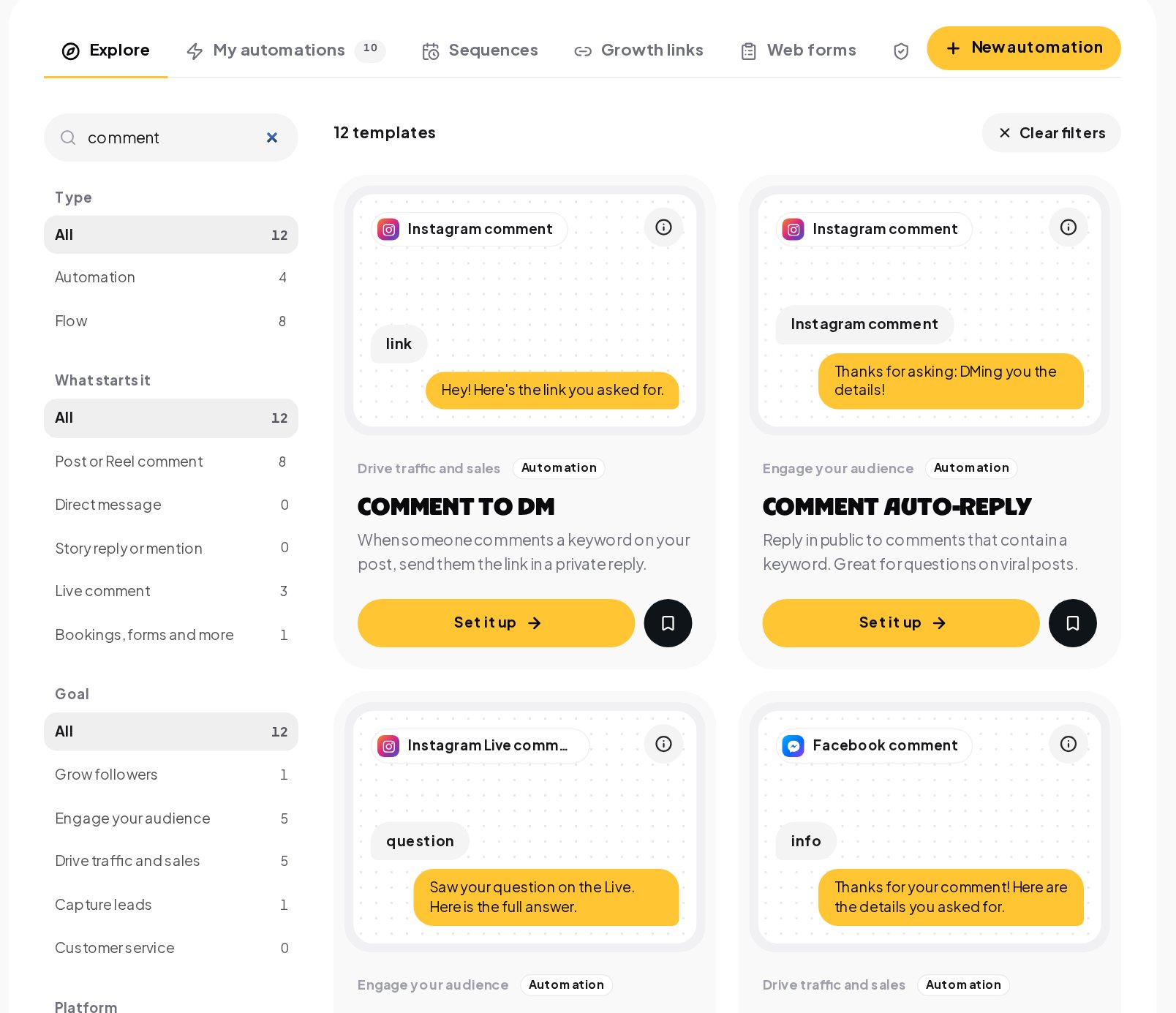
Open Automations, Explore and search the gallery. A search for "comment" shows twelve templates: comment to DM, comment auto-reply, Live questions, Facebook comment to DM, lead capture from comments, mention alerts, affiliate links and giveaways.
A welcome message for every click-to-DM ad
Someone taps Send message on your ad, and the flow knows which ad it was. Instead of a landing page, they land in a conversation:
- The welcome for that ad. A message that continues the ad's promise, not a generic hello.
- One qualifying question. Quick replies sort people by what they need, and each answer can tag them for later.
- The answer. A product card, a price, a booking link, or shipping, sizes and prices answered by AI from your own pages, on your own key.
- The handover. A hot lead, such as someone asking for a quote, goes to your team with a Notify the team step or Post to Slack.
For links and QR codes, Growth links give each placement its own code and count the unique people it brought in.
Comment campaigns with one discount code per person
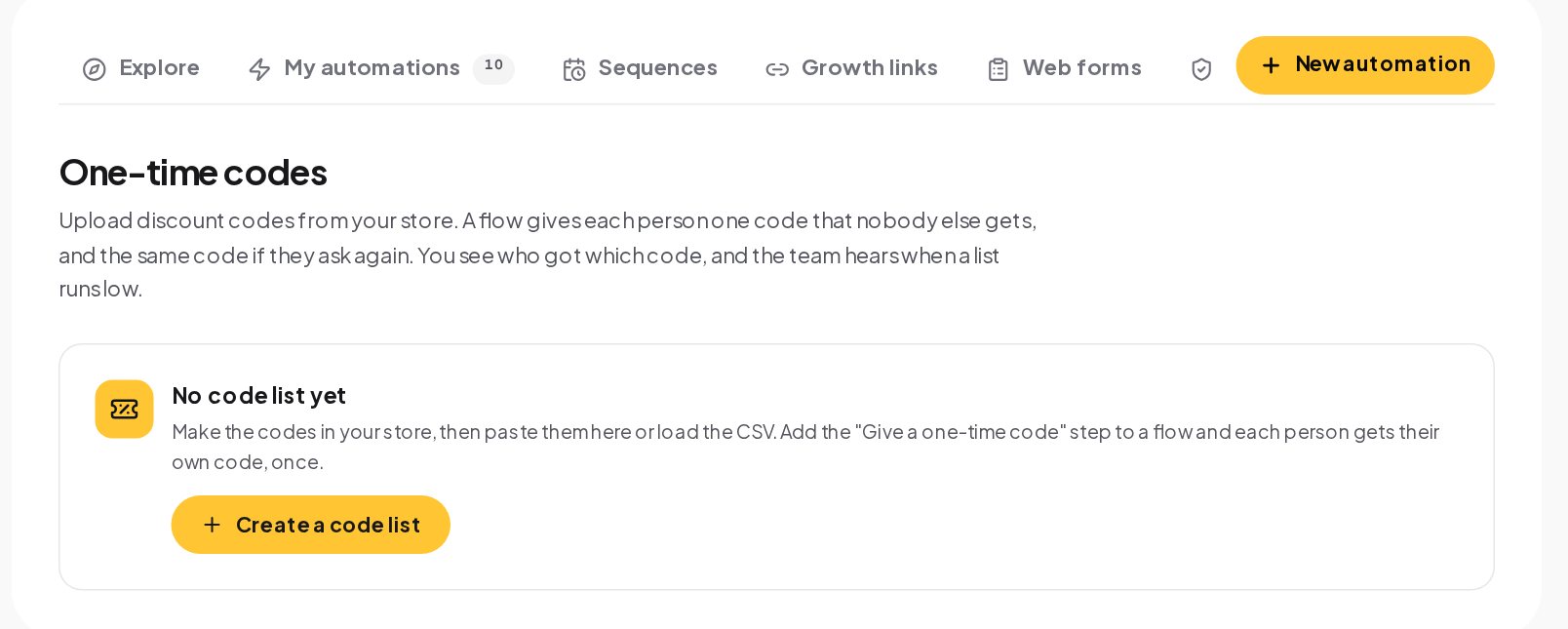
A comment on the campaign post gets a one-time code in the DMs. Codes come from your list and each works once, so the offer cannot leak to a coupon site. The private reply delivers the code where only they see it, and a public reply tells everyone else to check their DMs.
Segment contacts by what they said in the chat
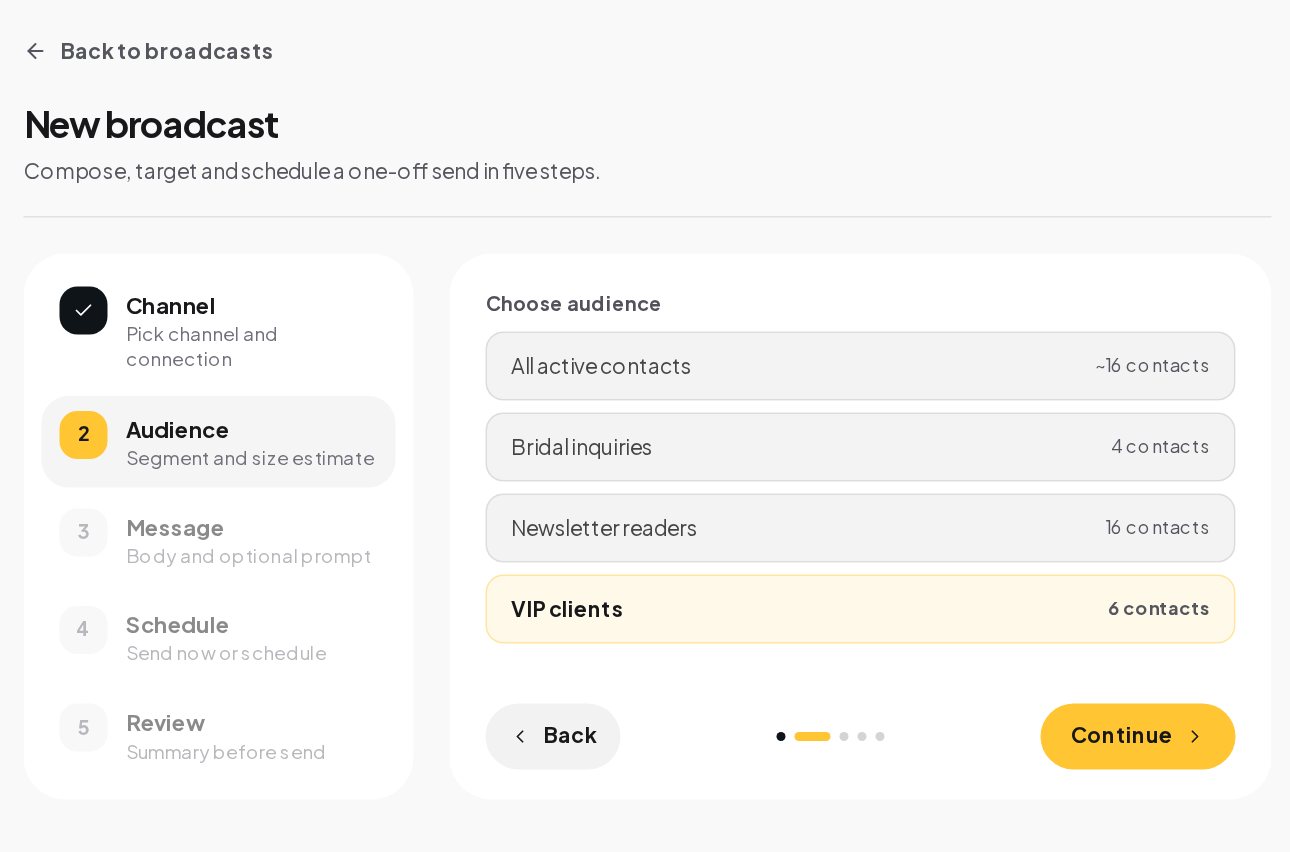
What people tap and say becomes tags: the size they asked about, the product they picked, the ad they came from. Segments are live groups built on those tags and fields, and they are read again when a broadcast starts, so a campaign always goes out to today's audience.
Send broadcasts people reply to
A sale goes out as an approved WhatsApp template, as plain text to everyone who started your Telegram bot, or to people who wrote in the last 24 hours on Instagram and Messenger. Replies get answered on the spot, product questions included, and STOP is honored without anyone lifting a finger.
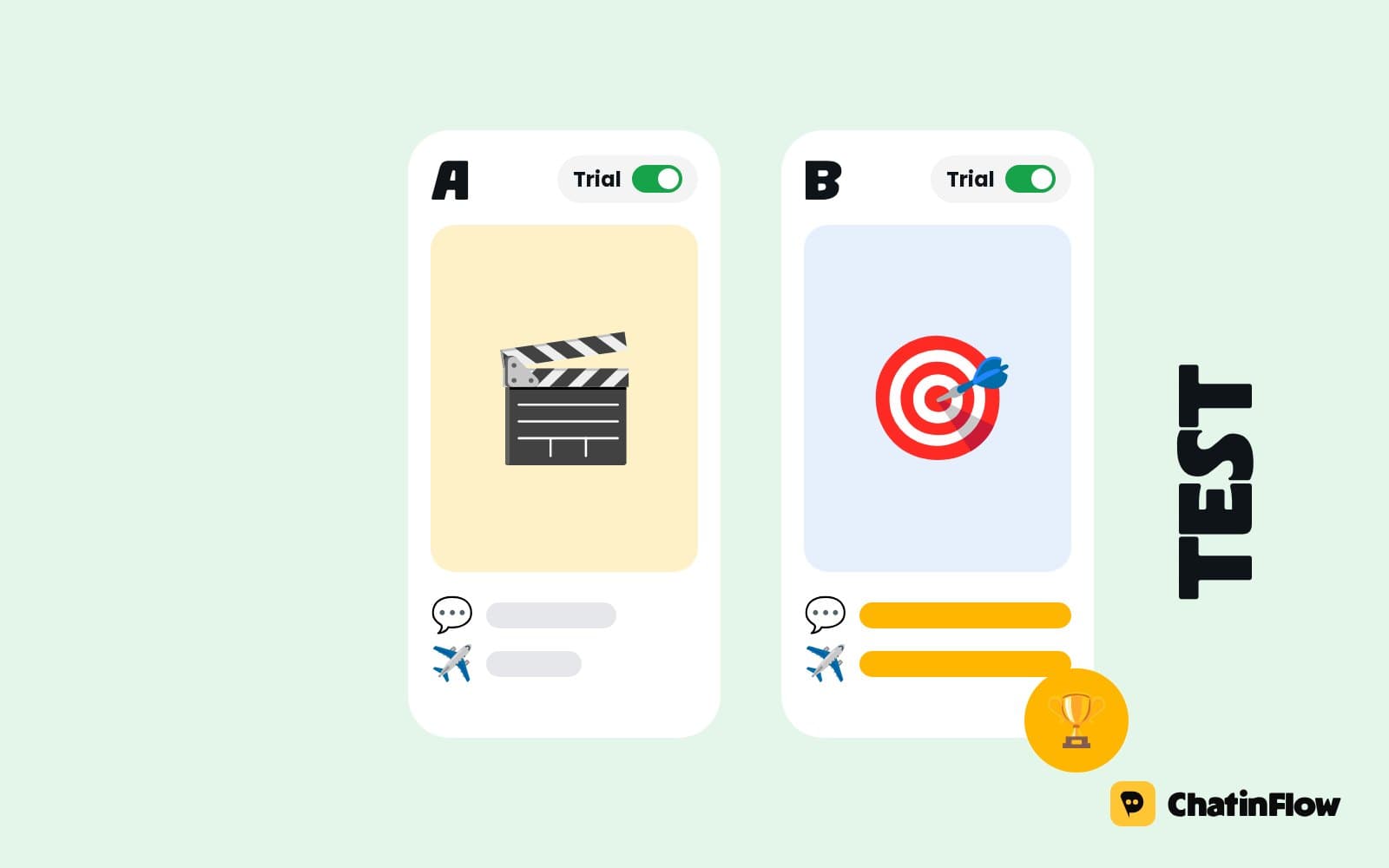
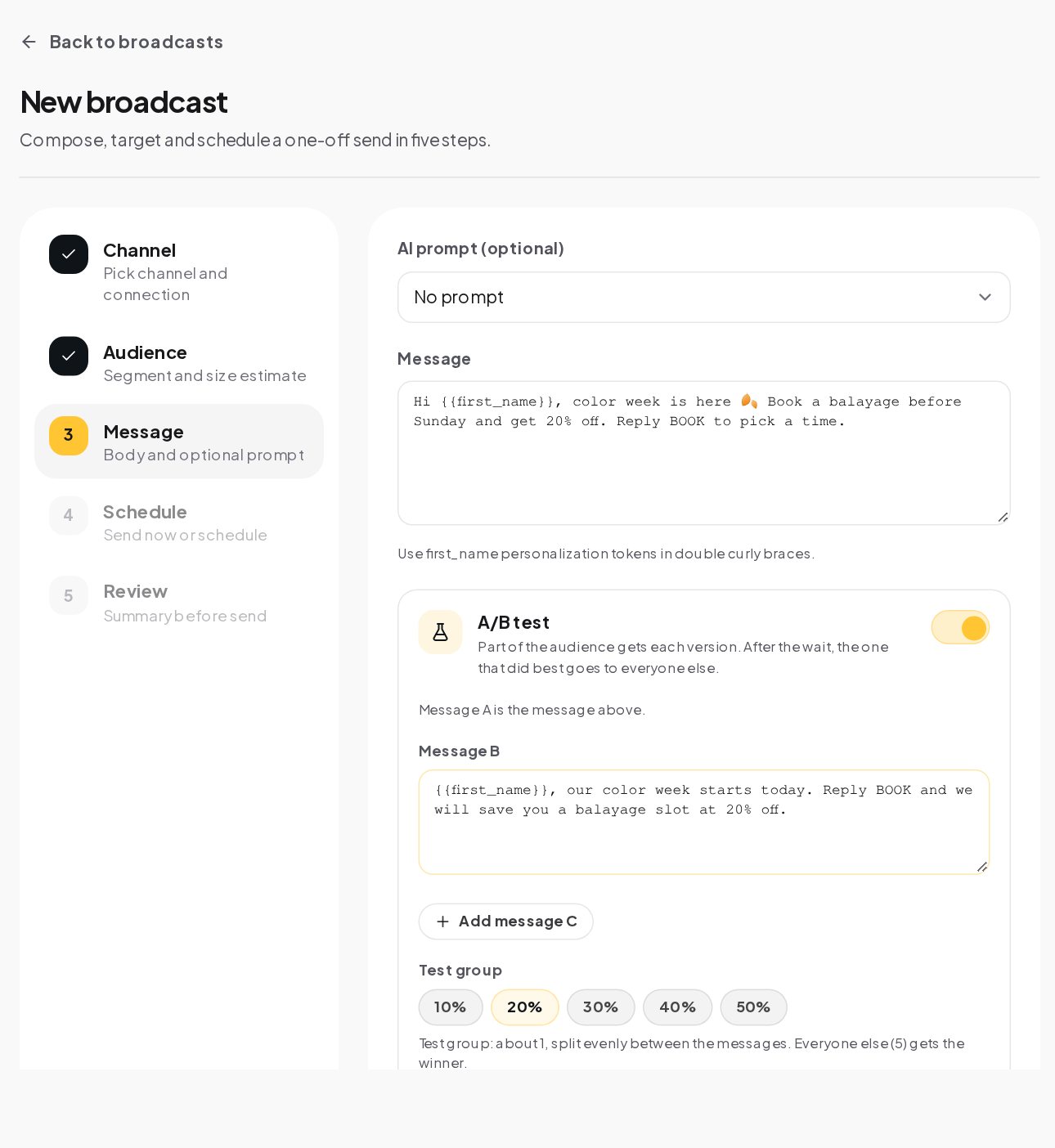
Test before you commit. A broadcast's A/B test sends up to three versions to a test group, waits from one hour to two days, and sends the best one, by replies, link clicks or purchases, to everyone else.
Inside flows, an A/B split step sends contacts down different variants of a message, with the results side by side.
Trace every sale to a message
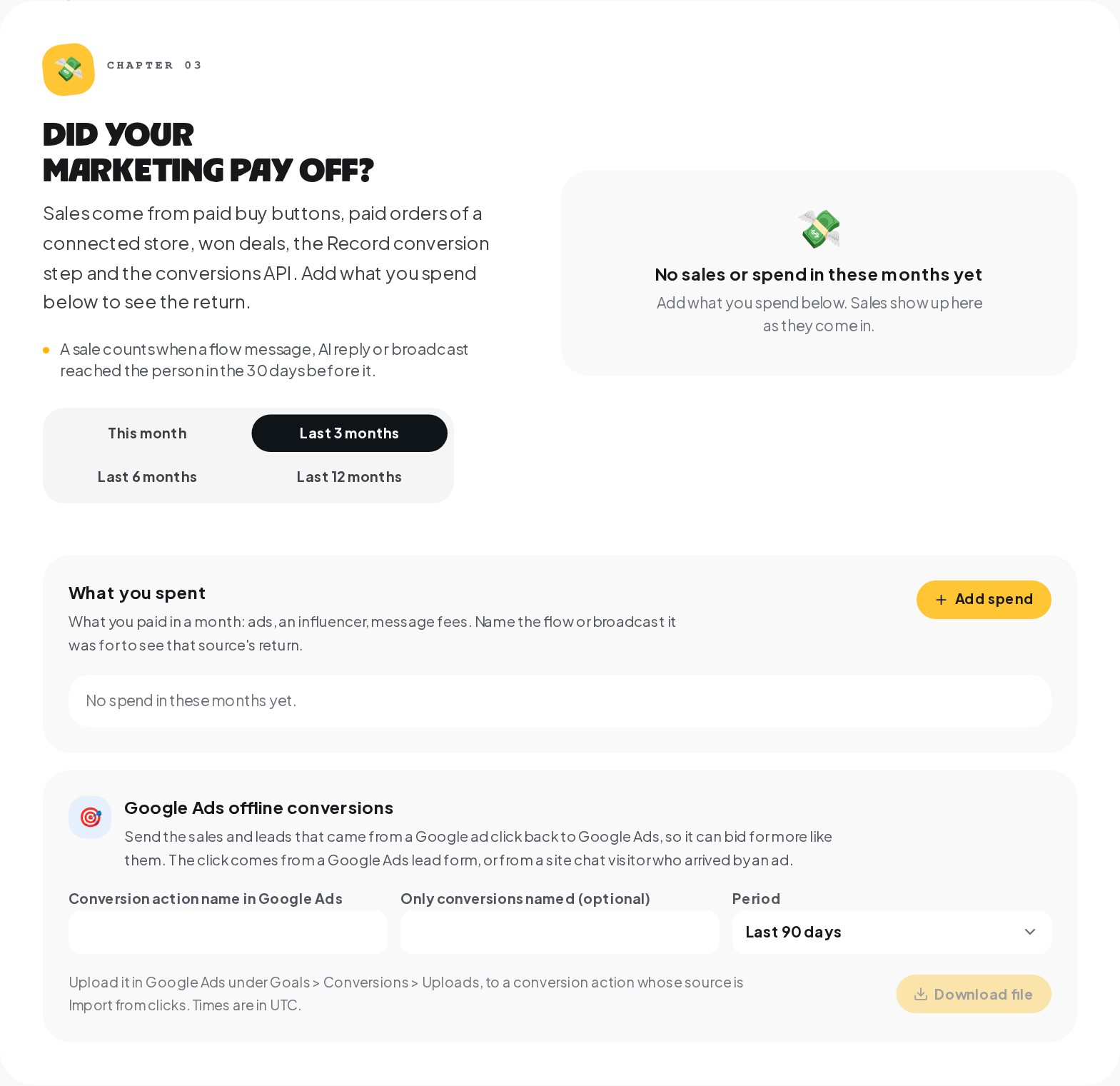
Your store reports each paid order. The last message in the 30 days before it gets the credit, and up to 25 earlier touches stay on the sale for later. Add what each campaign cost, per month and per flow or broadcast, and the Results tab of Analytics puts revenue next to spend.
Send conversions back to Meta, TikTok and Google Ads
Ad platforms bid better when they know which clicks became sales.
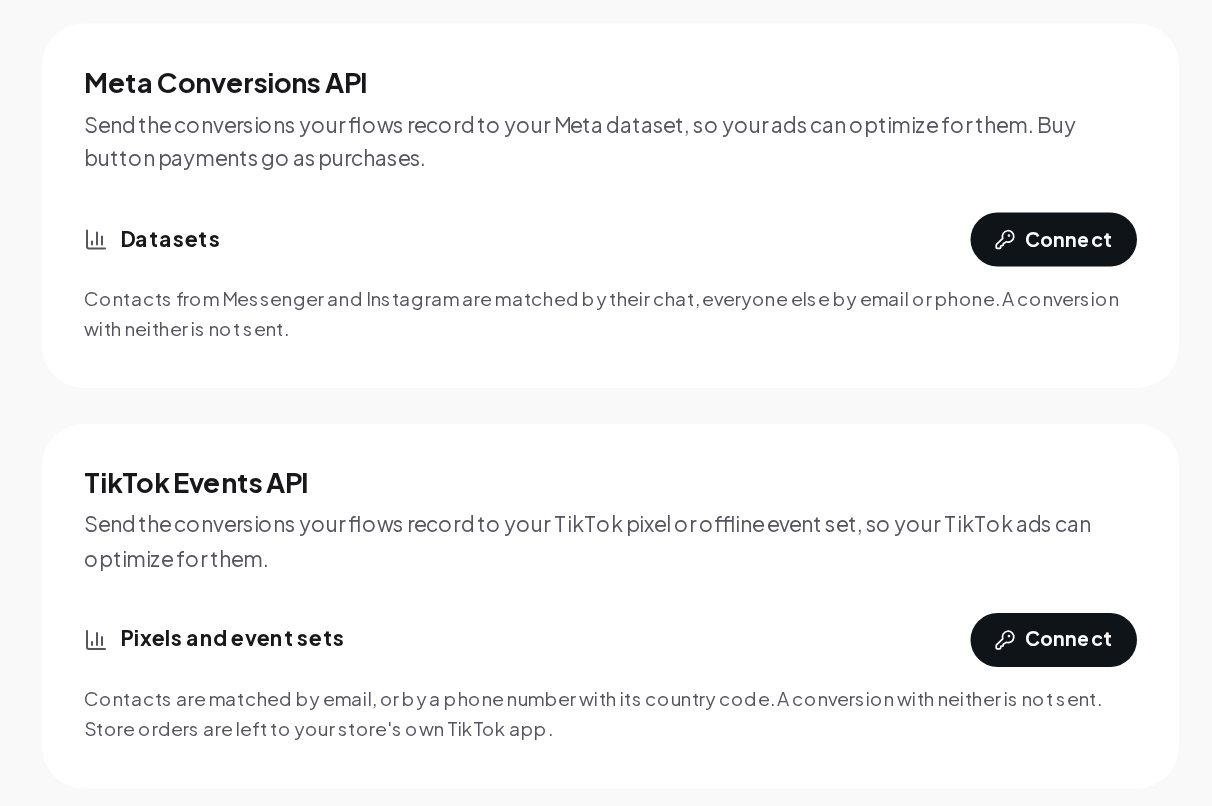
- Meta Conversions API. Conversions your flows record go to your Meta dataset; contacts from Messenger and Instagram are matched by their chat, everyone else by email or phone.
- TikTok Events API. Conversions go to your pixel or offline event set.
- Google Ads. A file of the sales and leads that came from a Google ad click, to upload under Goals, Conversions, Uploads.
Store orders are left to your store's own apps, so nothing is counted twice.
The first message after an ad click
The first message decides whether the person keeps talking. Match it to what the ad promised, and ask one easy question.
| Ad promise | First message | Quick replies |
|---|---|---|
| "20% off the autumn range" | "Here's your 20% code: AUTUMN-4821. What are you shopping for?" | Jackets, Knitwear, Gifts |
| "Free consultation" | "Happy to help! What would you like to work on?" | Skin, Hair, Not sure yet |
| "New menu this week" | "Here's the new menu 👇 Want to book a table?" | Tonight, This weekend, Just looking |
| "Download the guide" | "Here's the guide. Where should I send updates?" | Email, Stay here |
Keep it short, put the promised thing first, and make the next step a tap. Each quick reply can add a tag, so the answers become the segments of your next broadcast without anyone tagging contacts by hand.
Messaging rules that keep campaigns welcome
Click-to-message ads and comment campaigns follow the same rule as every Meta conversation: the person writes first, and free-form replies go out within 24 hours of their last message. A follow-up two days later on Instagram or Messenger will not send; plan it within the window, or ask for an email or a WhatsApp opt-in during the conversation. On WhatsApp, offers outside the window go out as approved Marketing templates, and only to people who agreed to hear from you. Everyone who opts out is skipped by every broadcast.
How to read a DM campaign's results
Three places tell you how a campaign did. The flow's Activity tab shows every run: how many people started the conversation and how many reached the end. The Analytics, Automations tab compares flows side by side. And the Results tab shows the sales credited to each flow and broadcast next to the spend you entered. Read them on day two, while there is still time to change the welcome, and again on day seven.
Connect your marketing stack
New leads can go to HubSpot, Klaviyo, Mailchimp, ActiveCampaign or Kit with your own key, a Slack channel can hear about hot leads, and outgoing webhooks send contact, message and booking events to your own systems. Analysts can get Viewer access to the dashboards, and publishing stays with the people you choose.
A DM marketing campaign, start to finish
- Two weeks out. Write the welcome for each ad and the comment keyword for each post. Upload the codes.
- One week out. Build the qualifying question and the tags. Test every flow with Try it.
- Launch day. Publish. Watch the first conversations in the inbox and fix the questions the flow did not expect.
- Day two. Broadcast to the segment that asked about the product, with an A/B test on the opening line.
- Day seven. Enter the spend. Read the return per flow and broadcast.
- Day eight. Turn off what did not sell, double down on what did, and keep the tags for the next campaign.
Is it right for your marketing team?
It suits teams running click-to-message ads on Meta, brands that want each campaign's sales rather than its clicks, and marketers who segment by what people said in the chat. It is not a replacement for an email-first program, and it is not for bought lists or messaging people who never opted in.
DM marketing glossary
- Click-to-message ad. A Meta ad whose button opens a chat with you instead of a website. The person writes first, which opens the 24-hour window.
- A/B test. In a broadcast, up to three message variants sent to parts of the audience, with the winner picked automatically by replies, clicks or purchases.
- Segment. A saved filter of contacts that stays up to date as contacts change, used to choose who gets a broadcast.
- Local time. A broadcast setting that delivers at the hour you pick in each contact's own time zone, inside the hours you allow.
- One-time code. A code from your own list that goes to one person only, so an offer cannot leak to a coupon site.
- Second approval. A check before a send that can reach 1,000 or more contacts: another teammate who can publish confirms it.
- Attribution. Crediting a sale to the chat, flow or broadcast that led to it, so Results shows what your marketing brought in.
- Growth link. A link with its own code, for a bio, an ad or a flyer, that opens a chat with you and counts who came in through it.
- Opt-out. A STOP or UNSUBSCRIBE reply, after which broadcasts skip the contact and every running sequence ends.
DM marketing mistakes to avoid
- One welcome for every ad. The person just saw a specific ad; continue that ad's story.
- Codes in a public reply. Put codes in the private reply, one per person.
- No spend entered. Without it, the Results tab shows sales but not the return.
- Broadcasting to everyone. A segment by what people asked about almost always outperforms the whole list, and it earns far fewer opt-outs.
- Counting store orders twice. Let your store's own Meta app send store orders.
DM marketing: FAQ
Can each Instagram ad start a different conversation?
Yes. The flow knows which ad the person came from, so each ad can have its own welcome and qualifying question.
How do I stop discount codes from leaking?
Use one-time codes. Each person gets their own code from your list, in a private reply, and the same code if they ask again.
Which message gets credit for a sale?
The last flow message, AI reply or delivered broadcast in the 30 days before the order. Up to 25 earlier touches are saved with the sale.
Can my analyst see the numbers without editing flows?
Yes. Invite them with the Viewer role; publishing stays with the people you choose.
Can I sync a segment to my Meta ad account?
With Meta ads connected under Settings, Integrations, segments can be synced as audiences, and ad spend shows next to the chats and sales it brought. Messaging ads can start a flow directly.
Sources
- Conversions API, Meta for Developers.
- About Events API, TikTok For Business.
- About offline conversion imports, Google Ads Help.