




The full guide
Instagram and WhatsApp automation for agencies: manage many clients from one safe set-up
A workspace per client, flows copied as drafts, roles for your team and the client's staff, approvals for big sends and an audit log for every change.
Running DM automation for one business is a messaging job. Running it for twenty is a control job: whose Instagram is connected where, who on the client's team can answer chats, who is allowed to publish a flow that messages ten thousand people, and how you prove what changed when a client asks. ChatinFlow is built so that each client lives in its own workspace, with its own channels, inbox, contacts and audit log, while your agency builds a flow once and copies it into the next client as a draft. This guide walks through the set-up for a social or growth agency, step by step: workspaces, roles, reusable flows, approvals, reporting and the habits that keep client accounts safe.
How a social media agency runs DM automation for clients
| Agency need | How ChatinFlow handles it |
|---|---|
| Keep clients apart | One workspace per client: channels, inbox, contacts, analytics and audit log are separate |
| Reuse what works | Copy flows into another workspace you administer, as drafts, or share a workspace template by link |
| Let client staff answer chats | Inbox agents work only in the inbox; members and viewers get limited access |
| Stop expensive mistakes | Second approval for sends to 1,000 or more contacts, and versions of every publish |
| Show results | Analytics per workspace, with CSV export on the plans that include it |
| Answer "who changed this?" | The audit log, filtered by member and exported as CSV |
Set up a separate workspace for each client
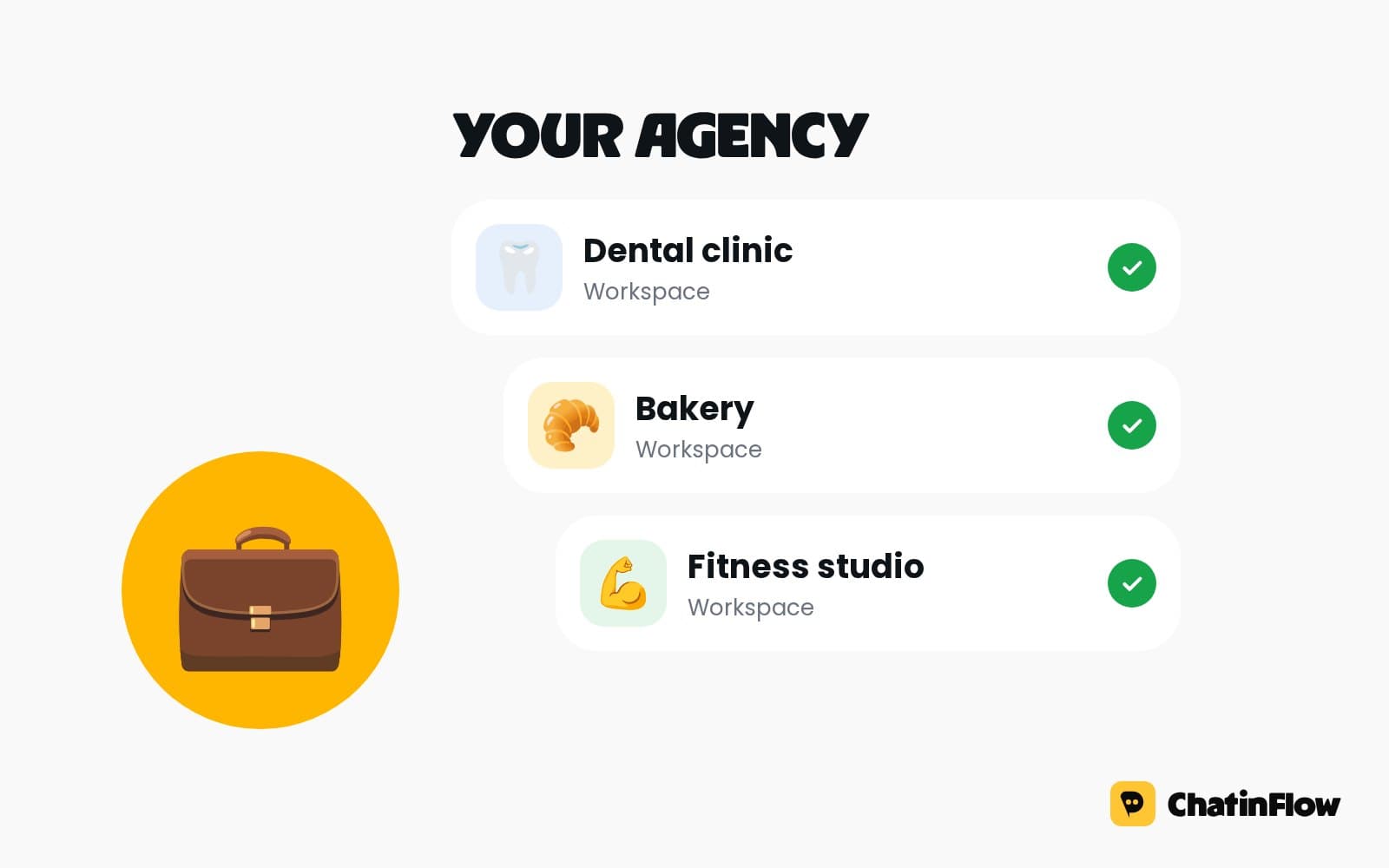
Your plan sets how many workspaces you can own; a client can also own their workspace and invite you. Each client connects their own Instagram, WhatsApp and other channels to their own workspace, so tokens never sit in the wrong account and disconnecting a client is clean.
Open the workspace menu at the top of the sidebar to switch clients. Everything you see, from the inbox to the analytics, belongs to the selected workspace.
Build a flow once and copy it to every client
Build the flow for your first client, such as a table booking flow for a restaurant: a diner asks for a table, the nearest free tables are offered as buttons, the tapped time is booked in the client's Bookings, and a reminder template goes out that morning. The next restaurant gets the same flow copied into its own workspace as a draft: change the words, check it, publish.
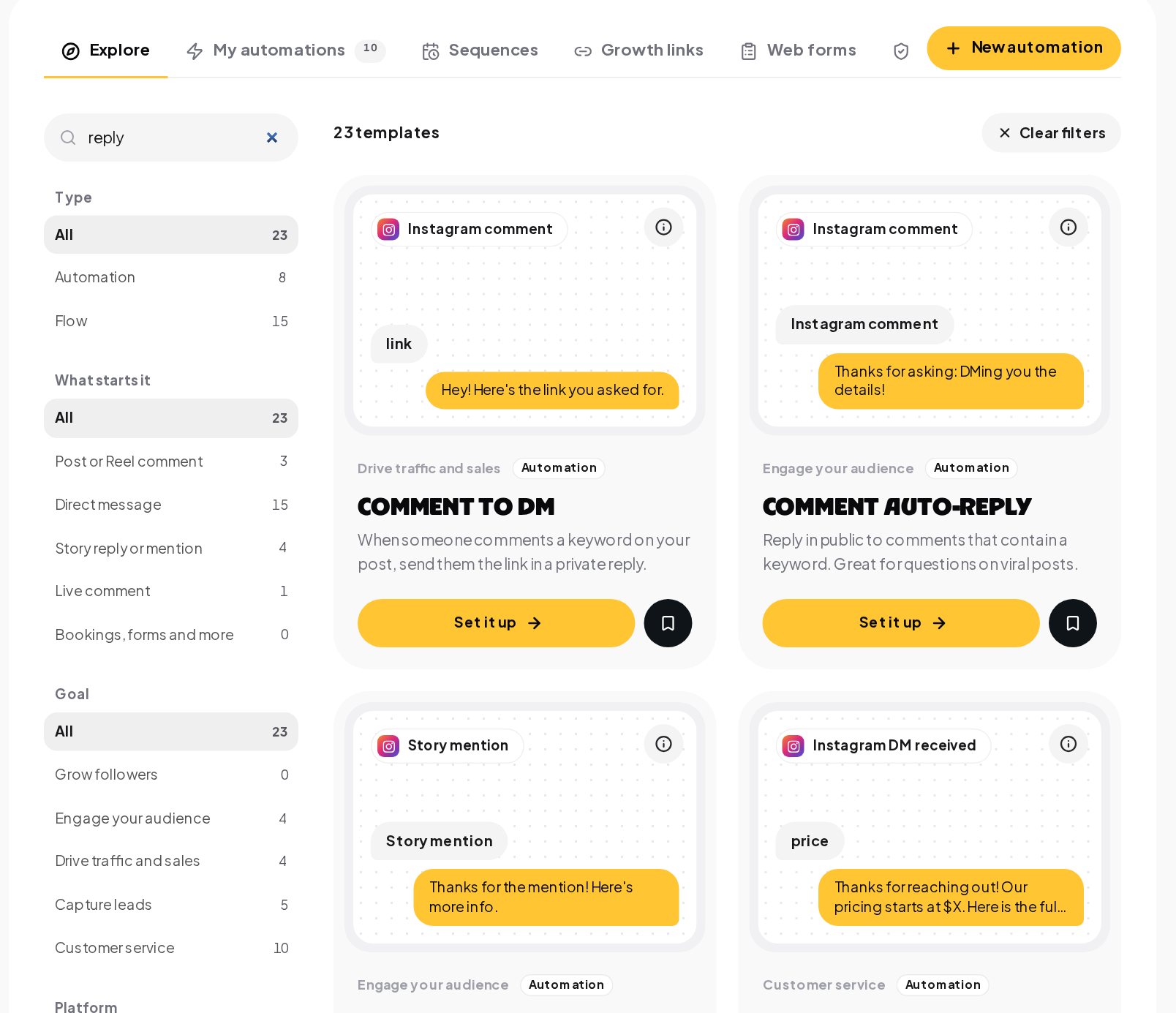
Start from the gallery when a client needs something new. A search for "reply" returns twenty-three templates, from comment auto-replies and DM keyword replies to default replies and channel-specific keyword replies.
You can also save a workspace's flows, tags, segments and other content as a template and share it by link, or copy it straight into another workspace you administer. Flows always arrive as drafts.
Client access, roles and permissions
Your team builds, the client's staff answer chats, and only the people you choose can publish. Open Team and invite people with the role that fits.
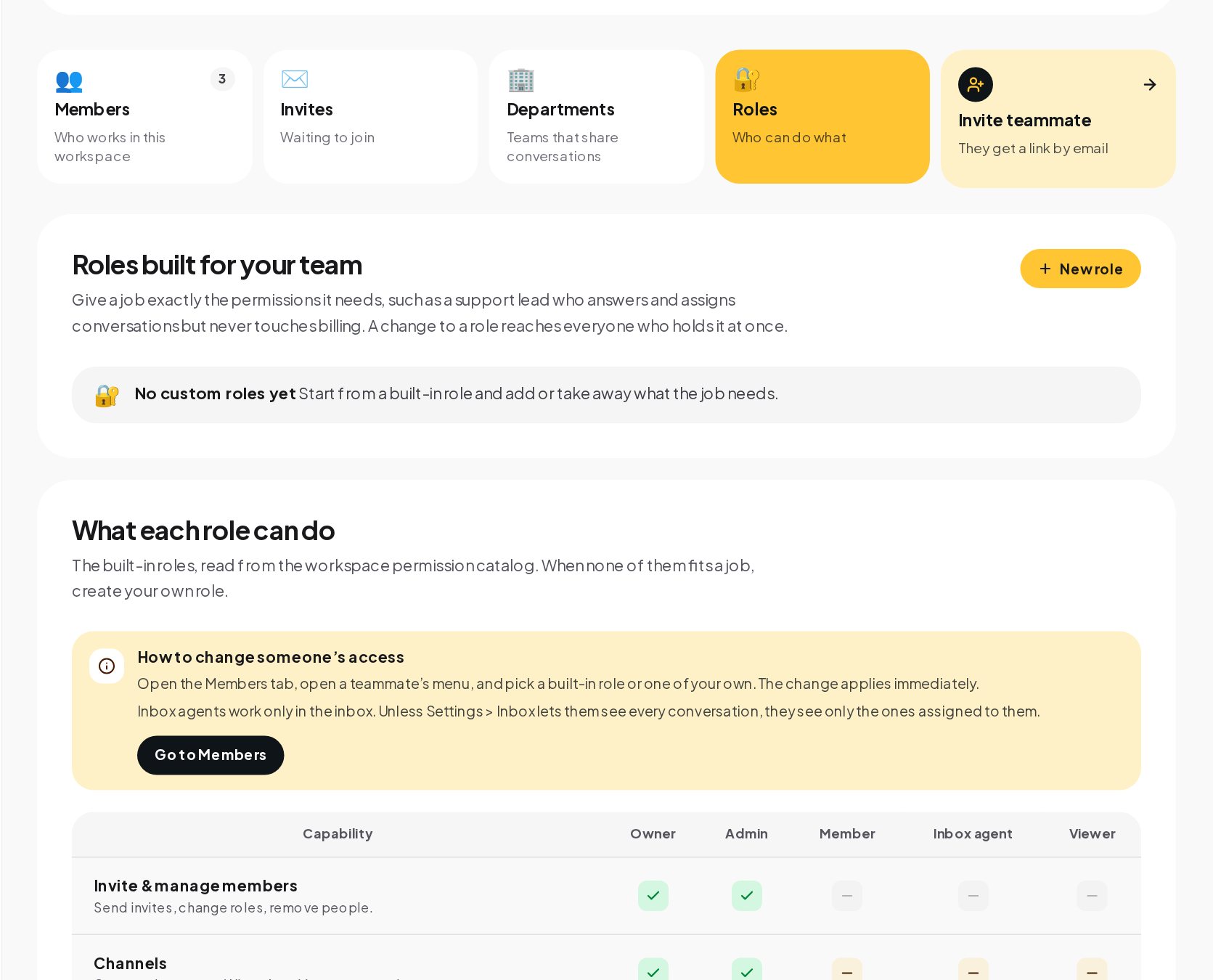
- Your account managers as admins, who can connect channels, publish and manage the team.
- The client's front desk as inbox agents, who work only in the inbox and see the conversations assigned to them unless the inbox settings let them see every one.
- The client's owner as a viewer, to look around the dashboard and the numbers with read-only access.
- A custom role when none of these fits, such as a support lead who answers and assigns conversations but never touches billing.
Approval before big sends on client accounts
A flow that sends to 1,000 or more contacts waits for a second person to approve it with a two-step code. If you are the only person who can publish in a workspace, you approve your own request with a fresh code. A slip stays a draft, not a client incident. Every publish is saved as a version, so a mistake can be rolled back to the version before it.
Run the client's inbox as an agency
Each client has its own team inbox. Conversations can be assigned automatically by round-robin or to the least busy agent, with a limit per agent, so nobody drowns on a Monday morning. When a teammate replies, the automation in that conversation stops and the bot stays quiet, so the customer never hears two voices.
Audit log for every client change
Every publish, approval and setting change is on the record in the client's audit trail, with who did it, when and from where.
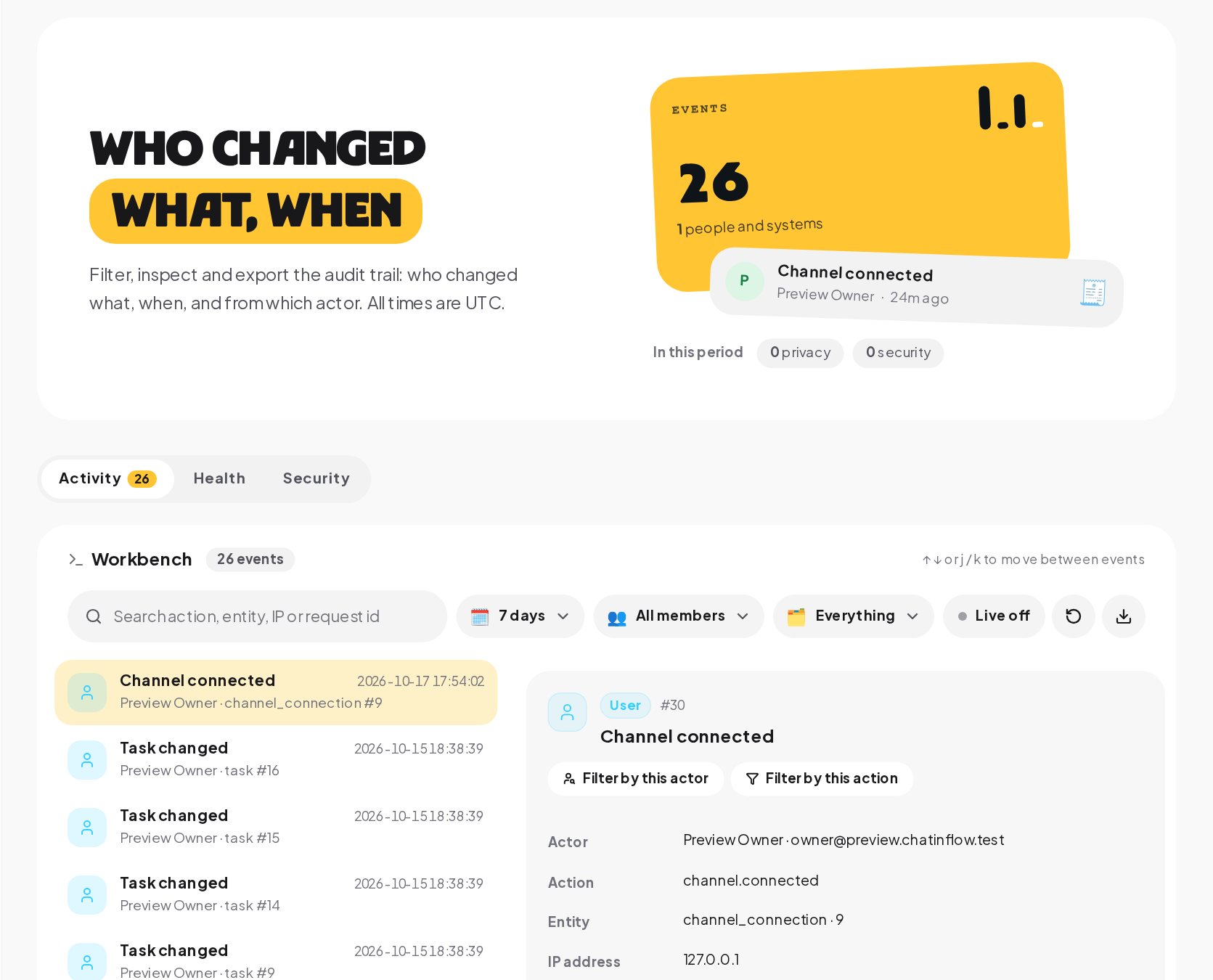
On Business and up, the workspace owner can export the audit log as CSV for a review and keep set-up backups: a planned copy of flows, saved steps, tags, fields, segments, quick replies and AI prompts, restored without overwriting anything.
Client reporting: show what the DMs brought
Each client workspace has its own analytics: The story in four lines, conversations, the time to the first answer, automation runs and the sales the chats brought in.
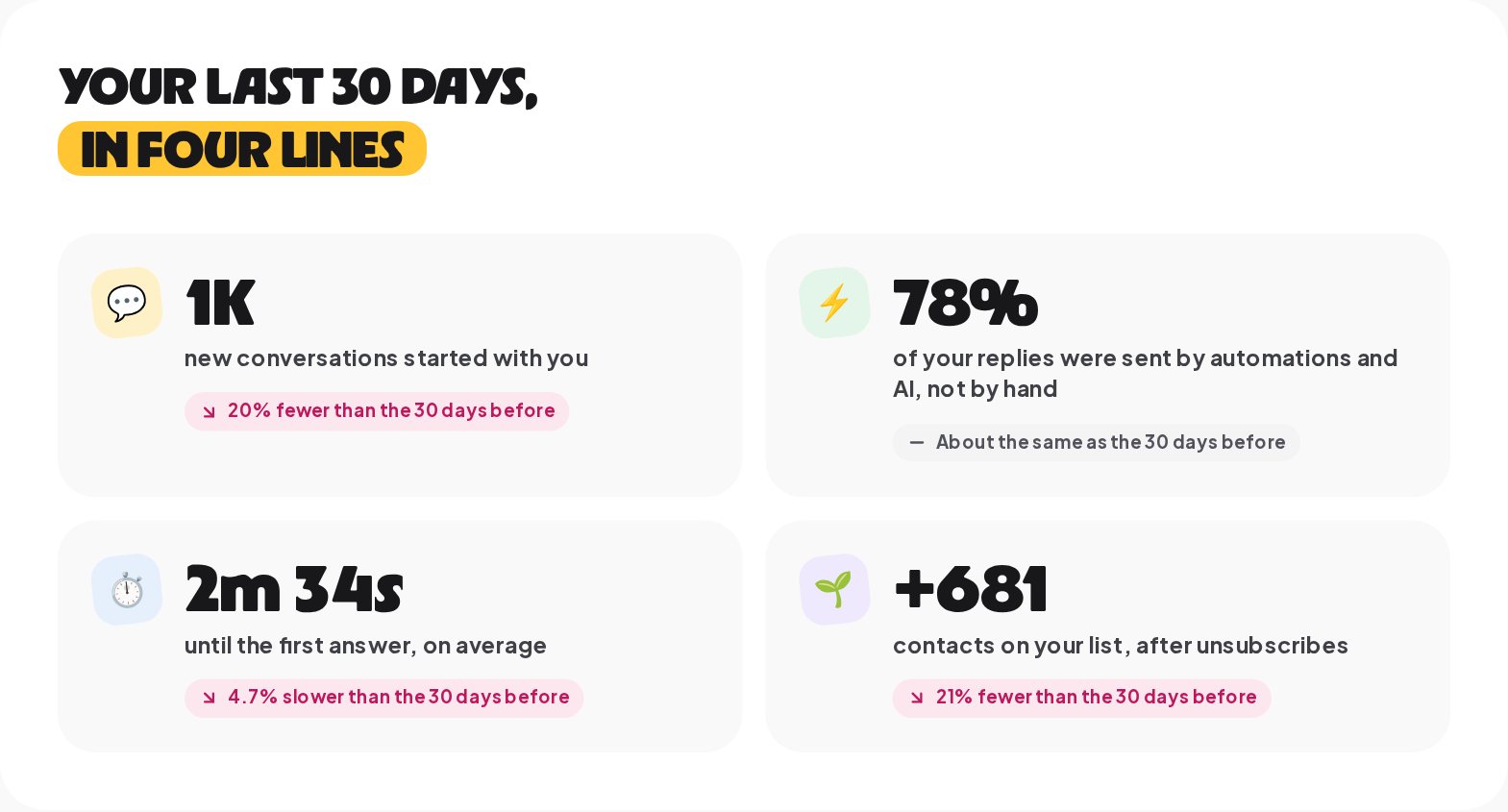
There are no branded PDF reports or embeddable dashboards. On the plans that include it, export the numbers as CSV and drop them into your own report template, or invite the client as a viewer so they can open the dashboard themselves.
Connect each client's CRM and tools
Each client's CRM, email tool, payment account, store and webhooks are connected in their own workspace, with their own keys. AI runs on the client's own provider key, with an optional daily and monthly spending cap that pauses the key when it is reached, so the AI bill lands where the usage happens.
Onboard a new agency client in an afternoon
- Create the workspace and invite the client's owner.
- Ask them to connect their Instagram, WhatsApp or other channels in their workspace.
- Copy in your starter flows as drafts: a welcome, a default reply, the comment-to-DM flow and the booking or lead flow for their sector.
- Change the words to the client's voice, add their prices and hours, and test each flow with Try it.
- Invite their staff as inbox agents and set the inbox assignment.
- Publish, with a second approval if the client already has a large audience.
- Book a review for day seven, with the analytics open.
How to price DM automation services for clients
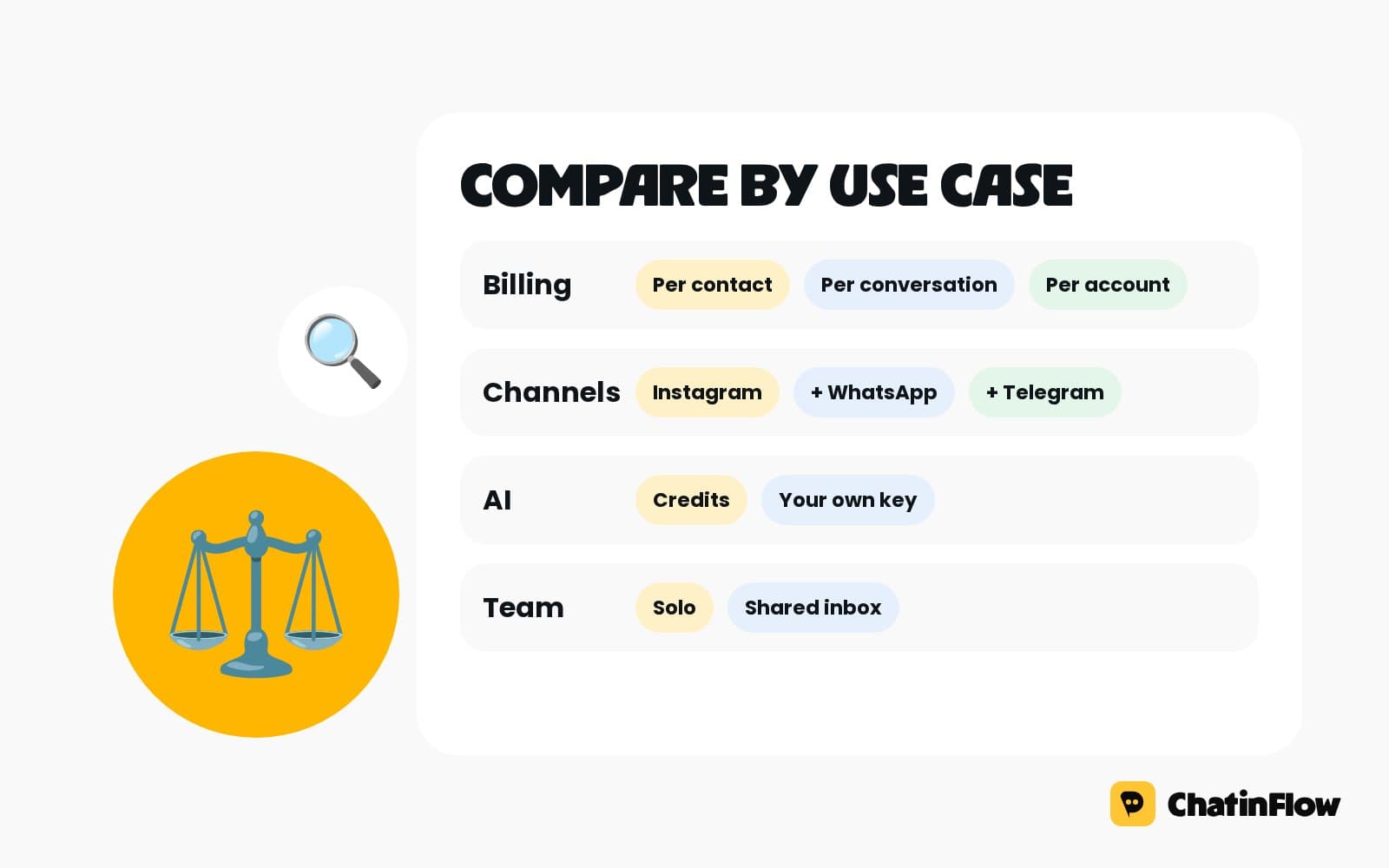
There is no separate agency plan. Choose by how many client workspaces and team seats you need: higher plans include more, and the pricing page shows each plan's allowance. Many agencies keep their own plan for building and testing, and let each client own their workspace on the plan that fits their volume, with the agency invited as an admin. That keeps billing and data ownership with the client, and keeps your work portable if a contract ends.
A simple service menu works well:
| Package | What you deliver |
|---|---|
| Set-up | Workspace, channels, welcome, default reply, comment-to-DM and one sector flow |
| Monthly growth | Monthly campaign flows, broadcasts, codes and a results review |
| Support desk | Inbox roles, assignment rules, quick replies and an AI agent on the client's key |
Each package maps onto features the client can see working in their own workspace, which makes renewals an easy conversation and scope creep easier to spot.
Safety habits for client social accounts
- Two-step sign-in for everyone on your team, and sign-out of other sessions when someone leaves.
- Never share a channel token. Clients connect their own accounts in their own workspace.
- Publishing rights for few people. Most teammates do not need them.
- STOP is honored everywhere. STOP or UNSUBSCRIBE ends running flows in every client workspace; do not build around it.
- GDPR requests in the dashboard. Export or erase a contact's data from the client's workspace when they ask.
Is ChatinFlow right for your agency?
ChatinFlow suits social and growth agencies running DMs for several clients, freelancers who set up automations for local businesses, and teams that need client staff to answer chats without editing flows. It is not a white-label reseller product, and there is no shared inbox across clients: each client is answered in its own workspace. Agencies that refer clients can join the affiliate program and earn a recurring commission on their paid subscriptions.
Agency DM automation glossary
- Workspace. A separate space for one business, with its own channels, inbox, contacts, flows, analytics and audit log. Your plan sets how many you can own.
- Draft. A flow that is saved but not live. Copied and shared flows always arrive as drafts, so nothing reaches customers before someone publishes it.
- Version. A saved copy of a flow made at every publish, so you can roll back when a change goes wrong.
- Second approval. A check before a flow or broadcast that can reach 1,000 or more contacts goes live: another teammate who can publish confirms it with a two-step code.
- Inbox agent. A built-in role that works only in the inbox and, unless you allow more, sees only the conversations assigned to it.
- Custom role. A role built from a built-in one by adding or taking away permissions, such as answering and assigning chats without billing access.
- Audit log. The record of changes in a workspace, with the actor, the time, the details and the IP address.
Agency DM automation mistakes to avoid
- One workspace for several clients. Contacts, tokens and analytics get mixed; use one per client.
- Copying flows live. They arrive as drafts on purpose; read every message before you publish.
- Everyone as admin. Give the client's staff the inbox agent role.
- No second approver. Large sends should never depend on one person's click.
- Reporting from memory. Export the numbers, or let the client open the dashboard as a viewer.
DM automation for agencies: FAQ
Can I see all my clients from one login?
Yes. Each client is a separate workspace, and you switch between them from the workspace menu with one login.
Can a client's staff answer chats without seeing billing?
Yes. Invite them as inbox agents, or create a custom role with exactly the permissions they need.
What happens if a teammate publishes a flow by mistake?
Every publish is saved as a version you can roll back to, and flows that can reach 1,000 or more contacts need a second approval first.
Can I move a flow from one client to another?
Yes. Copy it into another workspace you administer; it arrives as a draft for you to change and publish.
Can a client own and pay for their own workspace?
Yes. A client can own the workspace on the plan that fits them and invite your agency with the role you agree on, which keeps billing and data with them.
Do clients ever see each other's data?
No. Contacts, conversations, channels and analytics belong to one workspace. A person invited to one client's workspace sees nothing of another client's unless they are invited there too, with a role of its own.
Who pays for the AI a client uses?
The client, if you want. AI runs on the provider key connected in the client's own workspace, with an optional daily and monthly spending cap on the key, so the model cost lands on the client's provider account and never on yours.
Sources
- Messenger Platform and IG Messaging API policy, Meta for Developers, on the messaging rules every client account follows.
- General Data Protection Regulation, on handling clients' customers' data requests.