

The full guide
Instagram and WhatsApp automation for ecommerce: sell in the chat
Answer product questions, send codes and carousels, take payment with a Buy button and send order updates, with every sale credited to the message that made it.
Most store DMs are one of a handful of questions: does it fit, is it in stock, when will it arrive, is there a code. Each one is a shopper with a credit card in hand, and each unanswered hour is a sale that goes to the store that replied first. The answers rarely change, which is exactly what makes them worth automating. ChatinFlow answers those questions in the chat the shopper started, on Instagram, Messenger, WhatsApp, Telegram or your website, sends the product that fits, follows up on left carts and delivered orders, and traces every sale back to the message that made it. This guide walks through the set-up for a Shopify or WooCommerce store, step by step, from the first product question to the second order.
Where online store conversations turn into sales
| Moment | What the automation does | Template or step |
|---|---|---|
| A product question in a DM | Asks one question back and sends the product that fits | Show your product lineup in DM |
| LINK under a post | Sends the product link in a DM, replies in public | Comment to DM |
| A sold-out size | Saves who is waiting and tells them first when it is back | Buttons, tags and a template broadcast |
| A left Shopify checkout | One friendly reminder with the cart link, an hour later | Cart abandoned flow |
| A paid order | A WhatsApp confirmation with the order number | Store order flow |
| A few days after delivery | Asks how it fits, suggests what goes with it | Wait step and fit buttons |
Connect Shopify or WooCommerce
Open Settings, Integrations and scroll to Stores. Connect Shopify or WooCommerce.
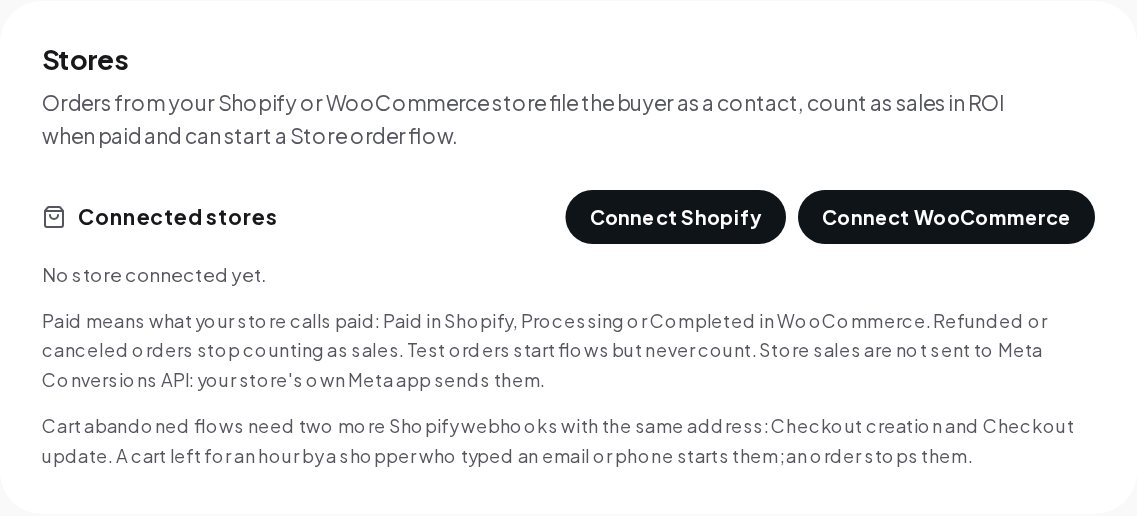
From then on, each order files the buyer as a contact, counts as a sale when your store calls it paid, Paid in Shopify or Processing and Completed in WooCommerce, and can start a Store order flow. Refunded or canceled orders stop counting, and test orders start flows but never count as sales. For cart reminders, add Shopify's Checkout creation and Checkout update webhooks as the card explains. Any other checkout can report sales through the API.
Answer product questions with the right product
Open Automations, Explore and search the gallery for "sale". The results include product lineups, comment-to-DM flows, pricing ice breakers, affiliate links, coupons in stories and offers during Lives.
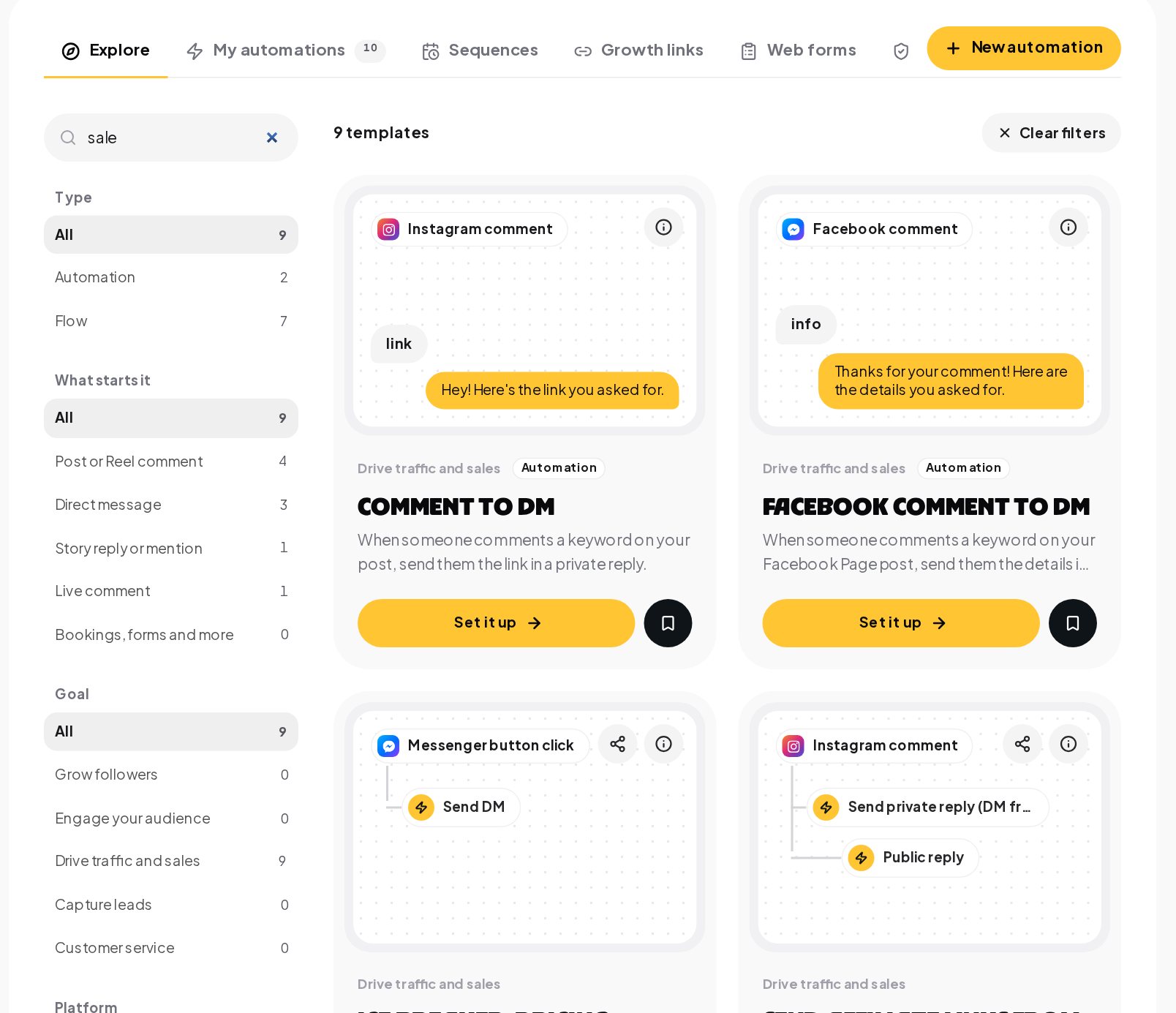
A product flow follows the way a good shop assistant works:
- The question. A shopper writes a real question, such as which sheets suit someone who sleeps hot.
- One question back. Quick replies narrow it down with a tap, so nobody has to type.
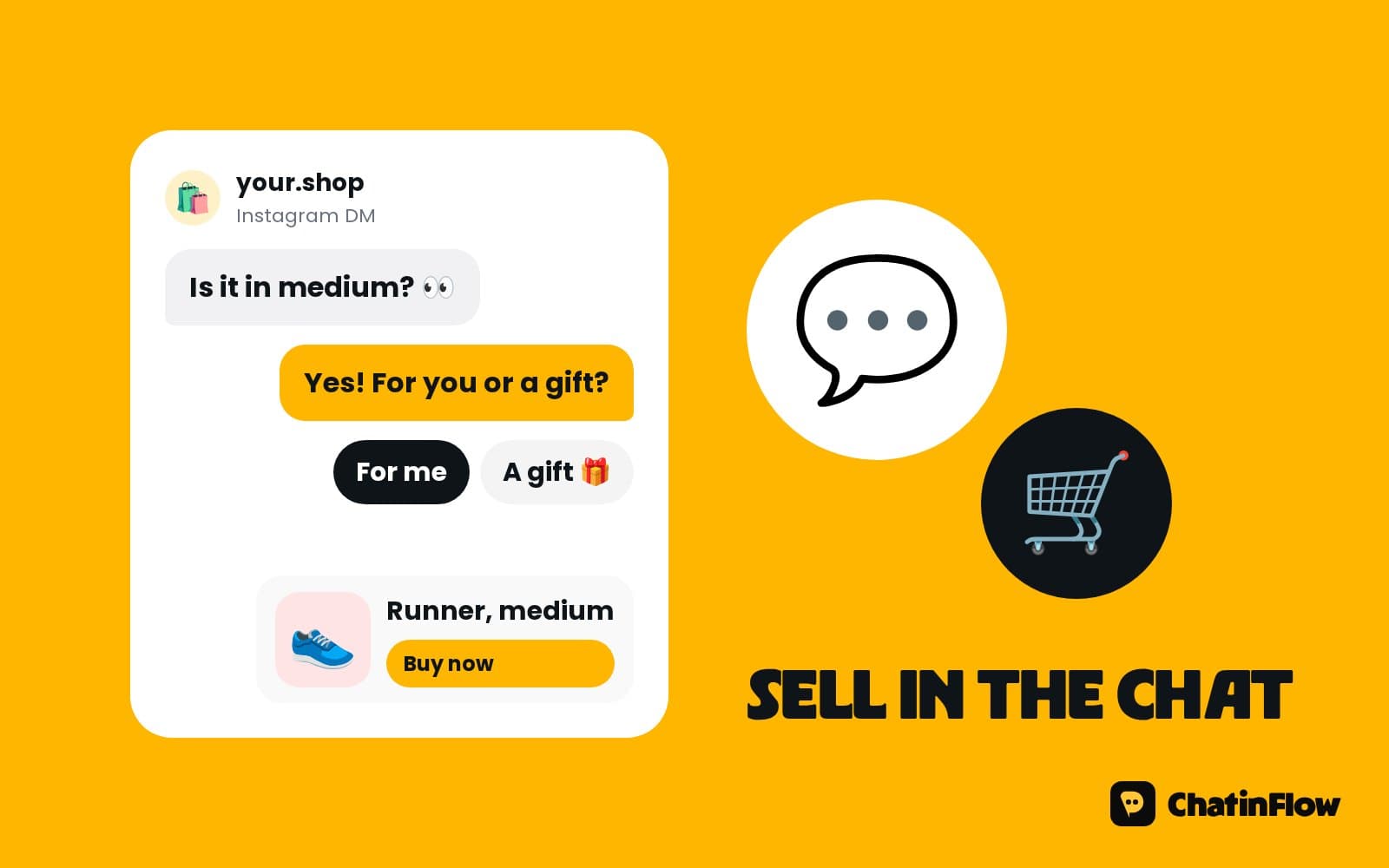
- The right product. A product card with the photo, the price and a button to the page in your own store, or a carousel of up to 10 cards, each with up to three buttons.
- The follow-up. Delivery, sizing or returns answered from your store pages by AI on your own provider key, with the chat handed to your team when the answer is not there.
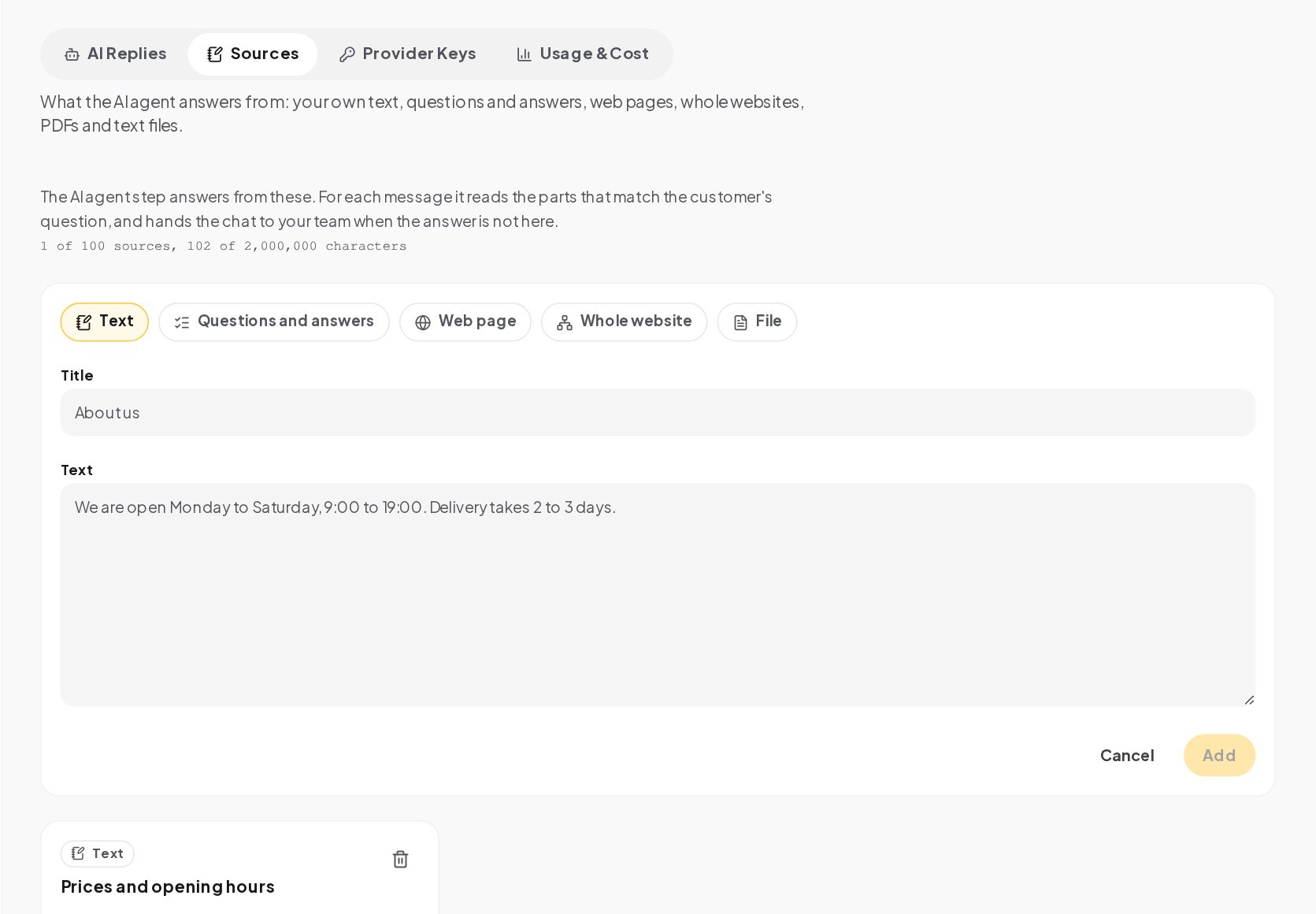
To let AI answer from your store pages, add them under AI, Sources: a single page such as your shipping policy, or your whole website, read from the sitemap.
Five questions every online store gets in the DMs
Most store DMs fall into five groups. Each has an answer that works better than a long reply.
| Question | Best answer in the chat |
|---|---|
| "Does it come in my size?" | Quick replies for the size, then the product card for that size, with a link to your size guide |
| "Is it in stock?" | The product card, or a tap to join the waiting list when it is sold out |
| "When will it arrive?" | Your delivery times by country as a keyword reply, or an order lookup for an existing order |
| "Can I return it?" | A short summary of your returns policy with a link to the full page |
| "Is there a code?" | A one-time code from your list, if you run one, or a polite no with your current offer |
Build each one as a keyword reply first. Use AI for the long tail of questions you cannot predict, answering from your store pages added as sources, so the answers stay consistent with what your site says.
Back in stock alerts in the DMs
Someone asks about a sold-out size and taps to be told. A tag keeps a list of who is waiting for which size. When it is back, a template broadcast reaches that tag first, with a button to reserve it, before you post it anywhere. STOP is honored on every send, and an Untag contact step after they reserve keeps anyone from being told twice.
Abandoned cart recovery on WhatsApp for Shopify
A Shopify checkout goes quiet with a phone number typed in. An hour later, one WhatsApp message brings back the item, the size and the cart link, and it stops once they order, so nobody is chased after buying. The message is a WhatsApp template, because the shopper has not written to you; write it once and send it to Meta for review.
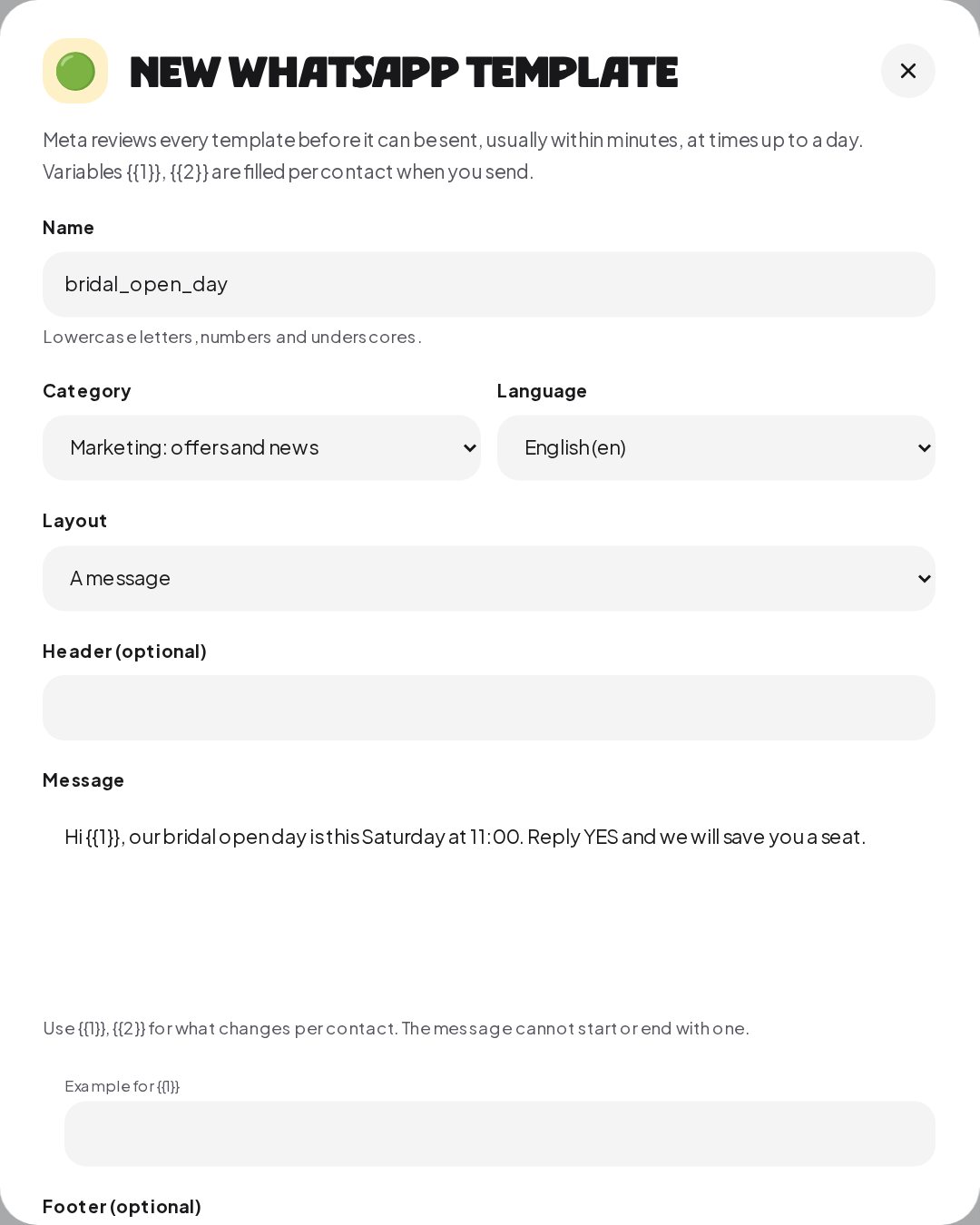
WooCommerce sends no cart events, so cart reminders work with Shopify only.
Order confirmations and repeat purchases
Order updates. A Store order placed or paid rule starts a flow whose WhatsApp template step sends the order number to the buyer, matched by the email or phone on the order. ChatinFlow does not receive shipping events, so delivery updates are not automatic; a flow can look up an order in your store's API with an HTTP request step when a shopper asks.
After delivery. A wait step times a short message for a few days after the order. Fit buttons sort happy buyers from size problems: a happy answer gets a product that goes with it, a size problem goes to your team.
Launch codes. One code per buyer, handed out from your list until it runs out, then a sold-out reply. Use them for a launch day, a restock or a thank-you to people who ordered twice.
Checkout links inside the chat
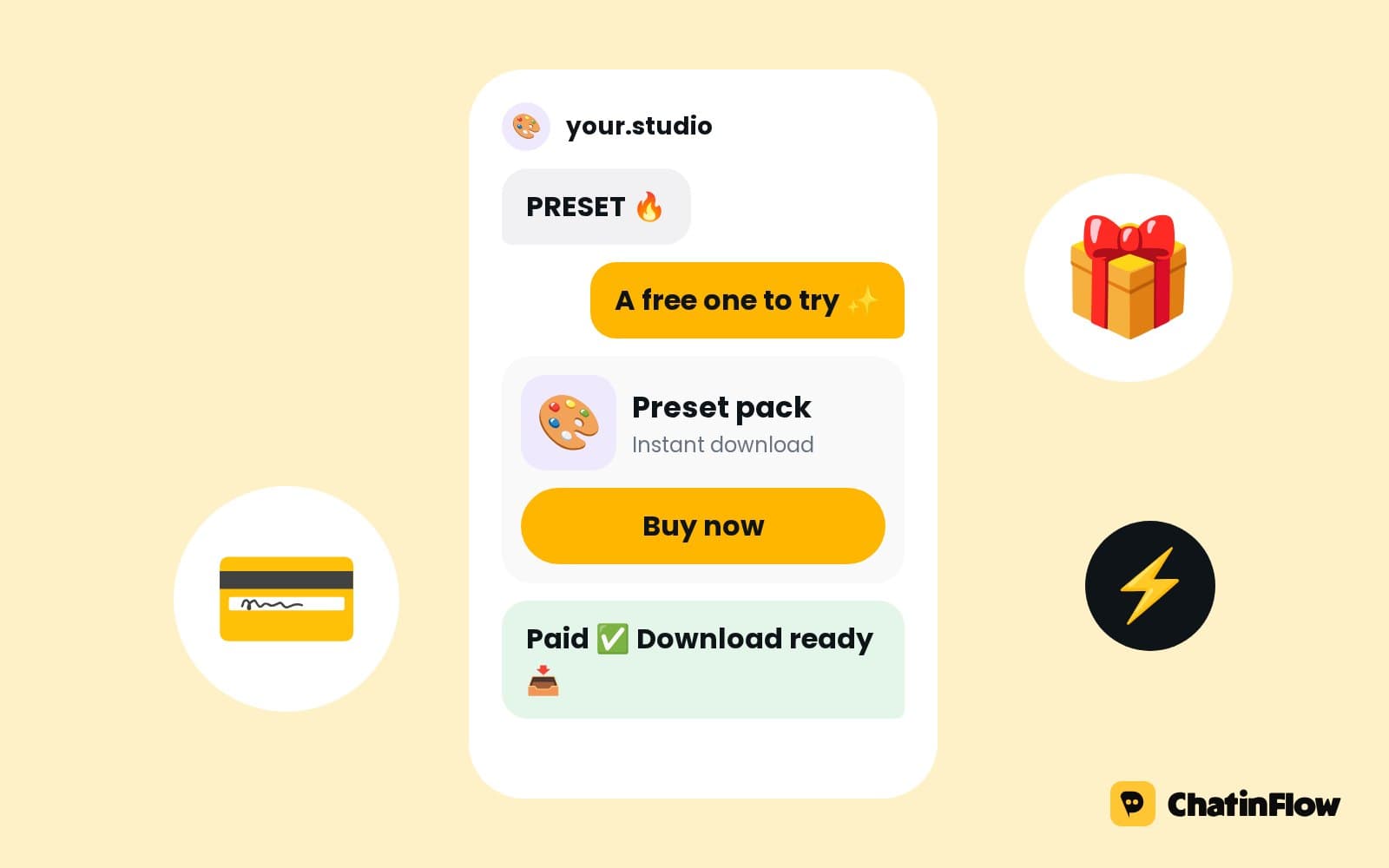
When the shopper is ready, a Buy button opens a Stripe or PayPal checkout at your price. The money goes straight to your own account, the thank-you arrives in the chat, and the sale is recorded like a store order. It suits pre-orders, gift cards, bundles and anything you sell outside your store's catalog.
See which messages sell
Each paid order is credited to the last flow message, AI reply or delivered broadcast in the 30 days before it. Add what you spend per month, for a flow or a broadcast, and the Results tab of Analytics shows its return.
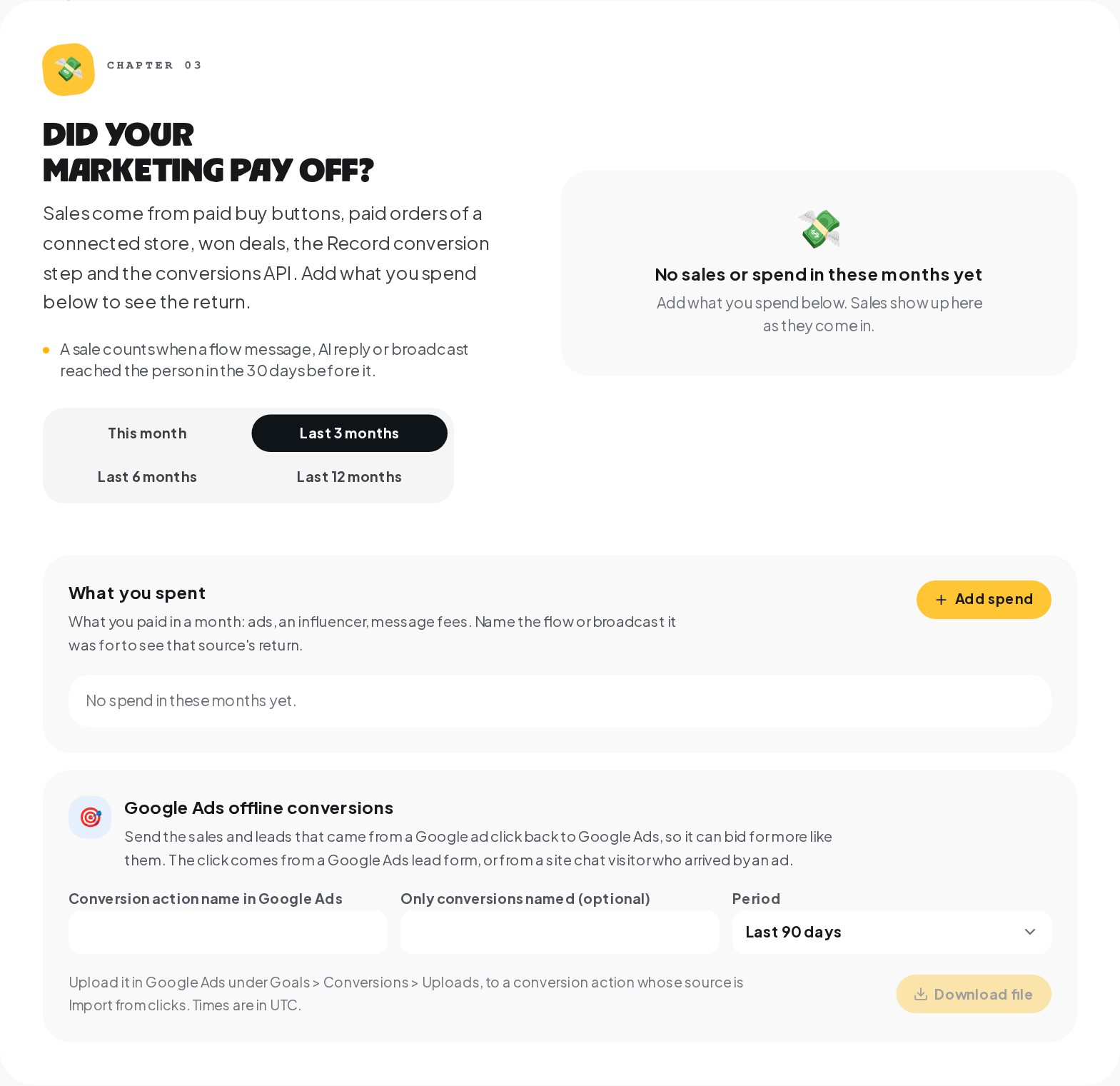
Sales also go back to your ads: to a Meta dataset through the Conversions API and to TikTok through the Events API, while store orders are left to your store's own apps so nothing is counted twice. For Google Ads, the same chapter makes an offline conversions file to upload.
Ecommerce broadcasts that feel like a shop window
A sale announcement reaches each shopper at the hour you pick, in their own time zone, and only inside the hours you allow. Keep broadcasts to news shoppers asked for: their size back in stock, a launch they tagged themselves into, a code for their next order. On WhatsApp outside the 24-hour window, the announcement must be an approved Marketing template.
Ecommerce DM analytics: reading the numbers
Three numbers tell a store whether the chats are working. In Analytics, Answers, the time to the first answer: most stores aim for minutes, not hours. In Analytics, Automations, the share of runs that finished, with the failing step named in each automation's Activity view. And in Analytics, Results, the sales credited to each flow and broadcast next to what they cost. Read them weekly, fix the slowest answer and the most failing step, and keep the flows that sell.
What to connect first for an online store
- Your store, so orders and carts can start flows.
- An Instagram professional account, Business or Creator, so DMs, comments and story replies reach your flows.
- A WhatsApp Business number for order messages and cart reminders.
- Your Meta dataset, so your ads learn from chat sales.
- An AI key and your store pages as sources, when the product questions outgrow keywords.
Ecommerce chat glossary
- Store order rule. A trigger that starts a flow when a Shopify or WooCommerce order is placed or paid, matched to the buyer.
- Cart abandoned. A Shopify event sent once when a checkout with a phone number goes quiet for an hour, with the cart link, the total and the items.
- WhatsApp template. A message Meta approves in advance, the only way to write to a customer on WhatsApp more than 24 hours after their last message.
- One-time code. A discount code from your own list that goes to one person only, and the same code again if they ask twice.
- Buy button. A flow step that sells in the chat through your own Stripe or PayPal account, with the money going straight to you.
- Purchase. A paid store order recorded as a sale, so Analytics can show what your chats brought in; a refund or cancellation takes it back.
- Conversions API. Meta's way to receive sales from a server, so each paid order can go back to your own Meta dataset with your own key.
Ecommerce DM automation mistakes to avoid
- Sending the homepage. Link the exact product, or the shopper starts searching again.
- A cart reminder every hour. One friendly reminder converts; three feel like spam.
- Promising delivery updates. Shipping events are not automatic; answer delivery questions with an order lookup or a person.
- Store sales sent to Meta twice. Let your store's Meta app send store orders.
- Marketing as utility. A discount in a template belongs in the Marketing category.
Ecommerce DM automation: FAQ
Can a shopper buy without leaving the chat?
Yes, with a Buy button. It opens a Stripe or PayPal checkout at your price, and the money goes to your own account.
Does the cart reminder work for WooCommerce?
No. WooCommerce sends no cart events. Cart reminders work with Shopify's checkout webhooks.
Can I tell which Instagram post led to a sale?
Yes. The comment automation's message is a touch on the buyer's contact, and the paid order is credited to the last touch in the 30 days before it.
Can the bot look up an order?
Yes, with an HTTP request step that asks your store's API for the order and uses the answer in the next message.
Can AI answer sizing and delivery questions?
Yes, on your own AI key. Add your sizing, shipping and returns pages as sources, and the AI agent answers from them and hands the chat to your team when the answer is not there.
Sources
- Template fundamentals, Meta for Developers, on WhatsApp templates.
- Conversions API, Meta for Developers.
- About webhooks, Shopify, on the checkout and order webhooks.