
The full guide
Instagram automation for coaches: from a free guide to a booked discovery call
Give your lead magnet the moment someone asks, follow up with a short sequence, book discovery calls in the chat and sell your program with a Buy button.
People rarely buy a coaching program from a cold post. They take something free, try it, and then want to talk to you. Most coaches lose them somewhere in between: the guide goes out by hand days later, the follow-up never happens, and the discovery call link gets buried in a thread. ChatinFlow runs that whole path inside the chat where the person first said yes: the lead magnet the moment they ask, a short series of useful messages, a call they can book in two taps, and the program they can pay for without leaving the conversation. This guide walks through the set-up, step by step, for a coach or course creator who sells from Instagram, WhatsApp, Messenger or Telegram.
A coaching sales funnel inside Instagram DMs
| Step | What happens | Built with |
|---|---|---|
| A post, a story or an ad | Someone writes GUIDE | A comment, story reply or DM keyword trigger |
| The free guide | Arrives at once; the email is saved | Send DM, Ask a question, Reply check |
| The nurture | One tip a day for a few days | A drip sequence |
| The call | Free times offered and booked | Offer times in the chat, Book the time they picked |
| The program | Paid in the chat or on your platform | A Buy button or your checkout link |
| The students | Onboarded lesson by lesson, inviting friends | A sequence and Refer a friend |
Start from coaching DM templates
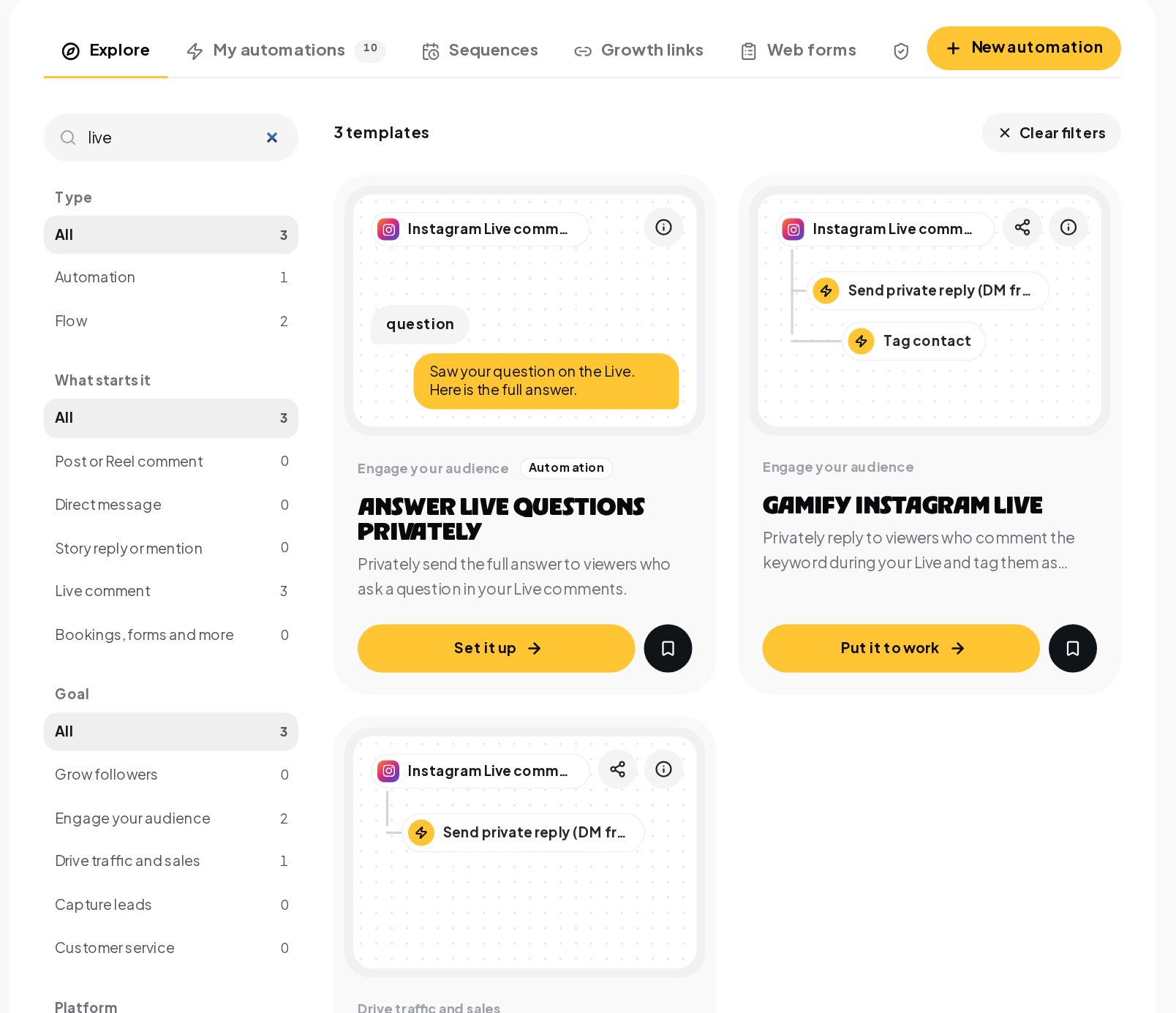
Open Automations, Explore and search the gallery. A search for "live" shows the Live templates: answering Live questions privately, gamifying a Live and sending offers during a Live. Searching "lead" shows lead capture from comments, stories and ads.
Deliver the lead magnet by DM and save the email
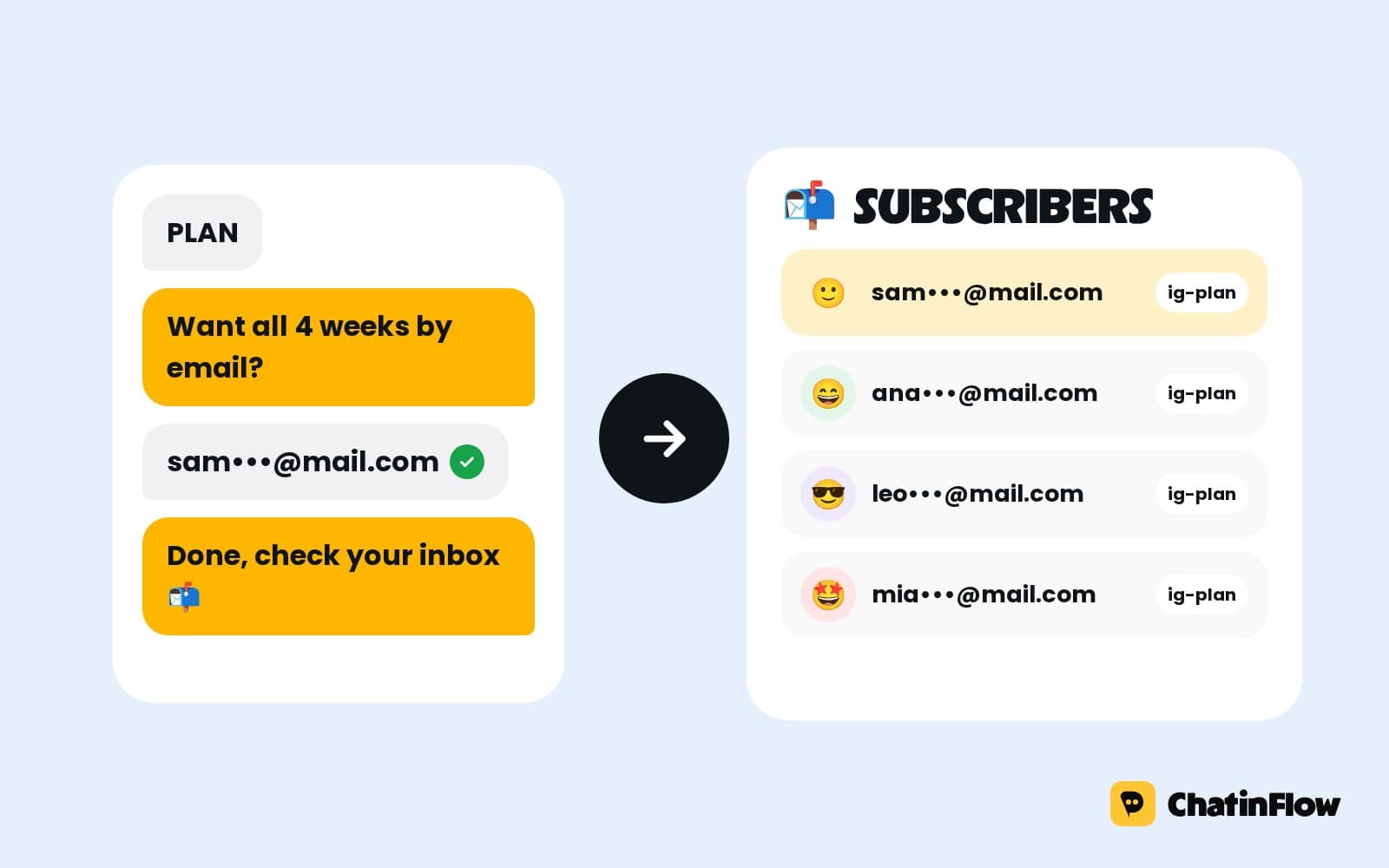
Someone sends GUIDE from your post, your bio or an ad. The guide arrives at once, anything you can link or attach, a PDF, a video or a page, and the email they type is saved on the contact for your email tool.
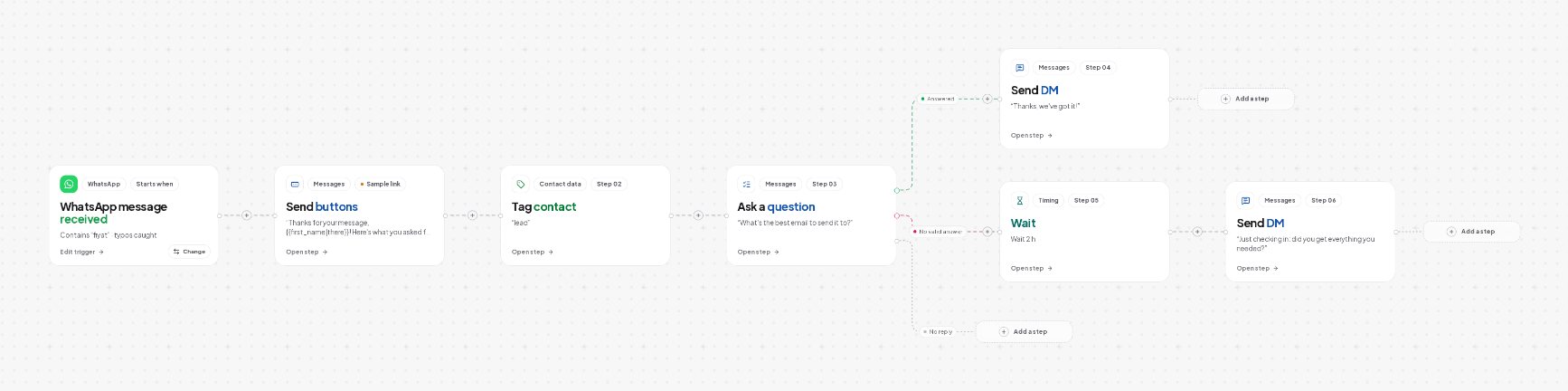
- The keyword. GUIDE in the caption, in capitals, so people copy it.
- The question. "Where should I send it?" with an Ask a question step.
- The check. A Reply check step confirms that the answer is an email address; if not, a polite second try.
- The guide. The link or file, plus a tag for the topic, so later messages match what they asked for.
- The handoff. The Add to CRM or email list step sends the lead to Kit, Mailchimp, ActiveCampaign or HubSpot, or a webhook sends it anywhere else.
Follow up with a short DM sequence
The person who downloaded your guide is warmest in the next few days. A drip sequence follows up with one useful tip at a time, at the hours you set.
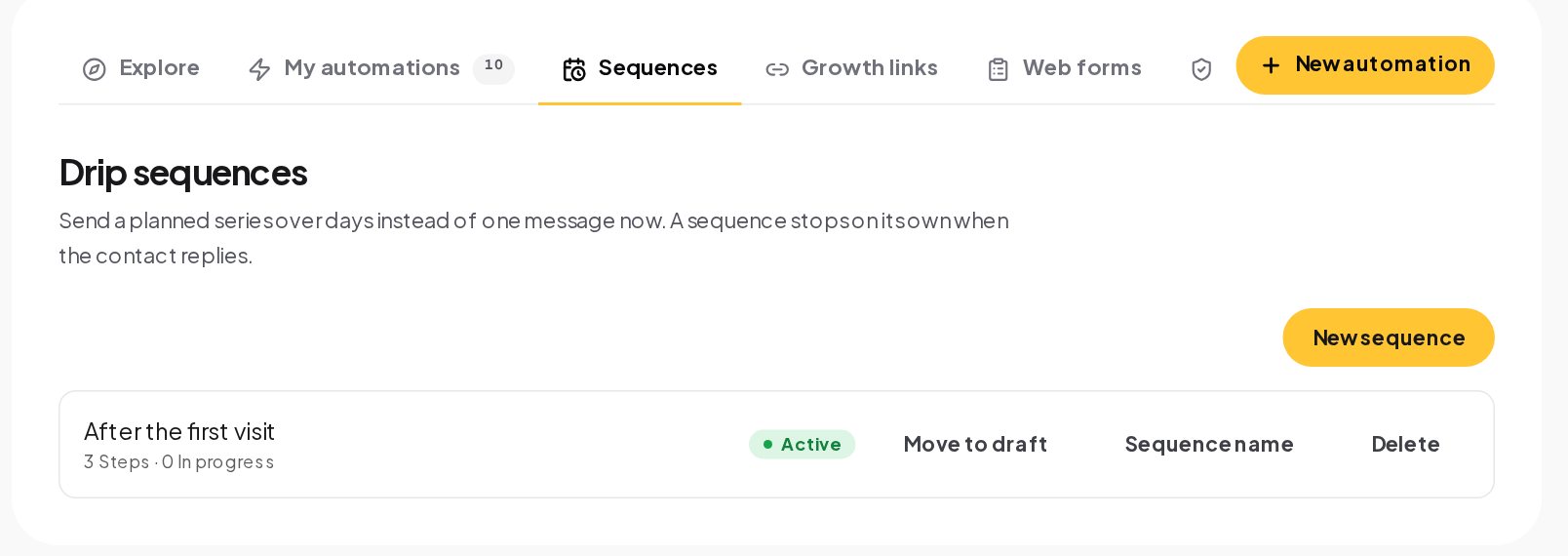
A sequence stops on its own when the contact replies, so a prospect who asks a question gets you, not the next scheduled tip. Add people with the Add to sequence step at the end of the lead magnet flow. On Instagram and Messenger, messages can go out only within 24 hours of the person's last message, so end each tip with an easy question; their answer keeps the conversation open. On Telegram there is no window once they start your bot, and on WhatsApp approved templates carry the sequence past 24 hours.
Book discovery calls in the chat
When they are warm, offer a free intro call they can book right in the chat. Set the times you take calls in Bookings; the chat only ever offers times that are free.
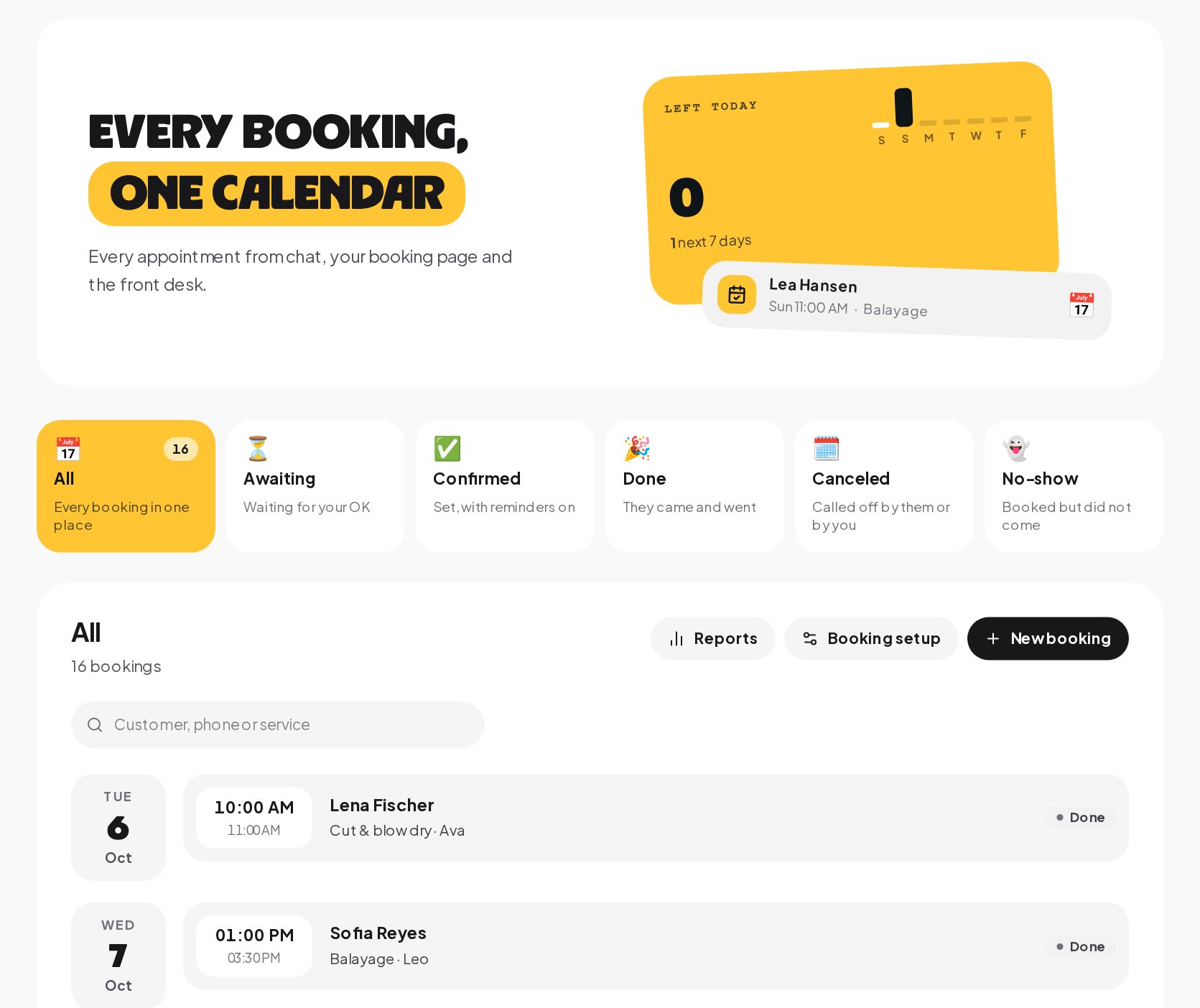
Before offering times, two or three quick replies can qualify the call: their goal, their timeline, their budget range. The answers are saved on the contact, so you walk into the call knowing who you are talking to, and you can send the booking link only to the people who fit.
Sell your coaching program in the DMs
Two ways to take the payment:
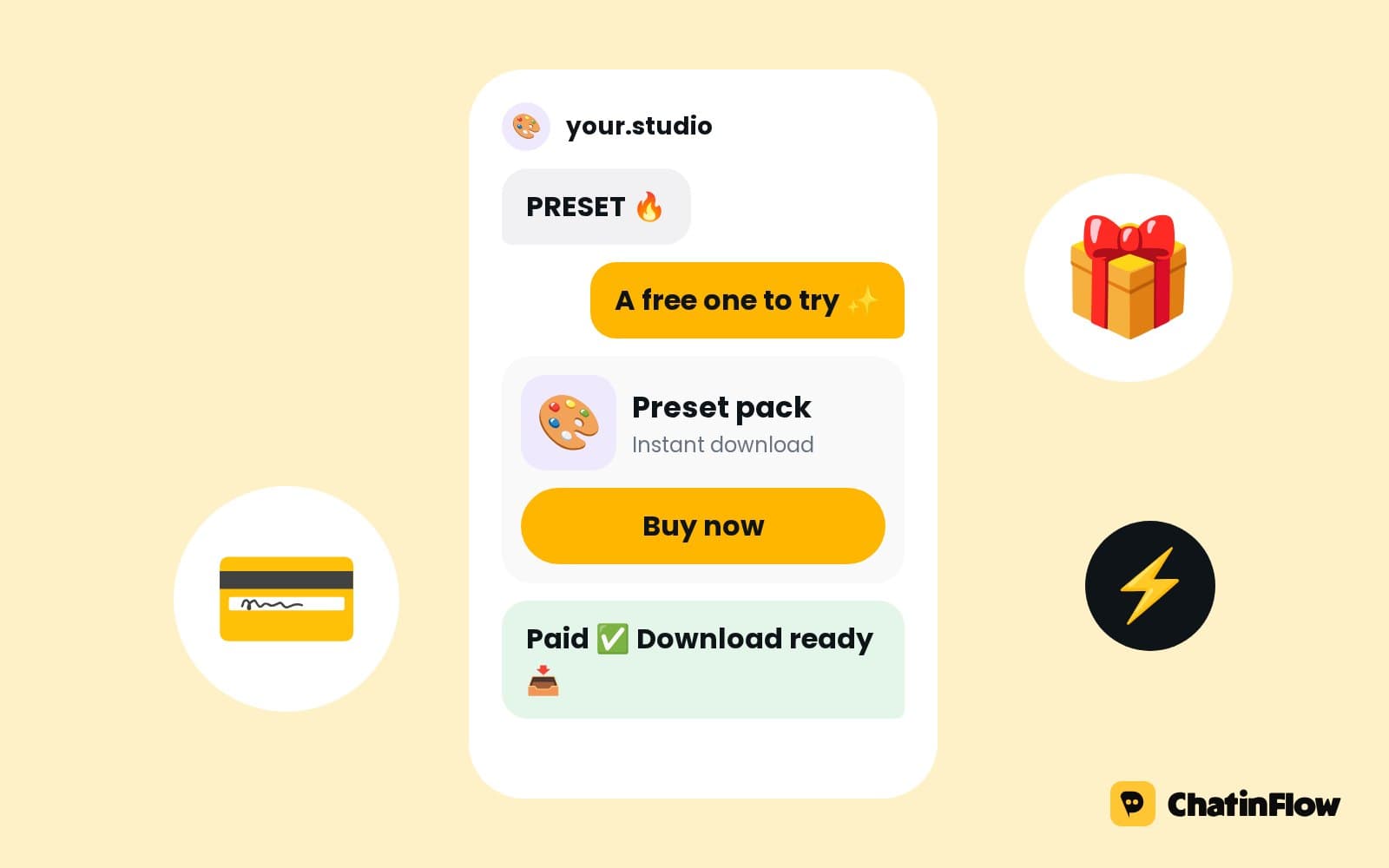
- A Buy button in the chat. Connect your own Stripe or PayPal account, and the Buy button step opens a checkout at your price. The money goes straight to your account, the thank-you arrives in the chat and the sale is recorded.
- Your course platform's checkout. Share your Kajabi, Teachable or ThriveCart checkout link in the DM. There is no built-in sync with those platforms; an HTTP request step can record the lead in them through their APIs.
Onboard clients one lesson at a time
The first lesson can go out the moment someone asks, with no sign-up page in between. Finish it and the next one unlocks tomorrow morning, on schedule, with a sequence. For webinars, someone taps to register from your ad or post, the chat asks for an email and a phone number, saves both and sends the joining details right away.
Answer Instagram Live questions while you teach
Questions asked during a Live get a private answer while you keep teaching: a viewer writes PLAN and the plan you are talking about arrives in their DMs. A tag marks everyone who joined, so the replay and your next offer reach the right people.
Referral program: let clients bring their friends
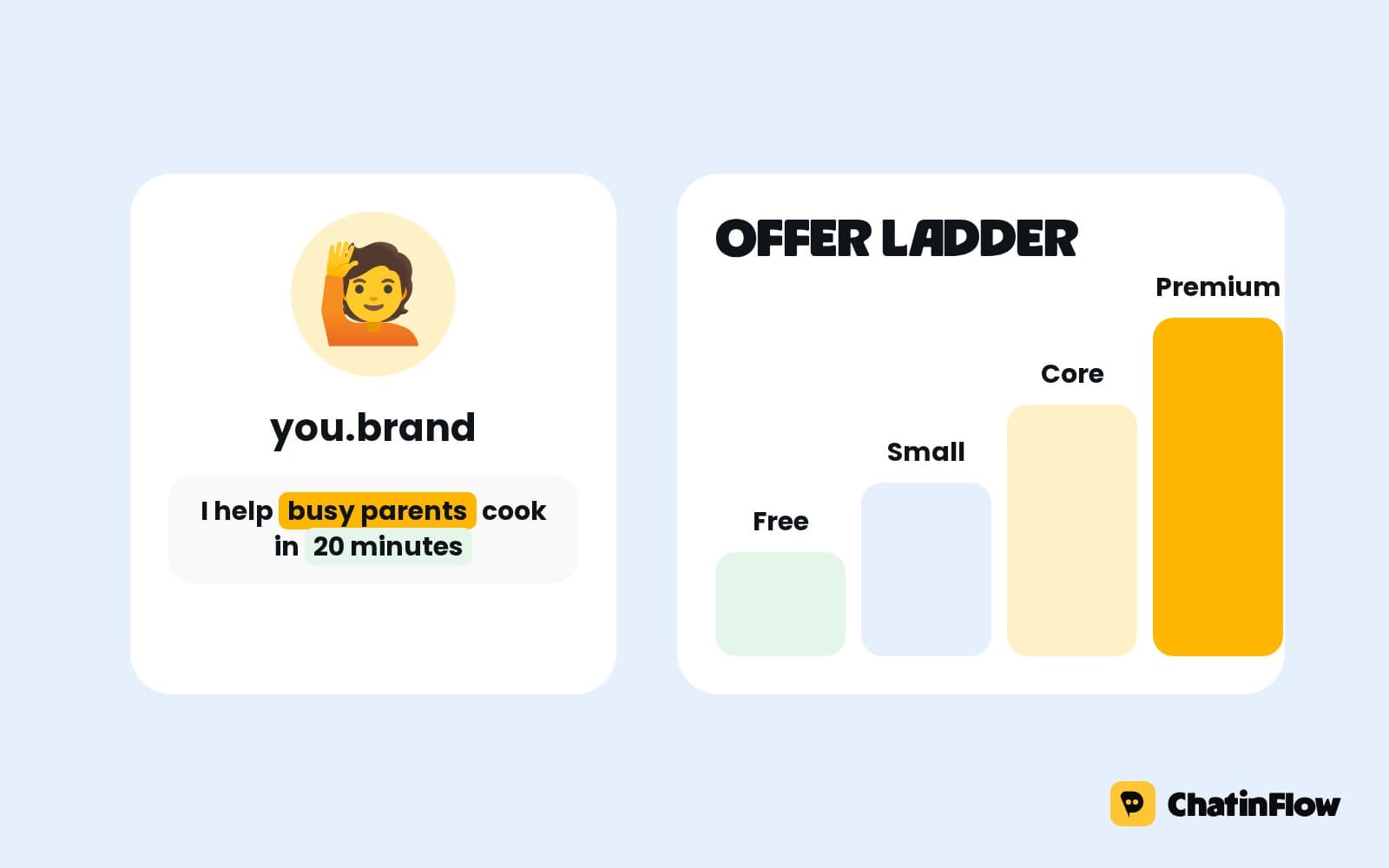
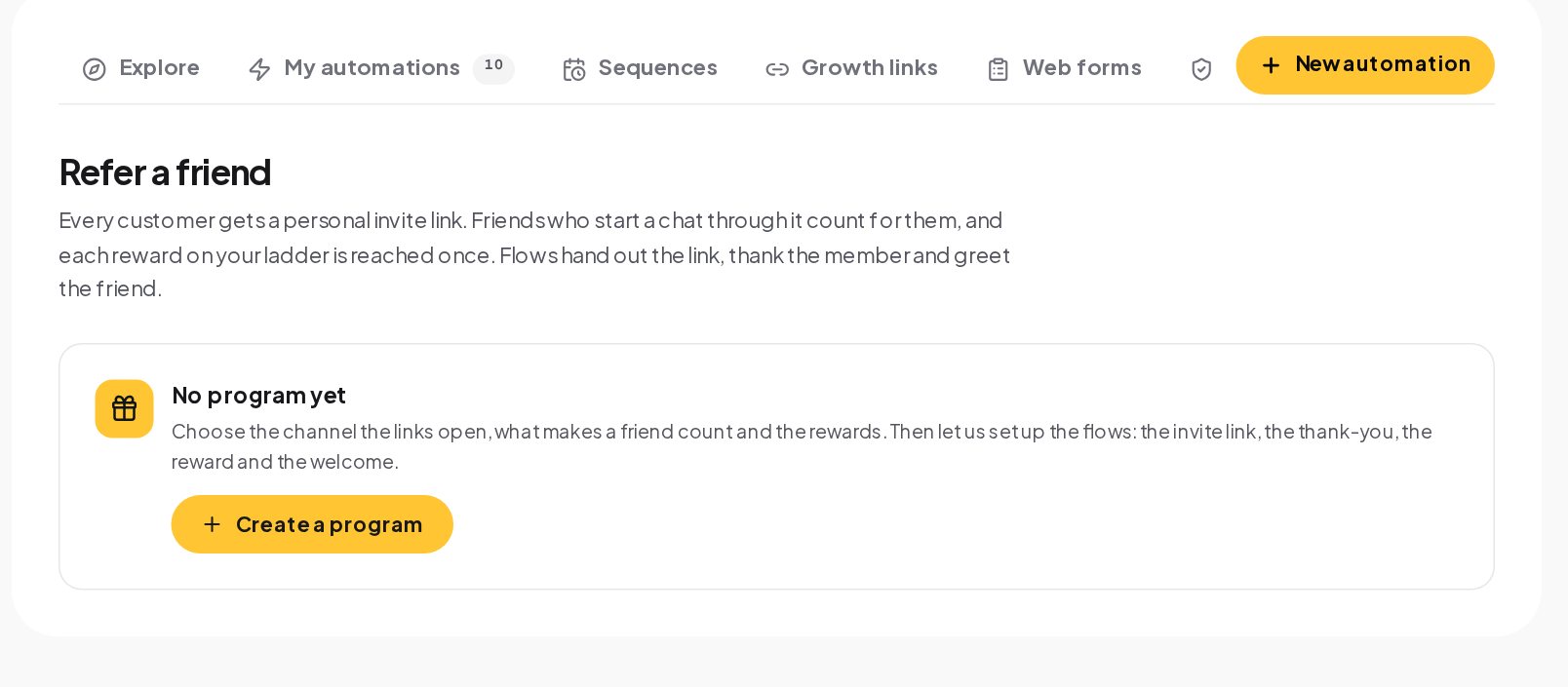
Ask about a deal and get a personal invite link. With Refer a friend, each student gets their own link, friends who start a chat through it count for them, and each reward on your ladder is reached once.
Measure which posts turn into coaching clients
The Automations tab in Analytics shows which flows ran most and how many finished, and each flow's Activity view lists every run. Put a different keyword on each lead magnet, GUIDE, PLAN, CHECKLIST, and compare their runs to see which one people actually want. In the Results tab, sales from Buy buttons are credited to the last message before them, so you can see which lead magnet led to paying students.
An AI assistant that answers like you
On a paid plan, with your own OpenAI, Anthropic, Google Gemini or Azure OpenAI key, an AI reply step answers in the voice you describe: the tone, what to say and what to avoid. The AI agent can answer program questions from your sources, such as your program page and FAQ, and hand the chat to you when the answer is not there. It does not learn from your past messages, and you can test real answers with Try it under AI Replies before anything goes live.
A seven-day course launch inside the DMs
A small program launch fits neatly into a week of automations.
- Day 1. Post a Reel with "Comment PLAN for my free 3-day plan". The comment automation sends the plan and asks for the email.
- Day 2. The sequence sends day two of the plan at 8:00, with a short question at the end.
- Day 3. Day three arrives, with an invitation to a free Live on Thursday.
- Day 4. Go live. Viewers who comment JOIN get the program page in their DMs while you teach.
- Day 5. A broadcast to everyone tagged with the plan opens the doors, with a Buy button and a booking link for questions.
- Day 6. People who tapped but did not buy get one reminder; people who booked a call get a reminder before it.
- Day 7. Doors close. Students get lesson one and their personal invite link.
Every step uses the same flows, tags and contacts, so you can see afterwards which post, which Live and which message brought each student, and run the next launch with what worked.
How to write DMs that feel like coaching
Your DMs are a sample of what working with you feels like.
- Give before you ask. The guide first, the question second, the offer last.
- One idea per message. A tip someone can use today beats a long essay.
- Ask, then listen. A question such as "What is the hardest part for you right now?" tells you what to offer, and the answer saved on the contact makes the call better.
- Make the next step obvious. One button, one link, one thing to do, so nobody has to wonder what you want from them.
Is it right for your coaching business?
It suits coaches who start with a free guide, lesson or call, course creators who launch from Instagram, WhatsApp or Messenger, and anyone who loses warm leads between the freebie and the sale. It does not host your course; your lessons stay where you host them today. And it is not for cold outreach to people who never wrote to you.
Coaching DM automation glossary
- Lead magnet. A free guide, lesson or checklist you give in exchange for a DM or an email address.
- Sequence. A planned series of messages over days. It stops on its own when the contact replies, so a question reaches you instead of the next tip.
- Tag. A label on a contact, such as webinar-oct, used to build segments and to start or skip automations.
- Custom field. A named value saved on a contact, such as goal or email, filled by a question step or a flow.
- Buy button. A flow step that sells a product or a program through your own Stripe or PayPal account, with the money going straight to you.
- 24-hour window. On Instagram, Messenger and WhatsApp, a business can send free-form messages only within 24 hours of the person's last message.
- Segment. A saved filter of contacts, such as everyone with your free guide who has not bought, kept up to date as contacts change.
Coaching DM automation mistakes to avoid
- A guide behind a long form. Ask for one thing, the email, and deliver at once.
- A sequence that keeps selling after they reply. Sequences stop on reply; let them, and answer personally.
- Offering every time slot. Qualify first with two quick replies, then offer the call.
- One keyword for every lead magnet. Use one per freebie, so you can compare them.
- Forgetting the 24-hour window. End nurture messages with a question, or use Telegram or WhatsApp templates.
Instagram automation for coaches: FAQ
Can people book a discovery call without leaving Instagram?
Yes. The flow offers your free call times in the chat, books the one they tap and sends a reminder before the call.
Can I send a different guide from each post?
Yes. Give each post its own comment automation and keyword; a post-specific automation wins over one that watches every post.
What happens if a lead replies in the middle of a sequence?
The sequence stops for them, and the conversation waits in your inbox so you can answer personally.
Can new leads go to my email tool?
Yes. Kit, Mailchimp, ActiveCampaign and HubSpot connect with your own key, and the Add to CRM or email list step sends each new lead.
Sources
- Messenger Platform and IG Messaging API policy, Meta for Developers, on the 24-hour window.
- Private Replies, Meta for Developers, on answering comments by DM.