Copy this flow
Copy it. Make it yours.
Open the template in your workspace, change the words to yours and publish when it looks right. It's free to start.
More recipes
Flows that pair well with this one.
- Flow template · Lead capture
Yorumdan DM'e
A comment with your word gets your link in their DMs.
- Flow template · Sales
Reel comment to offer
Reel comments get the code and the product in the DM.
Lives that sell, blogdan seçtiklerimiz.
 Üreticiler5 dk okuma
Turn Instagram Live comments into DMs while you're live
Viewers comment a keyword during your live and get the link in their DMs within seconds. What it's good for, the rule that private replies only work during the broadcast, and what to say on air.
 Üreticiler6 dk okuma
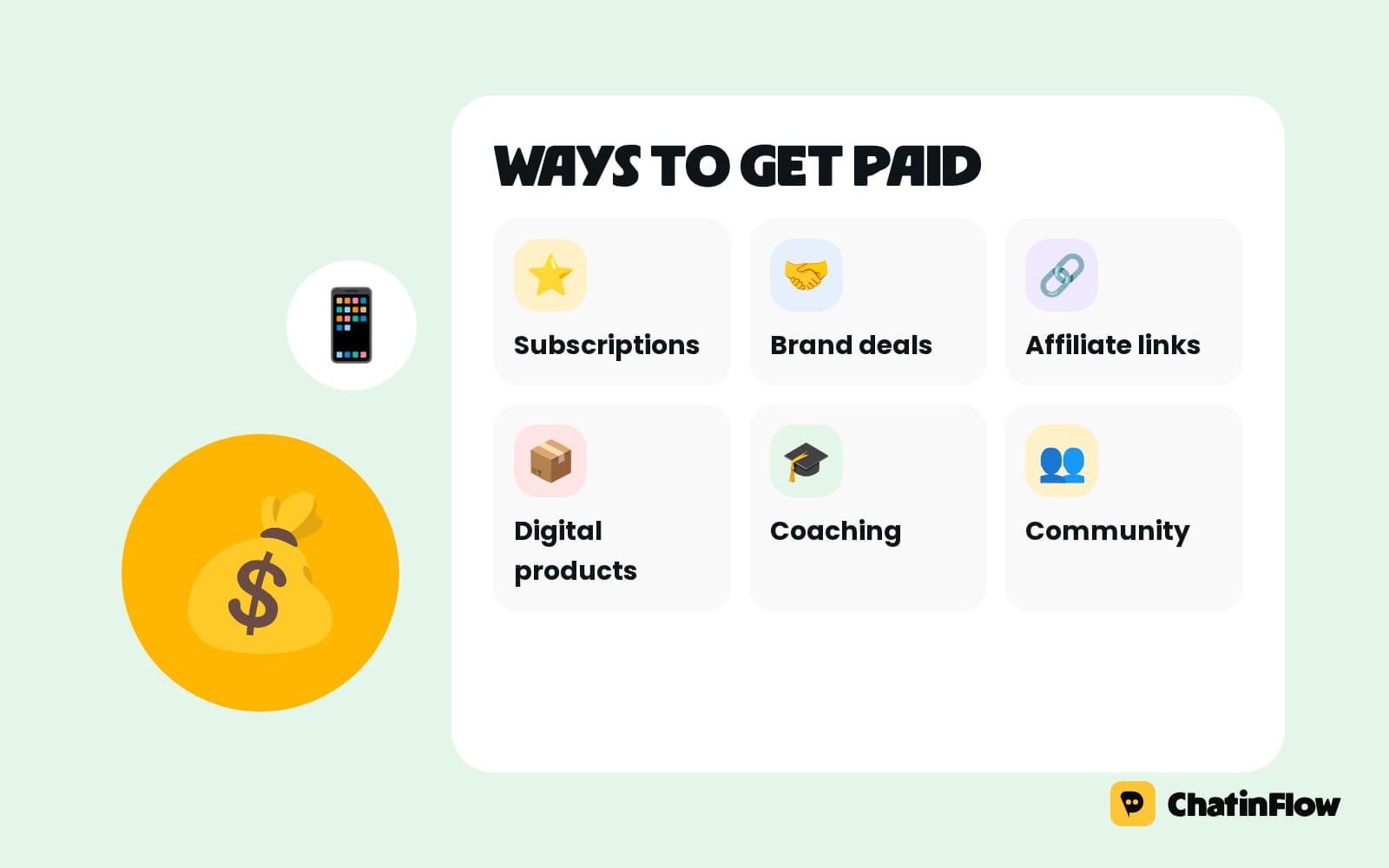
How to make money on Instagram in 2026: every way creators get paid
Instagram's own tools, brand deals, affiliate links, digital products, services and memberships: every way creators earn on Instagram in 2026, which one to start with, and the system behind the income.
 Üreticiler6 dk okuma
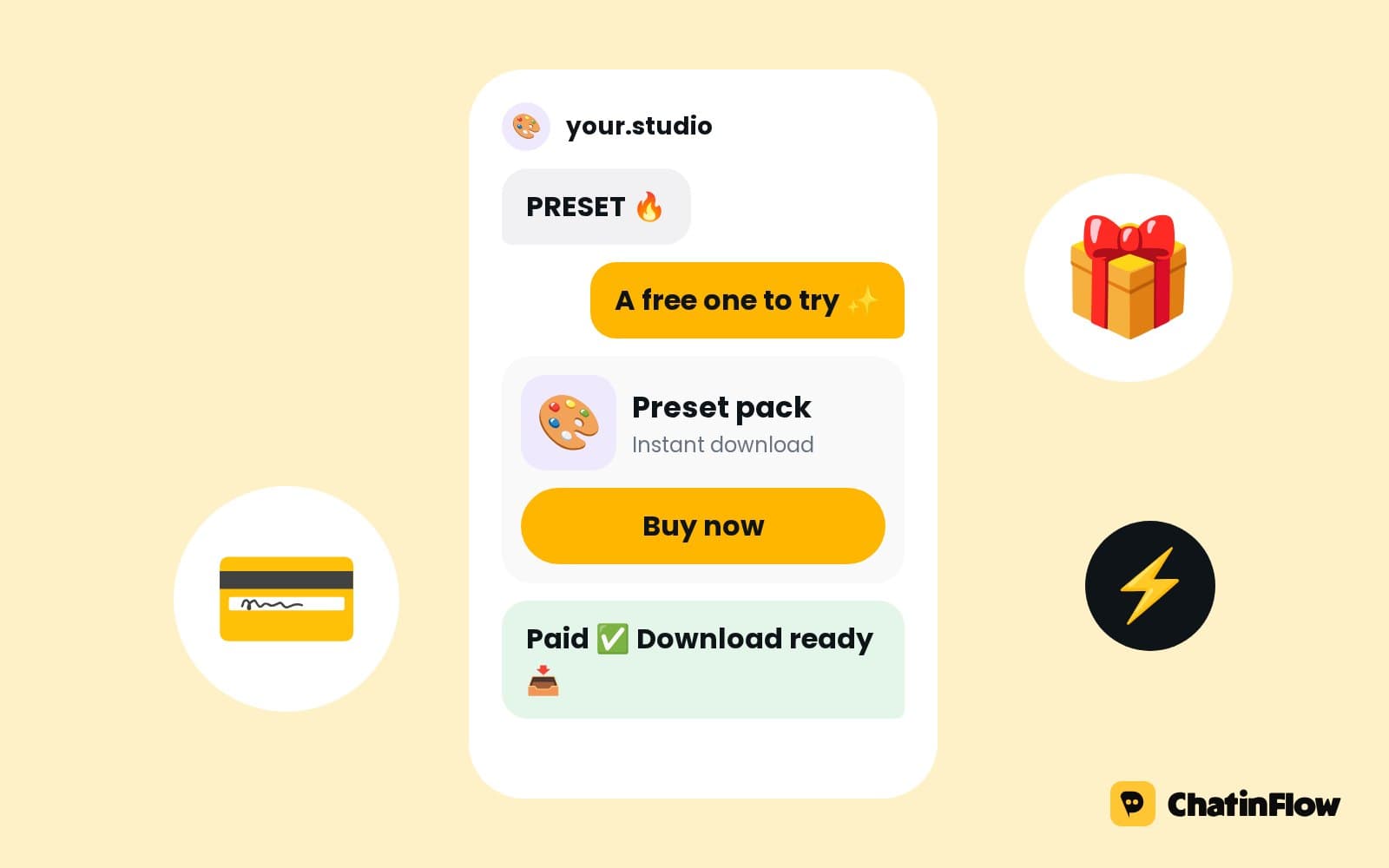
How to sell digital products in Instagram DMs
From a reel to a paid download in one chat: the comment keyword, the free first message, the price, the buy button and delivery after payment. For templates, presets, ebooks, courses and coaching.
The full guide
Instagram Live comment automation: reply to viewers by DM while you host
Viewers who comment your word during the Live get the link, the code or the full answer by private reply, and a tag for the follow-up the same evening.
An Instagram Live moves fast. Viewers ask "where's the link?", "how much?", "is this in my size?", and every question you stop to answer is a minute the rest of the room waits. Answer none and the people most ready to buy leave with nothing. A Live comment flow listens for your word in the comments while the stream is running, sends each viewer who types it a private reply with the link, the code or the full answer, and tags them for the follow-up. You keep talking; the DMs go out on their own. This guide sets it up step by step, with the timing rules that are specific to Lives.
How Instagram Live comment automation works
| Step | What happens | Built with |
|---|---|---|
| 1. The Live | You say the word on air: "Comment LINK for the jacket" | Instagram Live |
| 2. The comment | A viewer comments the word | The Instagram Live comment trigger |
| 3. The private reply | The link, the code or the full answer | Send private reply |
| 4. The tag | The viewer is marked for this Live | Tag contact |
| 5. Their answer | They reply, and the chat opens | Buttons, a carousel, a Buy button |
| 6. The follow-up | A message after the Live, inside the window | A broadcast to the tag |
Pick an Instagram Live template
Open Automations and search the gallery for "live". Three templates are ready.
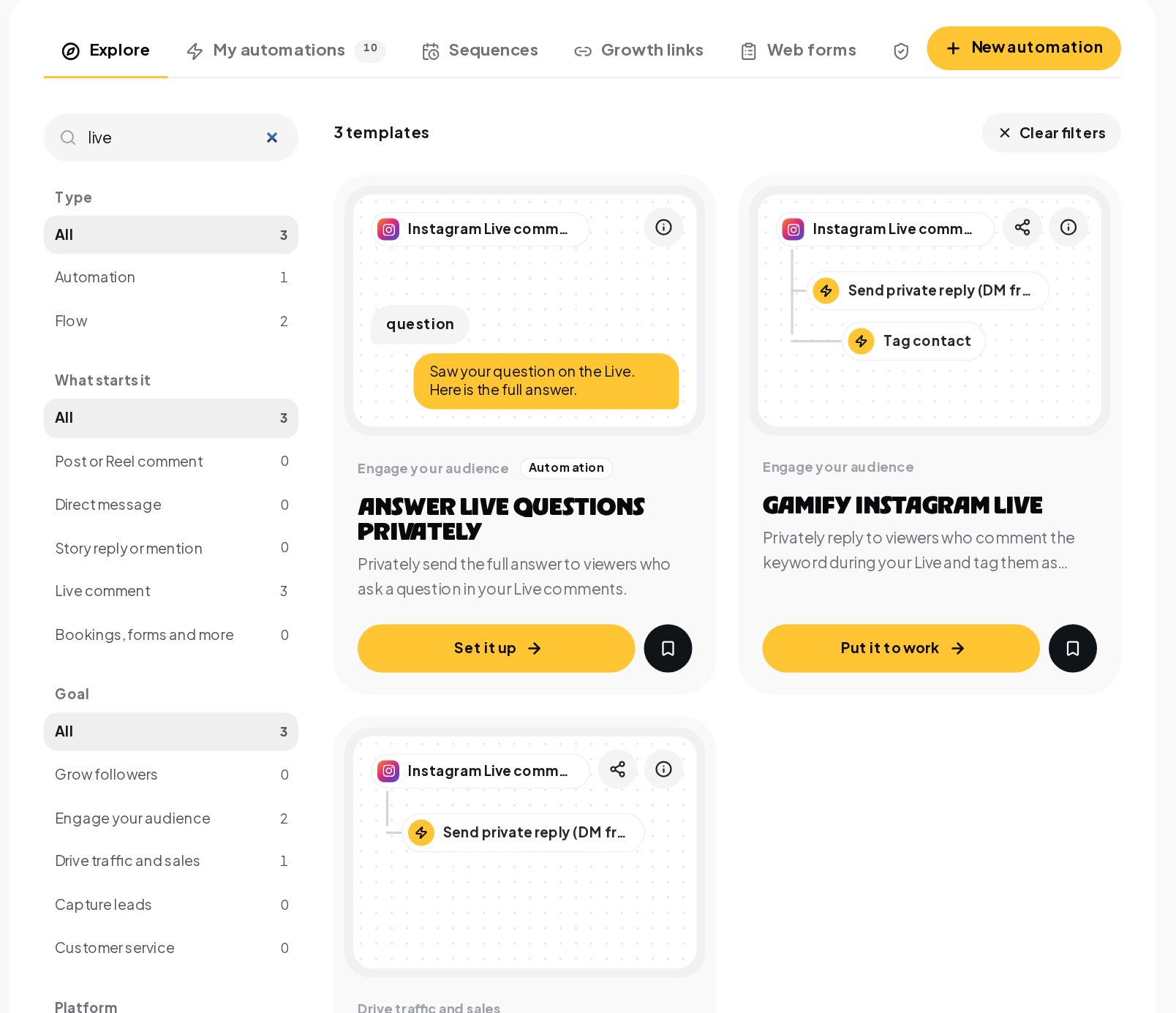
- Answer Live questions privately sends the full answer to viewers who ask a question in your Live comments, so you can give the short version on air.
- Send offers during Live sends a limited-time offer privately to anyone who comments the keyword during your Live.
- Gamify Instagram Live turns the comments into a game, for streams where engagement matters more than sales.
Set the Live comment keyword and the DM
Open the template on the canvas. The trigger is an Instagram Live comment with the words to listen for.
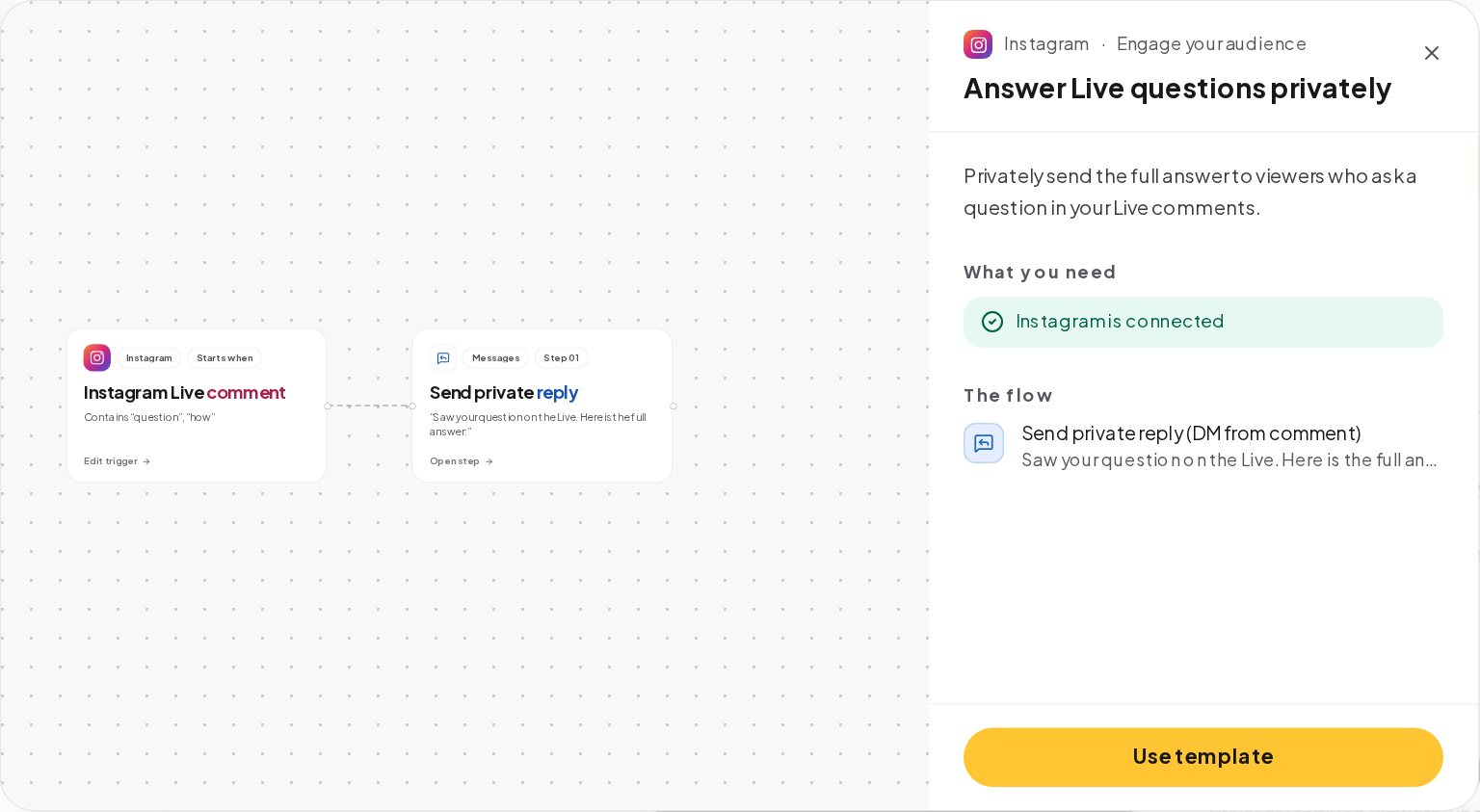
- One word per call to action. LINK for the product page, CODE for the discount, NOTES for the slides.
- Contains as the match, so "LINK please" counts, with Catch typos on for fast typing.
- The private reply, one text with an optional link. Meta allows one per comment.
The question at the end is what opens the chat for sizes, a carousel or a Buy button.
Make the Live offer time-limited
Send offers during Live is built for the moment you announce a deal on air.
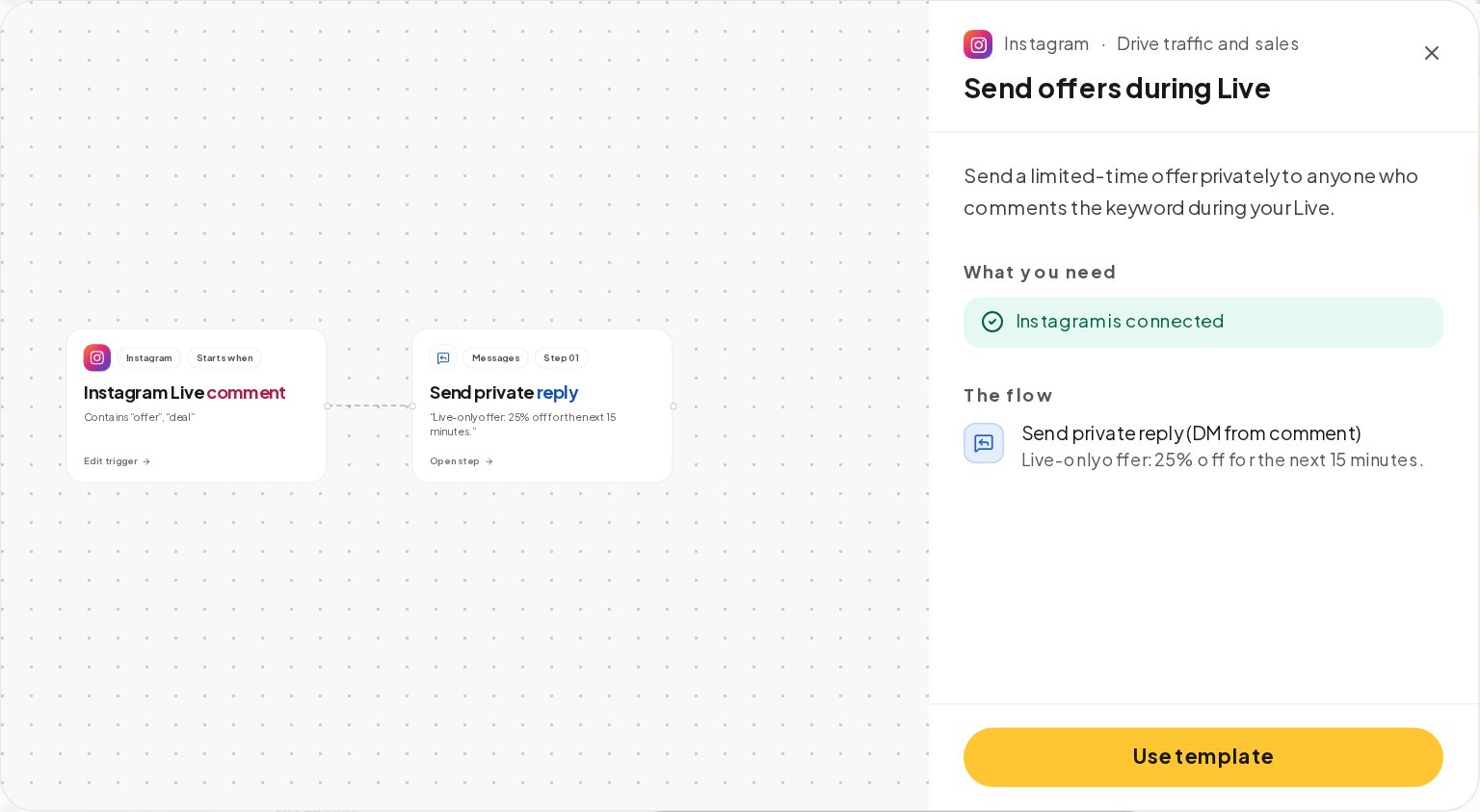
The template's private reply reads "Live-only offer: 25% off for the next 15 minutes." Make it real:
- A one-time code from your code list, so each viewer gets their own and the offer cannot leak.
- A limited spots step for "the first 20 viewers", with a Full path for everyone after.
- The end time in the message, and keep to it.
Instagram Live automation timing rules
Lives have rules of their own:
- During the Live only. Comments after the stream ends do not start the flow.
- One private reply per comment. A viewer who comments twice can get a reply to each comment.
- The 24-hour window after their reply, as in every Instagram chat.
- A professional account, creator or business, connected to your workspace.
Test the flow before you go live with Try it on the canvas, then go live briefly and ask a friend to comment your word, to see the reply arrive.
Continue the chat when viewers reply
A viewer who replies to the private message is the warmest lead of the Live. The chat is open, and the flow can go on:
- Buttons for the size, the color or the next question.
- A card carousel of the pieces you showed on air, each with View and Buy buttons.
- A Buy button for a checkout through your own Stripe or PayPal account.
- Notify the team for a question you should answer yourself after the stream.
Follow up with Live viewers after the stream
Add a Tag contact step to every Live flow, such as live-oct-24. After the stream:
- Send a broadcast to the tag with the replay, the products you showed and the last chance on the offer. On Instagram, it reaches viewers who wrote to you in the last 24 hours, so send it the same evening.
- Filter Audience by the tag to see who came, and who bought.
- Thank the people who asked questions, and answer the ones you could not get to on air.
An Instagram Live run sheet
Write the Live like a short show, with the flows in it:
| Minute | On air | In the DMs |
|---|---|---|
| 0 to 5 | Welcome, what the Live is about, the first word: "Comment SIZE for the size chart" | The size chart to everyone who comments SIZE |
| 5 to 20 | The products, one by one, with the offer word: "Comment SHOP for tonight's code" | A one-time code and the collection link |
| 20 to 25 | Questions from the comments | Full answers by private reply to questions you answer briefly on air |
| 25 to 30 | The last call: "Comment SHOP before we end" | The last codes, then the No codes left path |
| After | Thank you and the date of the next Live | The replay broadcast to the tag, the same evening |
A run sheet keeps the host relaxed: every call to action already has its flow, and nobody needs to check the phone on camera.
Instagram Live formats that sell
| Format | The word | What the DM sends |
|---|---|---|
| New arrivals | SHOP | The collection link and a Live-only code |
| A tutorial | STEPS | The written steps and the products used |
| Questions and answers | ASK | The full answer, or a teammate's reply after the Live |
| A launch | FIRST | A limited spots offer for the first buyers |
| A workshop | NOTES | The slides and the next session's date |
Live selling example: a boutique's Friday Instagram Live
A clothing boutique goes live every Friday at 19:00 to show the new arrivals.
- Before the Live, the Send offers during Live flow listens for SHOP, with a one-time code list of 50 codes, and the Answer Live questions privately flow listens for SIZE.
- On air, the host says "Comment SHOP for 20% off tonight" and "Comment SIZE and we'll send the size chart".
- SHOP comments get their own code and the collection link; after 50 codes, the No codes left path says the Live codes are gone and links to the collection.
- SIZE comments get the size chart and "Reply with your height and we'll suggest a size".
- Everyone is tagged live-friday-oct. At 21:00, a broadcast to the tag sends the replay and the three best sellers.
The host never stops to copy a link, and the boutique knows by Saturday who watched, who asked and who bought, which shapes the next Friday's rail of clothes.
Instagram Live checklist before you go live
- The flows are published, one per word, and each one has been tested with Try it.
- The code list has enough codes for the audience you expect, with a kind No codes left message.
- The limited spots number matches the offer you will announce.
- The tag is new for this Live, so the follow-up reaches tonight's viewers only.
- A teammate is on the inbox, ready for the replies to the private messages.
- The words are on screen, in a pinned comment and in your notes, so you say them the same way every time.
- The follow-up broadcast is drafted, ready to send the same evening.
Ten minutes of checks before the stream saves the moment every Live host dreads: a viewer asking "where's the link?" three times while the DM never arrives.
Running an Instagram Live with automated replies
- Say the word on air and on screen. Pin a comment with the word too.
- Say what happens. "Comment SHOP and check your DMs" tells viewers the reply is coming.
- Repeat the word every few minutes. New viewers join all the time, and they missed the first call.
- Have a teammate on the inbox. The replies to the private messages are real conversations, and some of them are ready to buy now.
- End with the follow-up. "If you missed the code, comment SHOP before we end."
Instagram Live DM templates you can copy
How to measure an Instagram Live
Each Live automation's Activity tab shows how many comments it answered. The tag in Audience is your list of engaged viewers. Sales from Buy button payments and connected store orders are credited to the last message each buyer got, so the Results tab of Analytics shows what each Live sold. Compare Lives by their tag, not by their view count.
Instagram Live automation mistakes to avoid
- Saying the word only once. Viewers join late; repeat it.
- Expecting replies after the stream. Comments after the Live ends do not start the flow.
- Buttons in the private reply. It is one text with a link; put buttons after their answer.
- One code for everyone. Use one-time codes for a Live-only offer.
- Following up a week later. The window closes after 24 hours; follow up the same evening.
Instagram Live automation glossary
- Instagram Live comment. The trigger that listens for your word in the comments of a running Live.
- Private reply. Meta's single private message in answer to a comment, a text with an optional link.
- One-time code. A code from your own list that goes to one person only.
- Limited spots. A step that gives places to the first people and sends the rest down a Full path.
- Tag. A label on a contact, such as live-oct-24, used to build the follow-up segment.
- 24-hour window. The time after a person's last message when a business can reply freely on Instagram.
- Run sheet. A minute-by-minute plan of the Live, with the word and the flow for each call to action.
Instagram Live comment automation: FAQ
Can one Live run several flows?
Yes. Give each call to action its own word and its own automation, such as SHOP for the offer and SIZE for the size chart.
Do I need to start the flow before each Live?
No. Publish it once; it listens whenever you go live. Switch it off, or run it on a schedule, when you want it quiet.
Will viewers see the replies in the Live?
No. Private replies arrive in their DMs. Only your spoken answers and any public comments show in the Live.
Can I use the same word in every Live?
Yes, and regular viewers learn it. Change the offer behind it, and change the tag before each Live, such as live-oct-24 to live-oct-31, so each follow-up fits.
Sources
- Private Replies, Meta for Developers, on replying privately to comments.
- Messenger Platform and IG Messaging API policy, Meta for Developers, on the 24-hour window.