Copy this flow
Copy it. Make it yours.
Open the template in your workspace, change the words to yours and publish when it looks right. It's free to start.
More recipes
Flows that pair well with this one.
Fewer empty slots, blogdan seçtiklerimiz.
 Politika6 dk okuma
Meta's 24-hour messaging rule on Instagram, WhatsApp and Messenger
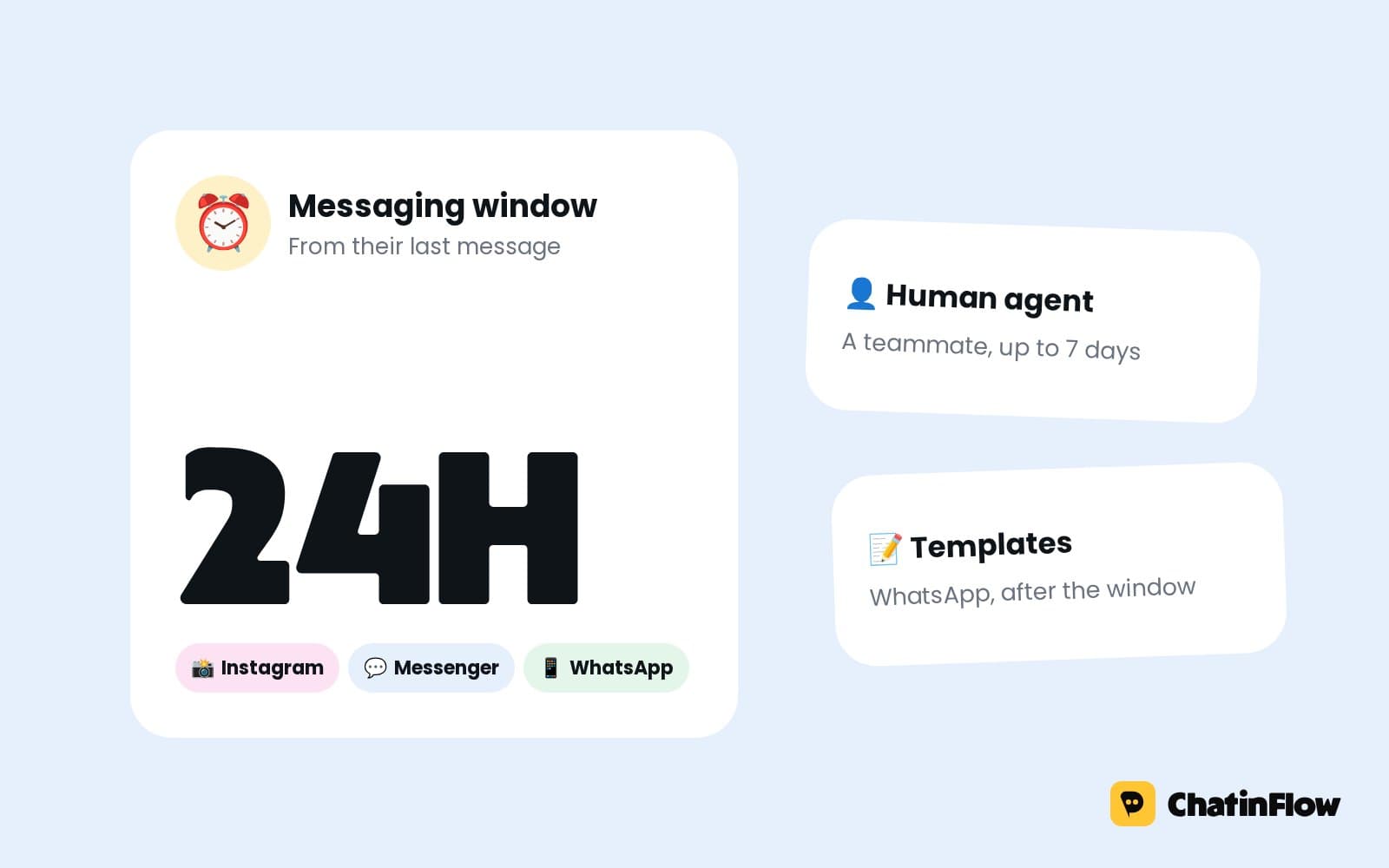
A business can message a person freely for 24 hours after their last message. What opens the window, what each app allows after it, and the 2026 changes to Messenger tags.
 Büyüme5 dk okuma
How to increase sales in 2026: 15 moves that work for small businesses
Most small businesses don't have a lead problem; they have a follow-through problem. Fifteen moves to increase sales, from answering faster and following up to easier checkout and repeat customers.
 Pazarlama5 dk okuma
Writing copy that converts in chat: DMs people read and answer
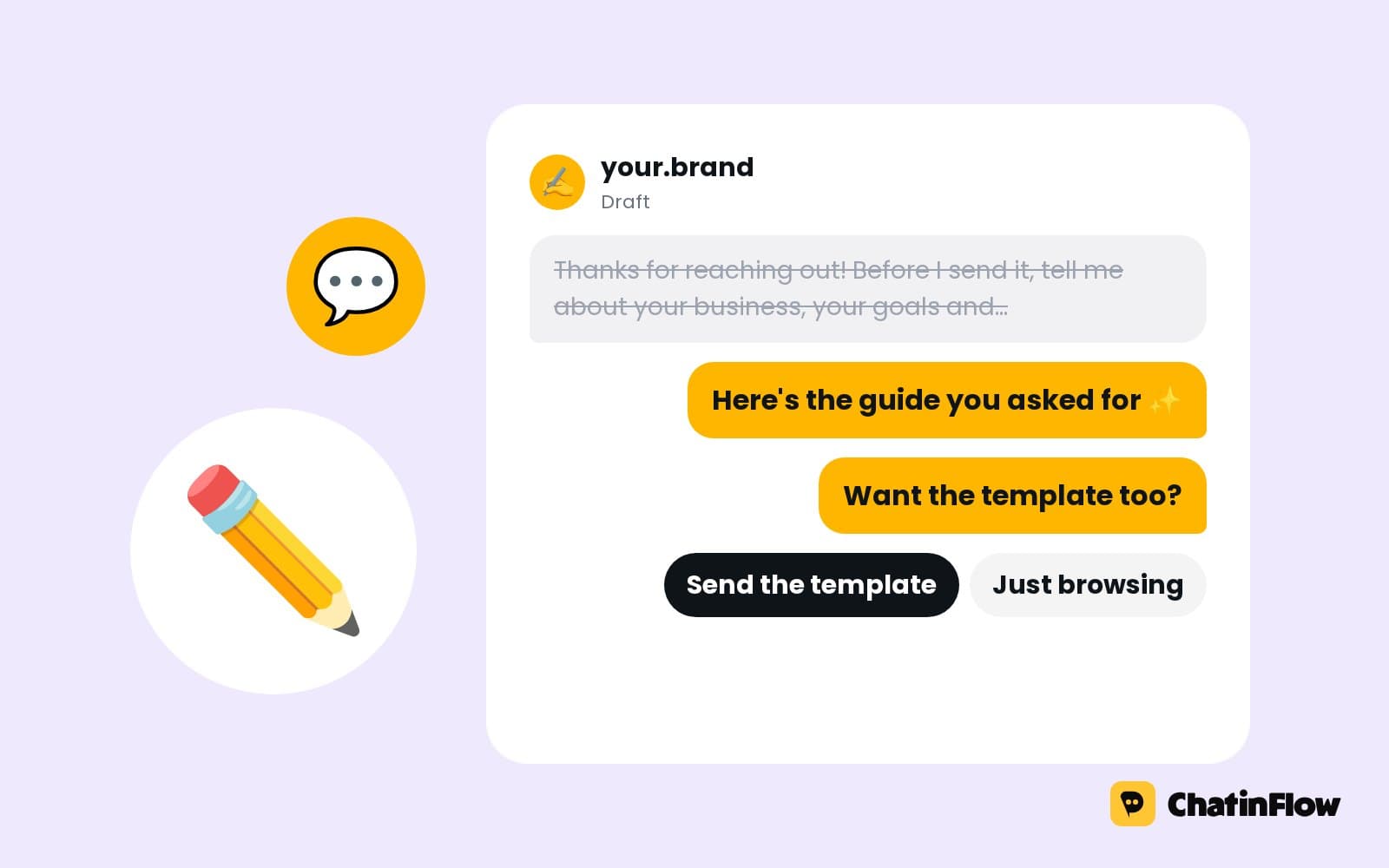
A DM is read on a phone, one thumb away from closing the app. How to write chat messages people answer: deliver first, one idea per bubble, one question with buttons.
The full guide
No-show follow-up message: turn a missed appointment into a new booking
A friendly message the moment you mark a no-show, new times in the chat, and fair rules for the few customers who miss again.
A no-show costs twice: the empty slot today, and the customer you may never see again because nobody followed up. Calling feels awkward, so most businesses do nothing, and the customer, embarrassed, books somewhere else next time. A no-show flow sends a friendly message the moment you mark the booking as missed, offers a new time, and books it in the chat, with a new confirmation and, if you run a reminder flow, new reminders. This guide sets it up step by step, explains the channel rules that decide whether the message arrives, and shows how to protect your diary from repeat no-shows without punishing everyone.
How automatic no-show rebooking works
| Step | What happens | Built with |
|---|---|---|
| 1. The missed visit | You mark the booking as a no-show | Bookings |
| 2. The trigger | Customer did not show starts the flow | The Customer did not show trigger |
| 3. The message | "We missed you today. Want a new time?" | Send booking details or Send DM |
| 4. The new time | The free times as buttons, after they reply | Offer times in the chat |
| 5. The booking | The tapped time is booked and confirmed | Book the time they picked, Send booking details |
| 6. The tag | The contact is marked, for your own rules | Tag contact |
Start from the no-show rebooking template
Open Automations and search the gallery for "no-show". Rebook no-shows invites a customer who missed their appointment to pick a new time.
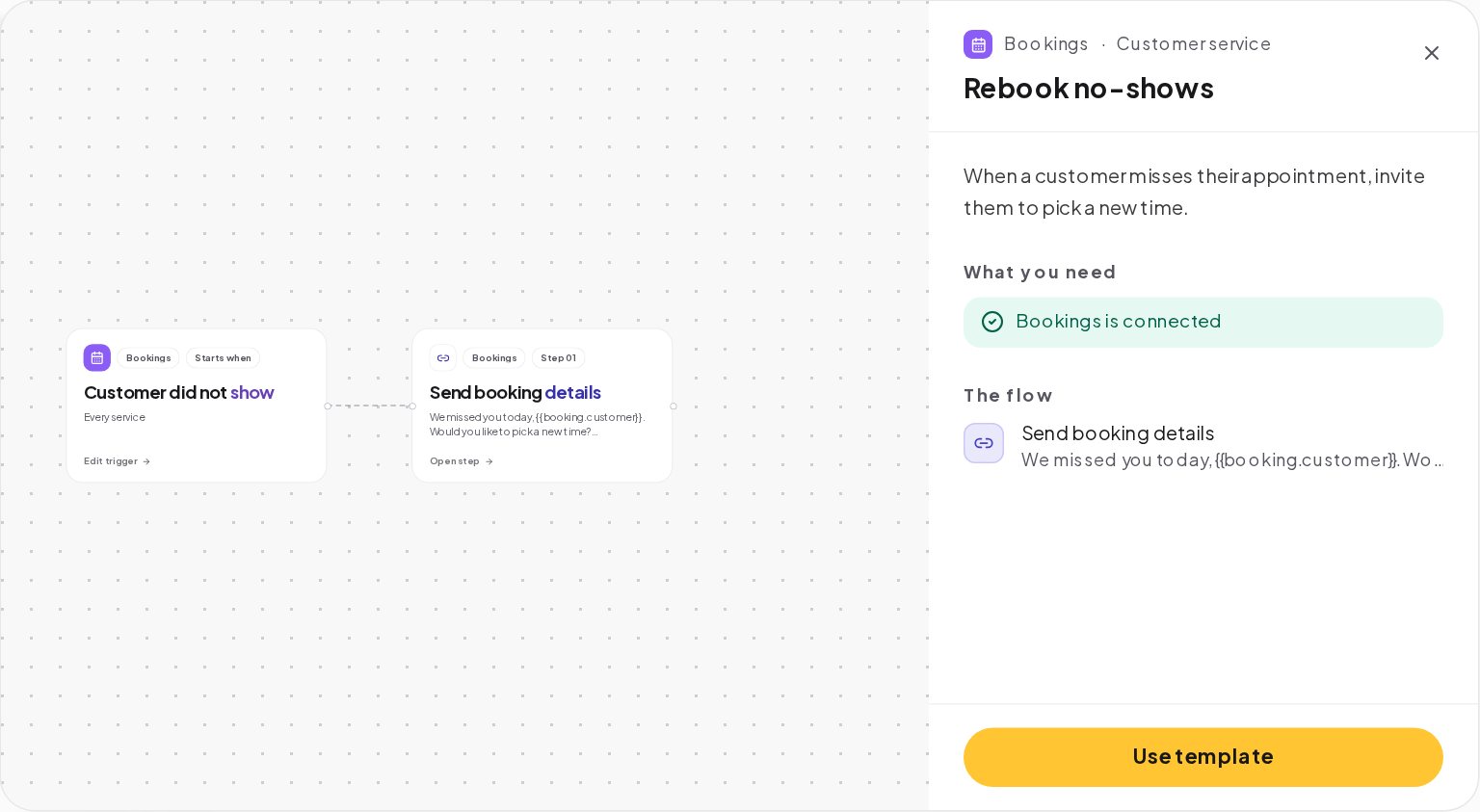
Its message reads: "We missed you today, {{booking.customer}}. Would you like to pick a new time?" with a link. Press Use template, and change the words to your voice.
Mark no-shows the same day
The flow starts only when a booking is marked as a no-show. Make it part of the routine: when a customer has not arrived 15 minutes after their time, the front desk opens the booking in Bookings and marks it as a no-show.
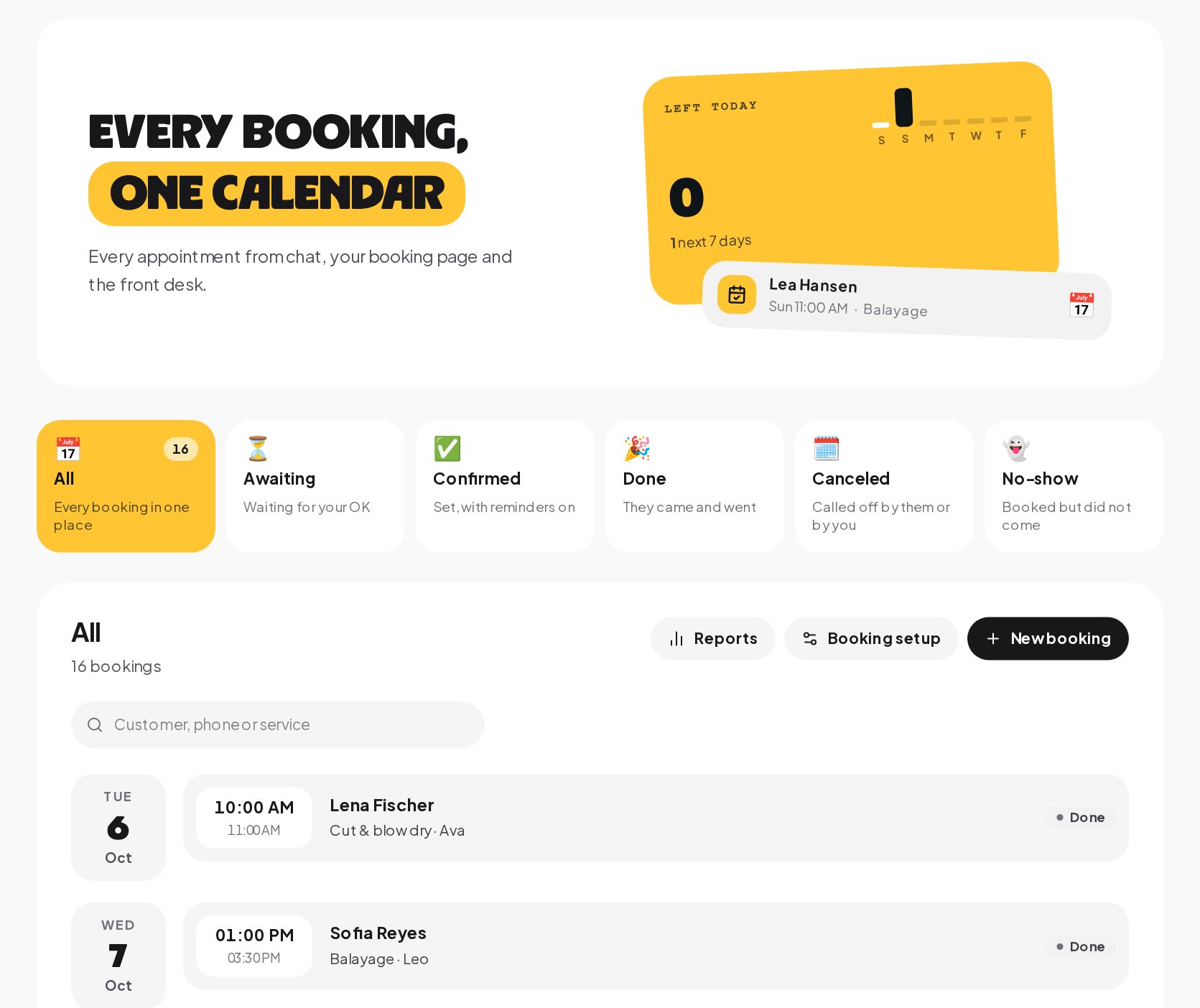
Marking quickly matters for two reasons: the message lands while the customer still remembers, and the slot shows as free again for anyone else who asks in the chat.
Write a no-show follow-up message that saves face
The customer who missed a visit usually feels bad already. A message that blames them gets ignored; a warm one gets a new booking:
- No blame. "These things happen" does more than any policy reminder, and it keeps the door open for next time.
- One easy next step, a button such as Pick a new time.
- Your policy, gently, if you have one, such as "Next time, just reply to your reminder if you can't make it."
Rebook the missed appointment in the chat
There are two ways to offer the new time. The template uses a link; a chat booking is often the better choice:
- In the chat. The button leads to an Offer times in the chat step for the same service, then Book the time they picked and a confirmation with Send booking details. The new booking stays linked to the customer's conversation, so its confirmation and reminders reach them.
- Through a link. A link to your booking page lets them pick a time there. A booking made on the page is not linked to the conversation, so confirmations and reminders from your flows do not reach it; the customer gets the confirmation on screen and a calendar file.
For most businesses, the chat booking keeps the relationship in one place.
No-show messages and the 24-hour window
The no-show message is a message like any other, and each channel's rules decide whether it arrives:
- Instagram and Messenger. A business can message a customer only within 24 hours of their last message. A customer who booked a week ago and never wrote since is outside the window, and the message is not delivered there.
- WhatsApp. More than 24 hours after the customer's last message, only a template Meta has approved can be sent. Write the no-show message as a template in ChatinFlow and send it for review before you need it.
- Telegram. A bot can write to people who started it, with no 24-hour window.
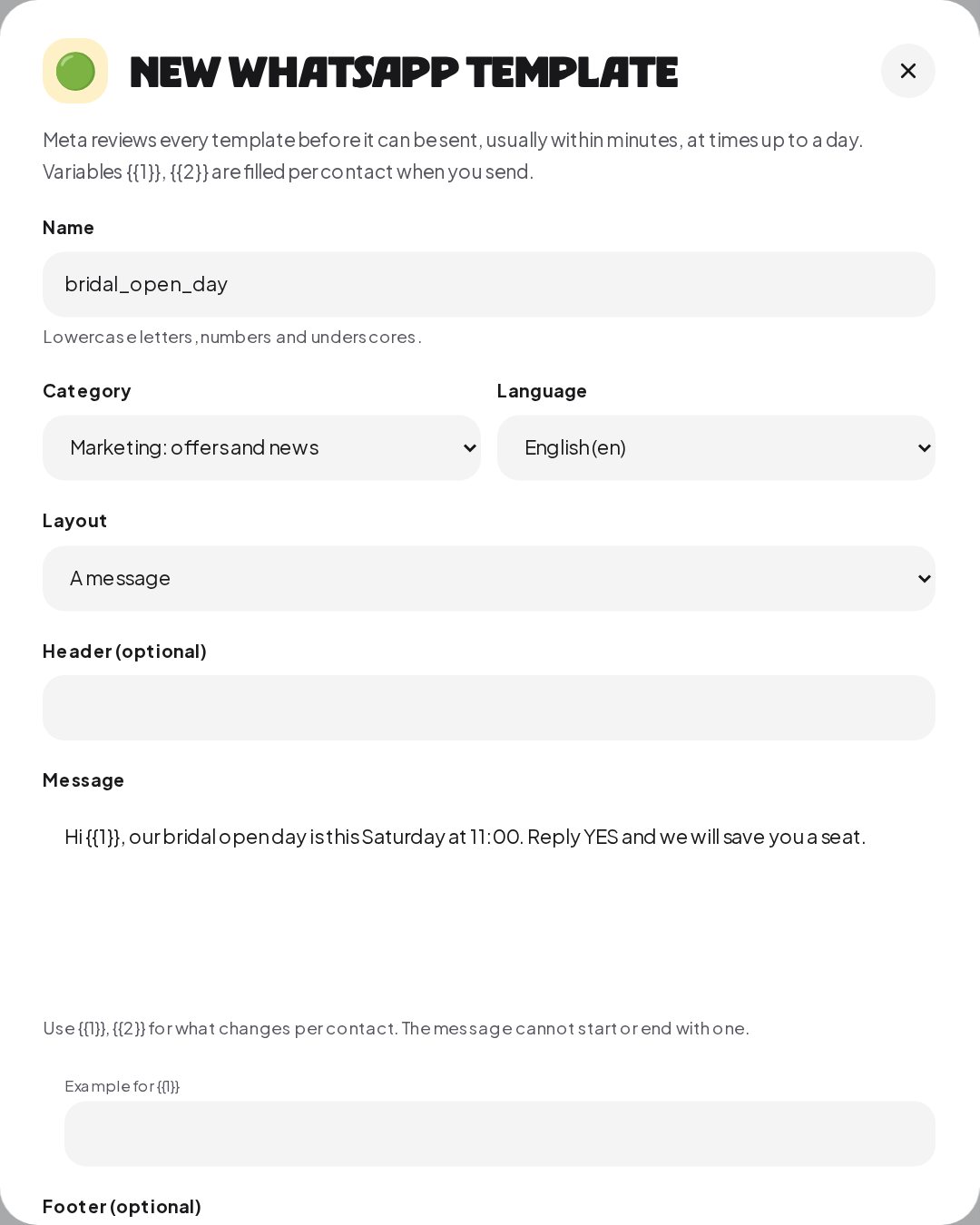
The message goes out in the conversation the customer already has with you; ChatinFlow never opens a new conversation on a channel they have not used.
Protect your calendar from repeat no-shows
Most no-shows are one-offs. A few customers miss again and again. Treat them differently without treating everyone as a suspect:
- Tag the contact in the no-show flow, such as missed-1, and on a second no-show, missed-2.
- Ask for a deposit next time. In your booking flow, a condition on the tag can lead to a Buy button that takes a fixed deposit through your own Stripe or PayPal account before the time is held, with the money going straight to you.
- Make canceling easy. Every confirmation and reminder carries a change link. Many no-shows are people who did not know how to cancel.
How to reduce no-shows with reminders
The best no-show flow is the one that rarely runs. A few habits cut no-shows before they happen:
- A complete confirmation. The date, the time, the address and the change link in one message, right after the booking.
- A reminder flow. Reminder times on the service, up to five, and a flow with the Booking reminder due trigger, such as the Booking reminders template. Without that flow, no reminder is sent.
- An easy way out. "Can't make it? Tap to move it" in every confirmation and reminder turns a no-show into a reschedule.
- Short lead times for new customers. A first visit booked three weeks ahead is more likely to be forgotten than one booked for this week.
- A reply ask in the confirmation. "Reply OK the day before to keep your time" invites a message that opens the window again, so the reminder can reach them.
What to say at the front desk
The flow handles the message; the team handles the moment. When a customer who missed a visit comes back, the history in the inbox shows the no-show message and the new booking, so nobody has to ask what happened. A short "Good to see you again!" does more for the next visit than any policy.
Track your no-show rate
The booking reports show the no-show rate, and each person's occupancy: booked time against the hours they could work, minus time off, with no-shows not counted as busy. Watch the rate month by month after you turn the flow on, and after you add reminders. A falling rate with the same number of bookings is the clearest sign the follow-up and the reminders are working.
No-show rebooking example: a dental hygienist
A dental practice's hygienist has two or three no-shows a week.
- The front desk marks a booking as a no-show 15 minutes after its time.
- Customer did not show starts the flow. The patient booked in the Instagram chat the day before, so the message goes out inside the 24-hour window: "We missed you at your cleaning today. Would you like a new time? Reply YES."
- The patient replies YES, which opens the window again. The flow offers the next four free cleaning times as buttons, books the tapped one and sends the confirmation with the change link.
- The flow tags the contact missed-1. A second no-show would add missed-2, and the booking flow asks for a small deposit from contacts with that tag.
- At the end of the quarter, the practice compares the no-show rate in the booking reports with the quarter before.
No-show message templates you can copy
Use it with booking and reminder flows
| Moment | Template | What it does |
|---|---|---|
| A booking is made | Confirm new bookings | Sends the details and the change link, and alerts the team |
| Before the visit | Booking reminders | Runs at each reminder time set on the service |
| A visit is missed | Rebook no-shows | Invites the customer to pick a new time |
| A booking is canceled | The cancel win-back template | A day later, invites the customer to book again |
| A visit is done | Ask for a review after the visit | Thanks the customer and asks for a review |
Together they cover a booking from the first message to the review, and each runs only for the bookings that reach its moment. Build them one at a time, starting with the confirmation and the reminders.
No-show follow-up mistakes to avoid
- Not marking no-shows. The trigger only runs when the booking is marked.
- A cold policy message. Blame makes people disappear; warmth brings them back.
- Counting on Instagram after a week. Outside the 24-hour window, the message is not delivered; use WhatsApp templates or ask for a reply in the reminder.
- Rebooking through a link only. Page bookings are not linked to the chat, so your reminders do not reach them.
- Deposits for everyone. Ask only the customers who missed before.
No-show glossary
- No-show. A booking status for a customer who did not come, set by you in Bookings.
- Customer did not show. The trigger that runs when a booking is marked as a no-show.
- Offer times in the chat. The step that shows the nearest free times for a service as buttons or a list.
- Template. A WhatsApp message Meta approves in advance, used outside the 24-hour window.
- No-show rate. The share of bookings marked as no-shows, in the booking reports.
- Deposit. A fixed amount taken through a Buy button before a time is held.
No-show rebooking: FAQ
Does the slot become free again?
Yes. Once the booking is marked as a no-show, the time no longer counts as busy, and the chat can offer it again where it is still ahead.
Can I send the message a day later instead?
Yes. Put a wait step before the message. On Instagram and Messenger, keep the total inside the customer's 24-hour window, or the message is not delivered.
Can I skip the message for some customers?
Yes. A condition on a tag, such as vip or new-client, can send them a personal note from the team instead of the automatic message.
Can the team call instead of the flow messaging?
Yes. Connect the trigger to Create a task, such as "Call about the missed visit", and assign it to the front desk, instead of or alongside the message.
Sources
- Template fundamentals, Meta for Developers, on WhatsApp templates outside the window.
- Messenger Platform and IG Messaging API policy, Meta for Developers, on the 24-hour window.