Copy this flow
Copy it. Make it yours.
Open the template in your workspace, change the words to yours and publish when it looks right. It's free to start.
More recipes
Flows that pair well with this one.
- Flow template · Lead capture
Yorumdan DM'e
A comment with your word gets your link in their DMs.
RSVPs that show up, blogdan seçtiklerimiz.
 Üreticiler7 dk okuma
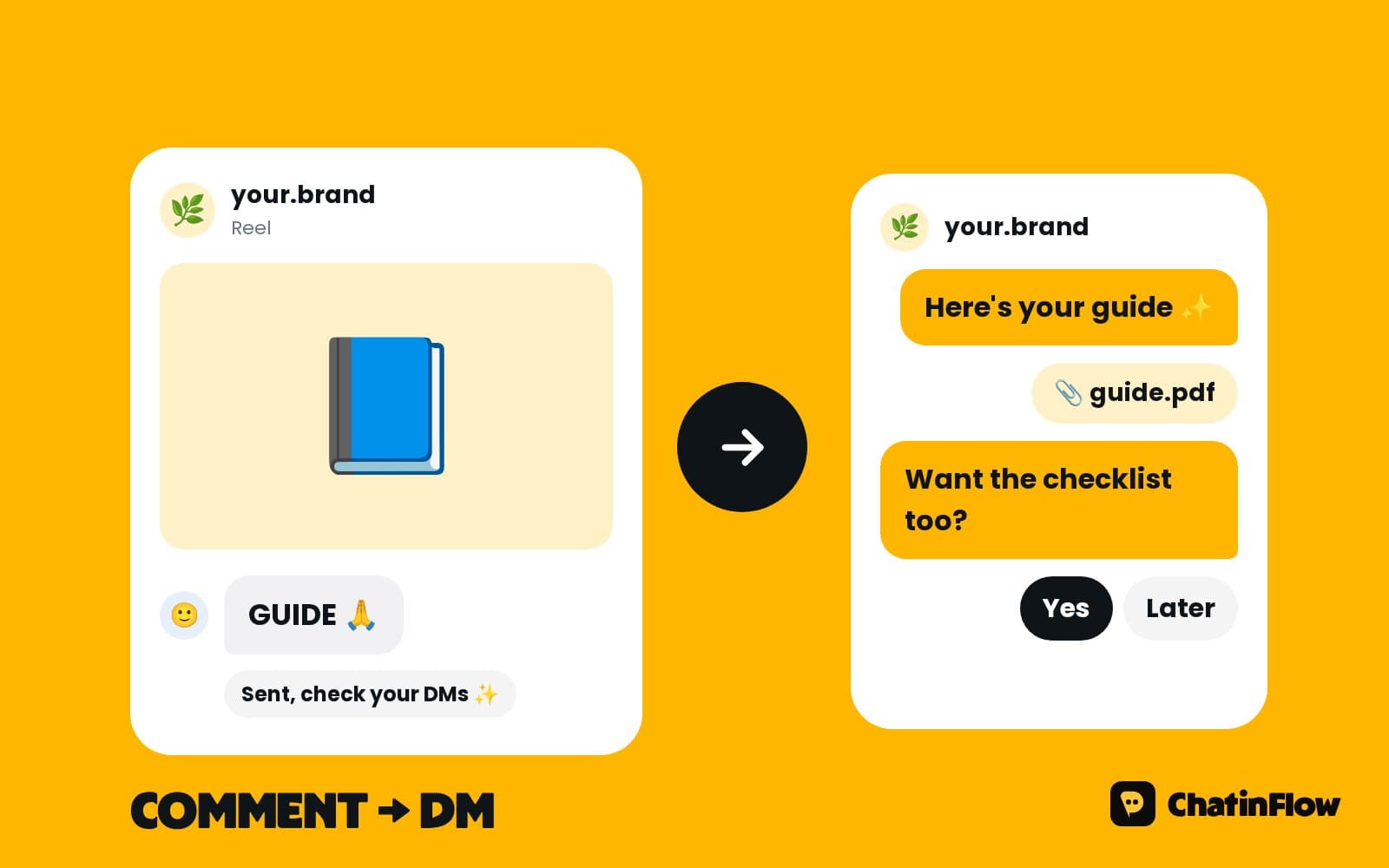
Instagram comment to DM: the complete 2026 guide
Comment a keyword, get the link in your DMs. How comment-to-DM works on Instagram in 2026, the two Meta rules that shape it, how to pick a keyword and what the first message should say.
 Üreticiler5 dk okuma
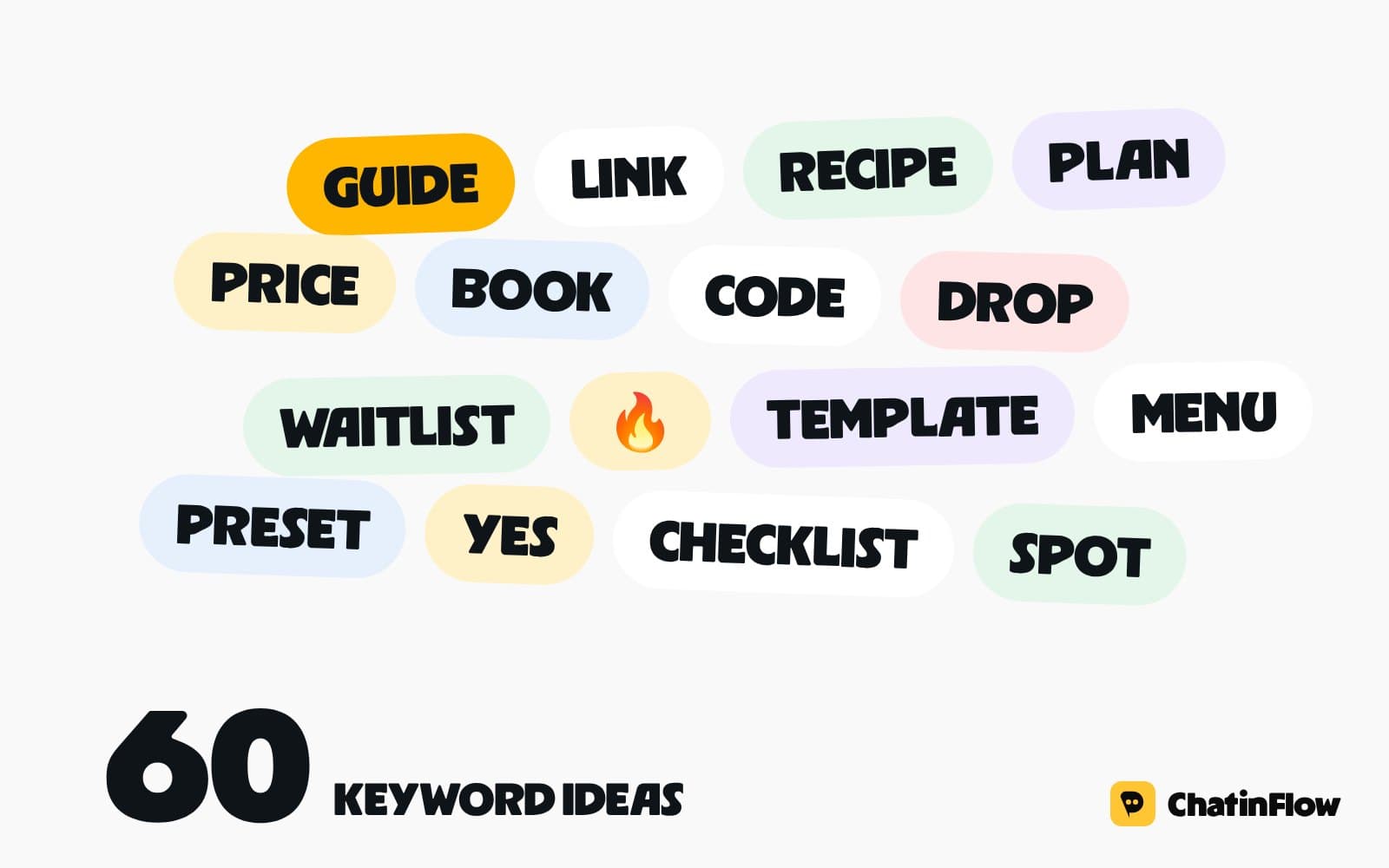
60 comment keyword ideas for Instagram reels and posts
Sixty keywords for comment-to-DM, grouped by goal: free resources, links, niche content, sales, bookings and community. Plus the rules that make a keyword work and how to test one before you post.
 Haberler5 dk okuma
Sends per reach: why DMs drive Instagram reach in 2026
Instagram's head named sends per reach one of the three signals that weigh most in ranking, and the one that matters most for reaching non-followers. What it means for your content, and where DM automation fits.
The full guide
Instagram RSVP automation: turn event comments into a guest list
An RSVP comment gets the details by private reply and a tag for the event, with a question for plus-ones and a cap at the room's capacity.
An event post asks people to do something hard: leave the app, find a form, fill it in. Most of them mean to and never do. An RSVP from the comments asks for one word instead. The person comments RSVP, a private reply sends the date, the place and the ticket link, and they are tagged for the event with the event saved on their contact. When they reply, a question asks how many are coming, and a limited spots step can stop at the room's capacity. You end up with a guest list you can filter, message and export, built from the comments of one post. This guide sets it up step by step.
How Instagram comment to RSVP works
| Step | What happens | Built with |
|---|---|---|
| 1. The comment | Someone comments RSVP under the event post | The Instagram comment trigger |
| 2. The private reply | The date, the place, the ticket link | Send private reply |
| 3. The tag and the field | The guest is marked for this event | Tag contact, Set custom field |
| 4. The public reply | "Sent you the details!" under the comment | Public reply |
| 5. Their answer | They reply, and the chat opens | Any DM step |
| 6. How many? | Just me, or plus one | Ask a question with buttons |
| 7. The spot | A place, or the Full path | Limited spots |
Set up event RSVPs from the template
Open Automations and search the gallery for "RSVP". Turn comments into RSVPs tags everyone who comments as attending, saves the event on the contact and confirms privately.
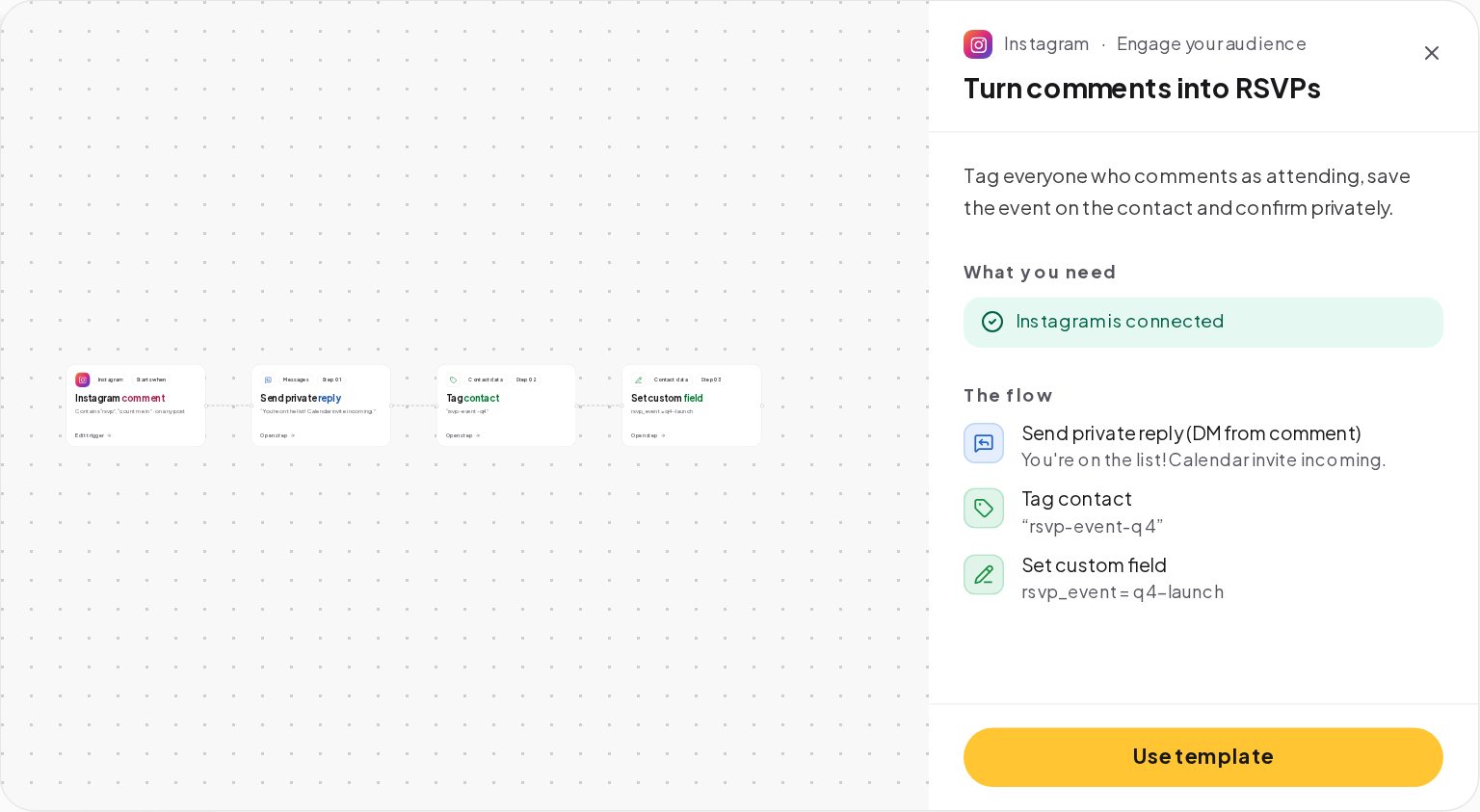
Its three steps are a private reply, "You're on the list! Calendar invite incoming.", a tag such as rsvp-event-q4 and a custom field such as rsvp_event set to q4-launch. Press Use template, rename the tag and the field for your event, and write your own reply.
How to write an event post that gets RSVP comments
The post decides how many people comment. Put the essentials where people look:
- On the image, the name of the event and the date, large enough to read in the feed.
- In the first line of the caption, the ask: "Comment RSVP to join us." Most people never tap More.
- In the caption, the time, the place and how many places there are. A number, such as 60 places, makes people decide now.
- In a pinned comment, the same ask again, for people who scroll straight to the comments.
Reply to the first few comments yourself as well. The flow sends the details either way; your own replies show the post is alive.
Listen for RSVP comments on the event post
Choose the event post, and any Reel that promotes it. Use one word for the whole event, such as RSVP, with Contains as the match and Catch typos on, so "rsvp pls" and "rvsp" count. If you run several events at once, give each its own word, such as RSVP-LISBON and RSVP-PORTO, or its own post.
Send the event details by DM
Meta allows one private reply per comment, within 7 days of it: one text with an optional link. It should answer everything a guest needs, and invite a reply:
- The date, the time and the place, written out.
- The link, to the ticket page or the map, in the link field.
- A reason to reply, because the questions and the spot come after it.
Add a Public reply under the comment, such as "Sent you the details!", so people reading the comments know how to join.
Ask how many guests are coming
When the guest replies, the chat is open. An Ask a question step with buttons, such as Just me and Plus one, saves the answer on the contact. Add a third button, Can't make it, so people who change their mind tell you, and give that path a kind reply and a tag for the next event.
Cap RSVPs at the venue's capacity
For free events with a room limit, add a Limited spots step after the YES. Set the number of spots, up to 100,000.
- A spot left. The guest takes one, and the flow goes on with their number in
{{vars.spots.number}}, such as "You're guest 42". - Already has one. Someone who comes back keeps their spot.
- Full. Everyone after the last spot follows the Full path: a sold-out message, a tag for a future event or a link to paid tickets.
{{vars.spots.left}} shows how many places remain, and your team hears at 90% and again when the room is full.
Send event reminders and updates
A change of time, a new speaker or the reminder the day before should reach every guest. On Starter and up, send a broadcast to the segment of contacts with the event tag.
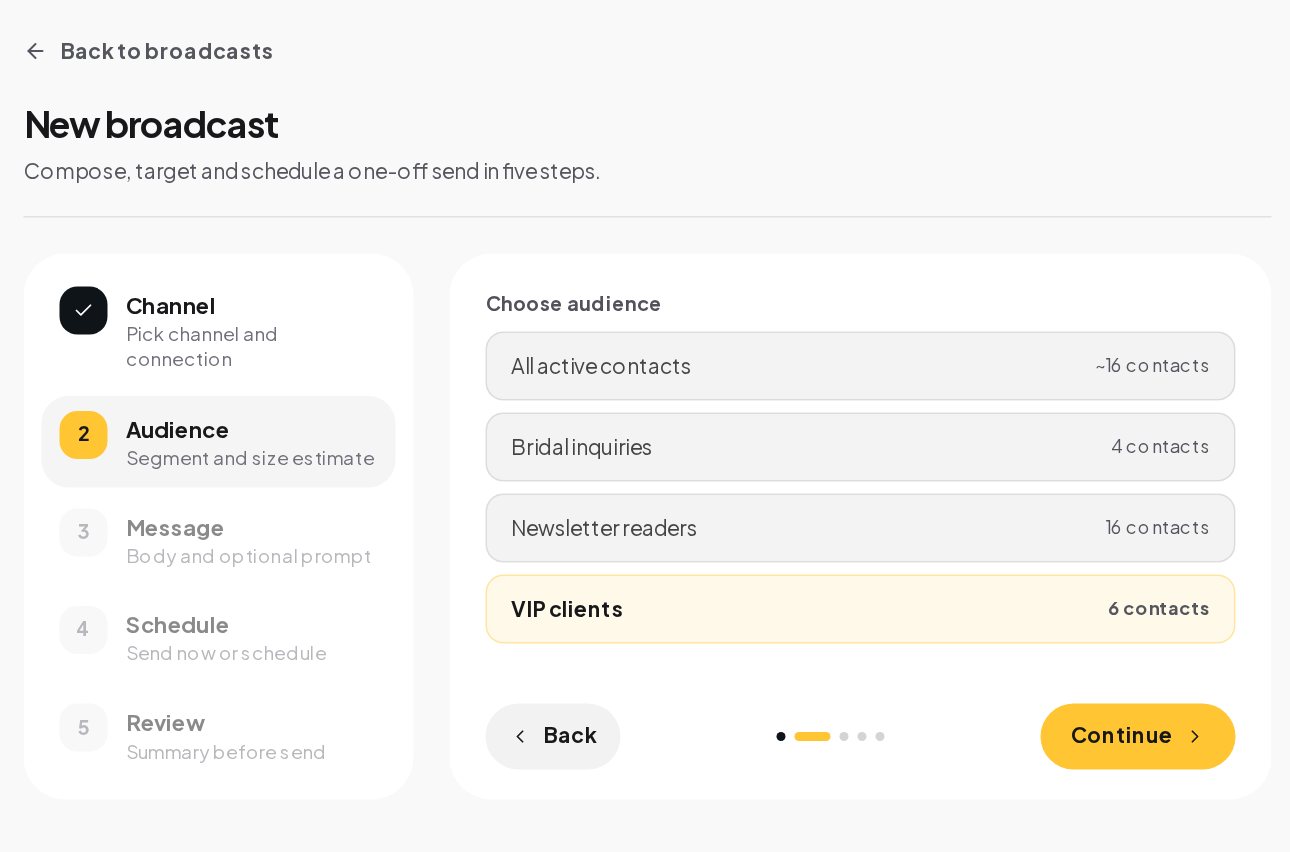
Each channel's rules apply. On Instagram and Messenger, a broadcast reaches only the guests who wrote to you in the last 24 hours, so a guest who replied YES two weeks ago will not get it. On WhatsApp, a broadcast uses an approved template; on Telegram, there is no window for people who started your bot. Plan the important messages while the chats are fresh, and put everything a guest needs in the private reply itself.
Keep the guest list in one place
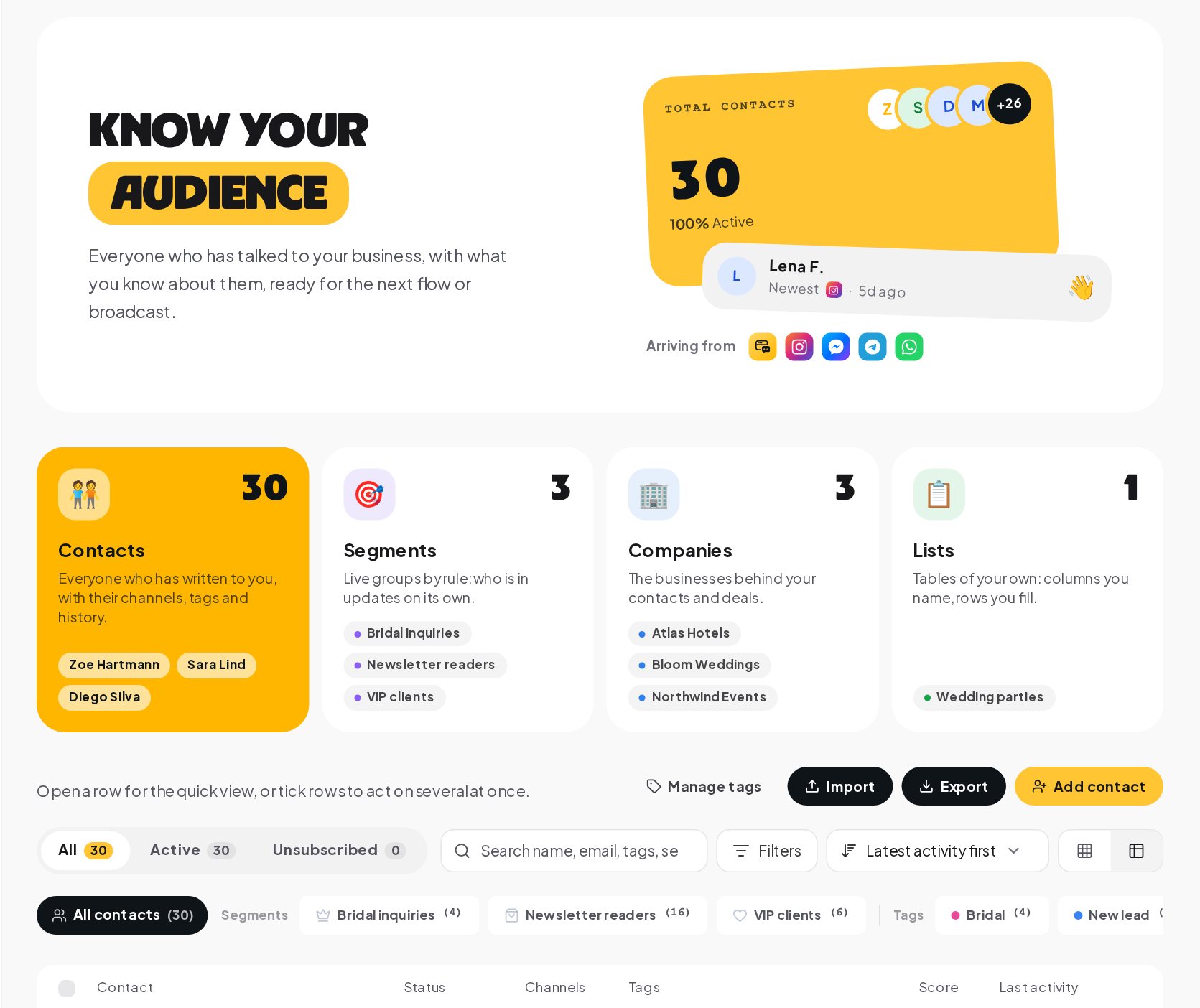
The tag is your guest list. Open Audience, filter by the event tag, and you see every guest with the answers they gave. Export the contacts as CSV for the door list or for a spreadsheet.
Event messages for the day before, the door and after
The day before. Send the reminder to the event tag while as many chats as possible are still open: the time, the address, what to bring and a Can't make it button. People who tap it free their place in your head count, even if the spot itself stays taken.
At the door. The guest list is the event tag in Audience. Filter by it, sort by name and keep it on a tablet, or export it as CSV and print it. The answer to How many? tells you who is bringing a friend. A message that says "show this at the door" in the confirmation helps when the list and the name do not match.
After the event. Thank everyone who came the same evening, while the chats are open: the photos, the recording or the slides, and the date of the next one. Tag the people who did not show, so the next invitation can be warmer for those who came and gentler for those who did not.
RSVP automation ideas for different events
| Event | The word | The extra question | The Full path |
|---|---|---|---|
| A free workshop | WORKSHOP | Your level: beginner or advanced | Tag for the next date |
| A store opening | OPENING | Which day you will come | A code for the online shop |
| A webinar | LIVE | Your main question for the speaker | The recording when it is ready |
| A community meetup | MEETUP | The neighborhood you live in | The next city date |
| A tasting | TASTE | Any allergies | The next tasting date |
The extra question is the one that makes the event better: the speaker answers the questions people sent, and the kitchen knows the allergies before the evening.
RSVP automation example: a book launch
A bookshop hosts a free author evening for 60 people.
- The post says "Comment RSVP to join us on Thursday" with the author's photo.
- The private reply gives the date, the time and the address, and asks "Reply YES to save your place."
- The guest replies YES. A limited spots step with 60 spots gives them a place and the message "You're guest 23 of 60."
- A question asks Just me or Plus one, saved on the contact.
- At 54 RSVPs, the team hears that 90% of the places are gone. At 60, everyone else gets "We're full, but we'll stream it live. Want the link?" and a tag for the stream.
- On the evening, the bookshop opens Audience, filters by the event tag and prints the door list.
RSVP message templates you can copy
How to measure RSVPs and attendance
The automation's Activity tab shows how many comments it answered and where runs stopped. The tag count in Audience is your RSVP number, the limited spots step tells you how many places are taken, and the Full path count is the demand you could not fit, which is the best argument for a bigger room next time.
RSVP automation mistakes to avoid
- Asking for the RSVP in the bio. One word in the comments is easier than a form.
- No reply ask in the private reply. The questions and the spot can only follow an answer.
- No capacity. A free event without limited spots can promise more places than the room holds.
- Updates sent too late. On Instagram, a guest who wrote two weeks ago cannot be reached by a broadcast.
- One tag for every event. Use one tag per event, so each guest list stays clean.
RSVP automation glossary
- RSVP. A guest's word that they are coming; here, a comment or DM keyword that puts them on the list.
- Private reply. Meta's single private message in answer to a comment, within 7 days of it.
- Custom field. A named value on a contact, such as rsvp_event, set by a flow step.
- Limited spots. A step that gives the first people a place and sends the rest down a Full path.
- Segment. A saved filter of contacts, such as everyone with the event tag, used for broadcasts.
- 24-hour window. The time after a person's last message when a business can reply freely on Instagram.
Instagram RSVP automation: FAQ
Can people RSVP by DM instead of a comment?
Yes. Add a DM keyword automation for the same word, with the same tag and the same limited spots step.
Can I send a calendar invite?
Put a calendar link in the private reply or a later message, from your calendar or ticketing tool.
Can a guest cancel their RSVP?
Yes, with a Can't make it button or a keyword such as CANCEL that removes the tag and sends a kind reply.
Can I take payment for a ticket in the chat?
Yes. A Buy button sells a ticket through your own Stripe or PayPal account at a fixed price, with the money going straight to you. Use it in place of the free RSVP or for a paid upgrade.
Sources
- Private Replies, Meta for Developers, on one private reply per comment within 7 days.
- Messenger Platform and IG Messaging API policy, Meta for Developers, on the 24-hour window for broadcasts and replies.
What they get
A guest list that fills itself.
They comment, reply to the DM, tap how many are coming and get a message to show at the door. You get a tagged list of everyone who said yes, ready for the reminder.
Olivia Grant
Active now
You're on the list for Saturday! 11am to 6pm at 24 Canal Street. Bringing a friend?
Just me+1 friend+1 friend
Two spots saved ✨ Show this chat at the door for a free tote.