The full guide
Instagram live selling for boutiques: answer every "price?" and "size?" and turn comments into orders
Answer every price and size question under posts and lives with the product card, build drop lists, bring back forgotten Shopify carts and see which posts sell.
A boutique's best post is also its busiest inbox. A reel of the new linen set brings forty comments in an hour: "price?", "size?", "link?", "do you ship?". During a live it is worse, because the questions scroll past while you are still holding the dress up to the camera. Every unanswered comment is a shopper who wanted to buy and didn't get the chance. ChatinFlow answers each one in a private message with the product, the price and a Shop now button, checks the size in the same chat, sends the shopper to your own Shopify or WooCommerce checkout and remembers who asked about the sold-out pieces. This guide explains how boutiques sell on Instagram posts and lives without missing a comment, how to handle sizes, drops and restocks, how to bring back a forgotten Shopify cart and how to see which posts actually sell.
How to sell clothes on Instagram without answering every comment by hand
Most boutiques sell the same way: a post or a reel shows the piece, the caption says "comment to order" or "DM for price", and the owner answers every comment one by one. It works until the post takes off. Then the answers arrive hours late, half the shoppers have moved on, and the owner spends the evening copying the same link.
An automated version keeps the same rhythm and removes the copying:
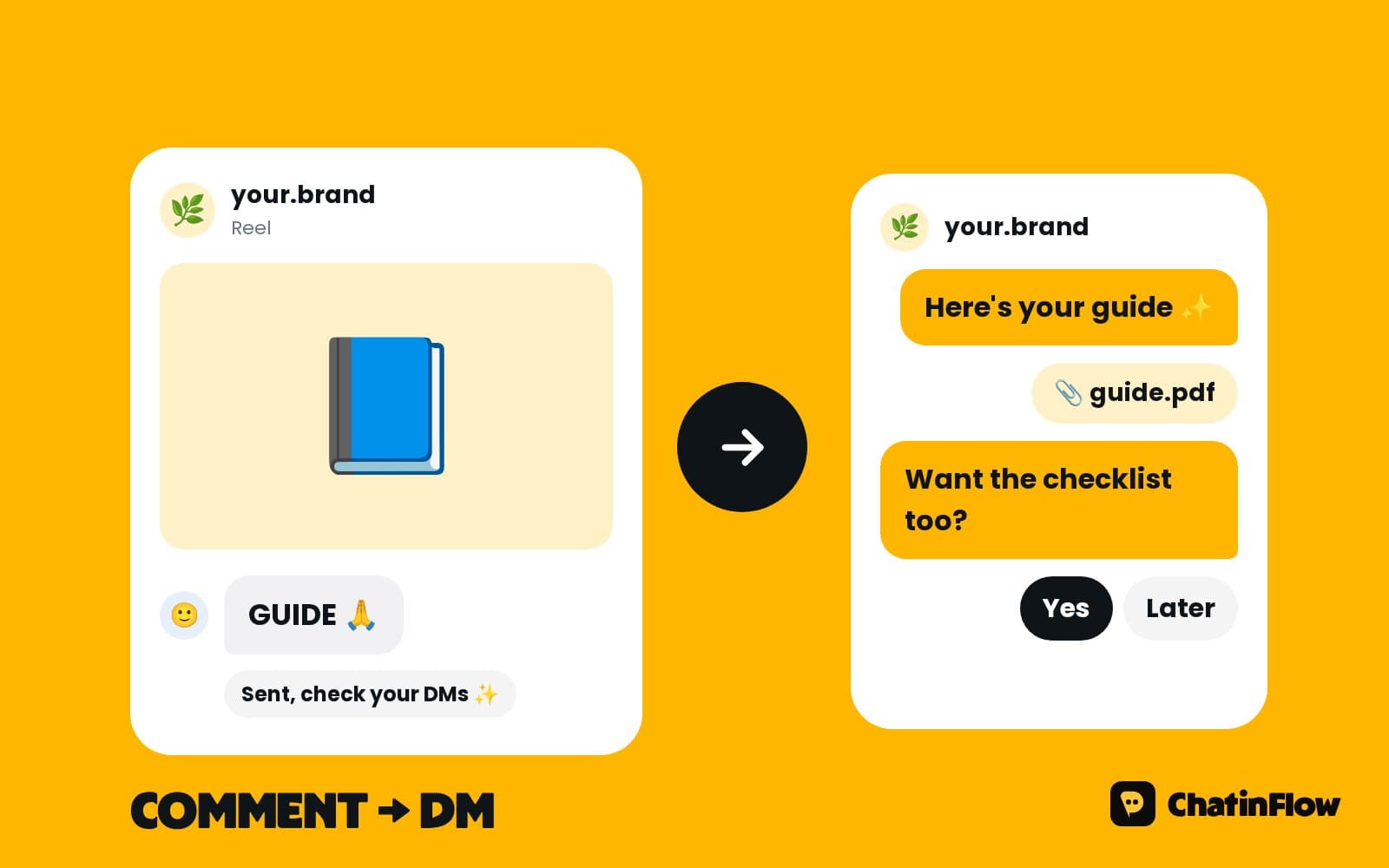
- A shopper comments the item's keyword, or just "price?", under a post, a reel or during a live.
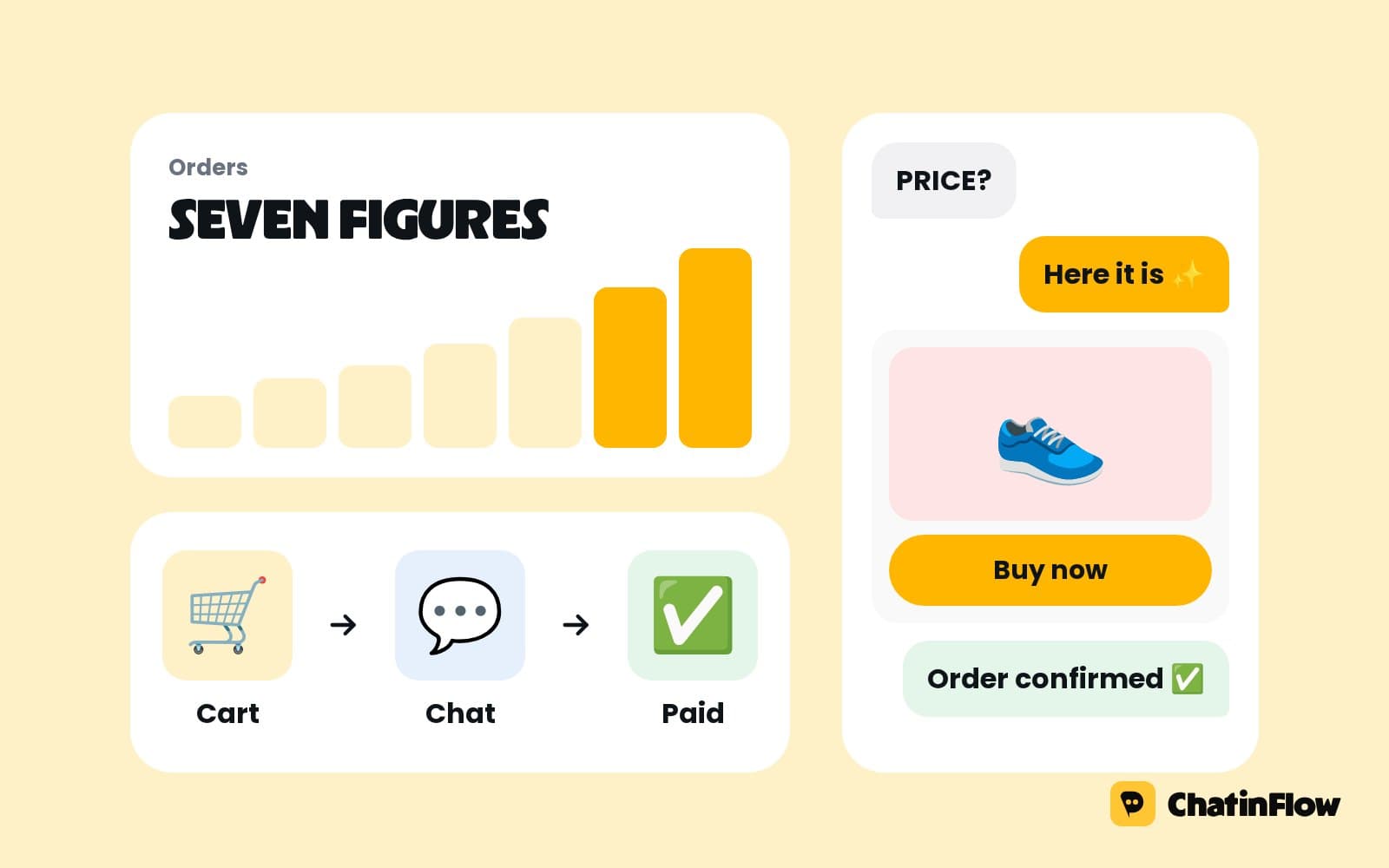
- A private reply sends the product card: photo, price and a Shop now button.
- A size question follows in the same chat, so you can confirm stock or suggest another size.
- The shopper buys on your own store, and the order comes back to that contact.
- The interest is remembered. People who asked about a sold-out piece are tagged for the restock.
A public reply under the comment, such as "Sent you the details!", keeps the post busy and shows the next reader that commenting works.
How to auto reply "price?" comments on Instagram
"Price?" is the comment every boutique gets most. Answering it publicly invites a race to the bottom with other shops watching your feed; answering "DM for price" makes the shopper do the work. The better answer is the price in a private message, sent the moment the comment lands.
Set up a comment automation on the post, or on every post, that listens for words such as price, how much, cost and link, plus the item's own keyword. Use the contains match so "price pls??" still counts. The reply sends:
- The product card, with the photo the shopper saw and the price.
- A Shop now button that opens the product page on your store.
- One question, such as "Which size do you usually wear?", so the chat keeps going.
Instagram allows one private reply per comment, within seven days of the comment, so the automation answers each comment once and stops there. If the shopper writes back, the conversation is open and the flow can continue.
Should a boutique put prices on Instagram posts?
Many shoppers skip posts without a price, and many boutiques hide prices to start a conversation. With comment automation you don't have to choose. Put the price in the caption for the pieces you want to sell fast, and keep "comment SIZE for your fit" as the call to action. The comment starts a chat, the chat gets the size and the link, and the price in the caption has already removed the first doubt.
For pieces where the price needs context, such as a made-to-order dress or a bundle, keep the price in the DM and send it with the reason: the fabric, the lead time, what is included.
Instagram live selling: answer comments while you present
A live is the busiest hour a boutique has. Comments arrive faster than anyone can read them, and the shopper who typed "how much is the green one?" leaves when nobody answers.
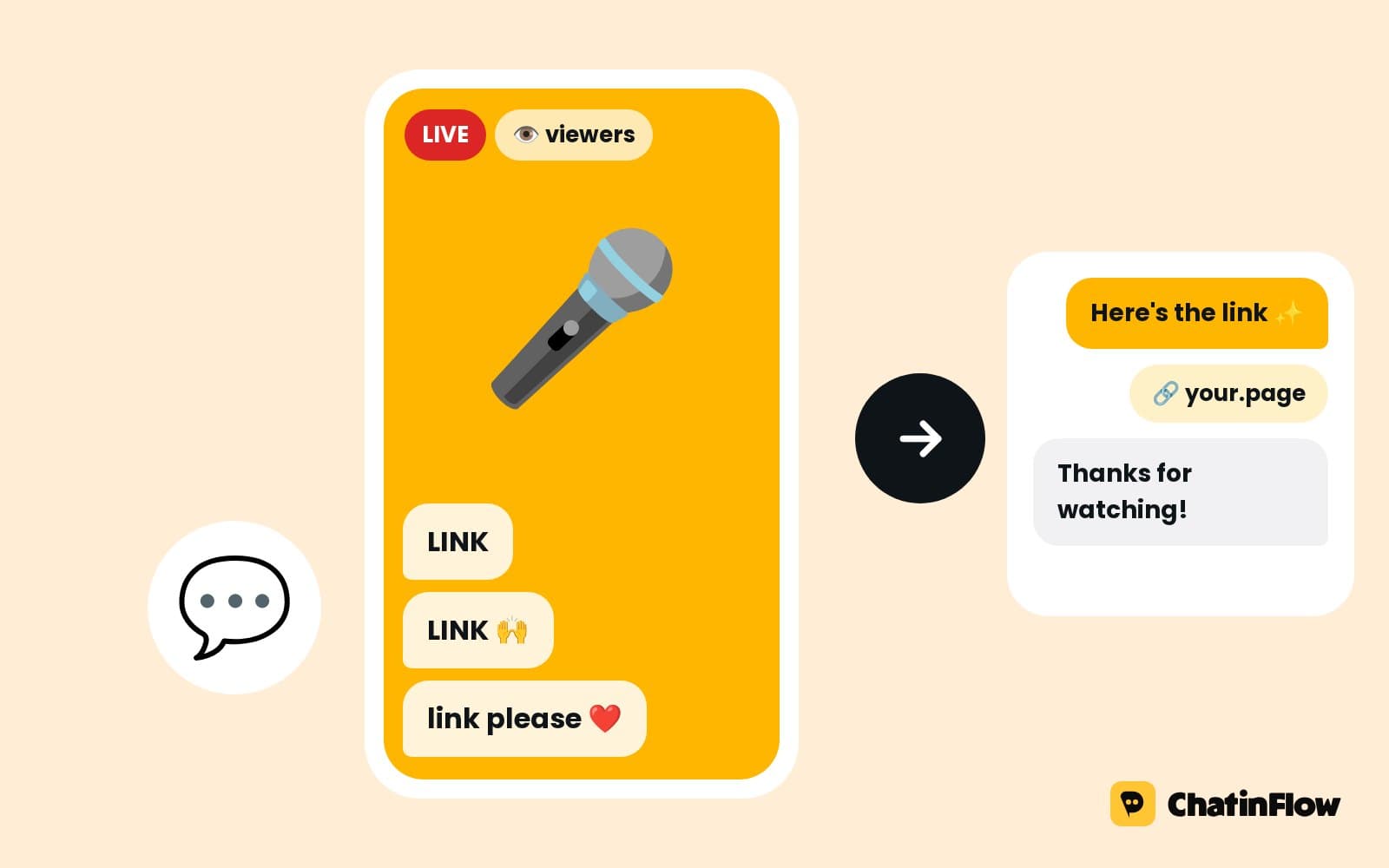
Comments during an Instagram live can start a flow just like comments under a post. While you keep presenting, each comment with your keyword gets a private reply with the product card. Tips that make a live sell:
- One keyword per piece. "Comment GREEN for the green wrap dress" is easier to automate and easier to say than item numbers.
- Say the keyword on screen and out loud. Put it on a card in the frame too, for people watching without sound.
- Keep a teammate in the inbox. The automation sends the card and asks the size; a person answers the unusual questions.
- Tag everyone who commented. A live tag lets you follow up with the people who were there, while their chat is still open.
ChatinFlow sends the link and checks the size; it does not hold items in a cart during the live or write invoices. If you run claim-style live sales with cart holds, keep that in your store or your live selling tool.
How to send product links in Instagram DMs automatically
A link in a DM converts better than "link in bio", because the shopper doesn't have to leave the chat, find your profile and search for the piece. Three ways to send it:
| Where the shopper is | What sends the link |
|---|---|
| Comments under a post, reel or ad | A comment automation with the product card |
| A reply to your story | A story reply automation that listens for the item's word |
| A DM that says "link?" | A keyword reply that sends the product or a carousel of the collection |
For a collection drop, a product carousel lets the shopper swipe through the pieces and tap the one they want. Each card has its own Shop now button.
How to handle size questions in Instagram DMs
Size is the question that decides whether a shopper buys or returns. Asking it in the chat, before checkout, saves both.
A size step can ask with buttons, such as XS to XL, or ask for height and usual size in another brand. Save the answer on the contact as a field, so the next time they ask about a piece, your team already knows their fit. When the size they want is gone, the flow can suggest the nearest size or tag them for the restock of that size.
A short size guide in the first reply also helps: "Our sizes run small; if you're between two, take the bigger one."
Instagram restock notifications and drop lists
"Will the M come back?" is a sale waiting to happen, if you remember who asked. Tag every shopper who asks about a sold-out size or the next collection, such as restock-linen-M or drop-autumn. When the piece is back, the tag becomes the audience.
Be clear about what each channel allows:
- Instagram and Messenger. A broadcast reaches people who wrote to you in the last 24 hours. A drop list that waits three weeks can't be messaged there out of the blue.
- WhatsApp. An approved template can reach a shopper who opted in on your WhatsApp business number, even weeks later.
- Telegram. Everyone who started your bot can get the drop announcement at any time.
A practical drop list for Instagram: ask followers to DM DROP the day before the launch, which opens the window, then send the drop to that tag the next morning. Sending in each person's local time means a shopper in another country hears at 10:00 their time, not at 3:00.
How to recover abandoned Shopify carts with WhatsApp
A shopper who taps Shop now, adds the dress and stops at checkout is the warmest lead you have. With a Shopify store connected, a checkout that goes quiet for an hour can get one WhatsApp message with the item in their cart, sent with an approved template. If they finish the order, nothing else is sent.
Keep it to one friendly nudge: "Your linen set is still waiting in your cart. Any questions about the size?" A question invites a reply instead of a sigh. Cart reminders work with Shopify; WooCommerce orders come back to the contact, but cart reminders are a Shopify feature.
How to track which Instagram posts make sales
Boutiques often know which posts get likes and rarely know which ones sell. When Shopify or WooCommerce orders come back to the contact who chatted, a sale is counted against the flow that started the conversation. Over a month you can see:
- Which posts and lives start the most chats, and which of those chats end in an order.
- Which keywords sell, so the next live uses the words that work.
- How long a shopper takes from the comment to the order.
Orders arrive from your store by signed webhook, connected once in Settings, Integrations.
Comment keywords and captions for boutiques
- "Comment SIZE and I'll check your fit" for fitted pieces.
- "Comment LINK for the full set" for outfits sold as separates.
- "Comment GREEN, BLUE or SAND" for a piece in three colors; each word sends its own card.
- "Comment DROP to hear first" before a collection launch.
- "Comment STYLE for three ways to wear it" for a styling reel, with a carousel of matching pieces.
Keep one call to action per post. A caption that asks for a like, a share and a comment gets none of them.
Live selling vs comment selling vs DM selling
| Live selling | Comment selling | DM selling | |
|---|---|---|---|
| Where the question starts | Comments during a live | Comments under posts and reels | A message or a story reply |
| Speed of questions | Very fast, for one hour | Steady for a day or two | All the time |
| What automation sends | The product card per keyword | The product card and a public reply | The product, the size question, a carousel |
| Best for | New collections and limited pieces | Every product post | Regulars and repeat buyers |
Most boutiques use all three, with the same flows behind them.
What ChatinFlow does and does not do for a boutique
It does:
- Answer comments under posts, reels, ads and lives with a private reply and a product card.
- Ask and save sizes, tag interest and build drop lists.
- Bring Shopify and WooCommerce orders back to the contact, and send one Shopify cart reminder on WhatsApp.
- Put every chat in one shared inbox, where the automation steps aside as soon as a teammate replies.
It does not:
- Hold items in a cart during a live or write invoices.
- Work as a marketplace for many sellers.
- Message people who never contacted you.
A week-one plan for a boutique
- Day 1. Connect Instagram and your Shopify or WooCommerce store.
- Day 2. Build a comment automation for your next post with a product card and a size question.
- Day 3. Add a keyword reply for "link" and "price" in DMs, and a default reply for everything else.
- Day 4. Run a short live with one keyword per piece and a teammate in the inbox.
- Day 5. Turn on the Shopify cart reminder with an approved WhatsApp template.
- Day 6. Tag every shopper who asked about a sold-out size.
- Day 7. Check which post started the most chats and which one sold.
Common mistakes boutiques make with DM automation
- "DM for price" with no automation behind it. The shopper writes, waits and leaves.
- Item numbers instead of words. "Comment 14B" is hard to say in a live and easy to mistype.
- No size question. A sale without the right size is a return.
- Drop lists on Instagram alone. After 24 hours you can't reach them there; invite a DM before the drop or use WhatsApp and Telegram for long lists.
- More than one cart reminder. One friendly message sells; three feel like pressure.
Boutique DM automation FAQ
Does it work during Instagram lives?
Yes. A comment during a live can start a flow that sends a private reply with the product card while you keep presenting.
Does it hold items in a cart during a live?
No. It sends the product link and checks the size; the shopper checks out on your own store. Cart holds and invoices stay in your store or live selling tool.
Can it remind people who leave their cart?
With Shopify, yes: when a checkout goes quiet for an hour, one reminder goes out on WhatsApp using an approved template, and it stops if they buy.
Can I see which posts sell?
Shopify and WooCommerce orders come back to the contact who chatted, so sales are counted against the flow that started the conversation.
Will Instagram think the replies are spam?
The replies go through Meta's official API, one private reply per comment, to people who commented first. Write each reply like a person would, and vary the public replies.
Can my team still answer DMs themselves?
Yes. Every conversation lands in the shared inbox, and the automation steps aside in a chat as soon as a teammate replies.
Sources
- Private Replies, Meta for Developers, on replying to a comment by DM within 7 days.
- Messenger Platform and IG Messaging API policy, Meta for Developers, on the 24-hour window.