The full guide
How to take flower orders on Instagram: bouquets, delivery details, card messages and payment in the DMs
Take bouquet orders in the chat with the delivery day, window, address and card message saved word for word, take payment first and cap holiday orders.
Every flower order needs the same five things: which bouquet, which day, what time, where to, and what the card should say. When orders arrive by message, those five things come in pieces over a day, the card message is half in one DM and half in another, and on Valentine's week nobody has time to piece them together. ChatinFlow takes the whole order in the chat: it shows your bouquets, asks the delivery day, the time window, the address and the card message one at a time, saves them word for word, takes payment before the stems are cut and stops holiday orders at the number you can make. This guide shows florists how to take delivery orders on Instagram and Messenger, run holiday rushes without overselling, handle sympathy orders with care and turn wedding inquiries into consultations.
How to take flower delivery orders through Instagram DMs
- A customer messages about an occasion and a day, or comments under a bouquet on Instagram.
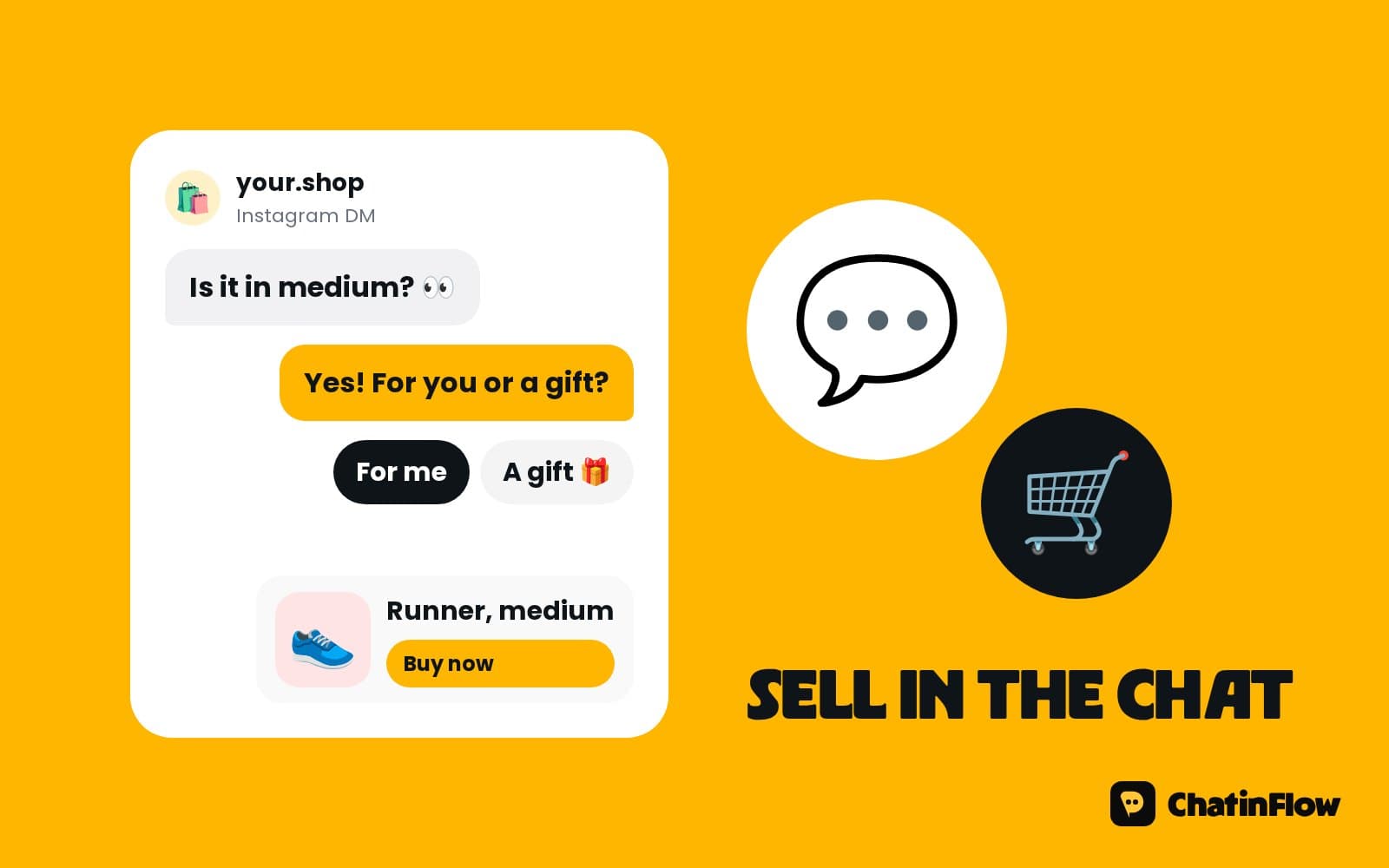
- The flow shows your bouquets as cards, with photos, sizes and prices.
- The customer picks one and its size.
- The delivery details are asked one at a time: the day, the time window, the recipient's name, the address and a phone number for the driver.
- The card message is asked last and saved exactly as written.
- A Buy button with the total opens checkout, and you're told when it's paid.
- The shop gets the order with the card message ready to copy, and the customer hears when it's on its way.
Show your bouquets in the chat
A customer who can see the bouquets orders faster than one who has to describe what they want. Send your bouquets as cards: a photo, the name, the sizes and the price. A carousel lets the customer swipe through the range and tap the one they like. For "something like this", the customer can send a photo, which arrives in the same conversation in your inbox.
Keep the range short in the chat: five or six bouquets that you can always make, plus "Florist's choice" for customers who trust you.
Delivery details: ask one thing at a time
Long forms lose people; one question at a time doesn't. Ask in this order:
- The delivery day, as buttons for the next days you deliver.
- The time window, such as morning, afternoon or evening, as buttons.
- The recipient's name.
- The address, as a short answer.
- A phone number for the driver, in case nobody's home.
Each answer is saved to the order, so nothing gets lost between the chat and the workbench.
Get the card message right every time
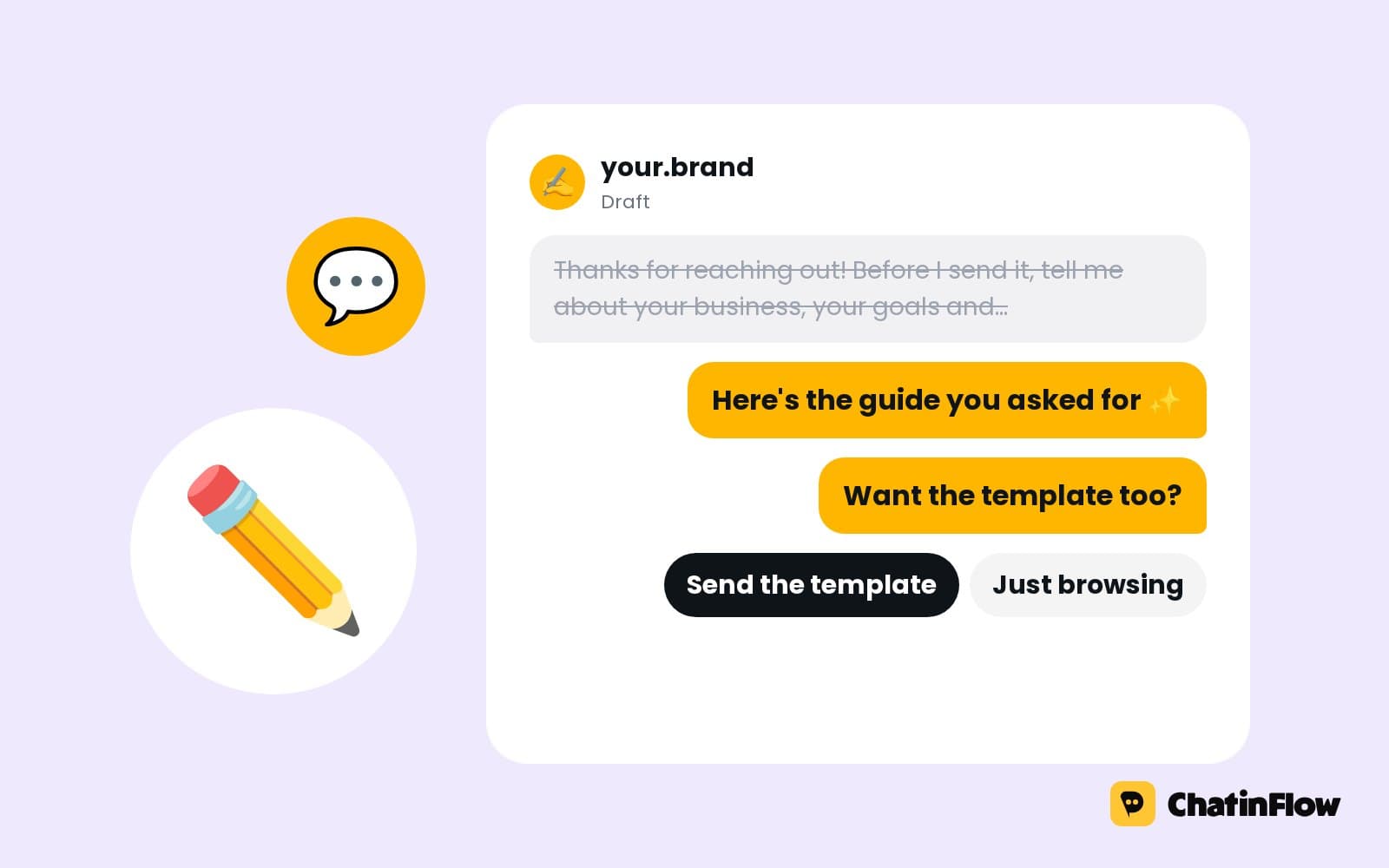
A wrong card message is the mistake customers never forget. The card message is asked as its own question and saved exactly as the customer wrote it, with their punctuation and their emoji. The shop sees it with the order, ready to copy onto the card. Repeat it back before payment: "Your card will say: 'Happy 40th, Mum! All my love, Sarah.' Is that right?"
Take payment before the stems are cut
A Buy button with the total opens Stripe or PayPal checkout, and the money goes straight to your account. You're told the moment the order is paid, so you only make up bouquets that are paid for. Add delivery as part of the total, or as a separate button per delivery area.
Valentine's Day flower orders without overselling
Valentine's Day and Mother's Day are the weeks that make or break a florist's year, and the stems are bought days before. A limited spots step stops orders at the number of arrangements you've bought for. Everyone after that is told you're sold out instead of waiting for an answer, and the team hears at 90% and when it's full.
- Open preorders early, with "DM VALENTINE to order".
- Set one limit per arrangement if you sell a few holiday designs.
- Tag the customers who missed out, so they hear first next year.
- Close orders on time for same-day delivery, and say the cut-off in every reply.
Same-day flower delivery questions
"Can you deliver today?" needs a fast, honest answer. Write your same-day rules once: the cut-off time, the area and the price. The flow sends them the moment someone asks, and offers the next delivery day if the cut-off has passed. Customers who know the rule order earlier next time.
Sympathy and funeral flowers: gentle wording
Sympathy orders need a different tone. Many florists use a separate keyword or a first question, such as "Is this for a funeral or sympathy?", so those orders get gentler messages and go straight to a person if the customer wants. The wording is yours; write it slowly and kindly. Funeral deliveries often go to a venue at a set time, so ask the venue and the service time.
Wedding flowers start with a consultation
Wedding and event inquiries are worth more than a month of bouquets, and they need a conversation, not a cart. A wedding path asks:
- The date and the venue.
- What the couple wants you to do: bouquets, buttonholes, ceremony, tables, an arch.
- The style, with a photo or two.
- The budget, as a range.
Then a booking step offers a consultation from your calendar, so you arrive with the date, the scope and the photos already in the chat. Save the wedding date to the contact, and the reminders before the day can be timed from it.
Subscriptions and weekly flowers for businesses
Hotels, restaurants and offices order weekly flowers. Tag them as business clients, and let them reorder in one message: "Same as last week?". A recurring arrangement can be a service with a set day, and changes go to your team in the shared inbox.
Instagram content that brings flower orders
- The bouquet of the week, with "Comment WEEK to order".
- Behind the workbench. A bouquet built in thirty seconds.
- The delivery moment, with permission.
- Seasonal stems. Peonies in May, dahlias in September.
- Holiday preorders, two weeks ahead, with the limit in the caption.
Each keyword starts the order flow with the right bouquet.
Florist message templates
Delivery areas and prices
"Do you deliver to my area?" is the question behind most abandoned flower orders. Ask the area or the postcode early, before the bouquet, and send customers outside your area a kind no with a pickup option. Inside the area, the delivery price for that zone goes into the total, so there are no surprises at checkout. Keep the zones short: three or four areas with one price each are easier to answer than a list of streets.
Same-day cut-offs and delivery windows
Florists win on reliability. A delivery window chosen in the chat, such as morning or afternoon, sets the customer's expectation and lets you plan the van. If a window fills, take it out of the buttons for that day. Say the cut-off for same-day delivery in the first reply and in every confirmation, so customers learn the rule and order earlier.
Measure orders from the chat
- Orders per week from Instagram and Messenger, from the paid Buy buttons.
- Holiday orders against the limit, so you know whether to buy more stems next year.
- Wedding consultations booked, and how many became weddings.
- Repeat customers, tagged after their second order.
A conversion step can record each paid order's value on the contact, so the reports show what the chats brought in. Compare your holiday weeks year to year by tag.
Birthdays and anniversaries: remember the date
Customers who send flowers for a birthday or an anniversary will need flowers on the same day next year. Ask in the order flow, "Is this for a date you'd like a reminder about next year?", and save the date. A date rule can send a gentle reminder a week before, on a channel that can still reach the customer, such as WhatsApp with an approved template.
Is it right for your flower shop?
It suits florists who take delivery orders by message, studios that do weddings and events, and shops that sell limited holiday arrangements. It is not for flower delivery networks that route orders between shops, shops that need live driver tracking, or sending messages to people who never contacted you.
A week-one plan for a florist
- Day 1. Build cards for your five or six everyday bouquets.
- Day 2. Build the order flow: bouquet, day, window, recipient, address and card.
- Day 3. Add the Buy button with delivery in the total.
- Day 4. Write your same-day rules and delivery areas.
- Day 5. Build the wedding path with a consultation booking.
- Day 6. Set a limited spots step for the next holiday.
- Day 7. Post the bouquet of the week with a keyword.
Common mistakes florists make with order DMs
- The card message in pieces. Ask it as one question and repeat it back.
- No limit on holidays. Orders you can't make cost more than orders you didn't take.
- Unpaid orders made up. Take payment first.
- No cut-off time. Same-day promises need a clear rule.
Florist order FAQ
Will the card message be copied correctly?
Yes. The message is saved exactly as the customer wrote it, and the shop sees it with the order.
Can it stop taking orders for Valentine's Day?
Yes. A limited spots step stops at the number you set and tells everyone after that you're sold out.
Can it handle sympathy orders sensitively?
The wording is yours. Many florists use a separate keyword or a first question for sympathy flowers so those orders get gentler messages and go straight to a person.
Can customers pay in the chat?
Yes. A Buy button with the total opens Stripe or PayPal checkout, and the money goes straight to your account.
Can customers send a photo of what they want?
Yes. Photos sent in the chat arrive in the same conversation in your inbox, next to the order details the flow saved.
Can I take wedding inquiries in the same flow?
Yes. A first question sends wedding and event inquiries down their own path, which asks the date, the venue and the scope and books a consultation from your calendar.
Can my team see every order in one place?
Yes. Every conversation lands in the shared inbox with the order details the flow saved, and paid orders are tagged, so the workbench works from one list.
Sources
- Messenger Platform and IG Messaging API policy, Meta for Developers, on the 24-hour window.