The full guide
The 24-hour messaging window on WhatsApp, Instagram and Messenger, explained
By the ChatinFlow product team · Updated October 17, 2026 · 6 min read
Every business that sells in chat runs into the same wall sooner or later. A customer asks a question on Friday evening, you answer on Monday morning and the message will not send, or it sends only as a template. That wall is the 24-hour messaging window, a rule Meta applies on WhatsApp, Instagram and Messenger. It is simple once you know it, and it shapes how fast you need to reply, what you can send later and why automation matters so much in chat. This guide explains what opens the window, what keeps it open, what each channel allows once it closes and the habits that keep conversations inside it.
The rule in one sentence
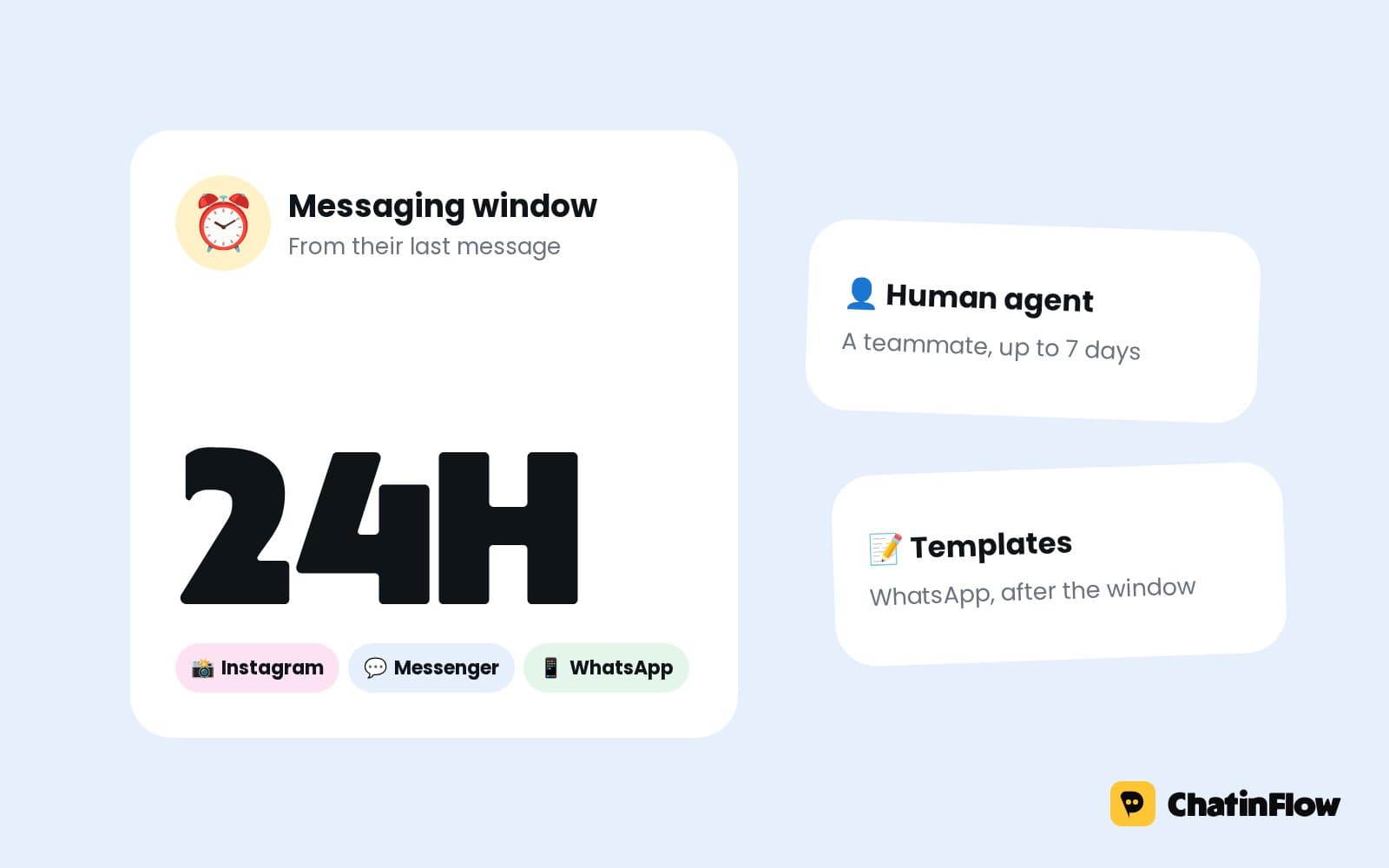
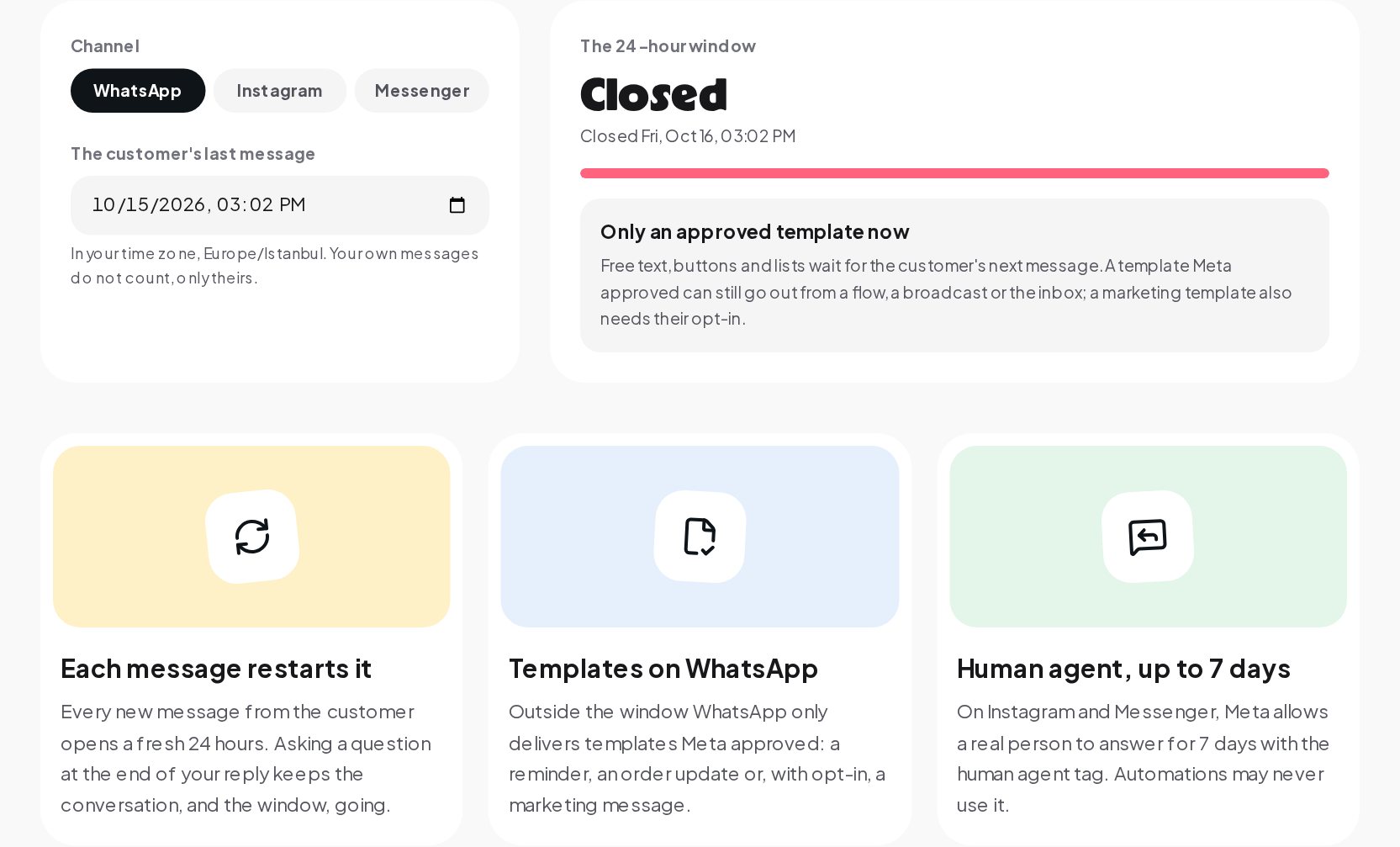
A business can send any message until 24 hours after the customer's last message. Inside the window you can reply freely: text, images, buttons, lists, automated replies and AI answers. After it closes, what you can send depends on the channel.
Two details matter more than they seem:
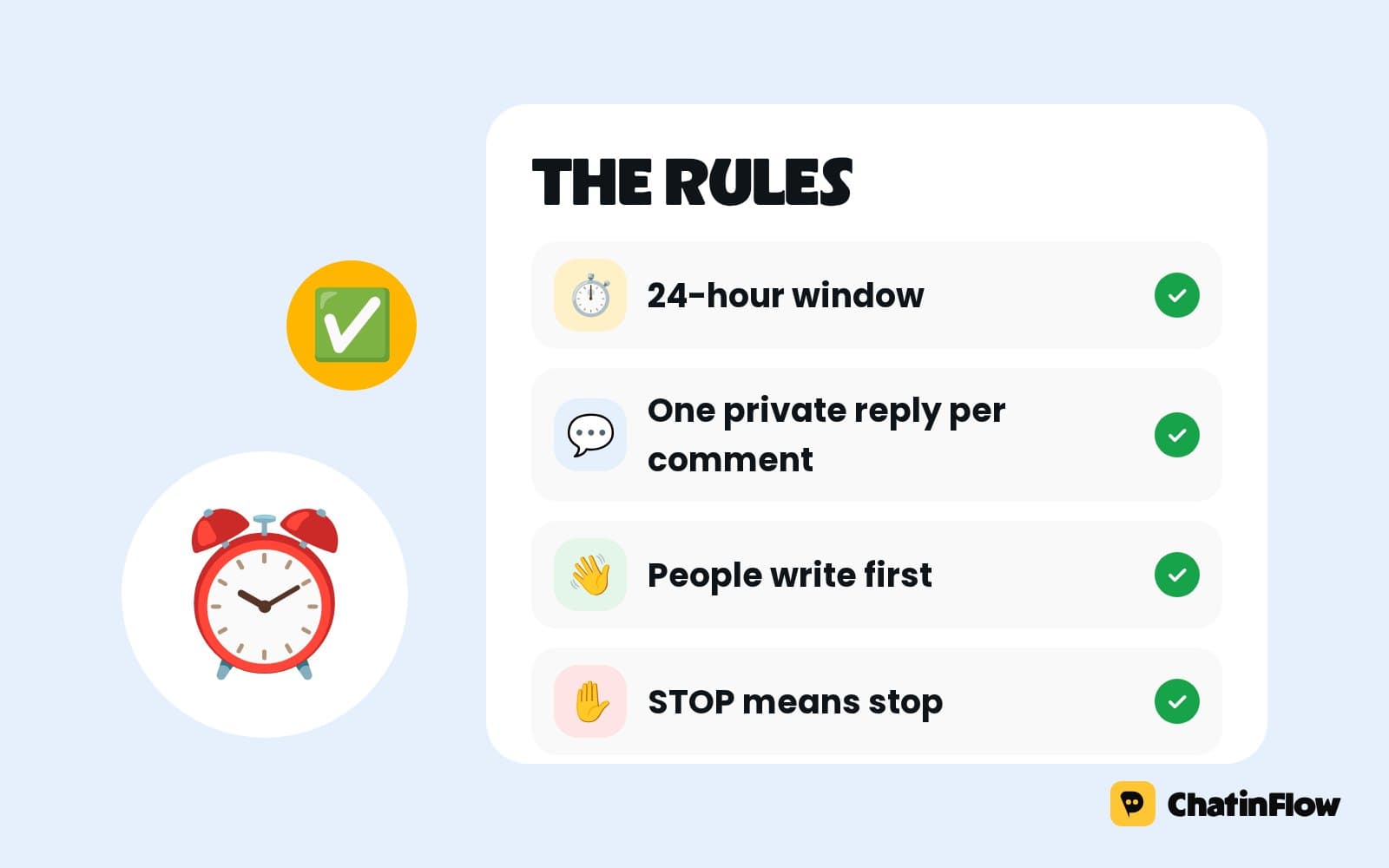
- Only the customer's messages count. Your own messages do not open or extend the window. Sending five follow ups does not buy you more time.
- Each new customer message restarts the clock. If the customer writes at 10:00 and again at 15:00, the window now closes at 15:00 the next day.
What happens after 24 hours
| Channel | Inside the window | After the window |
|---|---|---|
| Any message | Only templates Meta approved | |
| Any message | Nothing goes out until the customer writes again | |
| Messenger | Any message | Nothing goes out until the customer writes again |
WhatsApp: templates only
On WhatsApp, a closed window does not end the conversation; it changes what you can send. You can still send a message template, a message you wrote in advance and Meta approved. Templates come in categories:
- Utility: updates about something the customer already started, such as an order confirmation, a delivery update or an appointment reminder.
- Marketing: offers, announcements and promotions. These need the customer's opt-in to receive marketing on WhatsApp.
- Authentication: one-time codes for logging in or verifying.
A template can start the conversation again. When the customer replies, a new 24-hour window opens and you can write freely.
Meta charges for template messages, with prices that depend on the category and the customer's country. Regular replies inside the window are not charged, which is another reason to answer while the window is open.
Instagram and Messenger: wait for the customer
On Instagram and Messenger there are no templates to fall back on. Once the window closes, nothing goes out until the customer writes again. That can be:
- A new message in the chat.
- A story reply, when they reply to one of your stories.
- A comment you answer with a private reply, when they comment on a post and you respond by DM. Instagram allows one private reply to a comment, within 7 days of it.
The human agent exception
On Instagram and Messenger, Meta allows a real person on your team to reply for up to 7 days after the customer's last message, using a special human agent tag. It exists for support cases that take a person longer than a day to resolve. Automations may never use it. ChatinFlow does not send that tag today, so in ChatinFlow both the inbox and automations follow the 24-hour window on these channels.
Why Meta has this rule
The window protects people from businesses that would otherwise message them whenever they liked. A chat app only works if people trust that the conversations they get are ones they wanted. The rule says, in effect: the customer sets the pace. They write, you answer while the topic is fresh, and if you want to reach them later on WhatsApp, you need a reason Meta has approved.
For businesses, the practical effect is a strong push toward fast replies.
Habits that keep conversations inside the window
Reply fast
The single best habit. A reply within minutes is almost always inside the window, and it is also when the customer is still interested. Automations help most here: the usual questions get an answer at once, even at night, and the window never closes on someone still waiting.
End with a question
A reply that ends with a question invites the customer to write back, which restarts the window. "The blue one is in stock in M and L. Which size would you like?" keeps the conversation, and the window, going. "The blue one is in stock." often ends it.
Collect what you need early
If you will need an address, a date or a size, ask for it while the window is open, not after it has closed.
Get opt-in for later updates
On WhatsApp, ask customers whether they want updates about their order, or offers, and record their opt-in. Then a template can reach them after the window. Do not assume opt-in; Meta requires it for marketing.
Hand over before it closes
If a conversation needs a person, flag it early. A message that waits in a queue for 23 hours is one hour away from needing a template.
Common misunderstandings
- "My message reopened the window." Only the customer's messages open it.
- "I can send a follow up after a day on Instagram." Not unless the customer has written again.
- "Templates are just saved replies." On WhatsApp, a template is a message Meta reviewed and approved, sent through the Business Platform. A quick reply saved in an app is not a template.
- "The window is per day." It runs from the exact time of the customer's last message, to the minute.
- "Automations can use the human agent tag." They cannot. It is for real people only.
Reading the window in a minute
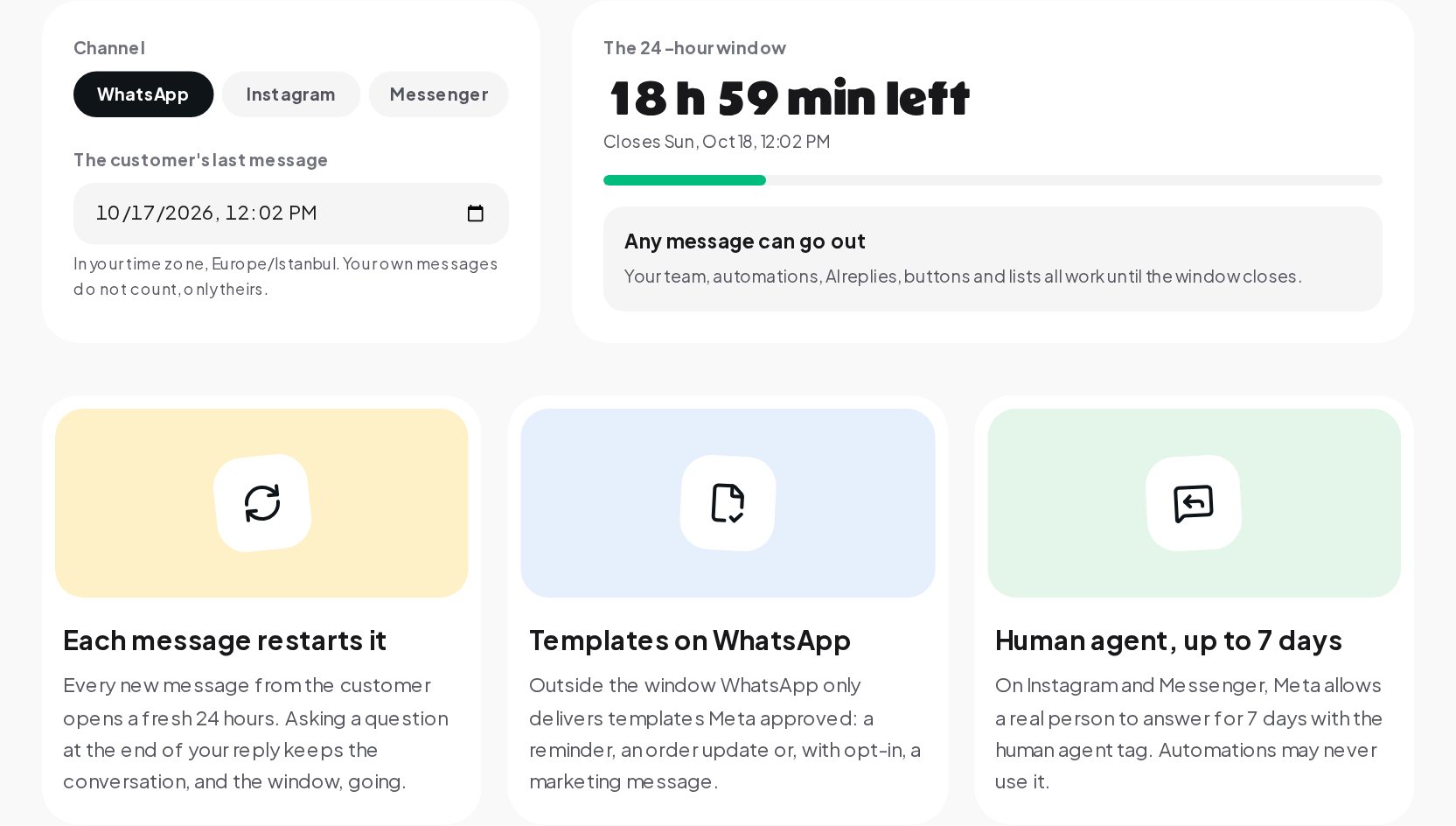
- Open the Messaging Window Calculator and pick the channel: WhatsApp, Instagram or Messenger.
- Enter when the customer last wrote. Only their messages count. The time is read in your own timezone.
- Read the countdown: the time left, or that the window has closed and when.
- Read what can still go out on that channel: any message, only an approved template, or nothing until the customer writes again.
Reply inside the window, every time
The window rewards speed, and speed is what most teams struggle with in the evening, at weekends and on busy days. With customer support automation in ChatinFlow, the usual questions are answered in seconds on WhatsApp, Instagram and Messenger, and anything that needs a person is handed to your team with the window still open. For more on the rule and how it applies to selling in chat, read our guide to Meta's 24-hour messaging rule.
Quick answers
What is the 24-hour messaging window?
The time after a customer's last message during which a business can send any message on WhatsApp, Instagram and Messenger.
What restarts the 24-hour window?
A new message from the customer. Your own messages do not count.
What can I send on WhatsApp after 24 hours?
Only a template Meta approved, such as an order update, a reminder or, with opt-in, a marketing message.
Can I message someone on Instagram after 24 hours?
Not until they write again, reply to a story or comment on a post you answer with a private reply.
Sources
- Messenger Platform and IG Messaging API policy, Meta for Developers, on the 24-hour window and the human agent tag.
- Pricing on the WhatsApp Business Platform, Meta for Developers.
- Template fundamentals, Meta for Developers, on template categories and review.
- Private Replies, Meta for Developers, on replying to a comment by DM within 7 days.