


















The full guide
Chatbot integrations: connect Instagram and WhatsApp chats to your CRM, store, ads and AI
Connect your AI key, HubSpot and email tools, Stripe and PayPal, Shopify and WooCommerce, Slack, the conversions APIs, webhooks, the REST API and the MCP server.
A DM conversation is rarely the end of the story. The lead belongs in your CRM, the payment in your Stripe account, the order in your store, the sale in your ad platform's reporting, and the question your bot could not answer in front of a person in Slack. ChatinFlow connects to those tools in three ways: built-in integrations you switch on with your own key, a flow step that calls any HTTPS endpoint, and an API, webhooks and an MCP server for everything else. This guide walks through each kind, where to set it up in Settings, Integrations and Settings, Developers, and which flows each one makes possible.
How a chatbot connects to your other tools: three ways
| Way | What it does | Set it up in |
|---|---|---|
| Built-in integrations | Connect a named tool with your own key and use it from flow steps | Settings, Integrations |
| The HTTP request step | Calls any public HTTPS endpoint from a flow and brings its answer back | A step in the flow builder |
| API, webhooks and MCP | Your own systems read and write workspace data, receive events, or let an AI assistant work with the workspace | Settings, Developers |
Start with the built-in integration when one exists: it is the least work and the most reliable, and setting it up takes one form with your key, with nothing to host or maintain yourself. Use the HTTP request step for a tool that has an API but no integration. Use webhooks when another system should react to what happens in ChatinFlow, and the API when your own code needs the data.
Connect AI providers, any API, webhooks and the REST API
Open Settings, Integrations. The first section, Apps and integrations, holds the cards everything else builds on.
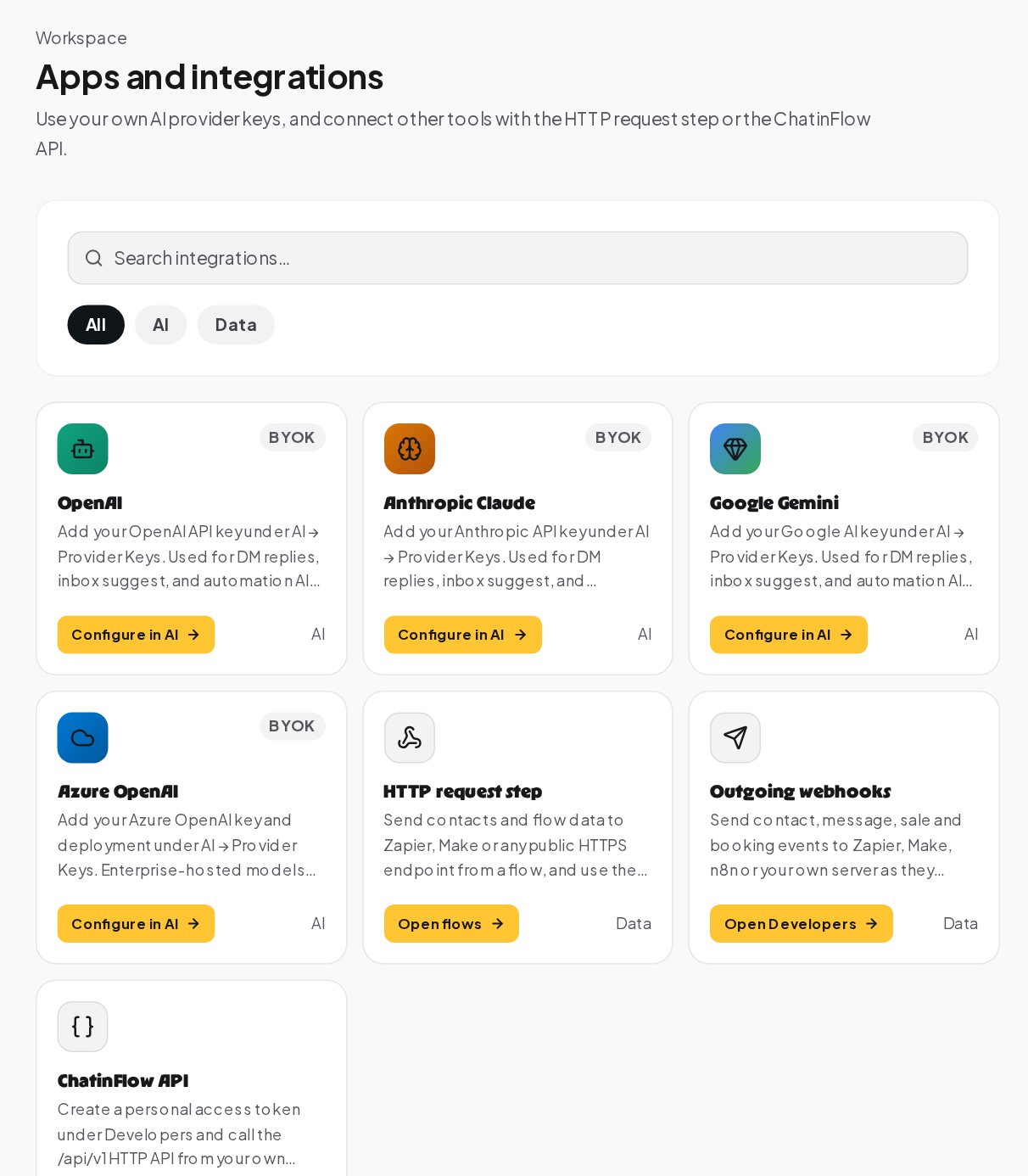
- AI providers. OpenAI, Anthropic Claude, Google Gemini and Azure OpenAI, each marked BYOK: bring your own key. Add the key under AI, Provider Keys, with an optional daily and monthly cap. It is used for DM replies, inbox suggestions and AI steps in flows.
- HTTP request step. Send contacts and flow data to Zapier, Make or any public HTTPS endpoint from a flow, and use the answer in the next steps, for example to look up an order's status.
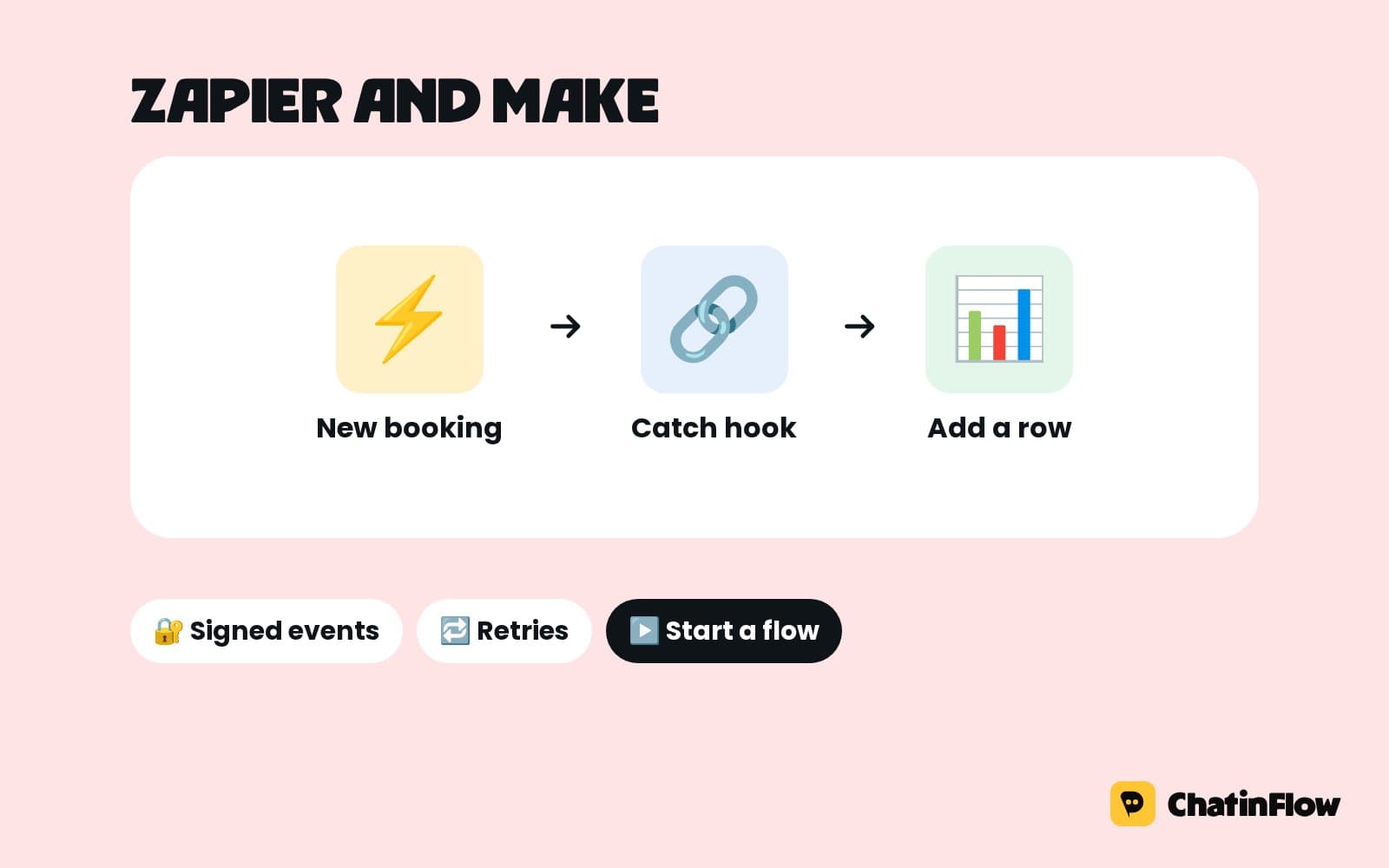
- Outgoing webhooks. Send contact, message, sale and booking events to Zapier, Make, n8n or your own server as they happen.
- ChatinFlow API. Create a personal access token under Developers and call the /api/v1 HTTP API from your own code.
Send chat leads to HubSpot, Klaviyo, Mailchimp, ActiveCampaign or Kit, and take payments
The next sections connect the tools a lead and a sale end up in.
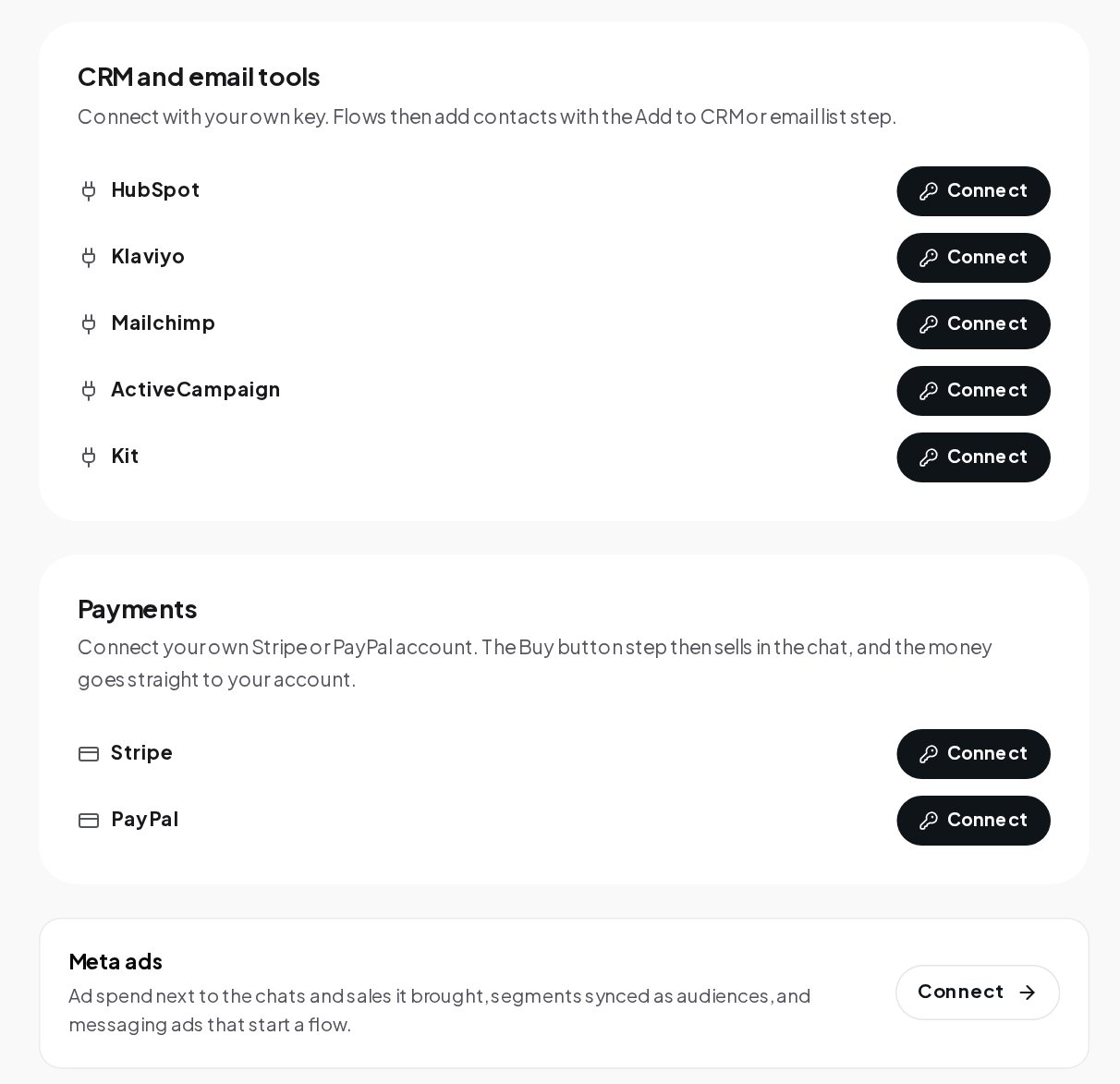
CRM and email tools. HubSpot, Klaviyo, Mailchimp, ActiveCampaign and Kit connect with your own key. A flow then adds contacts with the Add to CRM or email list step, for example right after a Reply check step confirms that an email address is real. Your CRM gets the lead the moment it is collected, not in a weekly export.
Payments. Connect your own Stripe or PayPal account. The Buy button step then sells in the chat: it opens a checkout at your price, the money goes straight to your account, and the paid checkout is recorded as a sale for your results and attribution.
Meta ads. Ad spend next to the chats and sales it brought, segments synced as audiences, and messaging ads that start a flow. It sits under the payments section.
Send DM sales to the Meta Conversions API, TikTok and Google Ads
Ad platforms bid better when they know which clicks became sales. Two sections handle it.
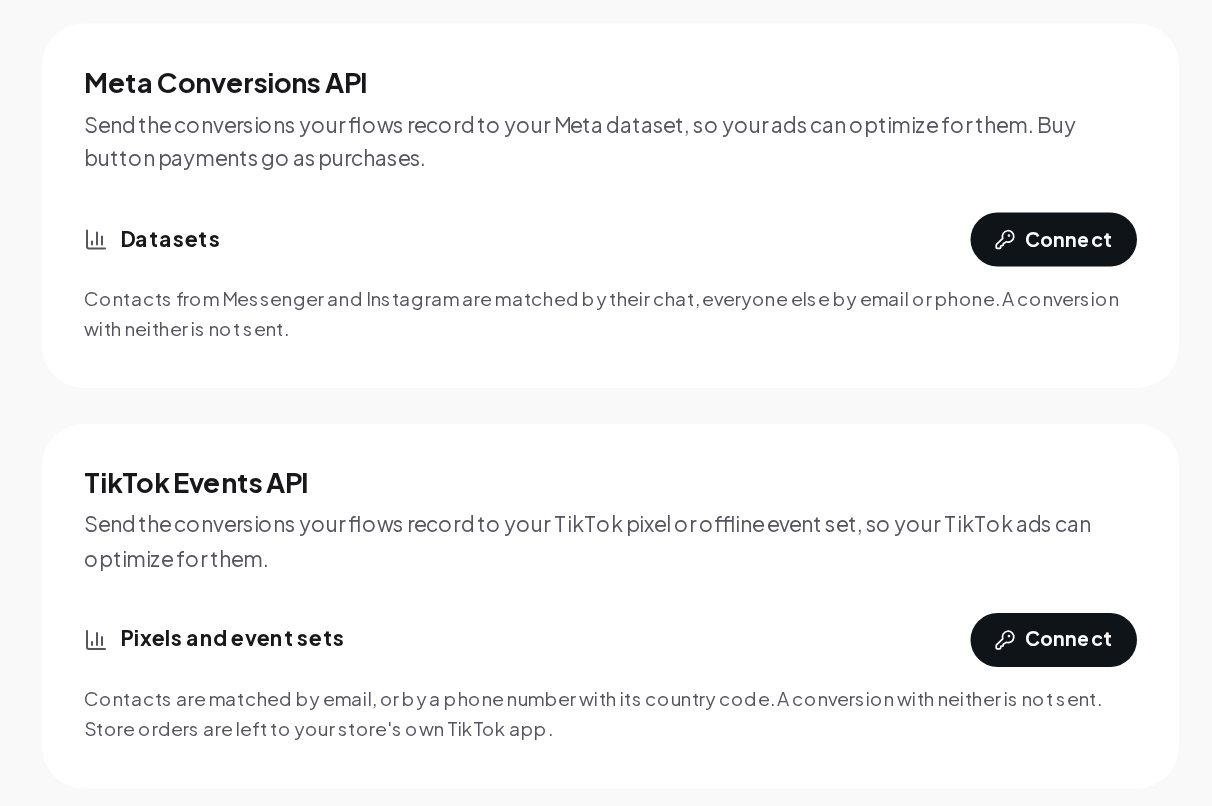
- Meta Conversions API. Connect a Meta dataset, and the conversions your flows record go to it, so your ads can optimize for them. Buy button payments go as purchases. Contacts from Messenger and Instagram are matched by their chat, everyone else by email or phone; a conversion with neither is not sent.
- TikTok Events API. Connect your TikTok pixel or offline event set, and conversions go to it. Contacts are matched by email, or by a phone number with its country code.
Store orders are left to your store's own Meta and TikTok apps, so an order is never counted twice. For Google Ads, the Results tab of Analytics makes a file of offline conversions to upload; the attribution guide covers it.
Connect Slack, website forms and Shopify or WooCommerce
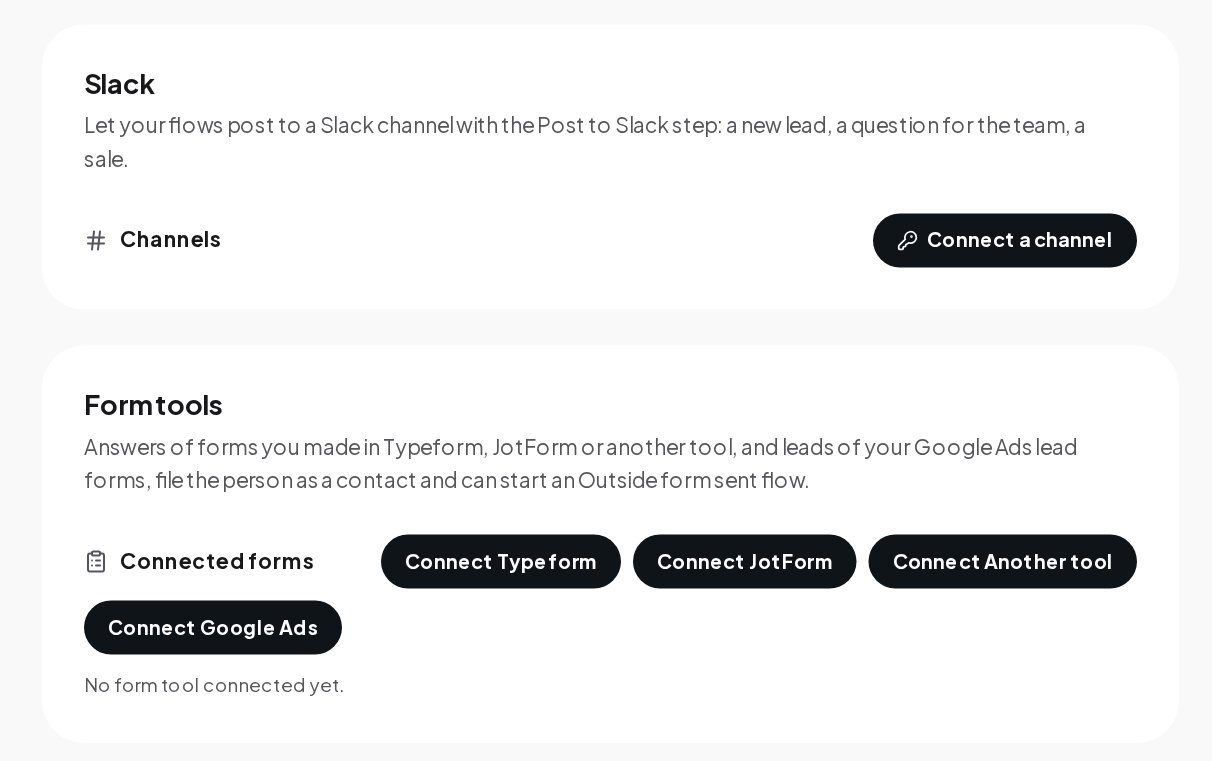
Slack. Connect a Slack channel, and the Post to Slack step lets a flow post to it: a new lead, a question for the team, a sale, with a link to the conversation. It is the fastest way to make sure a hot lead is seen.
Form tools. Answers of forms you made in Typeform, JotForm or another tool, and leads of your Google Ads lead forms, file the person as a contact and can start an Outside form sent flow. A lead who filled in a form can get a WhatsApp template seconds later.
Stores. Shopify and WooCommerce orders file the buyer as a contact, count as sales when paid and can start a Store order flow. With two more Shopify webhooks, a cart left at checkout can start a Cart abandoned flow. Refunded and canceled orders stop counting, and test orders start flows but never count.
API tokens, signed webhooks and the MCP server for Claude and ChatGPT
Open Settings, Developers for the tools your own systems use.
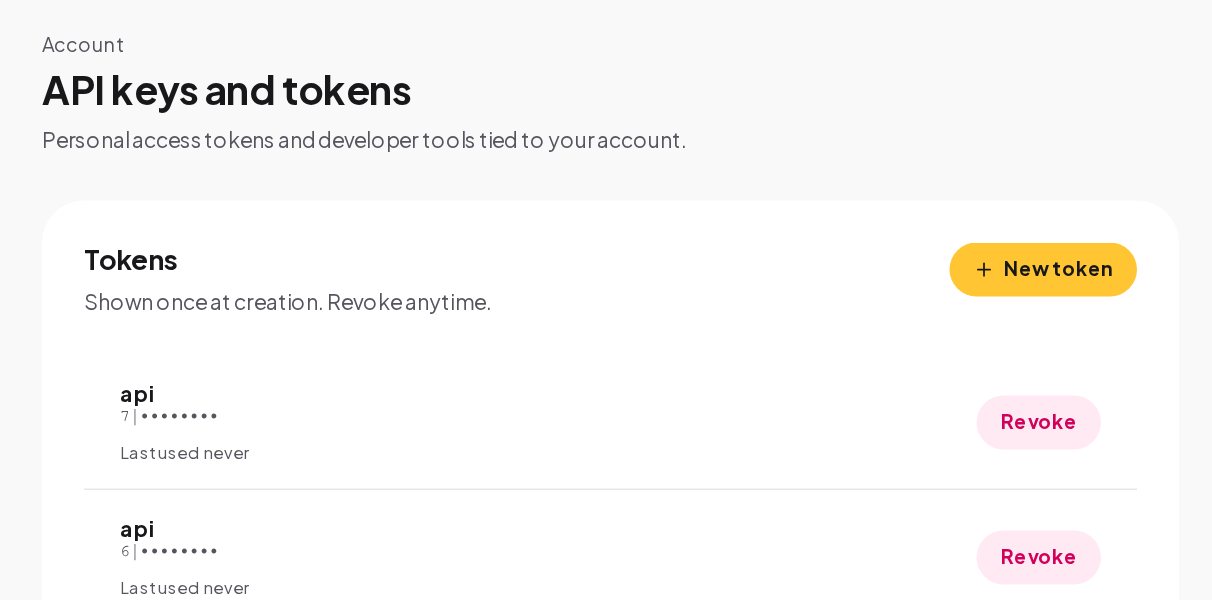
Personal access tokens. Create a token for the API. It is shown once at creation, so copy it then, and you can revoke it at any time. A read token only reads; a write token can also make changes. API access comes with the plans that include it; the pricing page shows which.
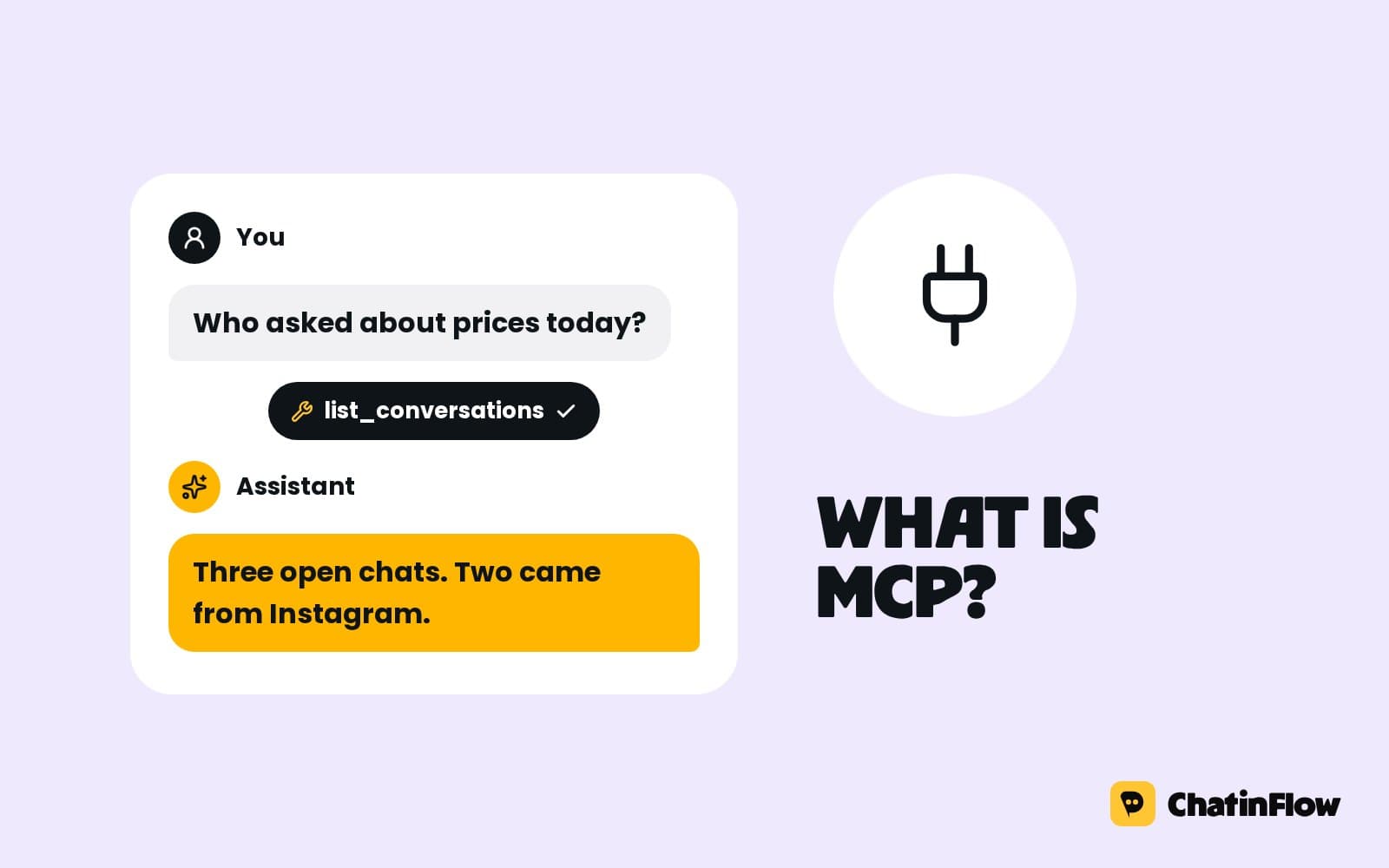
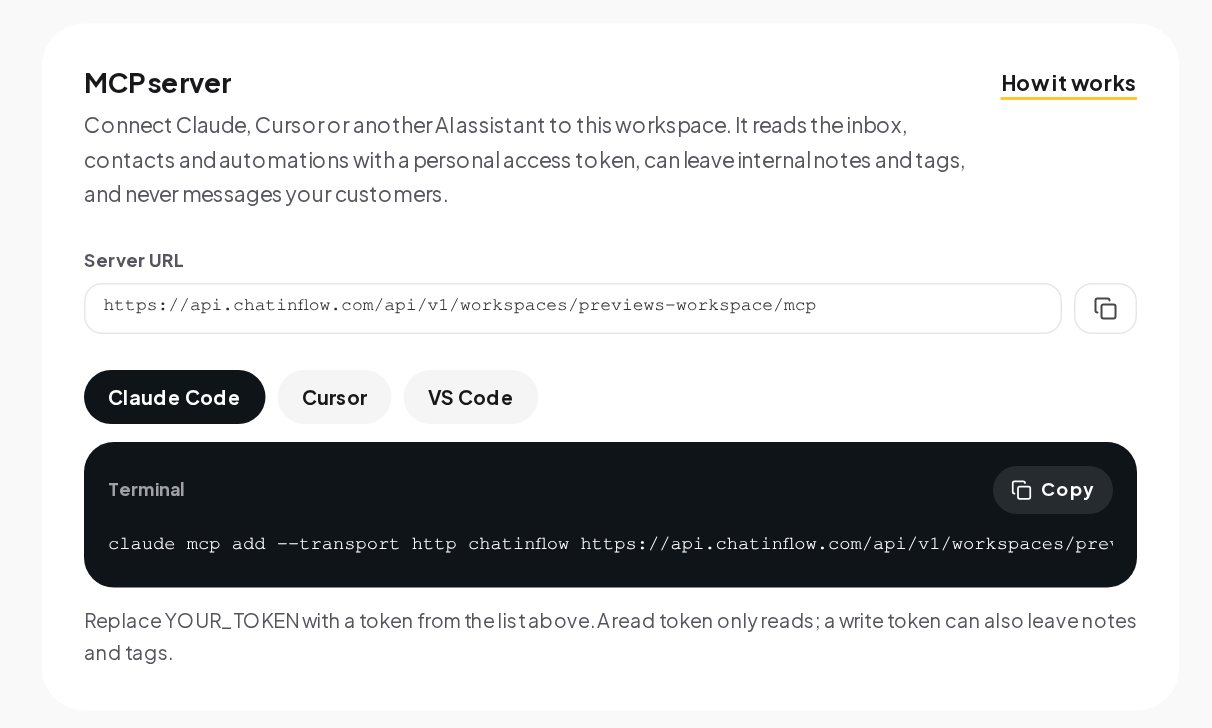
The MCP server. Connect Claude, Cursor or another AI assistant to your workspace through the Model Context Protocol. With a personal access token, the assistant reads the inbox, contacts and automations; a write token can also leave internal notes and tags, change a conversation's status or owner, add tasks and create, pause or publish automations. No tool sends a message to your customers. The page shows the server address and the exact command for Claude Code, Cursor and VS Code.
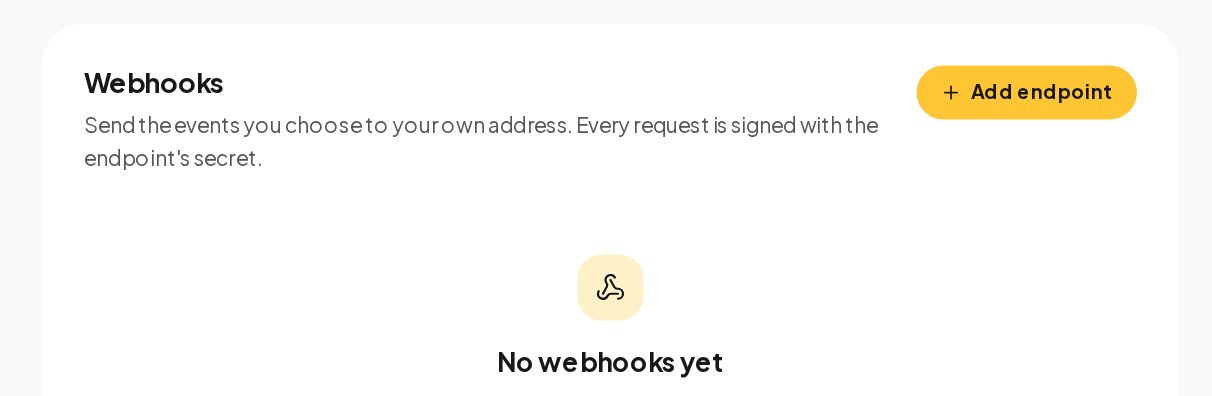
Webhooks. Add an endpoint and choose the events to send: contact, message and booking events, to your own system, Zapier or Make. Every request is signed with the endpoint's secret, so your server can check that it came from ChatinFlow before it acts on it.
Which integration to use for which job
| Job | Use |
|---|---|
| Put every new lead in the CRM | CRM integration and the Add to CRM or email list step |
| Sell in the chat | Stripe or PayPal and the Buy button step |
| Confirm orders on WhatsApp | Shopify or WooCommerce and a Store order flow |
| Tell the team about a hot lead | Slack and the Post to Slack step |
| Answer form leads in seconds | Form tools and an Outside form sent flow |
| Improve ad targeting | Meta Conversions API and TikTok Events API |
| Look up an order status in a flow | The HTTP request step |
| Keep a spreadsheet of new contacts | Export contacts as CSV, or an outgoing webhook to your own tool |
| Build your own dashboard | The REST API with a read token |
| Let an AI assistant summarize your inbox | The MCP server |
How to keep chatbot integrations secure
Every key and secret you connect is sealed with AES-256-GCM before it reaches the database, with a separate data key for each workspace, and only a masked preview is shown after saving. A few habits help:
- Use the narrowest token. A read token for dashboards and assistants, a write token only where something must change.
- Revoke what you no longer use. Tokens and webhooks for an old project are a door left open.
- Check webhook signatures. Verify each request with the endpoint's secret before your server acts on it.
- Name things clearly. A token or endpoint called "Zapier leads sheet" is easy to find and revoke later, even by a teammate who did not create it.
Integrations glossary
- Provider key. Your own API key from OpenAI, Anthropic, Google Gemini or Azure OpenAI. ChatinFlow stores it encrypted, shows it masked and runs every AI feature on it.
- HTTP request step. A flow step that calls an HTTPS address you choose, such as your order system, and saves the response in a flow variable for the next message to use.
- Outgoing webhook. A message ChatinFlow sends to your endpoint when an event happens, such as a new contact. Each one is signed with that endpoint's secret, so your receiver can check where it came from.
- REST API. The programmable way into a workspace, on the plans with API access, with tokens you create under Settings, Developers.
- MCP server. A connection that lets an AI assistant such as Claude or Cursor read your workspace. A write token also lets it add notes and tags, update conversations, add tasks and manage automations; no tool messages customers.
- Conversions API. Meta's way to receive sales from a server. ChatinFlow sends each sale to your own Meta dataset with your own key, and to TikTok through its Events API.
- Add to CRM or email list. The flow step that sends a contact to HubSpot, Klaviyo, Mailchimp, ActiveCampaign or Kit once that tool is connected with your own key.
- Zapier, Make and n8n. Automation tools that receive ChatinFlow's outgoing webhooks and pass the data on to the other apps they connect.
Integration mistakes to avoid
- Losing a new token. It is shown once; copy it at creation or make a new one.
- Sending store orders to Meta twice. Let your store's own Meta app send them; ChatinFlow leaves them out on purpose.
- A CRM step before the email is checked. Put a Reply check step first, so only real addresses reach the CRM.
- Polling the API for new messages. Use outgoing webhooks to be told when something happens.
- Giving an assistant a write token it does not need. A read token is enough for summaries and questions.
DM automation integrations: FAQ
Does the MCP server let an AI message my customers?
No. It reads the inbox, contacts and automations; a write token can also leave notes and tags, update conversations, add tasks and manage automations, but no tool sends a message to a customer.
Can a chatbot flow call an API that isn't listed?
Yes. The HTTP request step calls any public HTTPS endpoint and brings its answer back into the flow.
Are webhook requests signed?
Yes. Every request is signed with the endpoint's secret, so your server can verify that it came from ChatinFlow.
Which plan includes the API?
The plans with API access; the pricing page shows which. Tokens are created under Settings, Developers.
Can I send new contacts to a spreadsheet?
Export your contacts as CSV from Audience at any time, or send each new contact to Zapier, Make or n8n with an outgoing webhook and let that tool add the row.
Sources
- What is the Model Context Protocol, on how AI assistants connect to tools.
- Conversions API, Meta for Developers.
- About Events API, TikTok For Business.