The full guide
Instagram DM automation setup: the four settings Meta checks before anything works
By the ChatinFlow product team · Updated October 17, 2026 · 7 min read
Most failed attempts to automate Instagram DMs fail before the first automation is built. The tool connects, or seems to, and then nothing arrives. No DMs, no comments, no story replies. Almost always, one of four settings in the Instagram or Facebook app is not in place. Meta checks each of them before any messaging tool, ChatinFlow included, can read and answer your messages. This guide walks through the four settings, why Meta asks for each, the exact menus to find them and what automations can and cannot do once everything is connected.
The four settings at a glance
| Setting | Why Meta needs it | Where to check it |
|---|---|---|
| A professional account | Messaging tools can only connect to Business or Creator accounts | Instagram: Settings and activity, Account type and tools |
| A linked Facebook Page | The connection reaches Instagram through the Page | Instagram: Edit profile, Page |
| Full control of that Page | The person connecting has to be allowed to grant message access | Facebook: the Page's Settings, Page setup or Page access |
| Message access for connected tools | With it off, Instagram hands your DMs to no tool | Instagram: Settings and activity, Messages and story replies, Message controls, Connected tools |
Go through them in order. Each depends on the one before.
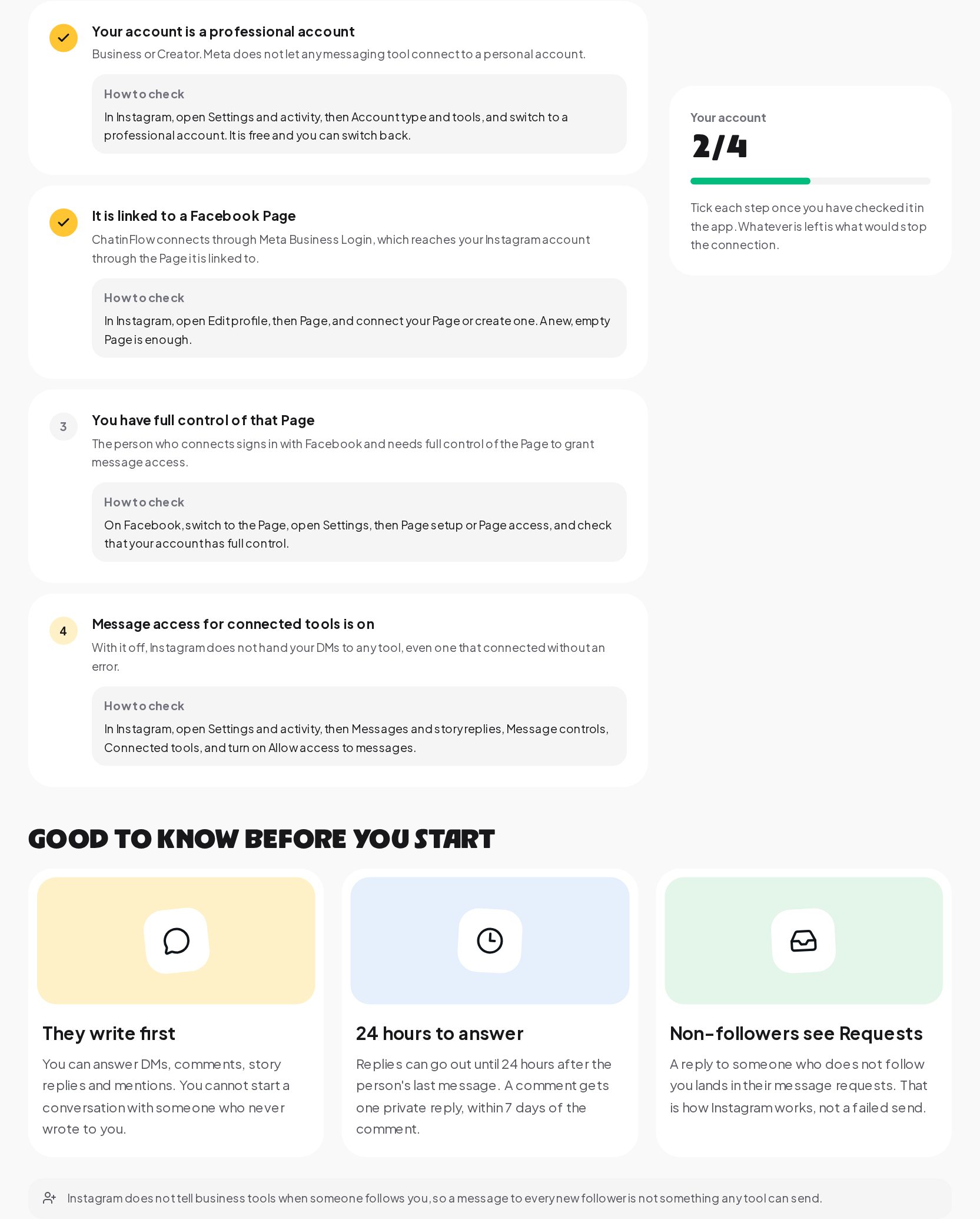
1. A professional account
Meta does not let any messaging tool connect to a personal Instagram account. You need a professional account, either Business or Creator. Both work for DM automation.
- Business suits shops, brands, service businesses and anyone who wants contact buttons such as call, email and directions.
- Creator suits public figures, artists and influencers, with more flexible profile labels.
To switch: in Instagram, open Settings and activity, then Account type and tools, and switch to a professional account. It is free, takes a minute and you can switch back. Your posts and followers stay as they are.
2. A linked Facebook Page
ChatinFlow connects through Meta's business login, which reaches your Instagram account through the Facebook Page it is linked to. Without a linked Page, the connection has no path to your messages.
You do not need an active Facebook presence for this. A new, empty Page is enough. Many Instagram-first businesses create one only for this purpose.
To link: in Instagram, open Edit profile, then Page, and connect your existing Page or create a new one. If you already have a Page for your business, use it, because it keeps your business details in one place.
A common trap: the wrong Page
If you manage several Pages, check that Instagram is linked to the one you expect. A business account linked to an old test Page or a former agency's Page will connect, but to the wrong place.
3. Full control of that Page
When you connect, you sign in with Facebook and grant the tool access to messages. Only someone with full control of the Page can grant that. Someone with partial access, for example task access to post content, will either fail to connect or connect without message permission.
To check: on Facebook, switch to the Page, open Settings, then Page setup or Page access, and confirm that your account has full control. If an agency or a former employee set the Page up, ask them to give you full control first.
4. Message access for connected tools
This is the setting most people have never heard of, and the one most likely to be off. With it off, Instagram does not hand your DMs to any tool, even one that connected without an error. The connection looks fine; the messages never arrive.
To turn it on: in Instagram, open Settings and activity, then Messages and story replies, Message controls, Connected tools, and turn on Allow access to messages.
If you only remember one thing from this guide, remember this switch.
What automations can do on Instagram
Once connected, an automation can reply to the people who reach you:
- Direct messages, including the first message someone sends you.
- Comments on your posts and reels, with a public reply, a private reply by DM or both.
- Story replies and story mentions, when someone replies to or mentions you in a story.
- Button taps and quick replies inside a conversation that is already going.
These are the moments where automation saves the most time: price questions, "link please" comments, booking requests and giveaway entries.
What automations cannot do
Meta's rules for Instagram messaging are strict, and they apply to every tool. Knowing them in advance saves a lot of frustration.
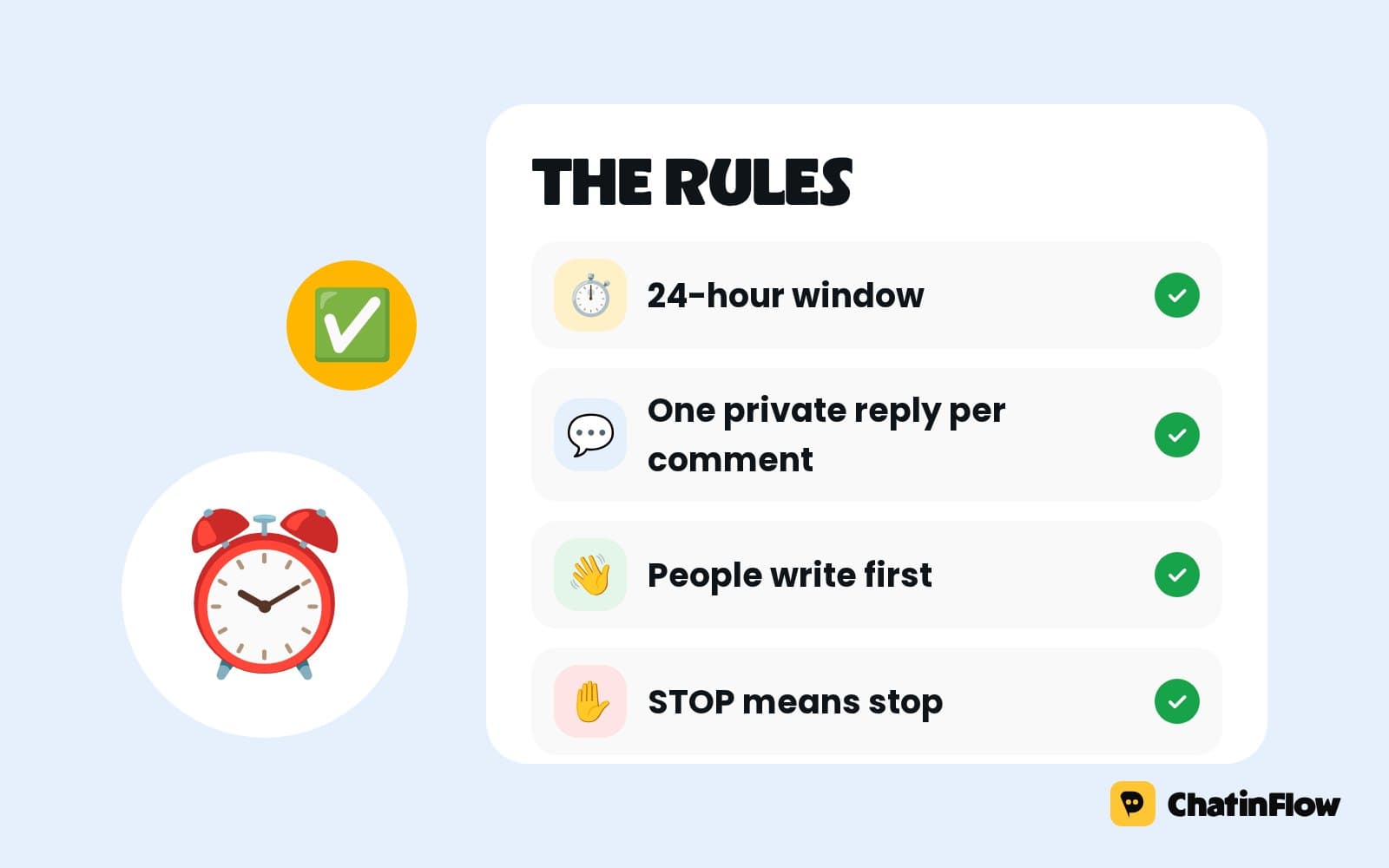
They write first. You can answer people who reached you. You cannot start a conversation with someone who never wrote to you, comment, reply or mention included. Mass messaging cold lists is not possible on Instagram.
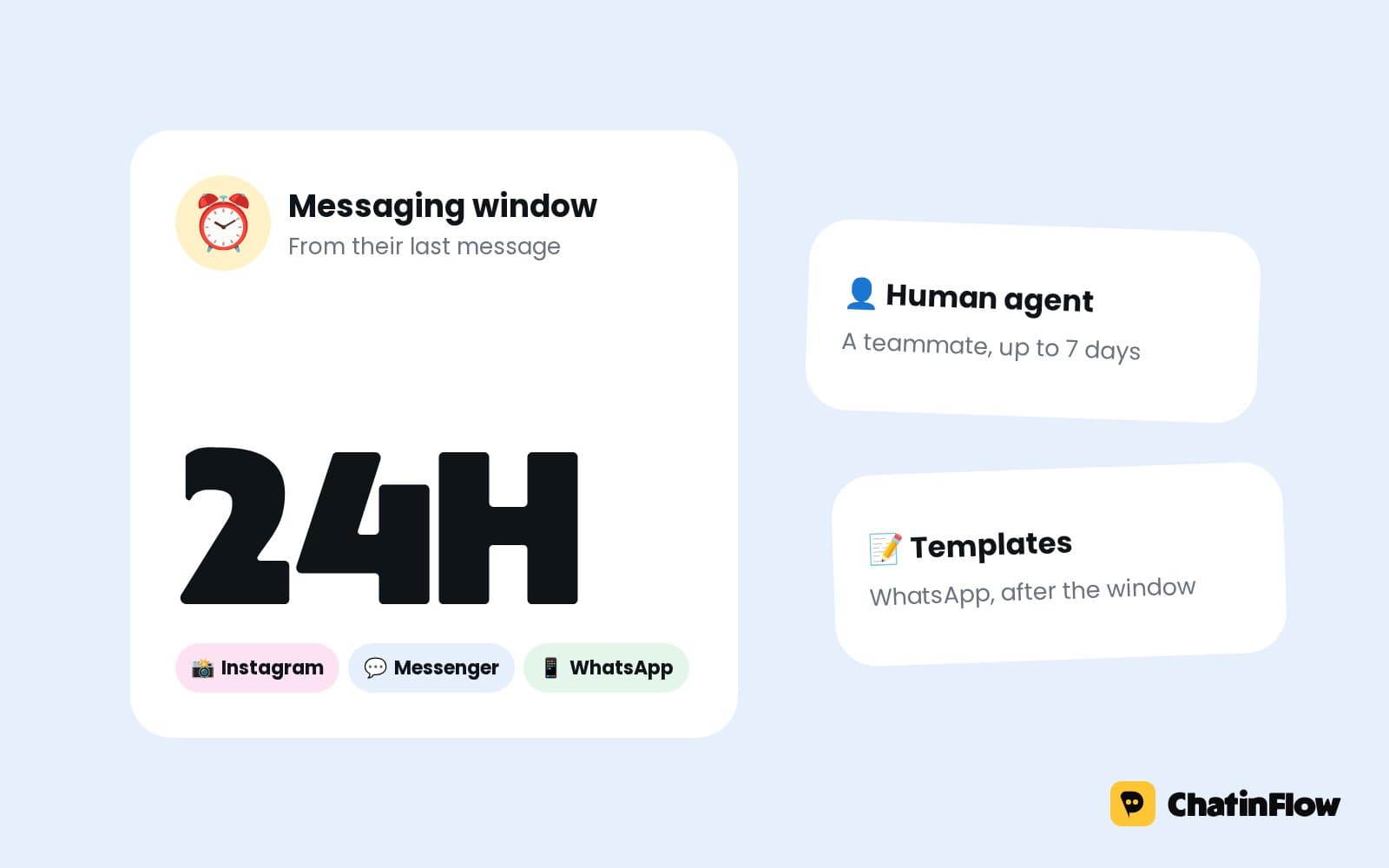
24 hours to answer. Replies can go out until 24 hours after the person's last message. Every new message from them opens a fresh window. After that, the conversation waits until they write again. The Messaging Window Calculator shows exactly when a window closes.
One private reply per comment. When you answer a comment with a DM, Instagram allows one private reply, within 7 days of the comment. After the person replies to that DM, the normal 24-hour window applies.
No messages to new followers. Instagram does not tell business tools when someone follows you, so a welcome message to every new follower is not something any tool can send. Tools that claim otherwise are working around the rules.
Non-followers see Requests. A reply to someone who does not follow you lands in their message requests, not their main inbox. That is how Instagram works, not a failed send. A clear first line helps people open it.
When the connection still does not work
If all four settings are in place and messages still do not arrive:
- Disconnect and reconnect. Permissions granted in a previous attempt, before a setting was fixed, may be incomplete.
- Check you signed in with the right Facebook account. It must be the one with full control of the Page.
- Grant every permission in the Facebook dialog. Unticking messaging permissions during sign-in leaves the connection without them.
- Check for a second linked tool. Some older tools take over message handling. Remove tools you no longer use under Connected tools.
Your first automation
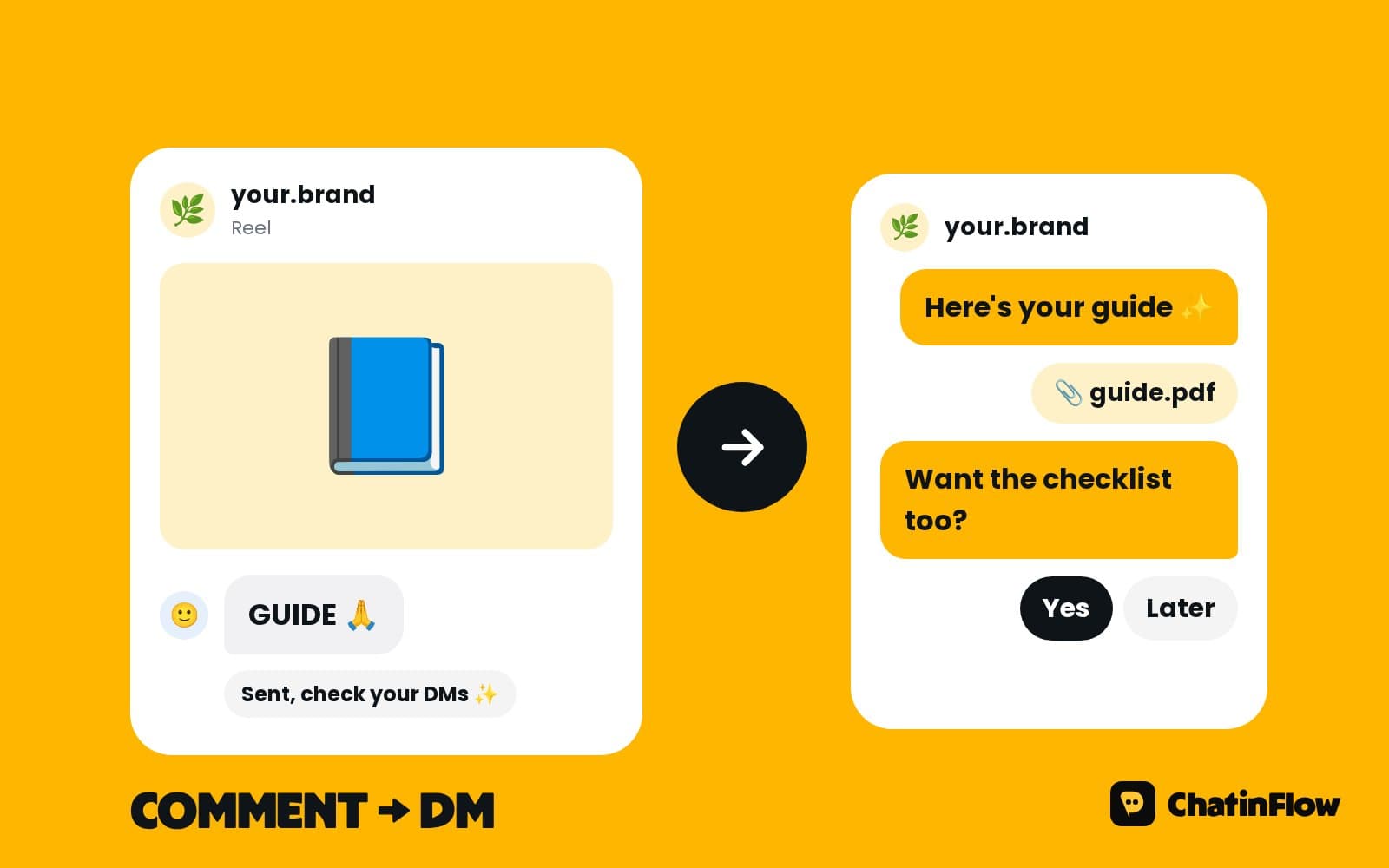
With everything connected, start with the automation that saves the most time on day one. For most accounts that is a comment keyword to DM: someone comments a word such as PRICE or LINK under a post, and the automation sends a DM with the answer. It is easy to explain in a caption, people like using it, and it turns comments into conversations.
Other good first automations:
- A reply to the most common DM question, such as opening hours or prices.
- A story reply automation for a story with a question sticker.
- An away message for evenings and weekends that still answers the basics.
For the full rules and examples, read our guides to Instagram DM automation rules and comment to DM automation.
Checking your account in a minute
- Open the Instagram DM Checklist.
- Go through the four settings and tick each one as you check it in the Instagram or Facebook app.
- Fix whatever is missing using the menu path under each item.
- With all four ticked, connect Instagram in ChatinFlow; it takes one sign-in with Facebook.
Go live today
With the four settings in place, Instagram automation in ChatinFlow can answer DMs, comments and story replies in seconds, on the Free plan, with no card. Start with one keyword on one post and see how many conversations it starts in a week.
Quick answers
Can I automate DMs on a personal Instagram account?
No. Meta only lets messaging tools connect to professional accounts, Business or Creator. Switching is free.
Do I need a Facebook Page to automate Instagram DMs?
For tools that connect through Meta's business login, such as ChatinFlow, yes. A new, empty Page is enough.
Why does my tool connect but receive no messages?
Usually because Allow access to messages under Connected tools is off in Instagram's message controls.
Can I send a DM to everyone who follows me?
No. Instagram does not tell tools about new followers, and you cannot message people who never wrote to you.
Sources
- Messenger Platform and IG Messaging API policy, Meta for Developers, on the 24-hour window and the human agent tag.
- Private Replies, Meta for Developers, on replying to a comment by DM within 7 days.