The full guide
What is DM automation? How it works, examples and how to start
What DM automation is, how it works on Instagram, Messenger, Telegram and more, what to automate first, the platform rules and how to measure it.
A customer who sends a DM at 11 pm asking "how much?" has already decided they are interested. If the answer arrives the next morning, they have bought somewhere else. DM automation answers that message in seconds, with the price, the link and the next question, and hands the conversation to a person when it needs one. This guide explains what DM automation is, how it works on Instagram, Messenger, Telegram and the other channels, what you can automate, the rules each platform sets, real examples by business, how to set it up in fifteen minutes and how to tell whether it is working.
What is DM automation?
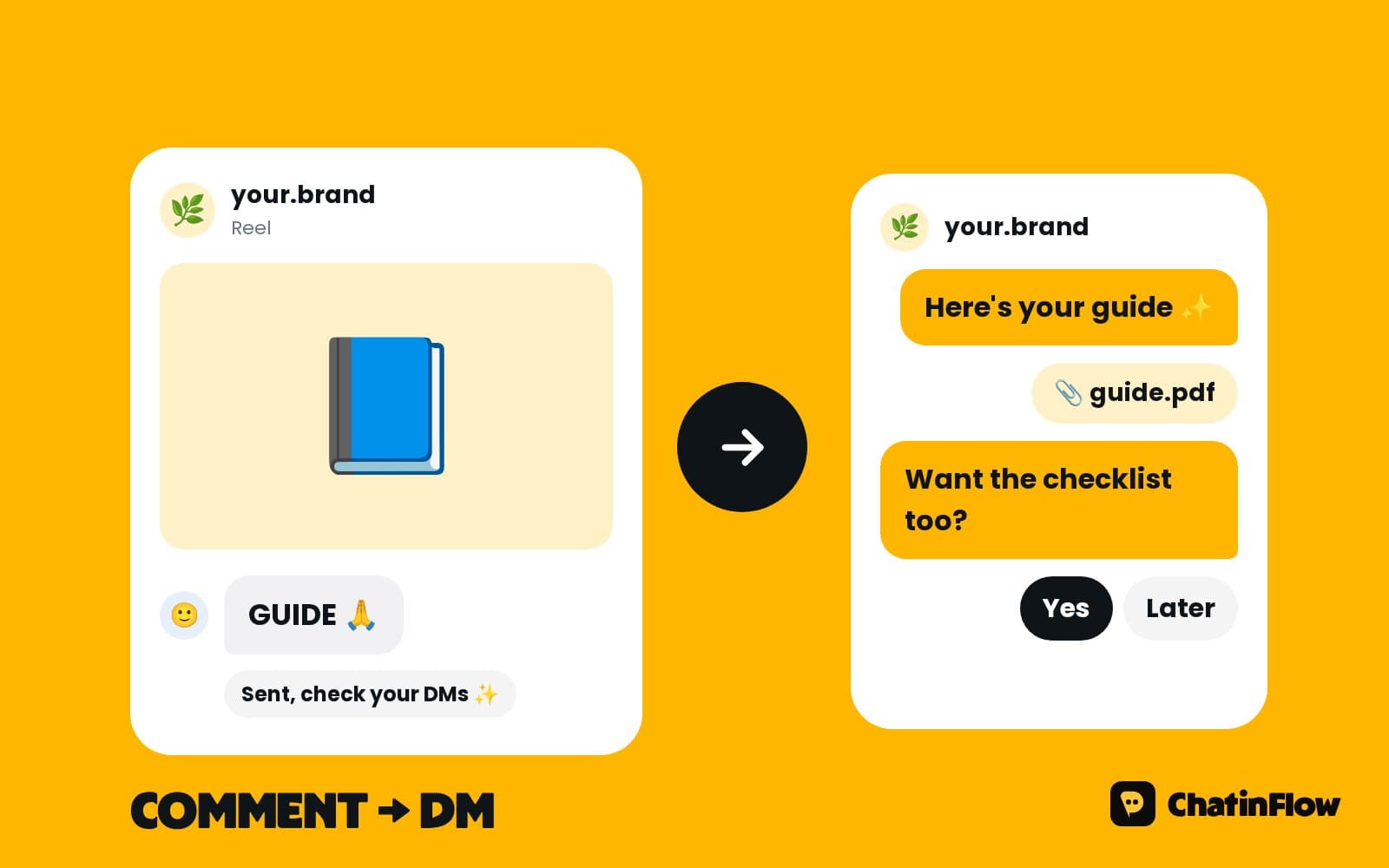
DM automation is software that reads incoming direct messages and answers them by itself, following rules you set. "If someone comments GUIDE, send them the guide by DM." "If someone asks about prices, send the price list and offer a booking." "If someone asks for a person, give the chat to the team." Each rule is a flow: a trigger that starts it and the steps that follow.
It is not a bot that pretends to be you on other people's posts. It answers people who wrote to you first, on your own account, through the official tools each platform built for businesses.
How DM automation works
Every automation has three parts:
- A trigger. What starts it: a comment with a word, a DM with a keyword, a reply to your story, a tap on an ad, a new order, a booking.
- The steps. What happens next: a message, buttons, a question that saves the answer, a condition that branches, a wait, a tag, a handover.
- The result. What you can measure: a reply, an email address, a booking, a sale.
A visual flow builder lets you draw these steps without code, and test the whole conversation as a customer before you publish.
A simple example: someone comments PRICE under a Reel (the trigger). They get the price and the product link by DM, and a button asks whether they want their size checked (the steps). They tap yes, give their size and buy (the result), and the sale is traced back to that Reel.
What can you automate in your DMs?
| Automation | What it does |
|---|---|
| Comment to DM | Sends a link by DM to everyone who comments your word |
| Comment auto-reply | Answers questions under your posts in public |
| Keyword replies | Answers PRICE, HOURS or LINK the moment a DM arrives |
| Story replies | Turns story replies and mentions into conversations |
| Lead capture | Asks for an email or phone number and checks it |
| Bookings | Offers free times and books the one the customer taps |
| Sales | Sends a product carousel, a code or a payment link |
| Default reply | Answers every message nothing else caught |
| Human handover | Gives the chat to a person, with the whole conversation |
| Broadcasts | Sends one message to a segment, within each channel's rules |
Which channels support DM automation?
- Instagram. Comments, DMs, story replies and mentions, and Live comments.
- Facebook Messenger. Page messages and comments on Page posts, answered by private reply.
- Telegram. A bot that answers, broadcasts to its subscribers and runs sequences.
- WhatsApp. Approved templates, broadcasts, order updates and reminders through the WhatsApp Business API.
- Viber, LINE and KakaoTalk. Bots that answer each message with menus, bookings and codes.
- Your website. Lobby, a chat window that runs the same flows as your DMs.
The same flow can answer on several channels, and every conversation lands in one shared inbox.
Is DM automation allowed on Instagram?
Yes, through Meta's official API. The rules to know:
- Professional accounts only. Creator and business accounts connect; personal ones can't.
- One private reply per comment, within 7 days of the comment.
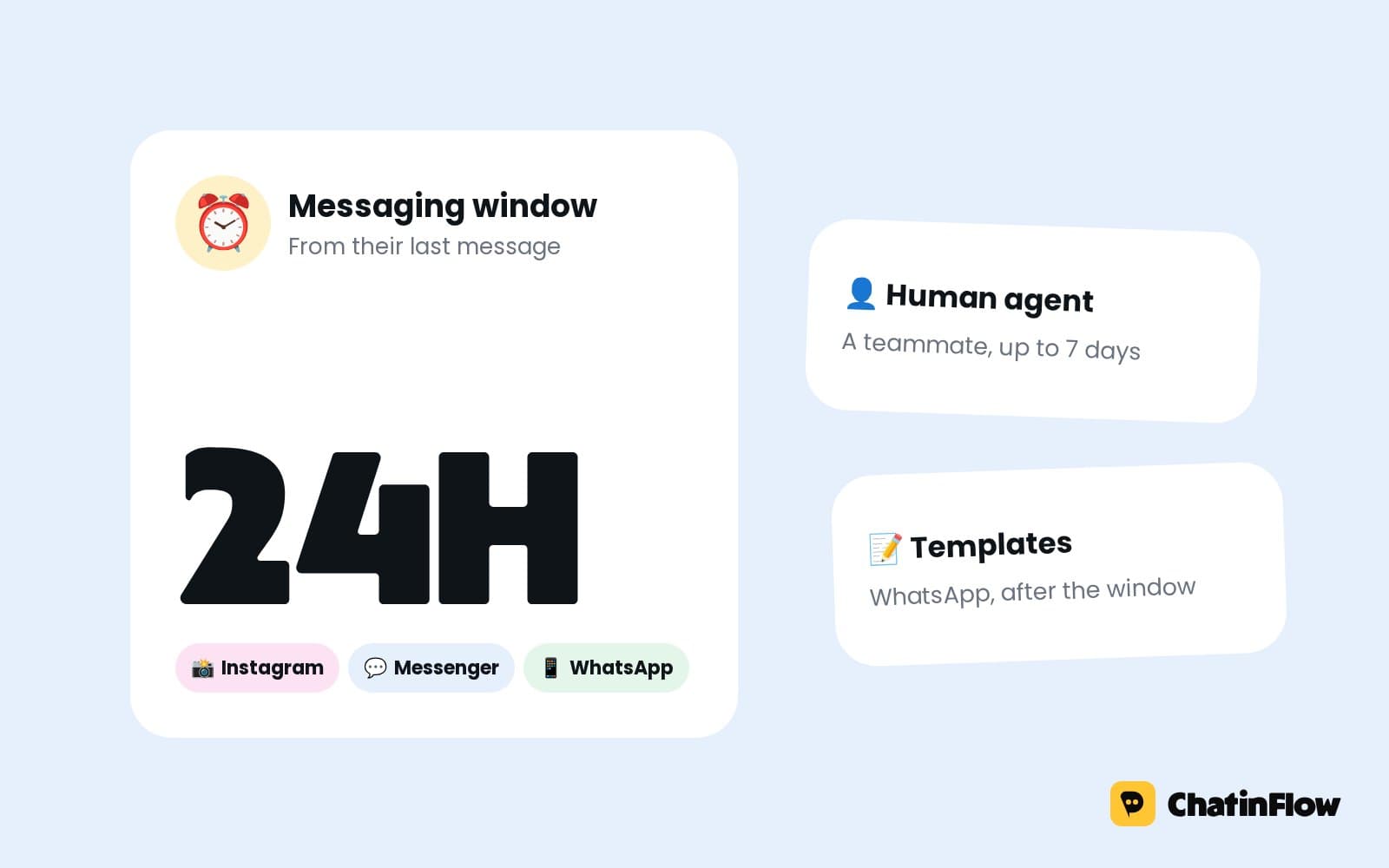
- 24 hours after the customer's last message. Inside that window a business can write freely; after it, not until the customer writes again.
- People who wrote first. Automation answers people who messaged or commented; it doesn't message strangers.
Tools that log in with your password and act as you are a different thing, and they break Instagram's terms. An official API tool never asks for your password.
DM automation examples by business
- Online shop. "Comment SHOP" under a Reel sends the product carousel by DM; a reminder brings back a cart left in a Shopify checkout.
- Creator. "Comment GUIDE" sends the free guide and asks for an email; brand deal requests go to the manager.
- Salon. "How much for balayage?" gets the price and this week's free times; a no-show gets a friendly message with a new time.
- Restaurant. "Table for four on Friday?" gets the free times for four; the guest taps one and it is booked.
- Coach. A story reply gets the free plan; three days later a short sequence offers a discovery call.
- Real estate. A comment under a listing gets the details by DM; quick questions take the buyer's brief and book a viewing.
Signs you need DM automation
- The same five questions arrive every day, and someone types the same five answers.
- Posts that take off bring more comments than anyone can answer.
- Messages that arrive at night get answered the next morning.
- Two people answer the same customer, or nobody does.
- You can't say which post or ad brought the customers who bought.
If two of these sound familiar, start with a default reply and one comment to DM flow this week.
How DM automation helps your account grow
- Every comment gets an answer. A post where questions are answered invites more questions, and a public reply shows the next reader that commenting works.
- Calls to action that work. "Comment GUIDE" asks for one word instead of a click, and the guide arrives in seconds.
- A list you own. Emails and phone numbers collected in the chat stay with you if a platform changes its rules.
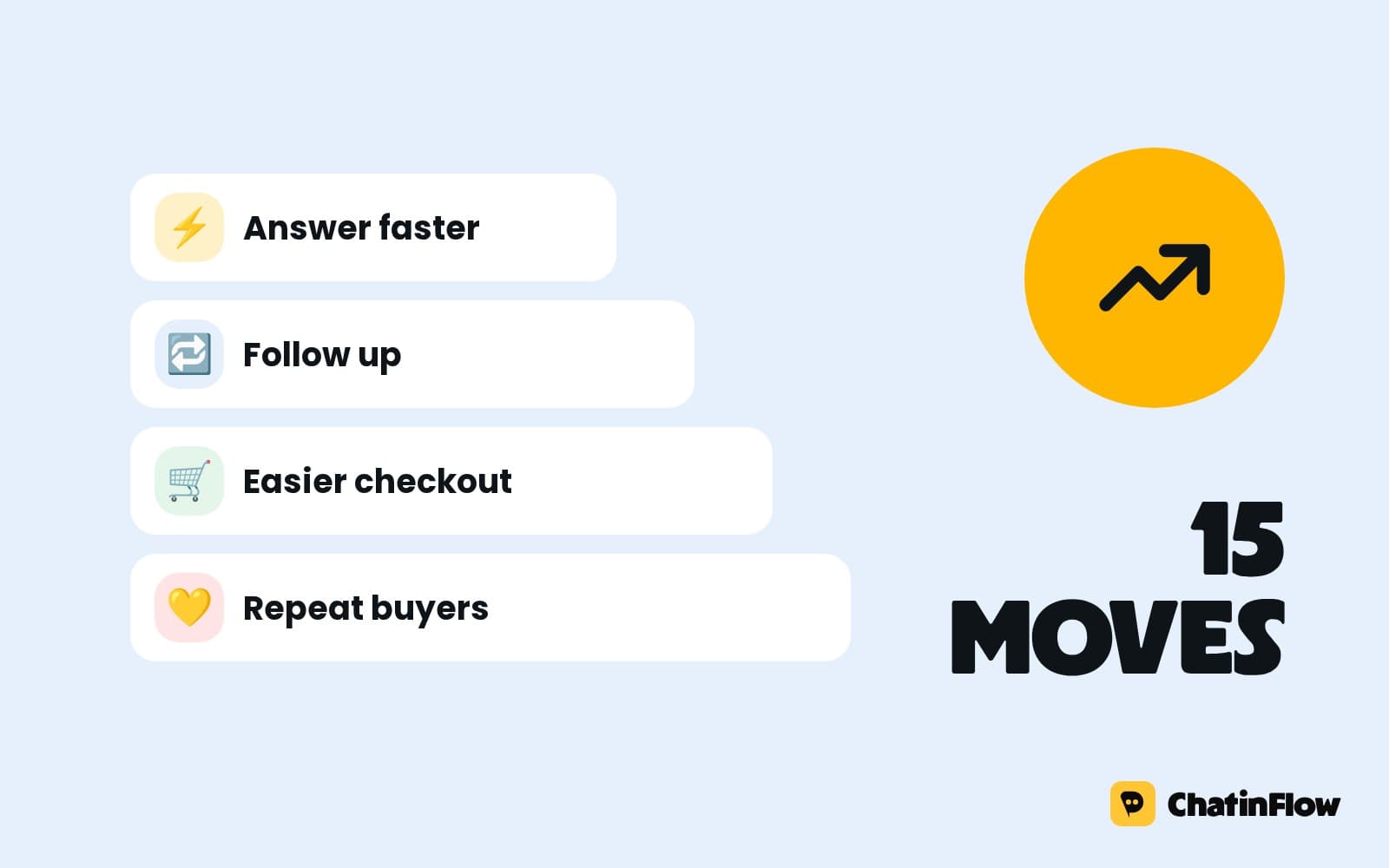
- Faster answers. People who get an answer while they are still holding their phone are the ones who book and buy.
How to set up DM automation in 15 minutes
- Connect a channel. Start with the one where most customers write, usually Instagram.
- Pick a template. Comment to DM or a default reply are the safest first flows.
- Write in your own words. Change the keyword, the message and the link.
- Test it as a customer. Play the flow before anyone else sees it.
- Publish and announce it. "Comment GUIDE and I'll send it" in the caption and on screen.
- Add a default reply. Every message nothing else caught still gets an answer.
- Check the Activity tab the next day: what ran, what finished, what stopped.
DM automation with AI
Menus and keywords answer the questions you can predict. An AI reply answers the ones you can't, from the sources you add: your price list, your FAQ, your product pages. In ChatinFlow, AI runs on your own OpenAI, Anthropic, Google or Azure key on a paid plan, so you choose the provider and pay it directly. A handover step catches the questions AI should not answer.
How to measure DM automation
- Replies. How many people answered the first message. A low number means the first message needs a better question.
- Leads. Emails and phone numbers collected, by flow.
- Bookings and sales. Booked times from the chat, and sales traced back to the last message before each one.
- Response time. How fast people get an answer, by channel and by teammate.
- Handovers. Which questions reach a person, so the next flow can answer them.
DM automation best practices
- Answer the question in the first message. "Here's the price and the link" beats "Thanks for reaching out!".
- End with one question. A reply opens the conversation for everything else.
- One keyword per post. Two words split the comments and confuse the flow.
- Always offer a person. "Want to talk to us?" as a button keeps automation from feeling like a wall.
- Respect the window. Follow up while the chat is open, not a week later.
Common DM automation mistakes
- Automating everything. Complaints and order problems belong to people.
- Messages that sound like an advertisement. Write like you text a customer.
- No default reply. The message nothing else caught gets silence.
- Never checking the results. A flow that runs a hundred times and gets five replies needs a better first message.
How much does DM automation cost?
ChatinFlow starts with a free plan, and paid plans are billed by the conversations the automation answers, not by the size of your contact list. The pricing page shows each plan's allowance.
DM automation vs chatbots vs live chat
| DM automation | A website chatbot | Live chat | |
|---|---|---|---|
| Where | Instagram, Messenger, Telegram and other apps | Your website | Your website |
| Who answers | Flows, AI and your team | A bot | A person |
| Best for | Social selling, bookings and support in the apps | Visitors with questions on your site | Real-time help |
With Lobby, ChatinFlow brings the website chat into the same flows and the same inbox, so all three work as one.
DM automation glossary
- Trigger. What starts a flow: a comment, a DM keyword, a story reply, an ad tap, an order.
- Flow. The steps that follow the trigger, drawn in the builder.
- Keyword. A word that decides which flow answers, matched by contains, exact, starts with, any message or a pattern.
- Private reply. The one DM Meta allows in answer to a comment, within 7 days.
- 24-hour window. The time after a customer's last message when a business can write freely on Instagram and Messenger.
- Template. On WhatsApp, a message Meta approved, needed outside the 24-hour window.
- Segment. A group of contacts by tag or field, for a broadcast.
- Handover. Giving the chat to a person, with the automation stepping aside.
DM automation FAQ
Is DM automation safe for my Instagram account?
Through Meta's official API, yes. It answers people who wrote to you, from your own account, inside Meta's rules, and it never asks for your password.
Can DM automation send messages to people who never wrote to me?
No. On Instagram and Messenger it answers people who messaged or commented. Broadcasts reach people inside each channel's rules, such as approved templates on WhatsApp.
Do I need to code?
No. Flows are drawn in a visual builder and start from ready-made templates.
Can my team still answer DMs?
Yes. Every conversation lands in the shared inbox, and the automation steps aside in a chat as soon as a teammate replies.
How fast does an automated DM arrive?
Usually within seconds of the comment or message, as fast as the platform delivers it.
Can I automate DMs on several channels at once?
Yes. Connect each channel once, and the same flow can answer on Instagram, Messenger, Telegram and the others, with every conversation in one shared inbox.
Does DM automation work in other languages?
Yes. Flows answer with the words you write, keywords can be in any language, and AI replies follow the language of the customer's message.
What is the best first DM automation?
Comment to DM, or a default reply that answers every message. Both pay off on the first day.
Sources
- Private Replies, Meta for Developers, on replying to a comment by DM within 7 days.
- Messenger Platform and IG Messaging API policy, Meta for Developers, on the 24-hour window.