The full guide
How photographers get more bookings from Instagram: pricing guides, held dates and mini sessions in the DMs
Send the right pricing guide for each session, hold dates with a retainer, fill mini sessions from one post and ask for the review after the gallery.
Photographers book most of their work through Instagram, and most of it arrives while they're out shooting. A couple sends "RATES?" to five wedding photographers on a Sunday afternoon and books whoever answers first. A mum asks about the autumn mini sessions while you're editing. A brand wants a quote by Friday. ChatinFlow sends the right pricing guide for each kind of session, asks the date and the details, takes a retainer to hold the date, fills mini session slots from one post and asks for a review after the gallery is delivered. This guide shows wedding, family and brand photographers, and videographers, how to answer inquiries fast without living in their DMs, hold dates with a retainer and keep their calendar full.
How to answer photography inquiries fast
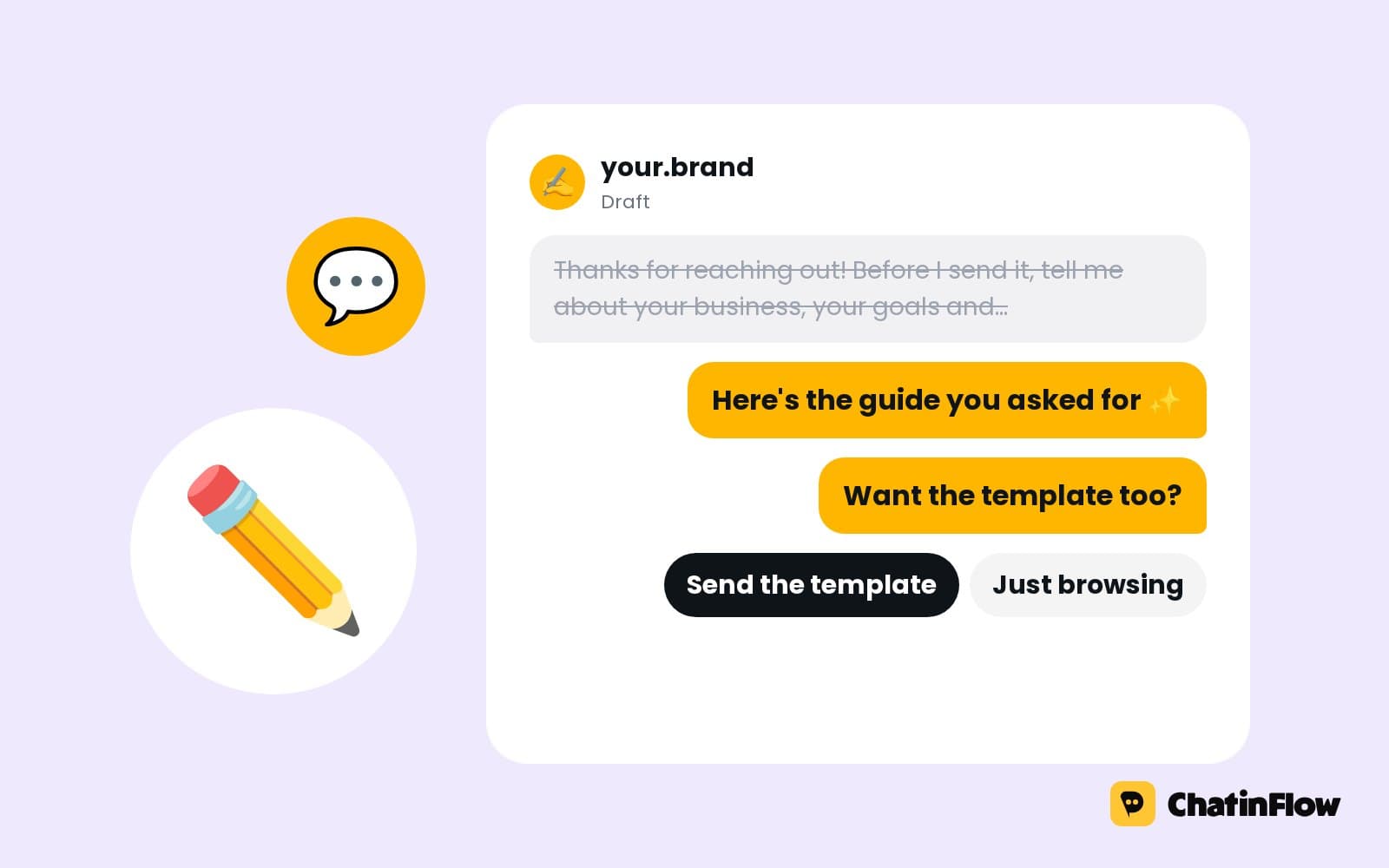
Speed matters more in photography than in almost any other business, because clients ask several photographers at once. The first one to send a clear answer with prices usually gets the call. An inquiry flow answers in seconds:
- Someone sends RATES, comments under a post or asks if a date is free.
- The flow asks the session type as taps: wedding, elopement, engagement, family, newborn, brand, event.
- It sends the pricing guide for that type, with your starting prices.
- It asks the date and the location, and saves both.
- It asks one question that starts the conversation: "What made you fall in love with our work?" or "Tell me about your day."
- You reply in person with availability, and the retainer holds the date.
Should photographers put prices on Instagram?
Many photographers hide prices and answer every "how much?" by hand. Sending your starting prices straight away does two things: the people who reply are the ones who can afford you, and the ones who can't don't take an hour of your evening. A pricing guide with your packages, what's included and where most clients land answers the question honestly.
The right pricing guide for each session type
Couples get the wedding guide, families get the family guide, brands get the commercial rates. The session type the client picks decides which guide they get, and it's saved to the contact. Keep each guide short: three packages, what's included, the retainer and how to book.
Send the guide as a link to your PDF or your website page, so you can update it without touching the flow.
Check your availability for the date
"Are you free on June 14th?" is the question that decides everything. The flow saves the date the client asks about and passes the conversation to you with the session type, the date and the location already collected. You confirm the date yourself, in the same chat, before taking the retainer.
For photographers who prefer a calendar to answer, each session type can be a service in Bookings with your working days, and the chat offers only free dates. Weddings, which take the whole day, can be a service with a full-day length, so a booked Saturday is never offered twice.
Hold the date with a retainer
A date held by a "maybe" is the most expensive thing in a photographer's calendar. When the date is confirmed, a Buy button with your retainer opens Stripe or PayPal checkout, and the money goes straight to your account. You're told when it's paid and send the contract in the same chat. A busy Saturday isn't held by a maybe.
Say the terms before the button: the amount, that it holds the date, when the balance is due and what happens if the date moves.
How to fill mini sessions from one Instagram post
Mini sessions are short, cheap and popular: autumn minis, holiday minis, spring blossom minis. They fill fast if booking is easy and turn into chaos if it isn't. Post the date and ask people to comment MINI. Each one sees the twenty-minute slots still free and books one in the DM, and nobody gets the same slot twice.
- Make the mini session a service in Bookings with a 20-minute length and the day you're shooting.
- Add a retainer or the full price with a Buy button, so slots go to people who pay.
- Send the location and what to wear with the confirmation.
- Tag everyone who missed out, so they hear first next season.
Session details and questionnaires in the chat
Before a shoot, you need details: the people in the photos, the location, the outfits, the shot list, the timeline for a wedding. Ask them in the chat as a short set of questions a week before, timed from the session date saved on the contact. The answers are saved, and you arrive prepared.
For long questionnaires, send a link to your form; for the five things that matter most, ask in the chat.
Gallery delivery and review requests
Tag the client as delivered and the gallery link goes out. A few days later, while they're still sharing the photos, the review request arrives:
Contracts and galleries stay in the tools you already use; the chat delivers the links at the right moment.
Follow up with inquiries that went quiet
Many couples ask, get the guide and go quiet. A follow-up two days later, inside Instagram's 24-hour window if they wrote recently or on a channel that allows it, asks one easy question: "Have you had a chance to look at the guide? Any questions about the collections?" One follow-up is helpful; three is pressure.
A pipeline helps here: each inquiry can be a deal you move from guide sent to call booked to retainer paid, so you can see who's still deciding.
Book consultation calls
Wedding couples often want a call before they book. A consultation call can be a service in Bookings, such as 30 minutes on weekday evenings, and the couple picks a time in the chat. The confirmation carries the video link or your studio address.
Brand and commercial photography inquiries
Brand work needs a different brief: the deliverables, the usage, the deadline and the budget. A brand path asks those questions, opens a deal and sends your commercial rates or tells the client you'll send a quote. Brands that get a structured answer the same day take you more seriously.
Instagram content that books photography sessions
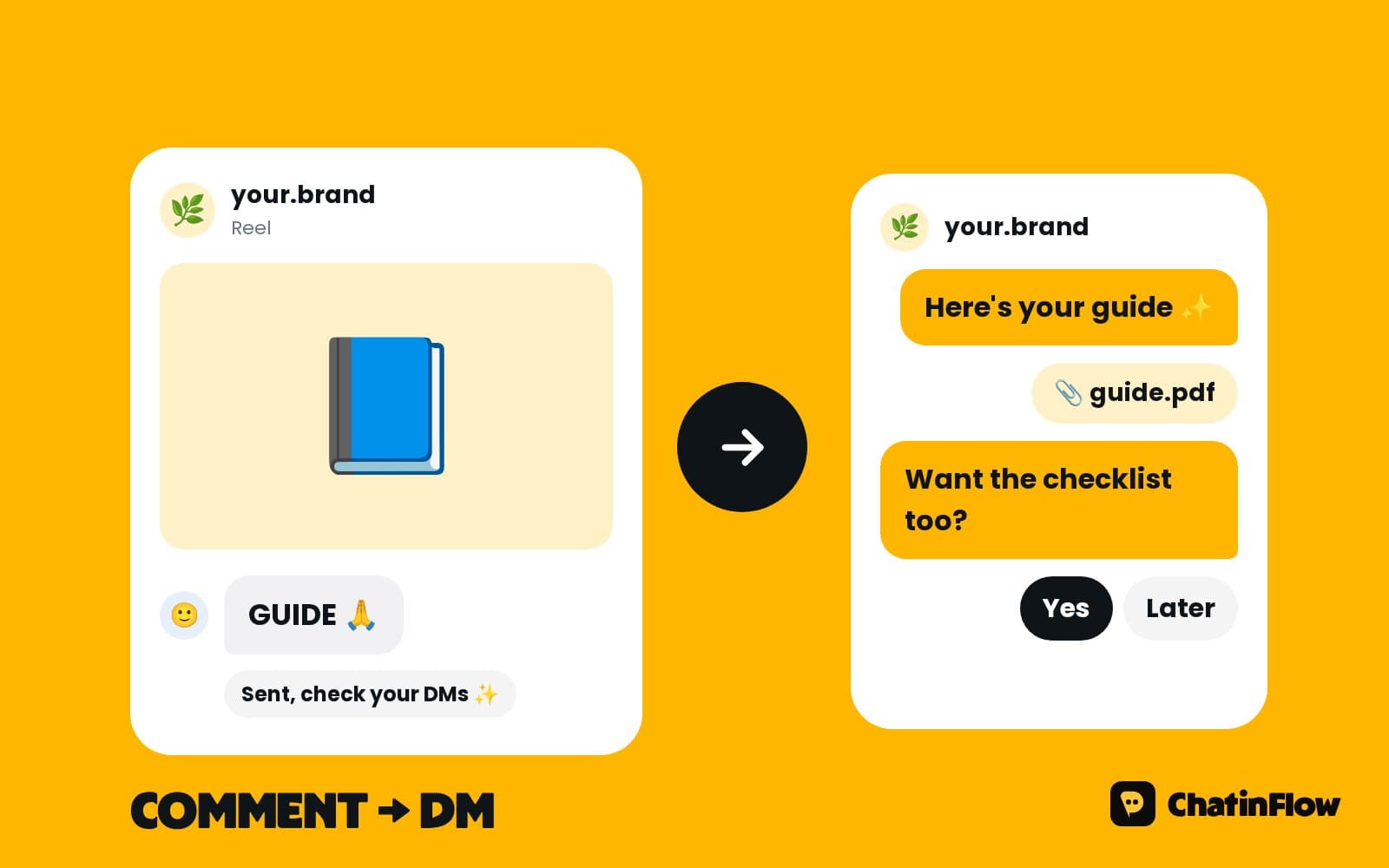
- The highlight reel, with "Comment RATES for our guide".
- Behind the scenes at a shoot, so people see what it's like.
- The client's reaction to their gallery, with permission.
- Mini session announcements, with "Comment MINI".
- Location guides. "Five spots for engagement photos in the city."
Photographer message templates
Measure your inquiries and bookings
- Inquiries per week, by session type.
- Guides sent and how many became calls or retainers.
- Retainers paid, from the Buy button notifications.
- Mini session slots filled, against the total.
A conversion step can record each booking's value on the contact, so the reports show what the chats brought in.
Second shooters, associates and studio teams
Studios with several photographers can share one inbox: every inquiry lands in the shared inbox, each conversation has an owner, and the automation steps aside as soon as someone replies. Give each associate photographer a service of their own in Bookings, and a button per photographer lets clients choose who they book. Internal notes keep the team talking inside the conversation, such as "Couple loves film, offer Sam".
Prints, albums and the sale after the shoot
The gallery isn't the end of the sale. A few weeks after delivery, a flow can offer prints, albums or an anniversary session, with a Buy button for a fixed-price product through your own Stripe or PayPal account. Families who loved their photos are the easiest clients to sell to, if you ask once and kindly.
Is it right for your business?
It suits wedding, family and brand photographers, videographers who book from Instagram, and photographers who run mini session days. It is not for studios that need contracts and galleries in the same tool, stock photographers with no direct clients, or sending messages to people who never contacted you.
A week-one plan for a photographer
- Day 1. Upload your pricing guides and write the session type question.
- Day 2. Build the inquiry flow: type, guide, date, location.
- Day 3. Add the retainer Buy button and your terms.
- Day 4. Set up the next mini session as a Bookings service.
- Day 5. Add the gallery and review messages.
- Day 6. Post a highlight reel with "Comment RATES".
- Day 7. Count inquiries, guides sent and retainers paid.
Common mistakes photographers make with inquiries
- Answering hours later. Couples book whoever answers first.
- Hiding prices. Starting prices filter the right clients in.
- Dates held without a retainer. A maybe blocks a Saturday.
- Mini sessions by hand. Double bookings and endless messages.
- No review request. The best time to ask is while they're sharing.
Photographer DM automation FAQ
Can it check if a date is free?
It saves the date the client asks about and passes it to you to confirm. If you keep your sessions in Bookings, the chat can offer only free dates.
Can I send different guides for different sessions?
Yes. The session type the client picks decides which guide they get, so weddings, families and brand shoots each have their own.
How do retainers work?
A Buy button with a fixed amount opens Stripe or PayPal checkout. The money goes to your account and you're notified when it's paid.
Does it send contracts or galleries?
It sends the links. Contracts and galleries stay in the tools you already use, and the chat delivers them at the right moment.
Can clients book a consultation call?
Yes. A consultation call can be a service in Bookings with the days and hours you choose, and the chat offers only free times.
Does it work while I'm shooting a wedding?
Yes. Every inquiry gets the guide and the questions in seconds, and the conversations that need you wait in the shared inbox for Monday.
Sources
- Private Replies, Meta for Developers, on replying to a comment by DM within 7 days.
- Messenger Platform and IG Messaging API policy, Meta for Developers, on the 24-hour window.